How to Build Restaurant Management Software That Lasts
Restaurant management software runs orders, kitchen, tables, stock and payments. Here is what the first version needs, and how to plan and launch it.
On this page
Short answer
Restaurant management software is a system that runs a restaurant's daily work: taking orders, sending them to the kitchen, tracking tables, managing stock and handling payments in one connected flow. Building it well means making the core order loop reliable during a dinner rush first, then adding features.
What is restaurant management software?
Restaurant management software is a system that runs the daily work of a restaurant: taking orders, sending them to the kitchen, tracking tables, managing stock and handling payments. It replaces paper tickets, spreadsheets and separate tools with one connected flow from the dining room to the kitchen to the accounts.
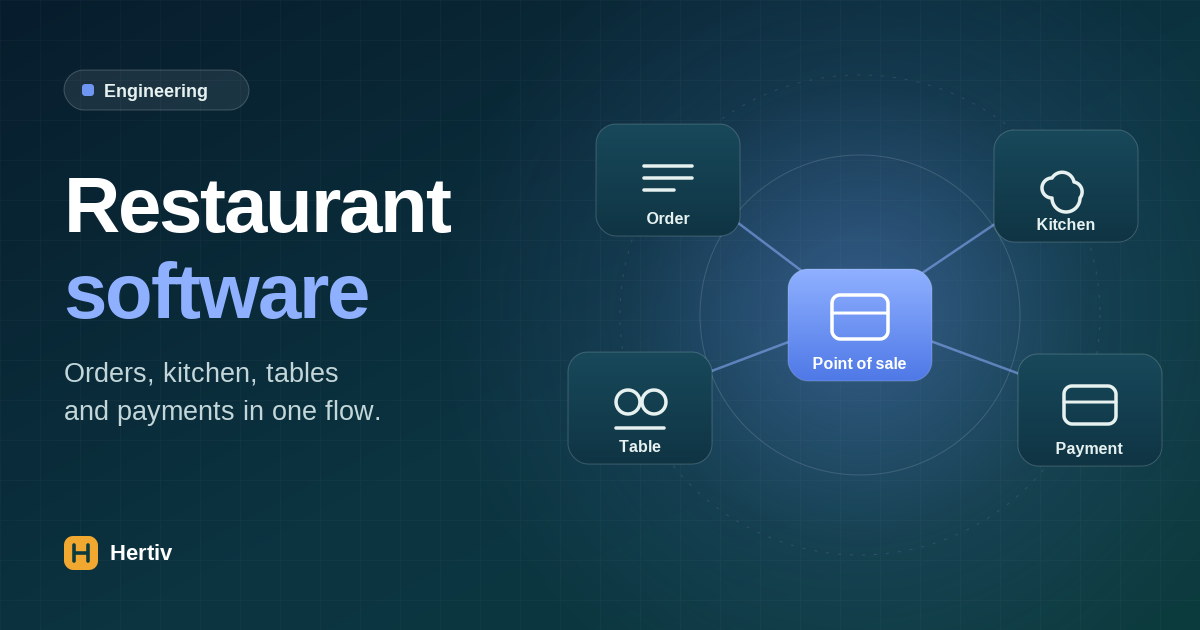
A typical system has a point-of-sale screen for staff, a kitchen display that shows orders in sequence, a table map, a stock module and a reporting dashboard. Larger restaurants add online ordering, reservations, loyalty and payroll. The software can be a single product or a set of modules that share the same data.
Building it means more than writing a menu screen. The hard parts are reliability during a dinner rush, correct stock counts as dishes sell, and payments that never lose a transaction.
What should the first version include?
The first version should cover the core loop: order, kitchen, table, payment and stock. Anything else can wait until the core loop works under pressure. A system that cannot keep up on a busy Friday night will not be saved by a loyalty feature.
| Module | What it does | First version? |
|---|---|---|
| Point of sale | Takes orders and payments | Yes |
| Kitchen display | Shows orders in sequence | Yes |
| Table management | Tracks table status | Yes |
| Stock tracking | Deducts ingredients as dishes sell | Yes |
| Online ordering | Accepts orders from the web | Later |
| Loyalty and marketing | Rewards repeat guests | Later |
| Payroll and rostering | Manages staff shifts | Later |
Keep the first version narrow and make it reliable. A restaurant will forgive a missing feature; it will not forgive a till that freezes during service.
How do you plan the build?
Planning a restaurant management system starts with watching real service. Spend time in a restaurant during a rush before writing any code, because the workflow you see there is the specification.
- Map the service flow. Follow an order from table to kitchen to till, and note every handoff, delay and exception.
- List the users. Waiters, kitchen staff, managers and owners each need different screens and permissions.
- Define the data model. Menus, modifiers, tables, orders, stock items and payments must connect cleanly.
- Choose the hardware. Tablets, kitchen screens, printers and payment terminals set hard limits on the software.
- Plan for offline use. Internet drops happen; orders and payments must keep working and sync later.
- Build in small releases. Ship the core loop first, test it in one restaurant, then add modules.
That last step matters most. A pilot in one restaurant finds the workflow mistakes that no amount of planning catches.
Which technology choices matter most?
The technology choices for restaurant software are driven by reliability and hardware, not by fashion. The point-of-sale screen must respond instantly, the kitchen display must stay readable in heat and steam, and the whole system must survive a network outage.
Most teams build the staff screens as a web app or a cross-platform mobile app, with a cloud backend for menus, orders and reporting. A local cache on each device keeps ordering alive when the internet drops, and syncs when it returns. Payments need a certified terminal integration, so pick the payment provider early: its rules shape the checkout flow.
For the backend, a relational database suits orders, stock and payments because the data is strongly connected and must stay consistent. A mobile app development checklist covers the testing steps that apply to the staff-facing screens too.
Payments, integrations and hardware
Payments are the part of restaurant software where mistakes cost real money. Card payments go through a terminal provider, and the software must record every transaction, handle refunds and split bills without losing a cent. Reconciliation reports should match the till total to the payment provider's total every day.
Integrations come next: accounting software, delivery platforms, reservation systems and supplier ordering. Each integration is a maintenance commitment, so add them one at a time and only where the restaurant asks for them. Hardware is the third piece: receipt printers, kitchen screens and cash drawers all need drivers and testing in the real restaurant, not just in the office.
Data protection rules apply too. Staff and guest data must be stored with care, and access should follow roles: a waiter does not need to see payroll, and a manager does not need card details.
Example (hypothetical): a first version for a 40-seat bistro
Example (hypothetical): a 40-seat bistro wants a first version covering orders, kitchen display, tables, stock and payments. The team plans a 12-week build with two developers and one designer.
The estimate is 12 weeks at 40 hours a week for two developers, which is 960 hours. At $70 an hour, development costs $67,200. Design adds $8,000, testing $6,000 and payment terminal integration $5,000, bringing the total to $86,200. A 15% reserve of $12,930 brings the planning budget to $99,130.
The pilot runs in the bistro for four weeks. It finds that the kitchen display needs a bigger font and that modifiers such as "no onion" must print in bold. Both fixes are small because the core loop was built first.
How do you test and launch?
Testing restaurant software means testing it during service, not only in the office. Run a full mock service with real staff, real orders and a full dining room, and watch where the flow breaks.
Test the failure cases on purpose: unplug the internet and keep taking orders, restart a tablet mid-order, send a payment twice and check it is charged once. Load testing matters too: the system must handle the peak hour, when every table orders at once. Launch in one restaurant first, keep the old system running in parallel for a week, and only switch over when the new system has survived a full weekend.
Common mistakes with restaurant management software
The most common mistake is building features before the core loop is solid. A loyalty programme cannot rescue a till that loses orders during a rush.
Other mistakes include ignoring offline mode, letting stock counts drift from reality, and designing screens for a quiet office instead of a noisy kitchen. Restaurant mobile app features shows which guest-facing features restaurants actually ask for.
The business case should drive the feature list, as why restaurants need a mobile app explains: start from what the restaurant gains, not from what looks impressive in a demo.
Key takeaways
- The first version must cover the core loop: orders, kitchen display, tables, stock and payments.
- Watch a real dinner service before writing code; the workflow you see is the specification.
- Plan for offline use: orders and payments must keep working when the internet drops.
- Test during a real service and launch in one restaurant before rolling out further.
- Payments need certified terminal integration and daily reconciliation against the till total.
Frequently asked questions
How much does restaurant management software cost to build?
It depends on scope and team rates. A first version for a small restaurant often takes a small team about three months; see vendor site for current development rates and get a scoped quote.
Should the software work offline?
Yes. Internet drops happen in restaurants, so orders and payments must keep working on the device and sync when the connection returns.
What hardware does it need?
Typically tablets for staff, a kitchen display screen, receipt printers and a payment terminal. Test each device in the real restaurant before launch.
Is a mobile app enough, or do I need a full system?
A guest-facing app is only one piece. Staff need point of sale, kitchen display and stock tools, and the two sides must share the same order data.
How long does a first version take?
A focused first version usually takes around three months with a small team, plus a four-week pilot in one restaurant to fix workflow problems.
Can it connect to delivery platforms?
Yes, through integrations with delivery and reservation services. Add integrations one at a time, since each one is a maintenance commitment.


