How to Build Human Capital Management Software
HCM software brings hiring, payroll, time off and performance into one system. Here is how to plan the first version and pick the modules to build first.
On this page
Short answer
Human capital management software is one system that covers the employee journey, from hiring and onboarding to payroll, time off and performance reviews. Building it means starting with a solid employee record, adding one module at a time, and keeping payroll and compliance separate until the basics work. The first version should serve one company size and one set of rules, not every company at once.
What is human capital management software?
Human capital management software is one system that covers the employee journey, from hiring and onboarding to payroll, time off and performance reviews. It replaces the mix of spreadsheets, email threads and separate tools that most growing companies end up with.
The name sounds grand, but the idea is simple: one record for each employee, and every HR process reads from and writes to that record. When someone is hired, their details flow into payroll. When they take leave, their balance updates. When a review is due, the system knows who their manager is.
Small companies often manage with a payroll tool and a shared drive. The pain starts around 50 to 100 employees, when managers ask for headcount reports, leave clashes appear, and nobody can say which version of a contract is current. That is the point where one connected system starts to pay for itself.
What does HCM software cover?
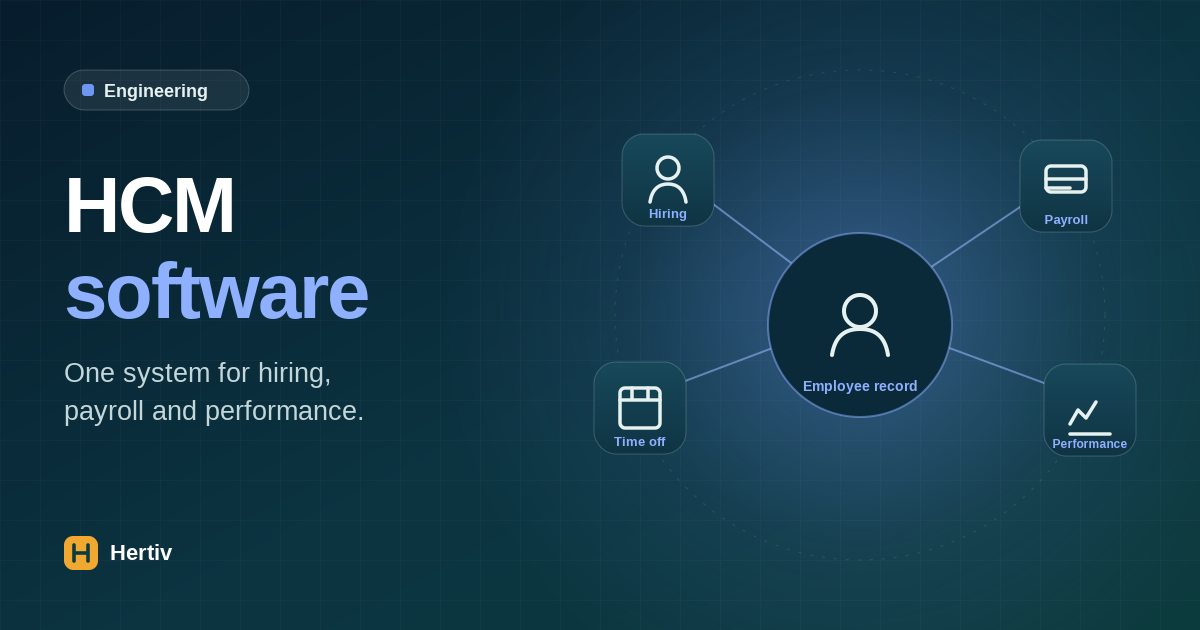
HCM software usually covers six areas, and each one is a module you can build or buy separately. The employee record sits in the middle, and the other modules connect to it.
| Module | What it does | Why it matters |
|---|---|---|
| Employee record | Personal details, role, manager, start date | One source of truth for every process |
| Hiring | Job posts, applications, interviews, offers | Shorter hiring cycles, no lost candidates |
| Onboarding | Contracts, equipment, first-week tasks | New starters productive sooner |
| Payroll | Salary, tax, benefits, payslips | Correct pay, on time, every month |
| Time off | Leave requests, balances, approvals | No clashes, no manual counting |
| Performance | Goals, reviews, feedback, growth plans | Clear expectations and fair reviews |
Not every company needs all six at once. A 60-person services firm may start with the record, payroll and time off, then add hiring and performance a year later. A fast-growing startup may need hiring first and payroll second.
The modules share data, so a change in one place shows up everywhere. When a manager approves a pay rise in the performance module, payroll should see the new salary without anyone retyping it. That single flow is what makes the system worth building.
What should the first version include?
The first version should include the employee record, payroll and time off, because those three touch every employee every month. Everything else can wait until the core works without manual fixes.
The employee record needs fields for name, contact details, role, department, manager, start date and work location. It also needs a history: role changes, salary changes and contract versions, each with a date. Without history, reports are guesses and audits are painful.
Payroll is the riskiest module, because a mistake means someone is paid wrong. Many teams integrate with an existing payroll provider instead of building their own calculation engine, and that is usually the right call for a first version. Your system sends the provider the salary and leave data, and the provider handles tax rules.
Time off is simpler and shows value fast: a request, an approval, a balance that updates. It also feeds payroll, since unpaid leave and overtime change the monthly pay. Get these three modules right and you have a product a company can actually run on.
How do you build it, step by step?
Building HCM software follows a clear order: agree the scope, model the data, build the record, then add one module at a time. Skipping the data model is the most common way to end up rebuilding later.
- Agree the scope. Pick one company size and one country first. Payroll rules, leave law and tax differ by country, so a system that tries to cover five countries in version one will cover none of them well.
- Model the employee record. Decide the fields, the history and who can see what. Managers see their team, HR sees everything, and employees see only their own details.
- Build the record and time off. These two modules prove the data model and give users something to log into every week.
- Add payroll. Connect to a payroll provider or build the engine, then run it in parallel with the old process for at least two pay cycles before switching over.
- Add hiring and onboarding. These modules bring the most visible daily use, since recruiters and new starters touch them every day.
- Add performance last. Reviews and goals need the record, the manager structure and the history to be correct, so they belong at the end.
Each step should ship to real users before the next one starts. A module that has never been used by an HR team is a guess, and guesses are expensive to fix after the next module is built on top of them.
How do you handle payroll and compliance?
Payroll and compliance are the parts of HCM software where a mistake has legal consequences, so they need more care than the other modules. The rule is simple: never invent a tax rule, and never store data you do not need.
Tax, pension and statutory leave rules change every year and differ by country. Your system should take these rules from a payroll provider or a maintained tax library, not from code your team wrote once and forgot. When a rule changes, the update should come from the provider, not from a developer editing a formula.
Employee data is sensitive, so access control is part of the product, not an extra. Salaries should be visible only to HR and the employee's manager. Audit logs should record who viewed or changed a salary, a bank account or a contract, with a date and time. Teams looking at AI agents for HR often start here, because automating HR work only helps if the underlying access rules are already sound.
Data retention matters too. Old applications, expired contracts and leavers' records should be archived or deleted on a schedule, not kept forever. A clear retention policy, built into the system, avoids both clutter and legal risk.
Example (hypothetical): building for a 120-person company
Example (hypothetical): a software company with 120 employees wants its own HCM system for the record, payroll and time off, with hiring added later. The plan is a team of four developers for 24 weeks.
The arithmetic is straightforward. Four developers working 40 hours a week for 24 weeks gives 3,840 hours. At $70 an hour, that is $268,800. Design work adds $15,000 and testing adds $12,000, bringing the total to $295,800. A 10 percent reserve adds $29,580, so the full budget is $325,380.
The team ships the employee record and time off in the first 12 weeks, then payroll in the next 12, running it in parallel with the old payroll tool for two pay cycles. Hiring is left for a second phase, once HR has used the core for a full quarter.
The lesson from the numbers is that the build itself is the smaller part of the cost. Running the system, keeping tax rules current and answering user questions will cost more over three years than the first build, so the budget should plan for that from the start.
What are the common mistakes?
The most common mistake is trying to cover every country and every company size in the first version. Payroll rules and leave law differ so much that a system built for five countries usually works badly in all of them. Pick one country, prove it, then expand.
The second mistake is building the performance module first. Reviews and goals look impressive in a demo, but they depend on the employee record, the manager structure and the history being correct. When those are wrong, every review is wrong too.
The third mistake is treating payroll as just another form. Payroll is a calculation engine with legal consequences, and it needs parallel runs, reconciliation reports and a rollback plan. Teams that switch payroll over in one step usually spend the next month fixing pay errors.
Finally, many teams forget the people who will actually use the system. Managers need one screen that shows their team's leave, reviews and open roles, not five different menus. If managers will not open it, the data goes stale, and the whole system loses its value.
Key takeaways
- Start with the employee record, payroll and time off; add hiring and performance later.
- Pick one country and one company size for the first version.
- Use a payroll provider for tax rules instead of coding them yourself.
- Run new payroll in parallel with the old process for two pay cycles.
- Build access control and audit logs in from the start, not as an extra.
Frequently asked questions
How long does it take to build HCM software?
A first version covering the employee record, payroll and time off usually takes four to six months with a small team. Adding hiring and performance takes another two to three months, and payroll needs two parallel pay cycles before it can go live.
Do I need to build my own payroll engine?
Usually not. Most teams connect to a payroll provider that keeps tax rules current, and their system sends salary and leave data to the provider. Building your own engine only makes sense if payroll itself is the product you sell.
What is the hardest module to build?
Payroll is the hardest, because a mistake means someone is paid wrong and the rules change every year. The employee record is next, because every other module depends on its fields and history being correct.
Can small companies use HCM software?
Yes, but a company under 30 people often does fine with a payroll tool and a shared drive. The connected system starts to pay for itself around 50 to 100 employees, when manual tracking begins to break down.
How do I keep employee data safe?
Limit who can see salaries and bank details to HR and the direct manager, log every view and change with a date, and delete old records on a schedule. Access control and audit logs should be built in from the first release.
What should I build first?
Build the employee record and time off first, then payroll, then hiring and onboarding, and performance last. Each module should reach real users before the next one starts, so mistakes are caught early.


