How to Build a Digital Twin App That Teams Use
A digital twin app mirrors a real machine, building or fleet in software, using live data. Learn the parts, the build steps and how to keep it accurate.
On this page
Short answer
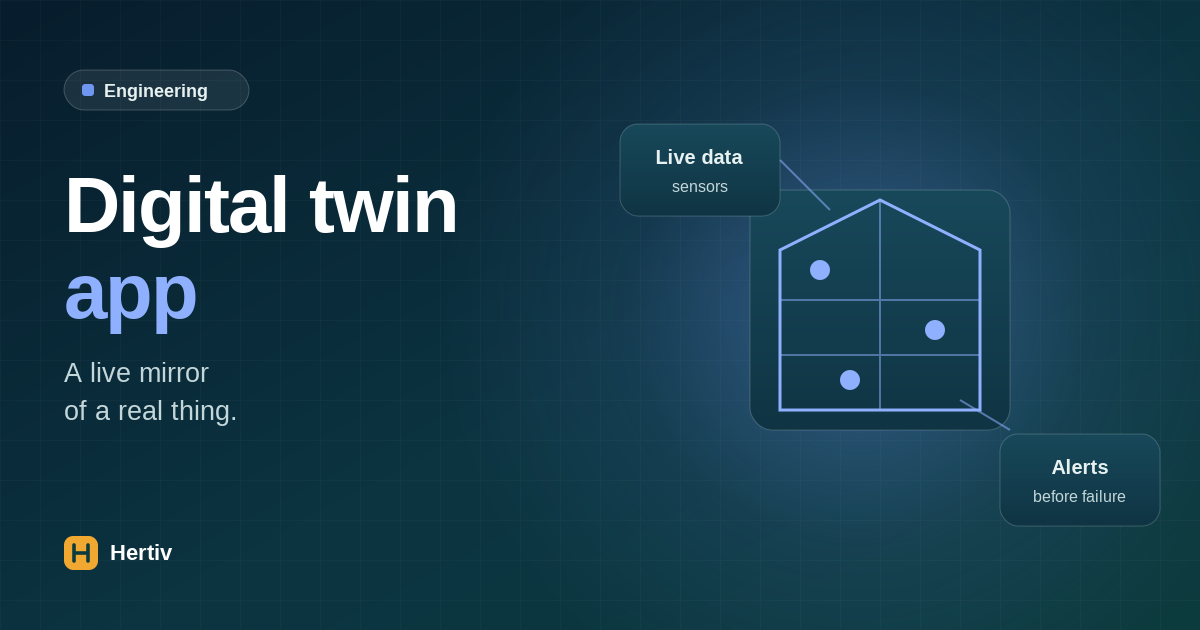
A digital twin app is software that mirrors a real thing, such as a machine, a building or a fleet, in a live digital model. Sensors and systems feed the app real data, the app updates the model, and the team can see what is happening, test changes and spot problems before they become failures.
What is a digital twin app?
A digital twin app is an application that keeps a live digital copy of a physical thing. The physical thing might be a pump, a warehouse, a hospital wing or a delivery fleet. The app shows the current state of that thing, its history, and what is likely to happen next, all in one place.
The twin is more than a dashboard. A dashboard shows numbers; a twin holds a model of the thing itself. When a sensor reports a new temperature, the twin updates the model, recalculates what that means for the machine, and can warn the team before a limit is reached. The model is what turns raw data into a decision.
Teams build twin apps to answer three questions: what is happening now, what will happen next, and what should we change. A factory team checks a machine before a shift, a building team tests a heating change before touching a valve, and a fleet team sees which vehicles need service first.
What parts does a digital twin app need?
A twin app has five parts, and each one must work for the whole to be useful. The data layer collects readings from sensors, machines and business systems. The model layer holds the digital copy: the geometry, the rules and the physics of the thing being mirrored.
| Part | What it does | Example |
|---|---|---|
| Data layer | Collects live readings | Sensor feeds, machine logs |
| Model layer | Holds the digital copy | 3D model, rules, physics |
| Sync engine | Updates the model from data | State updates every few seconds |
| App layer | Shows the twin to users | Map, alerts, reports |
| Simulation | Tests what-if changes | Try a new setting first |
The sync engine is the part teams underestimate. A twin that updates once a day is a report, not a twin. A useful twin updates often enough that the team trusts what it sees, which can mean every few seconds for a machine and every few minutes for a building.
How do you build a digital twin app?
Teams build a twin app in six steps, starting small and proving value before adding more machines or more detail. Each step has a clear test: if the test fails, fix it before moving on.
- Pick one thing and one question. Choose a single machine or room and one decision the twin should improve, such as when to service a pump.
- Map the data you already have. List the sensors, logs and systems that already record the thing, and check which readings are reliable.
- Build a simple model. Start with the shape, the key parts and the main rules, and leave fine detail for later.
- Connect live data. Pipe readings into the model, show the current state on a screen, and check it against the real thing every day.
- Add alerts and history. Warn the team when a value crosses a limit, and keep a history so the team can see trends.
- Add simulation. Let the team test a change in the twin first, such as a new temperature setting, before applying it to the real thing.
Most teams spend too long on step three and too little on step four. A rough model fed by real data beats a perfect model fed by nothing. For the data work underneath, see data engineering services.
What data does a twin app need?
A twin app needs three kinds of data. Live data comes from sensors and machines: temperatures, pressures, speeds, positions and states. Static data describes the thing itself: its shape, its parts, its limits and its maintenance history. Context data comes from outside: weather, schedules, orders and energy prices.
The quality of the live data decides whether the team trusts the twin. A sensor that drifts, a feed that drops out, or a clock that is wrong will all show up as a twin that disagrees with reality. Teams should check each feed against the real thing in the first weeks, and keep a simple health check on every feed after that.
Data volume is rarely the problem. A twin for one machine may need only a few readings a second, and a building twin may need a few hundred. The problem is usually gaps and bad values, not size. Build the app to handle missing data clearly, showing what is unknown instead of guessing.
Example (hypothetical): a warehouse twin that saves inspection time
Example (hypothetical): a warehouse team builds a twin of one storage hall. Floor checks take 2 hours each morning, because a worker walks the hall and checks every zone. The twin shows the same zones on a screen, fed by temperature and humidity sensors and by the stock system.
After a month of checking the twin against the real hall, the team trusts it. Morning checks now take 30 minutes, because the worker only visits zones the twin flags. That saves 2 hours minus 30 minutes, or 1.5 hours a day. Over a 5-day week that is 1.5 x 5 = 7.5 hours saved each week.
The twin also flags a cold corner where goods were spoiling. The team moves the stock and fixes a draught, and spoilage in that zone falls. The twin did not replace the worker: it told the worker where to look, and the worker still made the call.
How do you keep a twin accurate?
A twin drifts out of date whenever the real thing changes and the model does not. A machine is replaced, a room is rebuilt, or a sensor is moved, and the twin quietly starts lying. Teams prevent this by treating the model as a living document, updated whenever the physical thing changes.
The simplest guard is a regular check: once a week, compare what the twin shows with what the team sees on the floor, and log any mismatch. A second guard is automated: if a sensor reading disagrees with the model for too long, the app should say so, not silently accept it.
Versioning helps too. Keep a record of which model version matches which physical setup, so a change can be traced and undone. A twin that cannot be traced back to the real thing is a picture, not a tool. For how twins fit into larger metaverse projects, see digital twins in the enterprise metaverse.
What are the common mistakes?
The most common mistake is modelling too much too soon. Teams try to mirror every bolt and every sensor before showing anything to users, and the project runs out of time and money. Start with one machine and one question, and add detail only when users ask for it.
Another mistake is trusting the twin without checking it. A twin that has never been compared with the real thing is a guess dressed as data. Check it daily in the first month, and weekly after that, and keep a log of what you found.
Teams also forget the people. A twin app is used by operators, managers and maintenance staff, and each group needs a different view. An operator needs alerts and a clear current state; a manager needs trends and costs. Build the views around the people who will use them, not around the model. For scoping the build, see custom software development.
Key takeaways
- A digital twin app mirrors a real machine, building or fleet in a live digital model.
- Start with one thing and one question, then add detail only when users ask for it.
- Feed the model with live data, and check the twin against reality every day at first.
- Add alerts, history and simulation only after the basic twin is trusted.
- A twin that drifts from the real thing is a picture, not a tool: version the model and log mismatches.
Frequently asked questions
What is a digital twin?
A digital twin is a live digital copy of a physical thing, such as a machine, a building or a fleet, kept up to date by real data from sensors and systems. A digital twin app is the software that shows the twin, updates it, warns about problems and lets a team test changes before applying them to the real thing.
How is a digital twin different from a 3D model?
A 3D model is a static picture of a thing. A digital twin is a model that is connected to live data, so it changes as the real thing changes. A 3D model shows what a machine looks like; a twin shows what it is doing right now, what it did yesterday, and what may go wrong tomorrow.
What sensors does a digital twin need?
It depends on the thing and the question. A machine twin may need temperature, vibration and run-time sensors. A building twin may need temperature, humidity and occupancy sensors. Start with the readings that answer your one question, and add more only when a decision needs them.
How much does a digital twin app cost?
There is no fixed price. A twin for one machine with a few sensors can be a small project, while a twin for a whole plant with hundreds of sensors is a large one. The cost depends on the number of things mirrored, the data feeds, the model detail and the views each team needs. See a vendor site for pricing.
Can a digital twin predict failures?
It can warn about likely problems, not guarantee them. A twin spots patterns, such as rising vibration or heat, that often come before a failure, and it can suggest service before the failure happens. The prediction is only as good as the data and the model, so teams still check the machine in person.
Do I need a twin for every machine?
No. Start with the machines that cause the most downtime or cost the most to fix. A twin earns its keep where it prevents a failure, cuts inspection time, or helps a team test a change safely. Machines that rarely fail and are cheap to fix usually do not need one.


