How to Build a ChatGPT-Powered App That Works
A ChatGPT-powered app connects OpenAI's models to your own data and interface. Here is how to plan it, build it, test it and keep its costs under control.
On this page
Short answer
A ChatGPT-powered application connects your product to OpenAI's models through an API, using clear prompts and your own documents to produce answers. Start with one task, test on real examples, add retrieval so answers stay grounded, and ship to a small group first.
What is a ChatGPT-powered application?
A ChatGPT-powered application is software that uses OpenAI's ChatGPT models through an API to understand text and produce answers, drafts or actions inside a product. The model does the language work, while your application supplies the interface, the business rules and the data.
Typical examples include a support tool that drafts replies, a search box that answers questions from your own documents, and a writing helper that turns rough notes into a finished email. In each case the user talks to your product, and the model works behind the scenes.
A ChatGPT-powered application has five parts:
| Part | What it does | Who provides it |
|---|---|---|
| Interface | Where the user types and reads answers | Your app |
| Model | Understands the request and writes the reply | OpenAI API |
| Prompts | Instructions that shape the reply | Your team |
| Data | Facts the model should use, such as your help pages | Your team |
| Guardrails | Checks that keep replies safe and on topic | Your team |
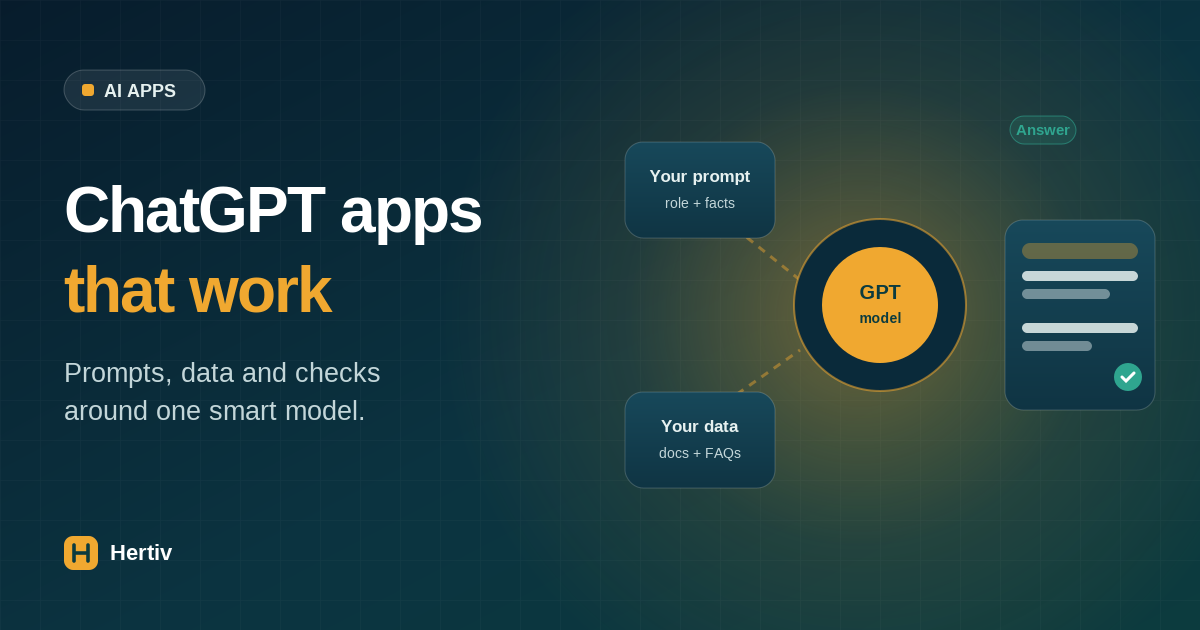
The model is only one part. Most of the work is in the prompts, the data and the checks around it. If you are planning a product like this, a partner for generative AI integration can help you connect the model to the systems you already use.
What do you need before you start?
Before you write any code, you need a clear task, a small set of real examples, and a way to check whether the answers are good enough. Without these, you cannot tell if the application is helping or just producing confident text.
Start by naming one job the application must do, such as answering questions about your refund policy or drafting first replies to support tickets. Then collect 20 to 30 real examples of that job, including the awkward ones. These examples become your test set.
You also need an API key from OpenAI, a budget for API calls, and a privacy check on what data you will send to the model. Never send passwords, payment details or other sensitive records to a model unless your agreement with the provider covers it.
Finally, decide who owns the answers. A person should review replies in sensitive areas such as refunds, medical information or legal advice, at least until the system has proved itself on your test set.
Which model and setup should you choose?
You should choose the setup that fits the task, not the newest model by default. A small, fast model is often enough for drafting and sorting, while a larger model is worth it for reasoning over long documents or tricky questions.
There are three common setups:
| Setup | How it works | Best when |
|---|---|---|
| Prompting only | Clear instructions and examples in each request | The task is simple and the facts are short |
| Retrieval (RAG) | The app finds relevant passages, then the model answers from them | Answers must come from your documents |
| Fine-tuning | The model is trained further on your examples | You need a consistent style or format |
Retrieval is the right default for most business applications, because it grounds answers in your own content and lets you update facts without retraining. Fine-tuning is a later step, once prompting and retrieval are working and you can measure the gap. For a deeper build, LLM development covers the full path from prototype to production.
How do you build it, step by step?
You build a ChatGPT-powered application in small, testable steps, starting with a working prototype that answers one task well before you add more features.
- Define the task and the test set. Write down what a good answer looks like, and gather 20 to 30 real examples to test against.
- Write the first prompt. Give the model a role, the facts it may use, the format you want, and what to say when it does not know.
- Connect the API. Send the prompt and the user question to the model, and show the reply in your interface. Keep the first version simple.
- Add retrieval. Store your documents in a searchable form, fetch the most relevant passages for each question, and include them in the prompt.
- Test on real examples. Run the test set, read every answer, and fix the prompts or the data where answers go wrong.
- Add guardrails. Check replies for off-topic content, personal data and made-up facts before they reach the user.
- Ship to a small group, then measure. Track how often users accept the answer, how often they edit it, and what it costs per day.
Keep the loop tight: change one thing at a time and re-run the test set. If two changes go in together, you will not know which one fixed the problem.
Example (hypothetical): a clinic booking assistant
Example (hypothetical): a small clinic wants a chat assistant that answers booking questions on its website, such as opening hours, which doctor is on duty, and how to move an appointment.
The clinic receives about 200 such questions a day. Staff answer each one in about 4 minutes, which is 200 x 4 = 800 minutes, or about 13 hours and 20 minutes of staff time a day. The assistant is built to answer from the clinic's own schedule and policy pages.
After a month of testing, the assistant answers 140 of the 200 questions correctly on its own. Staff handle the remaining 60, which takes 60 x 4 = 240 minutes, or 4 hours a day. The clinic saves about 9 hours and 20 minutes of staff time a day, and staff spend their time on the harder questions instead.
The key step was the test set: the clinic collected real questions for two weeks before building anything, so the assistant was tested on the questions patients actually ask.
How much does it cost to run?
The running cost of a ChatGPT-powered application comes mainly from API calls, which are priced by the amount of text sent and received. Long documents and long conversations cost more than short ones, so keeping prompts tight matters.
Check the current prices on OpenAI's own pricing page before you budget, and write "see vendor site" in any document that quotes them, because prices change. As a rule, the cost of the API is small next to the cost of the people who design, test and maintain the application.
Three habits keep costs under control: send only the passages the question needs, not whole documents; cache answers to repeated questions; and use a smaller model for simple tasks such as sorting or drafting. Set a daily spending limit and an alert so a bug cannot run up a large bill overnight.
Before you commit to a full build, a short AI proof of concept is a cheap way to learn what the real costs and answer quality look like on your own data.
What are the common mistakes?
The most common mistakes are trusting the model too much, feeding it poor data, and skipping testing on real examples.
- Letting the model answer from memory. Without retrieval, the model may invent facts that sound right. Always ground answers in your own documents.
- Writing one giant prompt. A long prompt with many jobs is hard to debug. Split the work into small steps with clear instructions.
- Testing only with easy questions. The awkward, incomplete and misspelled questions are the ones that break a system in production.
- No fallback when the model is unsure. The application should say it does not know, or hand over to a person, rather than guessing.
- Ignoring cost and speed. A slow, expensive reply that users abandon is worse than a simple answer delivered quickly.
Key takeaways
- A ChatGPT-powered app is your interface, prompts, data and checks wrapped around an API model
- Retrieval grounds answers in your documents and is the right default for most business apps
- Test on 20 to 30 real examples before you let users near the system
- API cost follows text volume, so keep prompts tight and cache repeated answers
- Give the app a fallback: say it does not know or hand over to a person
Frequently asked questions
Do I need to train my own model?
No. For most applications you can use OpenAI's models through the API and shape them with prompts and retrieval from your own documents. Training or fine-tuning only makes sense once prompting and retrieval are working and you can measure a clear gap.
How much does the OpenAI API cost?
API calls are priced by the amount of text sent and received, so costs depend on how long your prompts and answers are. Check OpenAI's own pricing page for current rates, and set a daily spending limit with an alert before you launch.
What is retrieval, and why does it matter?
Retrieval means the app searches your documents for the passages relevant to each question and includes them in the prompt, so the model answers from your facts instead of from memory. It reduces invented answers and lets you update facts without retraining.
Can a ChatGPT-powered app handle private data?
It can, but you must check what the provider does with the data you send. Never send passwords, payment details or other sensitive records unless your agreement covers it, and keep a human review step for sensitive topics such as refunds or medical information.
How do I know if the answers are good enough?
Build a test set of 20 to 30 real questions with the answers you expect, then read every reply the system produces. Track how often users accept, edit or reject answers after launch, and fix the prompts or data where answers go wrong.
Should I use the newest model available?
Not by default. A smaller, faster model is often enough for drafting and sorting, and it costs less per call. Use a larger model when the task needs reasoning over long documents or tricky questions, and compare both on your own test set.


