Healthcare Mobile Apps: Types, Features and Costs
Healthcare mobile apps cover patient care, clinician tools, telehealth and wellness. Here are the main types, the features that matter and what they cost.
On this page
Short answer
Healthcare mobile apps are apps that support patient care, clinical work or personal health, from booking appointments and telehealth calls to medication reminders and clinician tools. They range from simple wellness trackers to apps that handle diagnoses, prescriptions and medical records, and the rules they must follow depend on what the app actually does.
What are healthcare mobile apps?
Healthcare mobile apps are mobile apps used by patients, clinicians or carers to support health and care. They include appointment booking, telehealth, medication reminders, fitness and wellness tracking, and tools that clinicians use at the bedside or in the clinic.
| Type | Who uses it | Main purpose |
|---|---|---|
| Patient apps | Patients and carers | Booking, records, reminders |
| Telehealth apps | Patients and clinicians | Video visits and messaging |
| Clinician tools | Doctors and nurses | Reference, notes, alerts |
| Wellness apps | General public | Fitness, sleep, diet tracking |
| Pharmacy apps | Patients | Refills, delivery, reminders |
| Chronic care apps | Patients with long-term conditions | Monitoring and coaching |
The line between a wellness app and a medical app matters. A step counter is a wellness product; an app that measures blood sugar and advises on insulin doses is a medical device in many countries, and it faces far stricter rules. Teams should decide which side of that line their app sits on before they build anything.
For the cost side of the same subject, healthcare app development cost breaks down what each type of app costs to build.
Which features matter most in a healthcare app?
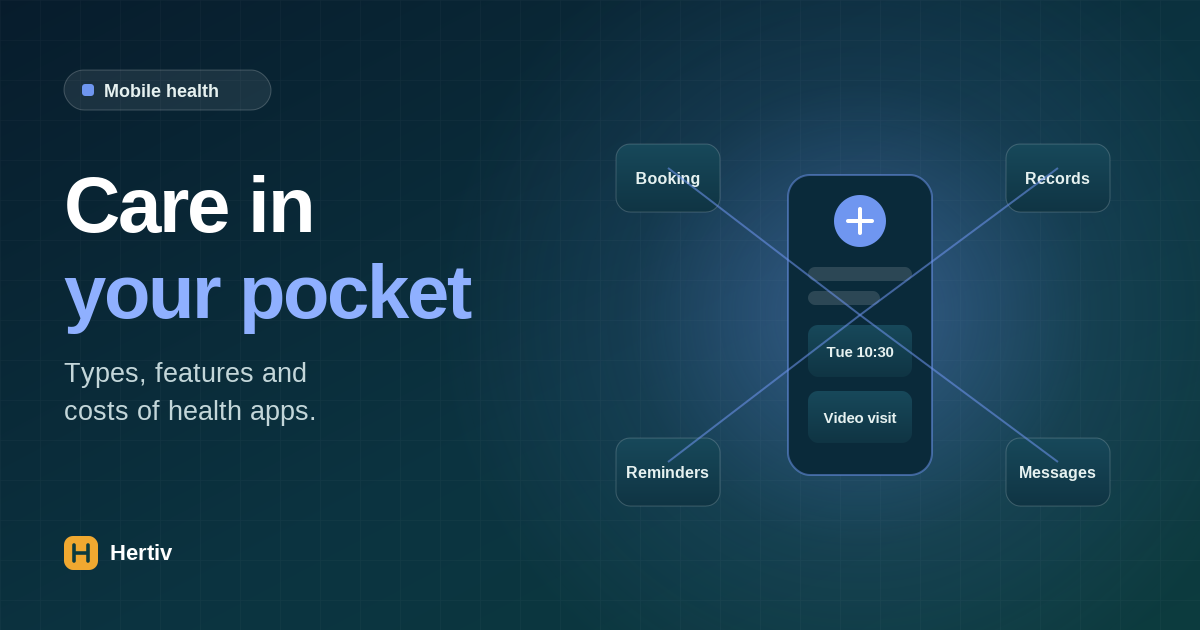
The features that matter most in a healthcare app are the ones patients and clinicians use every day: booking, records, reminders and secure messaging, built on reliable identity and privacy controls.
| Feature | Why it matters | Priority |
|---|---|---|
| Appointment booking | Reduces phone calls and no-shows | High |
| Health records access | Patients see results and history | High |
| Medication reminders | Improves adherence to treatment | High |
| Secure messaging | Questions without a visit | High |
| Telehealth video | Remote consultations | Medium |
| Wearable sync | Steps, heart rate, sleep data | Medium |
| Payments and insurance | Bills and claims in the app | Medium |
Booking and reminders usually deliver the most value for the least effort, because they cut phone calls and missed appointments. Video visits and wearable data are more expensive to build well, since they need reliable calls, device integration and clinical review of the data that arrives.
Accessibility is not optional in health apps. Older patients and patients with low vision or limited dexterity are often the heaviest users, so large text, high contrast, simple navigation and voice input matter more than visual polish.
What rules apply to health apps?
The rules that apply to a health app depend on the country and on what the app does. An app that stores patient records faces privacy law; an app that diagnoses or treats faces medical device rules as well.
Privacy law is the first concern. In the United States the HIPAA rules govern how health information is stored and shared, and in Europe the GDPR treats health data as a special category with stricter conditions. Many other countries have their own health privacy laws. The app must collect only the data it needs, encrypt it, limit who can see it and let patients request a copy or deletion where the law allows.
Medical device rules are the second concern. Regulators such as the US Food and Drug Administration and the UK Medicines and Healthcare products Regulatory Agency treat some health apps as medical devices, especially those that diagnose, calculate doses or monitor conditions. An app in that category needs evidence that it is safe and works as claimed, which takes time and clinical input.
App stores add a third layer. Both Apple and Google review health apps closely, ask for evidence of clinical backing for medical claims, and can remove apps that make claims they cannot support. Teams should plan for a longer review and keep every health claim in the app backed by a source. For how testing works in this area, HIPAA compliance software testing explains the checks health software goes through.
How much does a healthcare app cost?
A healthcare app costs roughly $80,000 to $180,000 for a first version, $180,000 to $400,000 for a full version with telehealth and records access, and $400,000 or more for an app that needs medical device approval. These are indicative ranges for planning.
| Version | What it includes | Indicative cost |
|---|---|---|
| First version | Booking, reminders, records view, messaging | $80,000–$180,000 |
| Full version | Telehealth video, payments, wearable sync, admin tools | $180,000–$400,000 |
| Regulated app | Clinical evidence, device approval, audits | $400,000 and up |
| Running costs | Hosting, support, compliance, maintenance | $50,000–$120,000 a year |
Compliance is the cost that surprises teams most. Privacy reviews, security testing, clinical review of content and audit trails add 15 to 25 percent to a first build, and they cannot be skipped. An app that handles patient records also needs ongoing costs: security monitoring, annual reviews and support for patients who cannot use the app on their own.
The most expensive mistake is building a medical device app without knowing it. If regulators later decide the app is a device, the team may need to redo parts of the build and gather clinical evidence, which costs far more than planning for it from the start.
How to build a healthcare app in 7 steps
Building a healthcare app works best when clinical input comes first and the regulated parts are decided before any code is written.
- Decide what the app does and who it is for. Patients, clinicians or both, and one clear job for the first version.
- Check the rules. Confirm whether the app is a wellness product or a medical device in each target country.
- Talk to clinicians and patients. Test the core flow with real users before designing screens.
- Design for accessibility. Large text, simple navigation and voice input from the first version.
- Build the core features. Booking, records, reminders and messaging before video or wearables.
- Test security and privacy. Penetration testing, access reviews and a privacy impact assessment before launch.
- Pilot with one clinic. Run with real patients and staff, fix what breaks, then expand.
Clinicians should review every piece of health content in the app, from reminder text to the wording of a result. A small wording error in a health app can mislead a patient in a way that a typo in a shopping app never would. For a full build guide, how to build a healthcare app walks through the same sequence in detail.
Example: a clinic booking app
Example (hypothetical): a clinic with 6 doctors builds a booking and reminder app. Before the app, reception takes 400 bookings a week by phone, and each call takes 5 minutes, so booking takes 400 x 5 = 2,000 minutes a week, or about 33 hours.
After launch, half the bookings move into the app, so phone bookings fall to 200 a week and take 200 x 5 = 1,000 minutes, or about 17 hours. That saves about 16 hours of reception time a week, which the clinic uses for patient check-ins instead.
Missed appointments also fall. Before the app, 60 of 400 bookings are missed each week, or 15 percent. Reminders cut that to 32 of 400, or 8 percent, which is 28 fewer empty slots a week. At $60 a visit, that is 28 x $60 = $1,680 a week of recovered appointments, before the cost of running the app.
What are the common mistakes?
The most common mistakes in healthcare apps are skipping clinical review, collecting too much data and designing for young, healthy users.
- No clinical review of content. Health advice in the app must be checked by a clinician, not written by a designer.
- Collecting data you do not need. Every extra field is a privacy risk and a breach waiting to happen.
- Designing for the wrong user. Small text and complex menus exclude the older patients who use the app most.
- Treating privacy as a settings page. Consent, access and deletion need to be built into the data model, not added later.
- No plan for patients without smartphones. A clinic that moves everything into the app must keep a phone and walk-in option.
- Launching without a support plan. Patients will call about logins, results and reminders, and someone must answer.
Key takeaways
- Healthcare apps split into patient, telehealth, clinician, wellness, pharmacy and chronic care types
- Booking, records, reminders and secure messaging deliver the most value first
- An app that diagnoses or calculates doses may be a regulated medical device
- Budget $80,000–$180,000 for a first version, plus 15–25 percent for compliance work
- Pilot with one clinic and real patients before expanding
Frequently asked questions
What is the difference between a wellness app and a medical app?
A wellness app tracks general health, such as steps, sleep or diet, and makes no medical claims. A medical app diagnoses, monitors a condition, calculates a dose or guides treatment, and regulators in many countries treat it as a medical device. The difference decides which rules apply and how much evidence the app needs.
Do healthcare apps need to follow HIPAA?
In the United States, yes, if the app handles protected health information on behalf of a covered entity such as a hospital or insurer. The app must protect that data, limit access, keep audit logs and sign agreements with its vendors. Other countries have their own health privacy laws that apply in the same way.
How long does it take to build a healthcare app?
A first version with booking, reminders, records and messaging takes about four to seven months. A full version with telehealth video, payments and wearable sync takes nine to fifteen months. An app that needs medical device approval takes longer, because clinical evidence and regulatory review add months.
Can a healthcare app use AI?
Yes, but with care. AI can help with triage, summarising notes or answering routine questions, yet every AI output in a health app needs clinical review and clear limits on what it can say. An AI feature that gives medical advice without a clinician in the loop faces the same device rules as any other medical function.
What makes a healthcare app hard to build?
The combination of privacy law, clinical accuracy and accessibility. The app must protect sensitive data, get its health content right and be usable by older patients with low vision or limited dexterity. Any one of those is hard; all three together are what make health apps different from other consumer apps.
Should a small clinic build its own app?
Usually not from scratch. A small clinic is better served by a white-label patient app or a platform that already handles booking, reminders and records, customised to the clinic. A custom build only pays off when the clinic has a workflow that no existing product covers.


