Green Cloud Computing for Enterprise Sustainability
Green cloud computing cuts the energy and carbon cost of running enterprise workloads. This guide explains how it works and how to make your cloud use greener.
On this page
Short answer
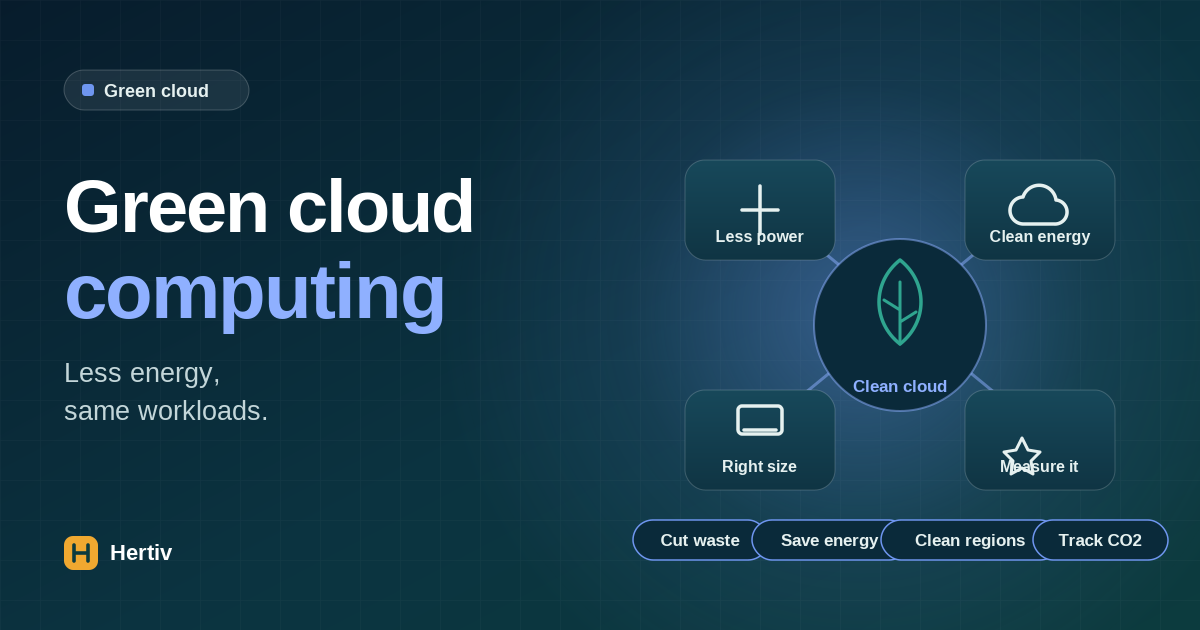
Green cloud computing is the practice of running enterprise workloads in ways that use less energy and produce fewer carbon emissions. It combines efficient infrastructure, cleaner energy sources, rightsized resources and good measurement, so the same work is done with a smaller environmental footprint.
What is green cloud computing?
Green cloud computing is the practice of running cloud workloads in ways that use less energy and produce fewer carbon emissions. It covers the data centres that host the work, the energy that powers them, and the way applications are designed and sized.
For an enterprise, it means the same business systems run on infrastructure that wastes less power and draws more of its energy from renewable sources. The goal is not to run less software, but to run the software you need with less energy per task.
Three things decide how green a workload is:
- Data centre efficiency. How much energy the building uses for cooling, lighting and backup, on top of the servers themselves.
- Energy source. Whether the electricity comes from renewable sources such as wind, solar or hydro, or from fossil fuels.
- How the workload is run. Whether servers sit idle, run at low use, or are sized to match the real demand.
Most enterprises can improve all three without rebuilding their systems. The biggest gains usually come from removing waste first, then choosing cleaner regions and providers. Cloud services that include efficiency reviews are a practical starting point.
Why does it matter for enterprises?
Green cloud computing matters because cloud use keeps growing, and with it the energy bill and the carbon footprint. For many enterprises, cloud infrastructure is now one of the largest sources of emissions the business controls.
There are three practical reasons to act:
- Cost. Energy is a large part of the cloud bill. Idle servers, oversized instances and duplicated data cost money as well as power.
- Reporting. Customers, investors and regulators increasingly ask for carbon figures, and cloud emissions are part of them.
- Risk. Energy prices and carbon rules change. A leaner, cleaner setup is easier to defend in both cases.
The work also pays back in other ways. Rightsizing a workload often makes it faster and easier to manage, because the team understands what it actually runs. Sustainability and good engineering point in the same direction here.
How does green cloud computing work?
Green cloud computing works by cutting waste at each layer of the stack, from the data centre building down to a single workload. No single change does the job; the gains come from several small improvements added together.
| Lever | What it changes | Typical action |
|---|---|---|
| Rightsizing | Servers matched to real demand | Shrink oversized instances and remove idle ones |
| Autoscaling | Capacity follows traffic | Scale down at night and at weekends |
| Clean regions | Where the work runs | Pick regions with more renewable energy |
| Efficient code | Work per request | Cache results and cut repeated work |
| Storage hygiene | Data kept for no reason | Delete old snapshots and duplicated backups |
| Scheduling | When heavy work runs | Run batch jobs when clean energy is plentiful |
Autoscaling is often the fastest win. A system that runs at full size all week wastes most of its capacity overnight, when nobody is using it. Scaling down to a smaller fleet outside working hours can cut a large share of compute time.
Region choice matters too. Two regions from the same provider can have very different energy mixes, so moving a workload to a cleaner region can cut its emissions without changing the code. See how to reduce cloud costs for the cost side of the same changes.
How do you measure the carbon footprint of the cloud?
You measure the carbon footprint of the cloud by combining the provider's own reports with your own usage data. Most large providers now publish carbon figures per account, per service and per region, which gives a reasonable starting point.
A workable approach:
- Collect the provider's carbon report. Download the monthly emissions report for each account and region.
- Tag workloads. Use cost tags so emissions can be split by team, product or environment.
- Track the trend, not the absolute number. Provider methods differ, so month-on-month change is more useful than a single figure.
- Add the missing pieces. Include data transfer, storage and any on-premise equipment that supports the cloud work.
Set one number to watch each month, such as emissions per active user or per transaction. A ratio like that shows whether the system is getting more efficient, even as the business grows.
How do you choose a greener cloud provider or region?
You choose a greener cloud provider or region by comparing three things: the provider's energy mix, the efficiency of its data centres, and the tools it offers to measure and reduce emissions.
Ask these questions before you commit:
- What share of the region's power is renewable? Providers publish this per region, and it varies widely.
- How efficient are the data centres? Look for the power usage effectiveness figure, where lower is better.
- Can you see emissions per service? Without that, you cannot tell which workloads are the problem.
- Does the provider help you cut waste? Rightsizing advice, autoscaling and scheduling tools all help.
Do not move workloads for a small gain if the move itself is costly. The cleanest region is not always the right one if it adds latency for your users or breaks data rules. Balance the carbon saving against performance, cost and compliance.
Example: a company rightsizes its cloud estate
Example (hypothetical): a 300-person company runs 120 virtual machines around the clock. An audit finds that a third of them are idle or oversized, because projects ended and nobody switched the machines off.
The team measures the load. The 120 machines run 120 x 24 x 30 = 86,400 hours a month. Rightsizing and switching off the idle ones cuts that by 30%, to about 60,480 hours. At 0.05 kWh per machine hour, the saving is 25,920 x 0.05 = 1,296 kWh a month.
Next the team adds autoscaling to the web tier, so it runs at half size overnight and at weekends. That removes another share of hours without any change users can notice. Finally it moves a batch reporting job to a region with a cleaner energy mix, so the same work produces fewer emissions.
The bill falls, the carbon report improves, and the system is simpler to run. None of the changes required new software, only a review of what was already running.
What are the common mistakes?
The most common green cloud mistakes are chasing the headline number, ignoring idle waste, and treating sustainability as a one-off project.
- Buying offsets instead of cutting waste. Offsets do not fix idle servers. Remove the waste first, then consider offsets for what is left.
- Moving workloads for a tiny gain. A migration that costs months of work for a small carbon saving is rarely worth it.
- No baseline. Without a first measurement, you cannot tell whether anything improved.
- Forgetting storage and data transfer. Old snapshots, duplicated backups and needless data movement all use energy.
- No owner. If nobody owns the carbon number, it drifts back up as new workloads appear.
How to start a green cloud programme
You start a green cloud programme by measuring what you have, removing the obvious waste, and then making efficiency part of normal operations.
- Measure. Pull the provider's carbon report and tag workloads by team and product.
- Find the waste. List idle, oversized and forgotten resources and switch them off or shrink them.
- Add autoscaling. Make capacity follow traffic, especially outside working hours.
- Review regions. Check whether a cleaner region fits the workload's latency and data rules.
- Set a monthly target. Track emissions per user or per transaction and review it with the cloud bill.
Keep the programme small and regular. A monthly review of the carbon report alongside the cost report is enough to keep waste from creeping back. For a wider look at what your cloud estate costs and how it is used, see cloud computing use cases and the services behind them.
Key takeaways
- Green cloud computing cuts energy use, not capability
- Idle and oversized resources are usually the biggest source of waste
- Autoscaling and rightsizing give the fastest, cheapest gains
- Region choice changes emissions without changing the code
- Measure emissions per user or per transaction and track the trend
Frequently asked questions
What is the difference between green cloud and green IT?
Green IT covers all of a company's technology, including laptops, offices and on-premise servers. Green cloud computing is the part of that which concerns cloud workloads: data centre efficiency, energy source, and how the workload is sized and run.
Does green cloud computing cost more?
It usually costs less. The biggest green gains come from removing idle capacity and rightsizing, which also cut the bill. Moving to a cleaner region can add latency or data costs, so check the trade-off before moving a workload.
How do I know if my cloud provider is green?
Check the provider's published energy mix per region, its data centre efficiency figures, and whether it reports emissions per account and service. A provider that gives you clear numbers is easier to work with than one that only publishes broad promises.
What is power usage effectiveness?
Power usage effectiveness, or PUE, is the ratio of total data centre energy to the energy used by the servers themselves. A PUE of 1.0 would mean no energy spent on cooling or lighting. Most modern cloud data centres sit well under 1.5.
Can small companies benefit from green cloud computing?
Yes. Small teams often run a handful of always-on servers that are easy to rightsize or schedule. The same steps apply: measure, remove idle resources, add autoscaling, and pick a cleaner region where it fits.
Does autoscaling really save energy?
Yes, when it is set up correctly. Autoscaling matches capacity to traffic, so servers are not running at full size overnight or at weekends. The saving depends on the traffic pattern, but for systems with clear peaks and quiet periods it is usually large.


