What Is a Generative AI Platform for Legal Work?
A generative AI platform for legal work drafts, searches and summarises legal documents under lawyer review. Learn what it does and how firms adopt it safely.
On this page
Short answer
A generative AI platform for legal work is software that drafts, searches, summarises and checks legal documents using a language model grounded in the firm's own documents. It does not replace lawyers; it handles first drafts and research so lawyers spend their time on judgement, negotiation and client advice.
What is a generative AI platform for legal work?
A generative AI platform for legal work is a system that uses a language model to work with legal documents: drafting clauses, summarising contracts, answering questions over a document set and flagging risks. It is built for law firms and legal departments rather than general chat.
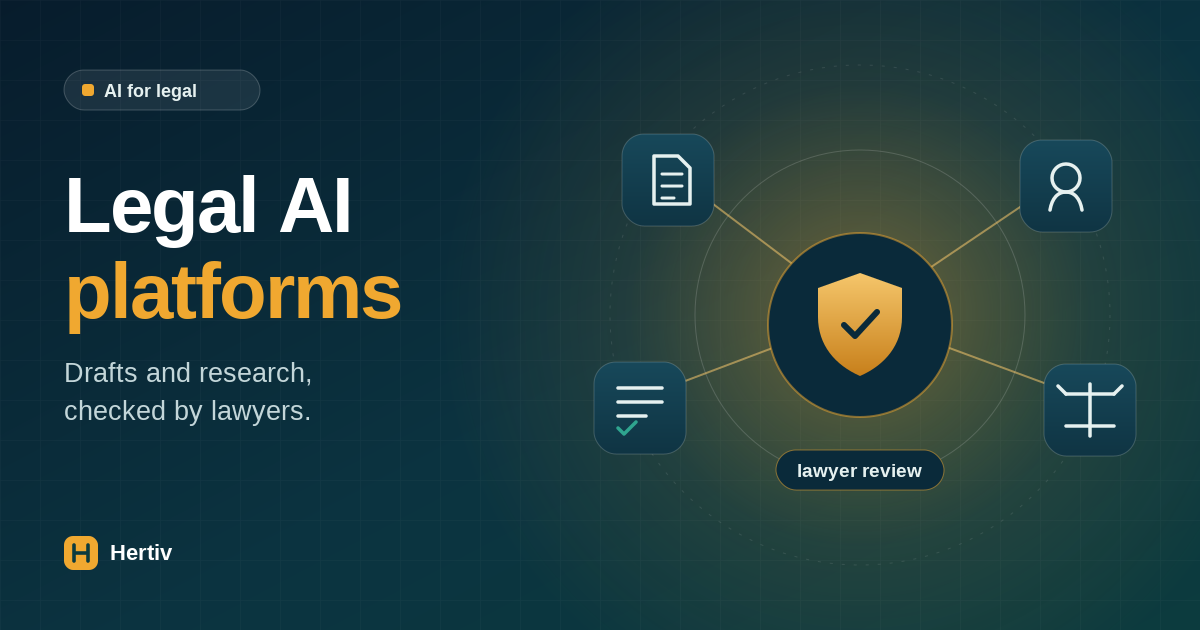
What makes it a legal platform, rather than a general chatbot, is the grounding: it retrieves answers from the firm's own contracts, precedents and playbooks, and it keeps a record of what it cited. A lawyer can check the source behind every draft.
These platforms sit beside the tools lawyers already use, such as document management and contract systems, and they keep client data inside the firm's own environment. For the agent side of legal work, see AI agents for legal teams.
What tasks does a legal AI platform handle?
A legal AI platform handles the repetitive document work that fills a lawyer's day, while the lawyer keeps the decisions. The tasks fall into a few clear groups, and each one needs a different level of review.
| Task | What the platform does | Human review |
|---|---|---|
| Contract drafting | Drafts clauses from templates | Full review before sending |
| Contract review | Flags risky or unusual clauses | Lawyer checks each flag |
| Document summary | Summarises long agreements | Spot-check against the source |
| Legal research | Finds relevant clauses and precedents | Lawyer verifies citations |
| Due diligence | Extracts key terms across many files | Review of extracted terms |
The pattern is the same in each case: the platform does the first pass, and a lawyer reviews the output before it reaches a client. A platform that skips the review step is not ready for legal work.
How does it keep client data safe?
A legal AI platform keeps client data safe by controlling where data goes, who can see it and what the model remembers. Confidentiality is the first question to ask any vendor, before accuracy or price.
Key controls to check are data residency, access permissions tied to the firm's own roles, encryption in transit and at rest, and a clear statement that client data is not used to train shared models. If a vendor cannot confirm the last point in writing, do not use the platform for client work.
Audit logs matter too: the platform should record who asked what, which documents were cited and what the output was. That record is what lets a firm answer a client or a regulator later. For the document side of these controls, document AI covers extraction and handling.
How do you adopt one in a firm?
You adopt a legal AI platform by starting with one practice area and one task, then expanding only after the lawyers using it trust the output. A firm-wide rollout on day one is the fastest way to lose that trust.
- Pick one task. Choose a high-volume, low-risk task such as summarising NDAs or drafting standard clauses, where a mistake is easy to catch.
- Build a test set. Gather twenty real examples with known good outputs, and use them to check the platform before anyone relies on it.
- Set the review rule. Decide who reviews what, and make the review step part of the workflow, not an optional extra.
- Train the team. Show lawyers what the platform does well, where it fails and how to check its citations. A short training session prevents most misuse.
- Measure and expand. Track time saved and error rates for a month, then expand to the next task only if the numbers hold up.
Keep the pilot small and the success bar clear. If the platform does not save time on the first task, it will not save time on the tenth.
How do you check the quality of its output?
You check the quality of a legal AI platform by testing it against known good work, not by reading a few outputs and guessing. A fixed test set turns quality into a number you can track.
Useful checks are citation accuracy, clause completeness and consistency with the firm's playbook. For each test case, record whether the output was right, wrong or incomplete, and why. Patterns in the failures tell you what to fix: the prompt, the source documents or the task itself.
Hallucinated citations are the failure to watch most closely. A platform that invents a clause or a case reference can look confident while being wrong, so every citation in a client-facing output must be checked against the source. For a comparison with free tools in this space, see best free AI agents for legal.
Example: a 20-lawyer firm adopts contract review
Example (hypothetical): a 20-lawyer firm reviews about 60 contracts a month. By hand, each contract takes about 45 minutes to review, which is 60 times 45 minutes, or 2,700 minutes, equal to 45 hours a month.
With a legal AI platform, the first pass takes about 10 minutes of machine time and 15 minutes of lawyer review per contract, or 25 minutes each. For 60 contracts that is 60 times 25 minutes, or 1,500 minutes, equal to 25 hours a month.
The firm saves 45 minus 25, or 20 hours a month, which it spends on negotiation and client advice instead of first-pass reading. The saving only holds because a lawyer still reviews every contract; without that step, the risk would outweigh the time saved.
What are the common mistakes?
The most common mistakes with legal AI platforms are trusting the output without review, feeding it poor source documents and rolling it out too widely too fast. Each one is a process failure, not a model failure.
- Skipping review. Client-facing output that nobody checked is a liability, however good the draft looks.
- Messy source documents. If the firm's precedents are outdated or duplicated, the platform will surface the wrong ones.
- No confidentiality check. Using a platform that trains on client data, or stores it in the wrong region, creates a compliance problem.
- Measuring usage, not outcomes. Counting logins tells you nothing. Measure time saved and error rates instead.
- Big-bang rollout. Rolling out to every practice area at once means no one team learns how to use it well.
For the wider picture of AI in law firms, AI for law firms covers the other use cases that sit beside a legal AI platform.
Key takeaways
- A legal AI platform drafts and searches under lawyer review, never alone
- Grounding in the firm's own documents is what makes it a legal tool
- Confidentiality and citation checks come before accuracy or price
- Start with one task and a fixed test set, then expand on measured results
- Every client-facing output needs a lawyer's review
Frequently asked questions
What is the difference between a legal AI platform and a chatbot?
A chatbot answers general questions from its training data, while a legal AI platform works from the firm's own documents, cites its sources and keeps client data inside the firm's environment. The grounding and the audit trail are the key differences.
Can a legal AI platform replace lawyers?
No. It handles first drafts, summaries and research, but judgement, negotiation and client advice stay with lawyers. Firms that treat the platform as a drafting assistant, not a replacement, get the best results.
How much does a legal AI platform cost?
Pricing varies by vendor, user count and features, and most vendors price by subscription. Check the vendor's own pricing page for current plans, and compare the cost against the hours the platform actually saves.
Is client data safe on a legal AI platform?
It depends on the vendor's controls. Check data residency, access permissions, encryption and whether client data is used to train shared models. Ask for each point in writing before using the platform for client work.
What should a firm test before adopting one?
Test it on a fixed set of real examples with known good outputs, and check citation accuracy, clause completeness and consistency with the firm's playbook. If the platform invents citations or misses key clauses, it is not ready.
Which firms benefit most from legal AI platforms?
Firms with high volumes of similar documents, such as NDAs, leases or standard contracts, benefit most, because the platform's first pass saves the most time there. Firms with mostly bespoke work see smaller gains.


