Generative AI for Customer Success: Where It Actually Helps
Generative AI in customer success works best on summarisation, drafting, health scoring and renewal prep. Learn the use cases, how to prioritise them and the risks.
On this page
Short answer
Generative AI helps customer success teams summarise accounts, draft outreach, forecast churn risk and prepare renewals. It works best when connected to your CRM and support data, with a human reviewing anything that reaches a customer.
What does generative AI actually do for customer success?
Generative AI for customer success is the use of large language models to read account data and produce summaries, drafts, explanations or next-step suggestions for CS teams. It does not replace the CSM; it removes the reading and writing work around each account.
Customer success is a reporting and communication job as much as a relationship job. A CSM spends time pulling usage numbers, reading ticket threads, writing check-in emails and assembling QBR decks. Most of that is pattern-matching against data that already exists in your systems.
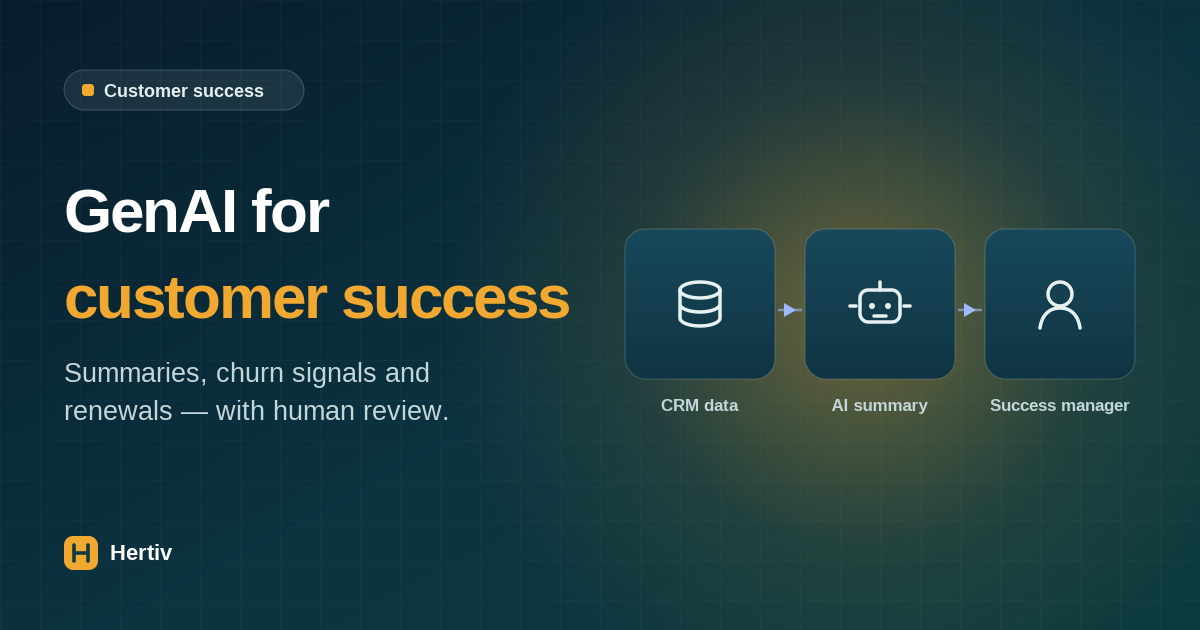
That is where generative AI fits. Given access to CRM records, support history, product usage and call transcripts, a model can produce a first draft in seconds. The CSM reviews, edits and sends. The value is time recovered and consistency, not autonomous relationship management.
Which customer success workflows are worth automating first?
Start with workflows that are repetitive, text-heavy and already have a human review step. Those give value without exposing you to the risk of an unsupervised model talking to a customer.
| Workflow | What it does | Data needed | Effort |
|---|---|---|---|
| Account summary | Condenses CRM, tickets and notes into a one-page brief | CRM, support, call notes | Low |
| Health-score explanation | Explains why an account moved up or down | Usage, tickets, billing | Medium |
| Renewal prep | Drafts a renewal brief with risks and open items | CRM, contracts, tickets | Medium |
| QBR draft | Produces a first-pass QBR deck outline | Usage, outcomes, notes | Medium |
| Churn-risk digest | Summarises at-risk accounts for the CS lead | Usage, sentiment, tickets | Medium |
| Check-in email draft | Suggests a personalised message per account | CRM, recent activity | Low |
| Expansion signal summary | Flags accounts showing growth patterns | Usage, support history | Medium |
| Onboarding plan draft | Builds a tailored onboarding checklist | Contract, product config | Low |
The low-effort items are the right starting point. Health scoring and churn prediction need clean data before generative AI adds much, because the model can only explain what the underlying signals show.
How does retrieval over your own data change the output?
A general-purpose model knows nothing about your accounts. Retrieval-augmented generation (RAG) feeds it the relevant records at request time, so the output reflects real data rather than plausible guesses.
For customer success, RAG typically pulls from the CRM, the support desk, the product analytics warehouse, call-recording transcripts and the contract store. The model receives the subset relevant to one account and writes from that. This is the same pattern used in support assistants, and it is well understood by teams building AI agents for customer support.
What matters in practice:
- Freshness. Stale CRM data produces confidently wrong summaries. Sync on a schedule the CSM can trust.
- Source attribution. Every claim should trace back to a record the CSM can open.
- Access control. A CSM should only see accounts they own. The retrieval layer must enforce this, not the prompt.
What does a working setup look like end to end?
A working setup has four parts: data sources, a retrieval layer, a model with a constrained prompt and a human review step. Each part is boring on its own; the combination is what produces useful output.
Example (hypothetical): a B2B software company has 300 mid-market accounts. The CS team builds a daily job that pulls each account's usage, open tickets and last three call summaries into a prompt. The model writes a short brief with a risk line and a suggested next action.
CSMs spend an estimated fifteen minutes per account per week on this manually; the brief cuts that to a review, which the team measures after rollout rather than assuming. The intent is not to save a specific number of hours but to free CSM time for calls.
The rollout usually runs through generative ai integration into the CRM and support tools the team already uses, rather than a new standalone app nobody opens.
How should you prioritise the first use case?
Pick one workflow, one team and one success measure. Broad rollouts fail because nobody can tell which change caused the result.
- List the recurring writing tasks. Ask CSMs which text they write most often; the top three are your candidates.
- Check data readiness. If the workflow depends on data you do not collect or trust, fix that first or pick another workflow.
- Confirm the review path. Decide who reads the draft before it reaches a customer, and build that step into the tool.
- Set a baseline. Measure the current time spent and the current output quality before you launch.
- Run for a fixed period. Four to six weeks on one team gives enough signal to decide whether to expand.
If you need a scoped starting point, a short ai proof of concept on one workflow is usually cheaper than a broad pilot.
What are the risks and common mistakes?
The main risks are wrong facts in drafts, leaked sensitive data and promises the company cannot keep. All three are manageable with process, not just better models.
Common mistakes:
- Sending without review. A model that invents a feature or a discount can cost you the account. Keep a human in the loop for anything customer-facing.
- Ignoring access control. Retrieve only the accounts the user is entitled to see, enforced at the data layer.
- Building on dirty CRM data. Summaries of bad records are bad summaries.
- Skipping the baseline. Without it you cannot show the work was worth it.
- Over-automating tone. Customers notice when their CSM stops writing like a person. Use AI to draft, not to impersonate.
A governance review before launch, covering data handling and logging, prevents most of these issues. See our work on ai governance for a practical checklist.
How do you measure whether it is working?
Measure the workflow, not the model. The question is whether CSMs save time and whether account coverage improves.
Useful measures:
- Time per account brief or renewal prep, before and after.
- Percentage of drafts sent with only minor edits.
- Number of accounts each CSM can cover with the same quality of attention.
- Renewal and churn outcomes, tracked over a long enough period to mean something.
- CSM satisfaction with the tool; if they ignore it, it is not working.
Avoid vanity metrics like number of prompts or tokens consumed. They say nothing about whether the customer experience improved.
If results are unclear after the pilot, the cause is usually data quality or unclear review ownership rather than the model. Both are fixable without changing vendors.
Key takeaways
- Highest-value CS use cases: account summaries, health-score explanations, renewal prep and QBR drafts.
- Generative AI drafts and summarises; it should not send customer-facing messages unsupervised.
- Retrieval over your CRM, support tickets and call notes matters more than model choice.
- Start with one workflow and a measurable baseline before expanding.
- Watch data access, PII handling and hallucinated commitments in renewal or pricing contexts.
Frequently asked questions
Is generative AI a replacement for customer success managers?
No. It removes the reading and drafting work around accounts. The relationship, judgement and negotiation stay with the CSM. Teams that try to remove the human step tend to see worse customer outcomes, not better.
What data do I need before starting?
At minimum, a CRM with current account ownership, support ticket history and some form of product usage data. Call transcripts help but are optional for a first workflow. Clean ownership records matter more than volume.
Can it predict churn accurately?
Generative models do not predict churn on their own. They explain and summarise signals from a predictive model or rules engine. Churn prediction quality depends on the underlying data and modelling, not the language model.
How long does a first workflow take to ship?
A single reviewed workflow, such as an account summary, is typically a few weeks of engineering once data access is in place. Data plumbing is usually the longer part, and the estimate varies by system complexity.
What about customer data privacy?
Retrieval should enforce per-user access, and prompts should send only the records the task needs. Logging and retention policies apply as with any customer data system. Review vendor terms before sending personal data to a hosted model.
Should we build or buy?
Buy if your need matches an existing CS platform feature and your data lives there. Build when the workflow is specific to your product or your data is spread across systems. Many teams build the retrieval layer and use a hosted model.


