Flutter vs Native Development: Which Fits Your App?
Flutter builds one app from a single codebase, while native builds separate apps per platform. The choice comes down to budget, performance and device-specific work.
On this page
Short answer
Flutter is a framework that builds iOS and Android apps from one codebase, while native development builds each app separately with the platform's own language and tools. Flutter is usually faster and cheaper for most apps, while native fits apps that need deep device features, top performance or a fully platform-specific feel.
What is Flutter, and what is native development?
Flutter is a framework from Google that builds apps for iOS and Android from a single codebase, written in the Dart language. One team writes the screens, the logic and the design once, and the framework draws the interface itself on each platform.
Native development means building each app with the platform's own tools: Swift and Xcode for iOS, Kotlin and Android Studio for Android. Each app is written separately, uses the platform's own interface components, and follows the platform's own design rules.
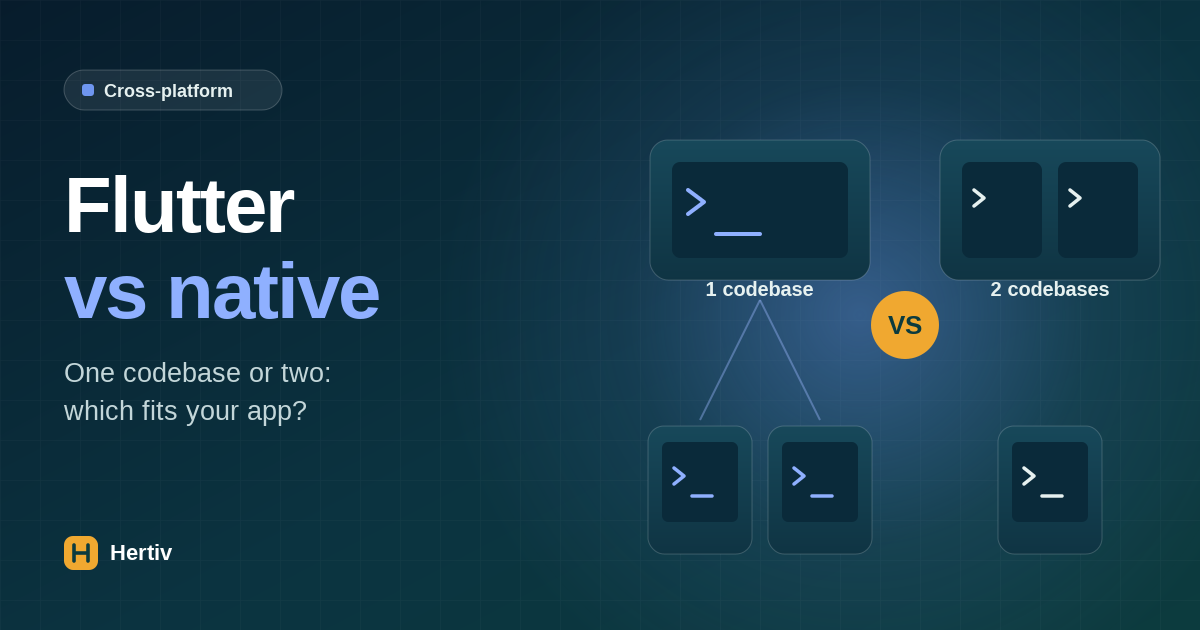
The key difference is not the language, it is how many codebases you maintain. With Flutter there is one codebase to write, test and fix. With native there are two, which means two sets of bugs, two release cycles and two teams or one team doing the work twice.
Both approaches produce real apps that users install from the same stores. The choice is about trade-offs, not about one being right for every product, and the right answer depends on what the app must do.
How do Flutter and native apps differ?
Flutter and native apps differ mainly in how much code they need, how close they sit to the device, and how they look and feel. Flutter shares most of the work across platforms, while native gives each platform its own app.
| Area | Flutter | Native |
|---|---|---|
| Codebase | One shared codebase | Two separate codebases |
| Language | Dart | Swift for iOS, Kotlin for Android |
| Performance | Fast for most apps | Best for heavy graphics and video |
| Device features | Through plugins, some lag behind | Direct access on release day |
| Look and feel | Drawn by Flutter, consistent | Platform components, fully familiar |
| Hiring | One team, smaller pool | Two skill sets, larger pool |
| Maintenance | One fix covers both apps | Each fix is made twice |
Performance is the area where the gap is smallest for ordinary apps. A list, a form or a checkout screen runs well in either approach. The gap shows up in apps with heavy animation, video processing or large data sets, where native code has less work between the app and the device.
Device features are the other real difference. When Apple or Google release a new capability, native developers can use it at once, while Flutter teams wait for a plugin or write their own bridge. For most apps that wait is short, but for an app built around a brand-new feature it can matter.
When should you choose Flutter?
You should choose Flutter when the app must reach both platforms quickly, the budget is limited, and the features are standard: lists, forms, maps, payments and notifications. Most consumer and business apps fit this shape.
Flutter also fits teams that need to move fast and change often. One codebase means one change, one test run and one release process, so a small team can ship and iterate without doubling every task. Startups and first versions of products benefit most from that speed.
A third case is a product with a strong custom design. Because Flutter draws its own interface, a design that looks the same on both platforms is easier to build than in native, where each platform has its own components. For a brand-led product, that consistency is a real advantage. Teams that want that speed often start with mobile app development in Flutter and add native code only where it is needed.
When should you build native?
You should build native when the app depends on deep device features, top performance, or a fully platform-specific feel. A video editor, a 3D game or an app that uses the newest camera and sensor features will be easier to build natively.
Native also fits when hiring matters most. More developers know Swift and Kotlin than Dart, more training material exists, and more contractors can be found quickly. For a team that must grow fast, that is a real advantage.
Regulated and long-lived products are another case. An app that must follow each platform's accessibility and design rules closely, or that will be maintained for many years by changing teams, benefits from using the platform's own tools. Custom software development for such products often stays native for exactly that reason.
Can you use Flutter and native code together?
Yes, and many teams do exactly that. A Flutter app can call native code for the parts that need it, and a native app can embed Flutter screens for the parts that are shared. The two approaches are not a hard choice.
A common path is to build most of the app in Flutter and write native modules only for the features that need direct device access, such as a custom camera flow or a background service. That keeps the shared codebase while removing the one thing that would have forced a native build.
- Build the shared screens in Flutter. Lists, forms, settings and checkout are the same on both platforms.
- List the device-specific features. Decide which ones truly need native code and which can use a plugin.
- Write thin native modules. Keep each module small and focused on one job, so it is easy to test.
- Agree on the boundary. Write down which parts are Flutter and which are native, so new developers do not guess.
The risk to watch is a codebase where nobody knows which part should be written where. A short written rule prevents that drift, and it also makes hiring clearer, because the team knows which skills it needs.
Example (hypothetical): the same feature in both
Example (hypothetical): a team builds a booking feature with a calendar, a list of time slots and a payment step. In Flutter, the shared screens take 400 hours and the platform-specific work takes 120 hours, which is 400 plus 120, or 520 hours in total.
Built natively, the iOS version takes 480 hours and the Android version takes 480 hours, which is 480 plus 480, or 960 hours in total. The difference is 960 minus 520, which is 440 hours saved by sharing the work.
The numbers are invented to show the arithmetic, not a real measurement. The point is that the saving comes from sharing screens and logic, not from writing faster. If the feature needed heavy native work on both platforms, the gap would shrink, and that is the calculation a team should do before choosing.
What are the common mistakes?
The most common mistakes start with choosing on cost alone, assuming Flutter removes the need for native skills, and ignoring the design rules of each platform.
- Choosing on cost alone. Flutter is cheaper to build, but an app that needs deep device features will pay the difference back in workarounds.
- Assuming no native skills are needed. Most real Flutter apps still need some native code, for plugins, permissions and store setup.
- Ignoring platform design rules. An app that looks the same everywhere can still feel wrong on a platform if it breaks that platform's habits.
- Skipping performance testing. A Flutter app that runs well on a new phone can still struggle on older devices, so test on the phones your users actually own.
- Mixing without rules. Flutter and native code in one project without a written boundary becomes hard to maintain.
How do you decide between Flutter and native?
You decide by the work, not by the trend. If the work is a standard app for both platforms on a limited budget, pick Flutter. If the work is a performance-heavy app or one built around new device features, build natively.
Ask the team three questions: what features will the app have in a year, who will maintain it, and which devices must it run well on? The answers point to the approach that fits, and they also show when a mix of both is the honest answer.
Whatever you pick, write the decision down with its reasons. A team that can explain why it chose Flutter or native can revisit the choice later, instead of arguing about it every time a new feature is planned. For a first version, an MVP built in Flutter is often the fastest way to learn what users actually want.
Key takeaways
- Flutter builds iOS and Android apps from one shared codebase
- Native builds each platform separately, with direct access to device features
- Flutter is usually faster and cheaper for standard apps with screens and forms
- Native fits performance-heavy apps and products built around new device features
- The two can be mixed: Flutter screens with native modules where they are needed
Frequently asked questions
Is Flutter good for large apps?
Yes, for most large apps, because the shared codebase keeps the work in one place. Very large apps with heavy graphics or deep device use may still need native modules for the demanding parts, while the rest stays in Flutter.
Does Flutter perform as well as native?
For ordinary screens such as lists, forms and checkout, users cannot tell the difference. Native has an edge in heavy animation, video processing and large data sets, where it sits closer to the device.
Is Dart hard to learn?
No, most developers can read Dart within days and write it within weeks, because it shares ideas with Java, JavaScript and Swift. The main learning is Flutter's widget model, which a short team guide can cover.
Can I switch from Flutter to native later?
Yes, but it is a rewrite of the interface layer, not a small change. It is cheaper to decide well at the start, and to use native modules inside Flutter when one feature needs them, than to rebuild the whole app.
Do Flutter apps look the same on iOS and Android?
By default they do, because Flutter draws its own interface. Teams can adapt the design per platform, but most keep one consistent look, which suits brand-led products and keeps the work in one codebase.
Which is better for a startup MVP?
Flutter is usually the better pick for a startup MVP, because one team ships to both platforms and changes cost half as much. That speed matters more than the performance edge of native for a first version.


