Flutter Alternatives Worth Comparing for Your Next App
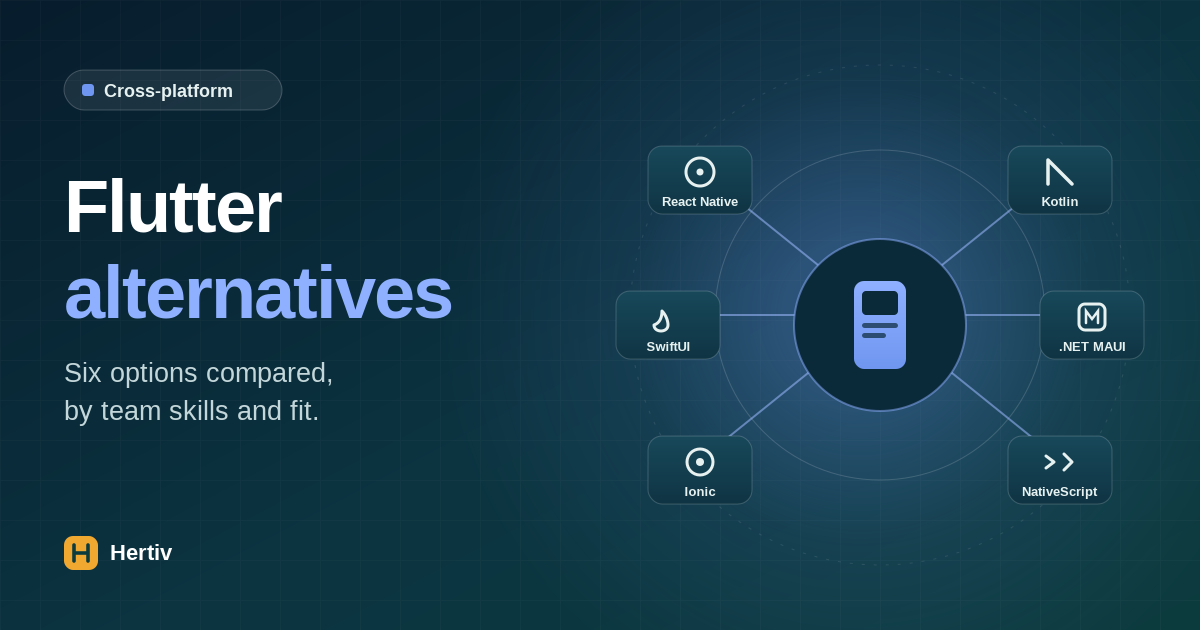
Flutter is strong, but six alternatives fit different teams better: React Native, Kotlin Multiplatform, SwiftUI, .NET MAUI, Ionic and NativeScript.
On this page
Short answer
Flutter is not the only cross-platform choice. React Native suits web teams, Kotlin Multiplatform shares logic with native interfaces, SwiftUI fits Apple-only products, .NET MAUI fits Microsoft teams, Ionic fits web-first apps, and NativeScript gives native controls from JavaScript. The right pick follows your team and your product.
Which Flutter alternatives should you compare first?
Flutter is a strong choice for cross-platform apps, but it is not the only one. The alternatives worth comparing first are React Native, Kotlin Multiplatform, SwiftUI, .NET MAUI, Ionic and NativeScript, because each takes a different route to the same goal: one codebase reaching more than one platform.
Use the table to shortlist two or three, then build a small screen with each before you commit. A real screen tells you more about a framework than a feature list does.
| Framework | Language | Platforms | Best for |
|---|---|---|---|
| React Native | JavaScript / TypeScript | iOS, Android, web | Teams with web skills |
| Kotlin Multiplatform | Kotlin | iOS, Android, desktop | Sharing logic, native UI |
| SwiftUI | Swift | iOS, macOS, watchOS | Apple-only products |
| .NET MAUI | C# | iOS, Android, Windows, macOS | Microsoft-stack teams |
| Ionic | JavaScript / TypeScript | iOS, Android, web | Web-first apps |
| NativeScript | JavaScript / TypeScript | iOS, Android | Native UI from web code |
Flutter renders its own widgets, while most of these alternatives use native controls or a web view. That difference shapes how the app looks, how it behaves on each platform, and how much platform-specific work you will do.
<h3>1. React Native: best for teams with web skills</h3>
React Native lets you build mobile apps with JavaScript or TypeScript and React, using native components for the interface. It has the largest community of any cross-platform framework, which means more libraries, more hiring options and more answered questions when you get stuck.
It fits teams that already ship a web product in React, because the same people can work on both. The trade-off is that complex animations and heavy native modules still need platform code, so the share of truly shared code is lower than Flutter's for demanding apps.
What it does well:
- Large library ecosystem and a deep hiring pool
- Hot reload for fast iteration on screens
- Native components, so the app feels at home on each platform
Where it falls short:
- Native modules needed for advanced features
- Two codebases to maintain for platform-specific parts
- Upgrades across major versions can take real effort
Compare it head to head with Flutter in Flutter vs React Native before you pick.
<h3>2. Kotlin Multiplatform: best for sharing logic with native UI</h3>
Kotlin Multiplatform shares business logic, networking and data code between iOS and Android while each platform keeps its own native interface. You write the logic once in Kotlin and build the screens with SwiftUI on iOS and Jetpack Compose on Android.
It fits teams that want native quality on each platform but are tired of writing the same rules twice. The cost is that you still need iOS and Android skills for the interface layer, so it is not a single-team solution in the way Flutter is.
What it does well:
- Native interface on each platform, with no rendering layer in between
- Shared logic reduces duplicated bugs in rules and data handling
- Strong fit for apps with heavy offline or data work
Where it falls short:
- Still needs iOS and Android developers for the UI
- Smaller library ecosystem than React Native or Flutter
- Build tooling is still maturing in places
<h3>3. SwiftUI: best for Apple-only products</h3>
SwiftUI is Apple's own framework for building interfaces across iOS, macOS and watchOS. If your product will only ever run on Apple devices, it gives you the most direct access to new platform features, the best performance, and the interface style Apple users expect.
It is not a cross-platform framework in the Flutter sense, so it only counts as an alternative when Android is out of scope. For an Apple-only team it is usually the right default, and it pairs well with shared logic written in Swift.
What it does well:
- First-class access to new iOS features on release day
- Declarative syntax that keeps interface code short
- Strong tooling inside Xcode, including live previews
Where it falls short:
- No Android or web support at all
- Older iOS versions limit which features you can use
- Complex custom layouts can still need UIKit knowledge
<h3>4. .NET MAUI: best for Microsoft-stack teams</h3>
.NET MAUI is Microsoft's framework for building apps for iOS, Android, Windows and macOS from one C# codebase. It suits teams that already build in .NET, because they can reuse libraries, skills and tooling from their backend and desktop work.
It renders native controls on each platform, so apps look and behave like platform apps. The community is smaller than React Native's, and some libraries lag behind, so check that the specific packages you need exist before you commit.
What it does well:
- One C# codebase across mobile and desktop
- Native controls on every platform
- Strong fit for enterprise apps with Windows users
Where it falls short:
- Smaller community and fewer third-party libraries
- Some controls need platform-specific tuning
- Release cadence follows Microsoft's schedule, not yours
<h3>5. Ionic: best for web-first apps</h3>
Ionic builds mobile apps from web technology: HTML, CSS and JavaScript, wrapped so they run on a phone. If your team already ships a web app, Ionic lets you turn it into a mobile app with the least new learning, and the same code can also serve the web version.
The trade-off is performance and feel. Web views are fine for content and form-heavy apps, but they struggle with the smooth gestures and animations users expect in media or gaming apps. For a booking, directory or content app, that trade-off is often acceptable.
What it does well:
- Fastest path from an existing web app to a mobile app
- One codebase for web, iOS and Android
- Large set of ready-made interface components
Where it falls short:
- Web-view performance limits for animation-heavy apps
- Less native feel than Flutter or React Native
- Plugins needed for deeper device access
Ionic is often compared with Flutter on the same shortlist; see Ionic vs Flutter for the direct comparison.
<h3>6. NativeScript: best for native UI from web code</h3>
NativeScript lets JavaScript and TypeScript developers build apps that use truly native interface components, without a web view. You write the logic once and the framework maps it to native controls on iOS and Android, so the app looks like a platform app.
Its community is smaller than React Native's, which means fewer ready-made libraries and a thinner hiring pool. It fits teams that know Angular or plain TypeScript well and want native controls without learning Dart or Swift.
What it does well:
- Native interface components, not a web view
- Direct access to native APIs from JavaScript
- Good fit for Angular teams
Where it falls short:
- Smallest community of the six on this list
- Fewer third-party plugins than React Native
- Harder to hire for than the bigger frameworks
How to choose a Flutter alternative
Choose by team skills and product shape, not by framework popularity. A framework your team already knows will ship faster than a better framework they have to learn from scratch.
- List the platforms you must support in the first year, and drop any framework that cannot cover them.
- Check your team's skills: web skills point to React Native or Ionic, .NET skills point to MAUI, Kotlin skills point to Kotlin Multiplatform.
- Build the same two screens in your top two choices and compare build time, app size and feel on a real device.
- Check the libraries you need exist: payments, maps, push notifications and offline storage are the usual deal-breakers.
- Ask who will maintain it in two years: hiring pool and upgrade effort matter as much as the first release.
If your app needs heavy custom animation or a pixel-perfect design across platforms, Flutter itself is hard to beat. The alternatives win when team skills, native feel or an existing codebase point elsewhere. For background on what Flutter itself covers, see what is Flutter.
What are the common mistakes?
The most common mistakes are picking a framework for its demo, ignoring the libraries you need, and assuming one codebase means zero platform work.
- Choosing on a hello-world demo. Every framework looks fast on a simple screen. Test with your hardest screen instead.
- Skipping the library check. A missing payments or maps library can cost more than the framework choice saves.
- Expecting zero native code. All six options need some platform work for advanced features, so budget for it.
- Ignoring app size and startup time. Users notice a slow first launch; measure it on a low-end device.
- Locking in before a prototype. Two weeks with a real screen in two frameworks is cheaper than a rewrite.
Key takeaways
- React Native has the biggest community and fits teams with web skills.
- Kotlin Multiplatform shares logic while each platform keeps a native interface.
- SwiftUI is the best pick when Android is out of scope.
- .NET MAUI fits Microsoft-stack teams building for mobile and desktop.
- Ionic is the fastest route from an existing web app to a mobile app.
- Prototype your hardest screen in two frameworks before committing.
Frequently asked questions
What is the best Flutter alternative?
There is no single best alternative. React Native fits most web teams, Kotlin Multiplatform fits teams that want native interfaces with shared logic, and .NET MAUI fits Microsoft-stack teams. Shortlist by your team's skills and the platforms you must support, then prototype before deciding.
Is React Native better than Flutter?
Neither is better in general. Flutter gives more control over the interface and a single rendering layer, while React Native gives native components and a larger community. React Native wins when your team already knows React; Flutter wins when you need pixel-perfect design across platforms.
Can Kotlin Multiplatform replace Flutter?
It can replace the shared-logic part, but not the single-interface part. Kotlin Multiplatform shares business logic while each platform keeps its own native interface, so you still need iOS and Android interface skills. It fits teams that value native feel over one shared interface.
Is Ionic good enough for a real app?
Yes, for content, booking and form-heavy apps. Ionic apps run in a web view, which is fast to build from an existing web app. It is a poor fit for animation-heavy or media-heavy apps, where native rendering matters more.
Does SwiftUI work on Android?
No. SwiftUI only targets Apple platforms: iOS, macOS, watchOS and tvOS. If your product needs Android, SwiftUI is not an alternative to Flutter at all; pick a cross-platform framework instead.
How much platform code will I still write?
Some, with every option on this list. Payments, maps, push notifications and advanced animations usually need platform-specific work. Budget for it in your plan rather than assuming one codebase means zero native code.


