What Is ERP Accounting Software and How Does It Work?
ERP accounting software keeps the ledger, payables and receivables in one system. Here is what it covers and when it beats a standalone tool.
On this page
Short answer
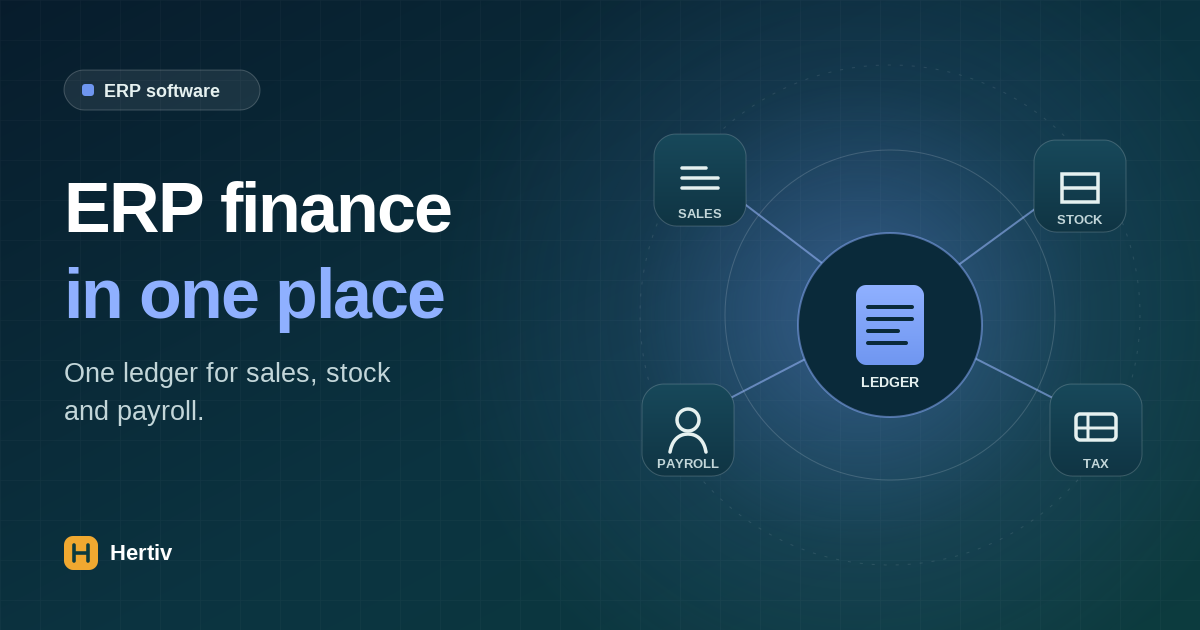
ERP accounting software is the finance module of an enterprise resource planning system: it records every sale, purchase, payment and payroll entry in one shared ledger instead of separate tools. Because sales, stock, purchasing and HR post to the same accounts, the books stay in step with operations and month-end close is faster.
What is ERP accounting software?
ERP accounting software is the finance and accounting module inside an enterprise resource planning (ERP) system. It holds the general ledger, payables, receivables, fixed assets and tax, and it shares one database with the other ERP modules such as sales, purchasing, stock and payroll.
When a sale is invoiced, stock is received or a salary run is posted, the accounting entries are created at the same time. There is no nightly export between systems and no second copy of the numbers to reconcile. The finance team works from the same records as the rest of the business.
Small businesses usually start with standalone accounting software and add other tools around it. ERP accounting fits larger companies that have outgrown that shape: several departments, more than one location or warehouse, and transactions that cross teams. The accounting module is where all of that activity lands as financial records.
What does the accounting module cover?
The accounting module covers the full record-to-report cycle, from the first transaction to the financial statements. Each part below is a sub-ledger or function inside the same system.
| Function | What it records | Who uses it |
|---|---|---|
| General ledger | Every transaction, chart of accounts, journals | Finance team |
| Accounts payable | Supplier invoices, payments, expense claims | Finance, procurement |
| Accounts receivable | Customer invoices, receipts, credit notes | Finance, sales |
| Fixed assets | Equipment, depreciation, disposals | Finance, operations |
| Tax | VAT or GST, withholding, tax returns | Finance, tax adviser |
| Cash and bank | Bank feeds, reconciliations, cash forecasts | Finance, treasury |
| Budgeting | Budgets, forecasts, variance reports | Finance, managers |
Most ERP systems also link these functions to stock valuation, project costing and payroll. A stock receipt updates inventory value and the ledger together, so the balance sheet reflects what the warehouse actually holds.
How is ERP accounting different from standalone accounting software?
Standalone accounting software is built to do one job well: keep the books for a small business. ERP accounting is built to keep the books for a whole company, with the finance data connected to everything else the company does.
| Point | Standalone accounting software | ERP accounting software |
|---|---|---|
| Scope | Ledger, invoicing, tax | Ledger plus sales, stock, HR, projects |
| Data flow | Manual entry or imports | Entries posted by other modules |
| Users | Finance team only | Finance plus operations and sales |
| Cost | Low monthly fee | Higher licence and implementation cost |
| Setup time | Days | Weeks to months |
The trade-off is complexity. A standalone tool can be learned in a day; an ERP needs configuration, training and someone to own the chart of accounts. Companies usually move when the workarounds cost more than the system: spreadsheets bridging tools, month-end taking weeks, or stock and sales figures that never agree.
If the business is small and the books are simple, standalone software is the better choice. ERP accounting earns its place when finance work is spread across departments and the same transaction needs to appear in several places at once. The cost of ERP software development is a separate question worth pricing before committing.
How do the modules share data?
The modules share data because they post to the same tables. A sales order, a goods receipt and a payroll run are not copied into accounting; each one creates ledger entries as part of its own workflow.
A typical flow runs like this. Sales raises an invoice, which posts revenue and a receivable. The warehouse ships the goods, which reduces stock value and posts cost of goods sold. Purchasing receives supplier stock, which posts a payable and increases inventory. Payroll posts salaries, tax and benefits to the ledger in one run.
Because the entries share one source, a manager can drill from a profit-and-loss line down to the invoice or stock movement behind it. That traceability is the main reason auditors and finance directors prefer a single system over a set of connected tools.
Shared data also means shared mistakes: a wrong price or a mis-coded item spreads to the ledger automatically. That is why ERP projects spend so much time on master data — customers, suppliers, items and tax codes — before the first transaction is posted.
What should you check before choosing ERP accounting software?
Choosing ERP accounting software is mostly about fit, not features. Most products cover the same ledger functions; the differences sit in localisation, reporting and how much configuration your team can handle.
- Tax and reporting rules. Check that the system handles the tax rules and statutory reports for every country you operate in, not just your home market.
- Multi-entity support. If you run several companies or branches, confirm the system consolidates them and handles intercompany transactions.
- Approval workflows. Invoices, journals and payments usually need approval steps. Check they are built in rather than added later.
- Reporting. Ask to see a trial balance, an aged payables report and a budget variance report built from your own chart of accounts.
- Migration. Plan how opening balances, customer and supplier records and historical transactions will move across, and who checks them.
- Support model. Find out who answers when the close is blocked: the vendor, a partner, or your own team.
Run the shortlist against real transactions from your business, not a demo dataset. A system that handles your messiest invoice, your longest approval chain and your most unusual tax case is the one that will survive month-end.
Example (hypothetical): a wholesaler closes the month
Example (hypothetical): a wholesale distributor with 40 staff moves from separate accounting and stock tools to an ERP. In the old setup, month-end took 12 working days: finance waited for stock counts, re-keyed supplier invoices and chased sales for missing delivery notes.
After the move, each sale, receipt and payment posts to the ledger as it happens. The stock count at month-end is a check, not a rebuild. The close takes 4 working days, saving 8 days a month, or about 96 working days a year across the team.
The arithmetic is straightforward: 12 days minus 4 days is 8 days saved per month, and 8 times 12 months is 96 days. The saving comes from removing re-keying and reconciliation, not from working faster. The finance team spends the freed time on credit control and margin checks instead.
What are the common mistakes?
The most common ERP accounting mistakes are about data and process, not software choice. Teams underestimate the clean-up and then blame the system for the mess it inherited.
- Migrating dirty master data. Duplicate suppliers, old customers and wrong tax codes carry straight into the new ledger.
- Copying old processes. Rebuilding spreadsheet workarounds inside the ERP wastes the integration you paid for.
- Skipping approval design. If nobody agrees who approves what, invoices stall and staff route around the system.
- Weak cut-off discipline. Late invoices and backdated entries keep the close open long after month-end.
- No owner for the chart of accounts. Without one owner, new accounts appear for every exception and reporting breaks down.
Building the system is a separate decision from running it. If you are scoping the work, how to build an ERP system covers the project shape.
If your business is still small enough for a standalone tool, the best cloud bookkeeping software list is the right comparison.
Key takeaways
- ERP accounting software is the finance module of an ERP system, sharing one ledger with sales, stock and payroll
- Every transaction posts to the ledger as it happens, so the books match operations without re-keying
- The module covers the general ledger, payables, receivables, fixed assets, tax, cash and budgeting
- It fits larger companies better than standalone accounting tools, which suit smaller, simpler books
- Clean master data and agreed approval steps matter more than the product chosen
- A disciplined close can cut month-end from weeks to days once re-keying disappears
Frequently asked questions
What is the difference between ERP and accounting software?
Accounting software keeps the books for a business. ERP accounting software is the finance module inside a larger system that also runs sales, purchasing, stock and payroll, with all modules posting to one shared ledger.
Does ERP accounting replace bookkeeping software?
For the companies that need it, yes: the ERP handles invoicing, payables, receivables and tax in one place. Smaller businesses usually get better value from standalone bookkeeping software, which is cheaper and faster to set up.
Can ERP accounting handle multiple companies?
Most ERP systems support several companies, branches or currencies, and can consolidate their results. Check intercompany transactions and local tax rules for each country before choosing, since support varies by product.
How long does it take to set up ERP accounting?
A small implementation can take weeks; a larger one with several modules and data migration can take months. The slowest part is usually cleaning master data and agreeing the chart of accounts, not installing the software.
Is ERP accounting software only for large companies?
No, but it fits larger companies best. Mid-sized companies with several departments, warehouses or entities are the usual buyers. A business with one team and simple books will move faster with standalone accounting software.
What does ERP accounting cost?
Costs vary widely by product, users and implementation scope, and vendors usually quote per project. Ask for the licence, implementation, training and annual support costs together, since the licence alone is only part of the total.


