Enterprise Generative AI Platform: What It Is and How to Choose One
An enterprise generative AI platform brings models, retrieval, guardrails and monitoring into one governed system. Here is what sits inside it and how to choose one.
On this page
Short answer
An enterprise generative AI platform is a governed system that gives a company's teams shared access to language models, retrieval over internal documents, safety checks and usage monitoring, all under one set of access controls and audit logs. It differs from a single model API or a point tool because it adds the plumbing every production use case needs: data connections, evaluation, guardrails and cost tracking.
What is an enterprise generative AI platform?
An enterprise generative AI platform is a shared system that lets many teams in a company build and run generative AI use cases under one set of controls. Instead of each team wiring up its own model, its own data and its own safety checks, the platform provides them once and every use case reuses them.
The table below shows how a platform differs from the two simpler options teams usually start with. A model API gives you a model and nothing else. A point tool solves one job well and cannot be reused. A platform is the option you pick when several teams need AI and you want the same rules to apply to all of them.
| What you need | Model API | Point tool | Platform |
|---|---|---|---|
| Access to models | Yes | Built in | Yes, several |
| Your own documents | You build it | Limited | Built in |
| Safety checks | You build them | Vendor's | Shared rules |
| Usage and cost tracking | Basic | Vendor's | Per team and use case |
| Reuse across teams | Low | None | High |
A platform is not a product you buy and switch on. It is a combination of software, data connections and operating rules, and the operating rules matter as much as the software. A platform with no rules about which data a model may see is just a shared API key with a nicer name.
What sits inside a platform?
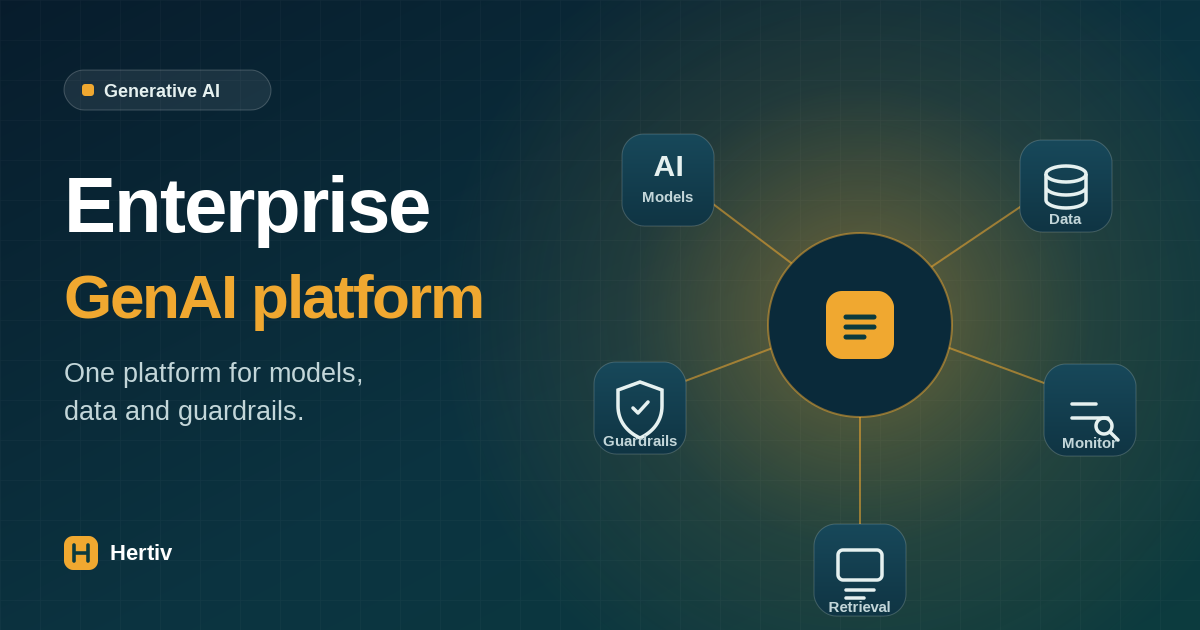
A platform has six parts, and each one answers a question a production use case will ask sooner or later. The model layer provides access to one or more language models, with a way to switch models without rewriting every use case. Retrieval connects the models to internal documents, so answers are grounded in company content rather than general knowledge.
The prompt and template library holds the tested prompts and instructions each use case relies on, versioned like code. Guardrails check inputs and outputs for banned content, personal data and off-topic requests, and they block or flag what fails. Orchestration chains steps together, so a request can search documents, draft an answer and file a ticket without a person doing each step by hand.
The last part is observability: logs of every prompt, answer and human decision, plus cost tracking per team and per use case. Without it, nobody can say which use case works, which one costs the most, or what went wrong when an answer is bad. For the vendor shortlist, see enterprise generative AI platforms worth a shortlist.
How is a platform different from a chatbot?
A chatbot is one use case; a platform serves many. A chatbot answers questions in a chat window. A platform can power that chatbot, and also a document summariser, a code assistant, a meeting-notes tool and a drafting helper, all drawing on the same models, the same document index and the same safety rules.
The difference shows up in governance. With separate tools, each team sets its own rules about data access, logging and review, and those rules drift. With a platform, the rules are set once and apply everywhere, so a document tool cannot quietly access data the chatbot is barred from.
That does not mean every company needs a platform. A single team with one use case is usually better served by a point tool or a model API. A platform earns its keep when three or more teams want AI, or when one use case touches sensitive data and needs controls that a point tool cannot provide.
How do teams roll out a platform?
Teams roll out a platform in stages, starting with one or two use cases rather than a company-wide launch. The stages below keep the work small enough to learn from while the controls are still being built.
- Pick one or two use cases. Choose work where a human already reviews the output, such as support replies or document summaries.
- Connect the data. Index the documents the use cases need, and set permissions so the model only sees what the user may see.
- Set the guardrails. Decide what the system must block, what it must flag, and who reviews flagged answers.
- Run a pilot with a small group. Give the use case to a dozen users, collect an evaluation set of real cases, and fix what fails.
- Measure, then expand. Track time saved, error rate and cost per use case, and add the next team only when the first one is stable.
The most common error is to start with the platform instead of the use case. A team that buys or builds the full platform before anyone has a working use case ends up with impressive plumbing and no water. One working use case with real users teaches more about what the platform needs than months of planning. The IT angle is covered in a generative AI platform for IT.
What does governance look like on a platform?
Governance on a platform is mostly about who can see what and who can prove what happened. Access control ties the model to the company's identity system, so a user can only retrieve documents they already have permission to read. Data rules decide which documents are indexed at all, and which are kept out because they hold personal or regulated information.
Logging is the part teams underestimate. Every prompt, retrieved document, generated answer and human decision should be recorded, because that record is what lets you answer three questions after something goes wrong: what did the user ask, what did the model see, and what did it answer. Without logs, a bad answer is a mystery instead of a bug you can fix.
Evaluation is the other half. Each use case needs a fixed set of real cases with known good answers, run regularly, so quality is measured rather than guessed. A use case whose evaluation scores fall should be paused, not left running while the team debates whether it is really getting worse. The end-to-end build is covered in how to implement generative AI.
Example (hypothetical): a support team measures the return
Example (hypothetical): a support team of 60 agents handles 900 tickets a day. The platform drafts answers for 600 of them, grounded in the help centre. An agent reviews each draft in 2 minutes instead of writing a reply from scratch in 8 minutes, so each drafted ticket saves 6 minutes.
The arithmetic adds up: 600 drafts times 6 minutes saved is 3,600 minutes, or 60 hours a day across the team. That is the gross saving. The team also spends 30 minutes a day reviewing flagged answers and 2 hours a week maintaining the document index, so the net saving is still close to 55 hours a day.
The team uses those numbers to decide what to build next. A use case that saves 60 hours a day gets a second team; one that saves 2 hours a day does not. The platform's cost tracking makes the comparison honest, because it shows the model and retrieval cost per use case next to the time saved.
What are the common mistakes?
The most common mistakes with enterprise generative AI platforms come from treating the platform as the goal instead of the use cases it serves. A platform is infrastructure, and infrastructure without users is just cost.
- Building the platform before the first use case. Start with one working use case and let it shape what the platform needs.
- Indexing everything. Documents the model should never see will eventually be retrieved; index only what a use case needs.
- No evaluation set. Without fixed test cases, quality debates are anecdotal and regressions go unnoticed.
- Skipping the human review step. Drafts that reach customers unchecked will eventually contain a wrong answer with your name on it.
- Tracking usage instead of outcomes. A thousand prompts a day means nothing if nobody can say what they saved or improved.
A platform succeeds when teams stop talking about it and start talking about the use cases it runs. If a year passes and the platform is still the project, the use cases were never the point.
Key takeaways
- A platform is shared infrastructure for many use cases, not one tool.
- Retrieval, guardrails and logging matter as much as the model.
- Roll out one use case first and let it shape the platform.
- Governance means access control, logs and a fixed evaluation set.
- Measure time saved and cost per use case, not prompt counts.
Frequently asked questions
What is the difference between a platform and a model API?
A model API gives you a model and nothing else. A platform adds retrieval over your documents, guardrails, orchestration, logging and cost tracking under one set of controls for every team.
Do small companies need an enterprise generative AI platform?
Usually not. One team with one use case is better served by a point tool or a model API. A platform earns its keep when several teams need AI under the same rules.
What data does a platform need?
It needs the documents each use case relies on, indexed with the same permissions users already have. Only index what a use case needs, and keep regulated data out unless the rules allow it.
How long does it take to roll out a platform?
A first use case with a small pilot usually takes weeks when the data is ready. A full platform with several teams takes months, because governance and data connections take longer than model work.
How do you know if a platform use case is working?
Pick one outcome per use case, such as time saved, error rate or cost per case, and track it on a fixed evaluation set. Usage counts alone do not show whether the use case helps.
Can a platform use more than one model?
Yes, and most do. The model layer lets teams pick different models for different jobs and switch models without rewriting every use case, which also keeps vendor lock-in low over time.


