Enterprise Chatbots: What Makes One Enterprise-Grade?
An enterprise chatbot answers staff and customer questions inside a governed system: connected to company data, logged, and safe to use at scale.
On this page
Short answer
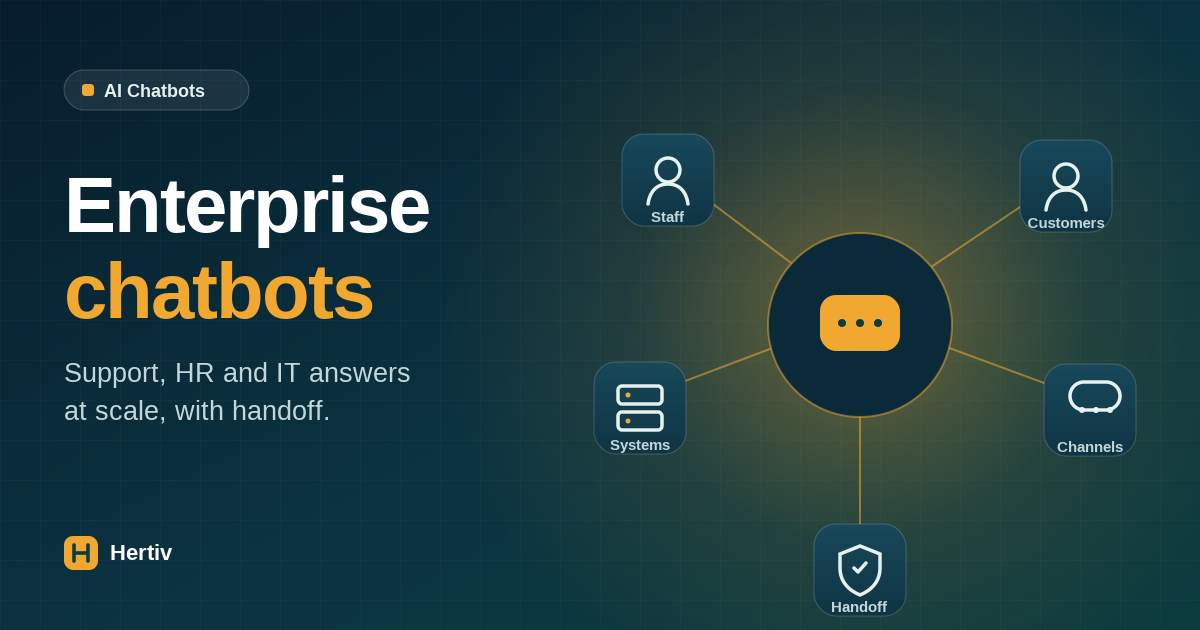
An enterprise chatbot is a conversational system built for a whole organisation rather than a single website: it answers questions from company systems, respects access permissions, logs every conversation, and works across channels such as chat, email and internal tools. What makes it enterprise-grade is not the model but the surrounding controls: data connections, identity checks, audit trails and a handoff to humans when it cannot answer safely.
What is an enterprise chatbot?
An enterprise chatbot is a chatbot built to serve a whole organisation, not just one website or one team. It answers questions from company systems, respects the same access permissions staff already have, and keeps a record of every conversation it has.
The table below shows what changes when a chatbot moves from a small website to an enterprise. The conversation looks similar on the surface, but everything behind it is different: data, identity, logging and the way it hands off to people.
| What changes | Small website chatbot | Enterprise chatbot |
|---|---|---|
| Answers from | A few FAQ pages | Knowledge base, CRM, HR and IT systems |
| Who can see what | Everyone sees the same | Answers follow user permissions |
| Record keeping | Basic chat logs | Full audit trail per conversation |
| Channels | Website chat | Chat, email, internal tools, phone |
| When it cannot answer | Shows a fallback message | Hands off to a person with context |
The word enterprise describes the deployment, not the technology. The same language model can sit behind a website widget and behind an enterprise chatbot. What differs is the data it can reach, the permissions it must respect, and the proof it leaves behind.
Where do enterprise chatbots work best?
Enterprise chatbots work best where questions repeat, answers live in systems the company already runs, and a wrong answer is caught before it causes harm. Customer support is the most common home: order status, returns, billing questions and appointment changes are high volume and well documented.
Inside the company, HR and IT are the next best fits. Staff ask the same questions about leave, expenses, benefits and password resets, and the answers sit in policies and tickets. A chatbot that answers those frees HR and IT staff for the cases that need judgement.
Sales support is a third fit. A chatbot can pull account details, contract terms and product information into a conversation so a salesperson does not have to open four systems before a call. The pattern is the same in each case: the chatbot's value comes from the systems it connects to, not from how clever its replies sound.
What does an enterprise chatbot need to connect to?
An enterprise chatbot needs three kinds of connection: knowledge, systems and identity. Knowledge is the content it answers from: help centre articles, policies, product documents and past tickets, kept current and free of duplicates.
Systems are the live data it reads and sometimes writes: order status from the shop, ticket status from the helpdesk, leave balances from HR, device status from IT. A chatbot that can only quote documents is a search box with a friendly face. One that can check a live order or file a ticket is doing real work.
Identity is the connection teams forget. The chatbot must know who is asking, so it can show a customer only their own orders and a staff member only the documents their role allows. That means single sign-on, role checks and permissions that match the source systems. For the platform shortlist, see AI chatbot platforms compared for enterprise teams.
How do teams roll out an enterprise chatbot?
Teams roll out an enterprise chatbot one use case at a time, starting with the questions people already ask most. The steps below keep the rollout small enough to learn from while the connections are still being built.
- Pick one question set. Choose a narrow set of repeat questions, such as order status or leave policy, with a clear owner.
- Clean the source content. Remove outdated and duplicate articles, because the chatbot will surface all of them if you do not.
- Connect identity first. Wire up sign-on and permissions before any live data, so the chatbot cannot leak what a user may not see.
- Build the handoff. Decide exactly when the chatbot passes a conversation to a person, and pass the full context with it.
- Run a pilot, then expand. Give it to a small group, collect real conversations, fix the failures, and add the next question set only when the first one is stable.
The handoff deserves more attention than teams usually give it. A chatbot that hands off badly, dropping the conversation history or sending the user to a dead queue, undoes the goodwill the good answers built. Test the handoff as carefully as the answers. The customer-support angle is covered in AI agents for customer support.
How do you measure whether it works?
Measure an enterprise chatbot by outcomes, not by how many people talked to it. The numbers that matter are resolution rate, handoff rate, time saved and whether users come back. Resolution rate is the share of conversations the chatbot finishes without a person. Handoff rate is the share it passes on, and a high handoff rate on one topic usually means the content for that topic is missing or wrong.
Time saved is the number that justifies the work. Compare how long a question takes with the chatbot against how long it took before, and count only the questions the chatbot actually resolved. A chatbot that answers in 30 seconds but hands off half its conversations has not saved as much as its chat count suggests.
Keep a fixed evaluation set: a list of real questions with known good answers, run regularly, so quality is measured rather than guessed. Also read a sample of real conversations every week. The evaluation set catches regressions; the sample catches the failures nobody thought to test for.
Example (hypothetical): an HR chatbot's first month
Example (hypothetical): a company with 800 staff launches an HR chatbot that answers leave, expenses and benefits questions. In its first month, staff ask 1,000 questions. The chatbot answers 600 of them directly, and hands off 400 to the HR team with the full conversation attached.
The arithmetic adds up: each answered question saves a staff member 10 minutes of searching policies and emails. That is 600 times 10 minutes, or 6,000 minutes, which is 100 hours in the month. The HR team also saves time, because the 400 handed-off questions arrive with context instead of starting from scratch.
The team then looks at the 400 handoffs and finds that 150 of them are about one topic: parental leave. The policy page for that topic is two years out of date, so the chatbot had nothing good to quote. Fixing one page is cheaper than retraining anything, and the next month's handoff rate falls. The chatbot did not fail on those questions; the content did.
What are the common mistakes?
The most common mistakes with enterprise chatbots come from launching too wide, too fast, with content nobody owns. A chatbot is only as good as the systems and documents behind it.
- Launching with every question at once. Start with one narrow question set and expand only when it is stable.
- Skipping identity. A chatbot that cannot tell users apart will eventually show someone data they should not see.
- No content owner. Policies and help articles go stale, and a chatbot will quote stale answers confidently.
- A bad handoff. Dropping conversation history when passing to a person makes users repeat themselves and stop trusting the bot.
- Measuring chats instead of resolutions. A thousand conversations mean little if half of them end in a handoff.
An enterprise chatbot earns trust one answered question at a time, and loses it faster. The teams that succeed treat the chatbot as a product with an owner, a content pipeline and a weekly review, not as a project that ends at launch. The finance angle is covered in AI chatbots use cases in finance.
Key takeaways
- Enterprise means governed: permissions, logs and handoffs, not just a model.
- Start with one narrow question set and a clear owner.
- Connect identity before live data, so answers follow permissions.
- Measure resolution rate and time saved, not chat counts.
- Stale content is the most common cause of bad answers.
Frequently asked questions
What is the difference between an enterprise chatbot and a normal chatbot?
An enterprise chatbot serves a whole organisation, answers from company systems, respects user permissions, keeps an audit trail and hands off to people with context. A normal chatbot usually answers from a few FAQ pages.
Do enterprise chatbots replace support staff?
No. They handle repeat questions and pass the rest to people with full context. The staff time saved goes to cases that need judgement, not to answering the same question again.
How long does it take to launch an enterprise chatbot?
A single question set with a small pilot usually takes a few weeks when the content is ready. Connecting live systems and identity takes longer than building the chatbot itself, so plan for that work first.
What data does an enterprise chatbot need?
It needs clean source content, access to the live systems it reads, and identity data so answers follow permissions. Only connect what the use case needs, and keep regulated data out unless the rules allow it.
How do you stop a chatbot giving wrong answers?
Ground answers in your own documents, keep an evaluation set of real questions, read a sample of conversations every week, and hand off to a person when confidence is low.
Can one chatbot serve customers and staff?
It can, but the permissions must stay separate. Customers see only their own data, staff see only what their role allows, and the two audiences need different content and handoffs.


