Why Enterprise Android App Development Is Worth the Investment
Enterprise Android apps put company systems, forms and approvals on the phones staff already carry. Here is what makes them different and how to build one.
On this page
Short answer
Enterprise Android app development builds Android applications for a company's staff, partners or customers, with the security, scale and system connections that business use demands. It replaces paper forms, phone calls and spreadsheets with an app that talks directly to company systems.
Why do enterprises need a dedicated Android app?
Enterprise Android app development is the process of building Android applications for a company's staff, partners or customers, with the security, scale and integration that business use demands. It differs from consumer app work because the app is part of how the company runs, not a product sold in a store.
A field team that files reports from job sites, a warehouse crew that scans stock, or a sales team that checks live pricing all need an app that works with company systems and company rules. A generic consumer app cannot do that job, because it has no link to internal data and no way to enforce who can see what.
Android is often the practical choice for these apps. The devices are widely available at many price points, the operating system supports managed work profiles, and companies can buy and enrol devices in bulk. For teams that already use Android phones, the app lands on hardware people already carry.
The decision is usually driven by a real cost: paper forms, phone calls and spreadsheets that slow a team down. When the same work happens inside an app that talks to the company's systems, the time saved shows up in the first month. The comparison with other routes is covered in native vs hybrid app development.
What makes an enterprise Android app different?
An enterprise Android app differs from a consumer app in who it serves, how it is distributed and how it is controlled. The audience is a defined group of staff or partners, the app is often installed through a management tool rather than a public store, and access is tied to company accounts.
| Area | Consumer app | Enterprise app |
|---|---|---|
| Audience | Anyone who downloads it | Defined staff, partners or customers |
| Distribution | Public app store | Managed store, private channel or direct install |
| Sign-in | Email or social account | Company single sign-on, tied to role |
| Data | Stored in the app's own cloud | Connected to internal systems and records |
| Updates | User chooses when to update | Admin can push updates and set versions |
| Device control | None | Managed profiles, remote wipe, policy rules |
Security is the sharpest difference. A consumer app that leaks a little data is an embarrassment; an enterprise app that leaks customer records or pricing is a legal and commercial problem. That is why enterprise apps are built with device checks, encrypted storage and audit logs from the start, rather than added later.
Scale matters too. An app used by 5,000 staff across several sites must handle offline use, slow connections and many device models. Testing on one phone is not enough, and neither is a design that assumes a fast office network.
How does Android Enterprise management help?
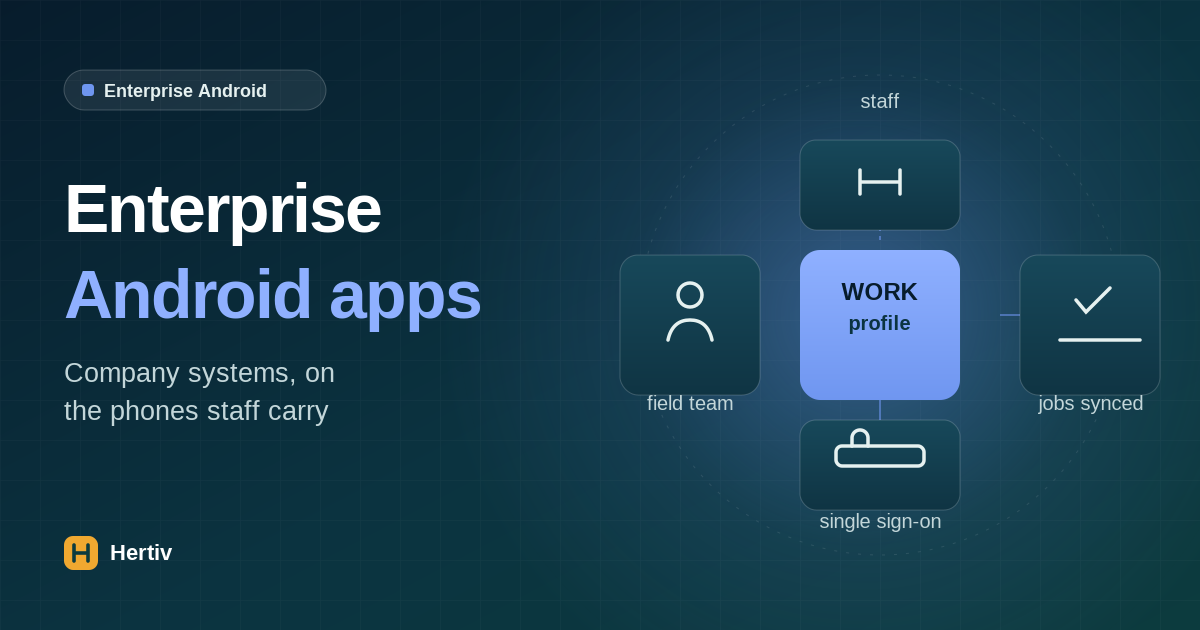
Android Enterprise management helps by separating work from personal use on the same phone and giving the company control over the work side only. A work profile holds company apps and data in a separate, encrypted space, while personal apps and photos stay untouched.
An admin can install the company app on every enrolled device, push updates, set a passcode rule for the work profile, and remove company data from a phone when someone leaves. If a phone is lost, the work profile can be wiped without touching the person's own files.
This separation is what makes bring-your-own-device policies workable. Staff keep using their own phones, the company keeps control of its data, and nobody has to carry two devices. For a company that issues phones instead, the same tools let it lock devices to work use only.
Management also helps with compliance. Every install, policy change and wipe is logged, so the company can show what it did and when. That record matters when auditors or clients ask how company data on phones is protected.
What should the app connect to?
An enterprise Android app should connect to the systems the staff already use, because an app that stands alone becomes another place to type the same data twice. The usual connections are the customer system, the stock or order system, the identity provider and the document store.
Single sign-on comes first. Staff should sign in once with their company account and reach the app, the email system and the intranet without new passwords. That also means access ends automatically when an account is closed, which is the single most useful security control.
Next come the data systems. A field app needs the customer record and the job history; a warehouse app needs stock levels and locations; a sales app needs pricing and order status. Each connection should pull only the fields the app needs, and every change the app makes should write back to the same system of record.
Offline support is part of the connection design, not an afterthought. Staff in warehouses, basements and rural sites lose signal often, so the app must queue changes on the device and sync them when the connection returns. For teams planning this work, mobile app development for startups covers the same planning questions at a smaller scale.
How do you build an enterprise Android app, step by step?
You build an enterprise Android app by starting with the work it must support, then choosing the stack, the device policy and the rollout plan before writing production code. Skipping the first steps is how teams end up with an app nobody uses.
- Map the work. Follow the staff who will use the app for a day and write down every form, call and lookup they do. The app should replace the slowest of those, not add a new one.
- Define roles and data. List who can see and change each record. A driver, a supervisor and a finance clerk need different views of the same job.
- Choose native or cross-platform. Native Android gives the deepest access to device features and management APIs; a cross-platform framework such as Flutter shares code with iOS. The trade-off is covered in what Flutter is.
- Build the backend and identity first. APIs, single sign-on and the data model come before screens, because the screens depend on them.
- Build one workflow end to end. Pick the most common task and make it work fully, offline included, before adding the next one.
- Pilot with one team. Give the app to a single team for two to four weeks, watch what they do, and fix what slows them down.
- Roll out with device policy. Enrol devices, push the app through the managed store, train staff in short sessions, and set a support channel for the first month.
Budget for maintenance from the start. Android releases new versions every year, device makers change behaviour, and company systems change their APIs. An app without a maintenance plan quietly stops working within a year or two.
Example: a field service company moves to Android
Example (hypothetical): a field service company has 120 engineers who visit customer sites, fill in paper job sheets, and phone the office to check part stock. Each engineer spends about 45 minutes a day on paperwork and calls, and the office retypes every sheet, which adds errors.
The company builds an Android app for its engineers. The app shows the day's jobs, the customer history and the part stock for each job. Engineers complete the job sheet in the app, take photos of the work, and collect a signature on the screen. The data syncs when the phone has signal.
The arithmetic is simple. Saving 45 minutes a day across 120 engineers is 5,400 minutes, or 90 hours, a day. Over a 20-day working month that is 1,800 hours. Even at half that saving, the app pays for a small development team within the first year, before counting the errors the office no longer retypes.
The rollout follows the steps above: one team of 15 engineers pilots the app for three weeks, the paper form stays as a fallback for the first month, and the office stops accepting paper sheets only after the pilot team confirms the app covers every field they need.
What are the common mistakes?
The most common enterprise Android mistakes are building for the office instead of the field, ignoring device variety, and treating security as a final step. Each one is cheap to avoid at the start and expensive to fix later.
- Designing for a desk. An app built on a fast office network with a large screen fails in a warehouse with gloves on and no signal. Test where the work happens.
- Testing on one phone. Android runs on many devices with different screen sizes, cameras and OS versions. Test on the cheapest device the company will actually buy.
- No offline plan. If the app stops working without signal, staff go back to paper and never return. Queue changes on the device and sync later.
- Security added last. Encryption, sign-on and audit logs are hard to add after the app is built. Put them in the first version.
- Skipping the pilot. A company-wide launch of an untested app creates a support queue and damages trust. Pilot with one team first.
- No owner after launch. Apps need someone who owns updates, device policy and user support. Without an owner, the app decays.
Key takeaways
- Enterprise Android apps serve defined staff or partners, not the general public
- Work profiles separate company data from personal data on the same phone
- Single sign-on and system connections matter more than screens
- Offline support and device variety must be planned from the start
- Pilot with one team before a company-wide rollout
Frequently asked questions
How much does an enterprise Android app cost?
There is no fixed price, because the cost depends on the number of workflows, the systems it connects to, the device policy and the security requirements. A single-workflow pilot costs far less than a full rollout, so most teams start with one workflow and add more after the pilot proves the value.
Should we build native Android or use a cross-platform framework?
Native Android gives the deepest access to device features and Android Enterprise management APIs. A cross-platform framework shares code with iOS, which suits teams that need both platforms. The right choice depends on whether the team needs one platform or two, and how deep the device integration must go.
Can staff use their own phones for enterprise apps?
Yes, through a work profile that keeps company apps and data separate from personal apps. The company can install apps, enforce rules and wipe only the work profile, while personal photos and apps stay untouched. This is the standard way bring-your-own-device policies work on Android.
How long does an enterprise Android app take to build?
A single-workflow pilot typically takes two to four months, including the backend, sign-on and device setup. A full app with several workflows, system integrations and a managed rollout usually takes six to twelve months. The pilot is the fastest way to confirm the value before committing to the full build.
Do enterprise Android apps need the public app store?
Not always. Apps can be distributed through a managed store or a private channel so only enrolled devices can install them. Public store distribution is used when customers, not staff, are the audience. Internal apps usually stay private, which also keeps them out of public review.
What happens to company data when an employee leaves?
The work profile can be removed remotely, which deletes company apps and data from the phone without touching personal files. Access also ends when the company account is closed, so the app stops working even if the profile is still on the device.


