Ecommerce ERP Integration: How It Works
Ecommerce ERP integration connects your online store to your ERP so orders, stock and invoices stay in sync. Here is what syncs, how it connects, and how to plan it.
On this page
Short answer
Ecommerce ERP integration is the connection between an online store and an enterprise resource planning system, so that orders, stock levels, prices, customers and invoices move between the two without manual copying. It keeps the shopfront and the back office working from the same numbers.
What is ecommerce ERP integration?
Ecommerce ERP integration is the connection between an online store and an enterprise resource planning system, so that orders, stock levels, prices, customers and invoices move between the two without manual copying. The store sells, the ERP plans and accounts, and the integration keeps both working from the same numbers.
Without it, someone copies each order from the store into the ERP, checks stock by hand, and updates the store when a product runs out. That works at ten orders a day and breaks at a hundred, because every manual step is a chance to ship the wrong item or sell stock that is already gone.
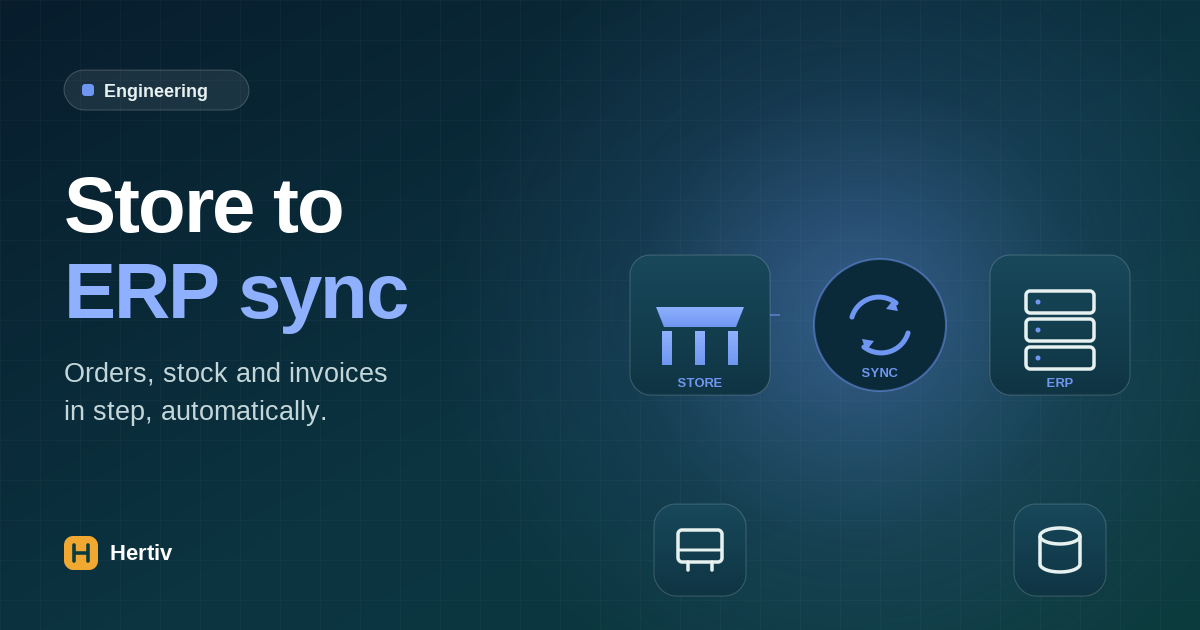
The integration is usually built around a connector or a small integration layer that sits between the two systems. It reads events from the store, such as a new order or a refund, and writes them to the ERP. It then reads changes from the ERP, such as a stock update or a price change, and writes them back to the store.
For the wider picture of building the system itself, see our guide to how to build an ERP system.
What data moves between the store and the ERP?
The data that moves between the store and the ERP is the set of records both sides need to do their job: orders, stock, prices, customers and invoices, each moving in the direction its owner controls.
| Record | Direction | Why it moves |
|---|---|---|
| Orders | Store to ERP | So the warehouse and accounts see every sale |
| Stock levels | ERP to store | So the shopfront never sells what is gone |
| Prices and discounts | ERP to store | So the price shown matches the price charged |
| Customers | Both ways | So service and accounts share one record |
| Invoices and payments | ERP to store | So the customer sees the correct invoice |
| Shipments and tracking | ERP to store | So the customer can follow the delivery |
Stock is the record that causes the most trouble. If the ERP says 10 units and the store says 12, the store will sell two units that do not exist. The fix is to pick one system as the source of truth for stock, usually the ERP, and let the store read from it rather than keeping its own count.
Orders need the same discipline. Each order should have one identifier that both systems use, so a refund, a partial shipment or a cancelled line can be matched without guessing. Duplicate order numbers across channels are the most common cause of double shipping.
How do the two systems connect?
The two systems connect through an API, a ready-made connector, or a small integration layer in the middle, and the right choice depends on how standard your setup is and how much custom logic you need.
A ready-made connector is the fastest option when your store and ERP are a common pair, such as Shopify with NetSuite or WooCommerce with SAP Business One. The connector already maps the standard fields, and setup is mostly configuration. The trade-off is that unusual fields or rules may not fit, and you depend on the connector vendor to keep up with changes.
A custom integration layer gives you control. It reads events from the store, applies your rules, and writes to the ERP, and it does the reverse for stock and prices. It costs more to build, but it handles the cases a connector cannot, such as bundled products, multi-warehouse stock or channel-specific pricing.
Direct API calls without a middle layer work for very small setups, but they break when either side changes its API or when a failed call needs to be retried. A middle layer that queues messages and retries failures is worth building once order volume grows past a few dozen a day.
How do you plan the integration?
You plan the integration by listing what must sync, picking the source of truth for each record, and testing with real orders on a staging copy before the live store is connected.
- List the records. Write down every record that must move, in which direction, and how often. Orders and stock are usually real time; price lists can be hourly.
- Pick the source of truth. For each record, name the one system that owns it. Stock belongs to the ERP, product descriptions usually belong to the store.
- Map the fields. Match each field between the two systems, including tax codes, product variants and customer types. Note every field that has no match.
- Decide the failure rules. Say what happens when a call fails, a product is missing, or an order cannot be matched. Queue and retry, and alert a person after a set number of failures.
- Test with real orders. Run test orders, refunds, partial shipments and out-of-stock cases on a staging copy, and check both systems after each one.
- Go live in stages. Connect one channel or one product group first, watch it for a week, then connect the rest.
Testing with real orders matters more than any diagram. A refund that works in a demo can still fail when the order has a discount code and a partial shipment, and only a real test case finds that. If your team needs help building the layer, a partner for custom software development can build and test it against your store and ERP.
Example (hypothetical): a store that stops overselling
Example (hypothetical): a store sells 200 orders a day across its website and two marketplaces. Stock is kept in the ERP, but the website keeps its own count, updated once a night. By midday the website often shows stock that sold out in the morning, and about 8 orders a day are cancelled after payment because the item is gone.
The team connects the store to the ERP with a small integration layer. Stock now updates within a minute of a sale, and orders flow to the ERP as they are placed. Each order carries one identifier shared by the store, the ERP and the marketplace, so a refund on any channel matches the right order.
In the first month, cancelled orders fall from about 8 a day to about 1 a day. At 7 saved orders a day and an average order value of 60, that is about 420 a day in sales that are no longer lost, or about 12,600 a month. The integration itself took three weeks to build and test.
What are the common mistakes?
The most common mistakes are letting both systems own the same record, skipping the failure rules, and going live with every channel at once.
- Two sources of truth. If the store and the ERP both edit stock, they will disagree. Pick one owner per record and stick to it.
- No failure rules. A failed order sync that nobody notices becomes a missing shipment. Queue failed messages, retry them, and alert a person after a set limit.
- Big-bang go-live. Connecting every channel on day one means every bug hits every sale. Go live with one channel and watch it for a week.
- Skipping edge cases. Refunds, partial shipments, bundles and discount codes are where integrations break. Test each one before launch.
- Ignoring tax and pricing. If tax codes or price lists differ between systems, invoices will be wrong. Map them field by field before launch.
Key takeaways
- Ecommerce ERP integration keeps the shopfront and the back office working from the same numbers
- Stock is the record that causes the most trouble — give it one owner, usually the ERP
- Connectors are fastest for common pairs; a custom layer fits unusual rules
- Queue and retry failed messages, and alert a person after a set limit
- Test refunds, partial shipments and bundles before launch, not after
- Go live with one channel first and watch it for a week
Frequently asked questions
What is the difference between an ecommerce platform and an ERP?
An ecommerce platform sells: it shows products, takes orders and handles checkout. An ERP plans and accounts: it manages stock, purchasing, warehousing, invoicing and finance. Integration connects the two so a sale on the store becomes an order, a stock movement and an invoice in the ERP without manual copying.
How often should stock sync between the store and the ERP?
Stock should sync as close to real time as possible, ideally within a minute of a sale. Nightly syncs are enough at very low volume, but once a store sells tens of orders a day, a nightly sync leaves hours when the shopfront shows stock that is already gone.
Do I need a custom integration or a ready-made connector?
A ready-made connector fits when your store and ERP are a common pair and your rules are standard. A custom layer fits when you have bundles, multi-warehouse stock, channel-specific pricing or fields the connector does not map. Start with the connector if one exists for your pair.
What happens when an order sync fails?
The message should be queued and retried automatically, and a person should be alerted after a set number of failures. The order must not be lost or duplicated. Test the failure path before launch, because it is the path you will rely on when something breaks.
Can I integrate multiple sales channels with one ERP?
Yes. The usual pattern is one integration layer that takes orders from the website and each marketplace, normalises them to one format, and writes them to the ERP with a shared order identifier. Each channel is connected one at a time so a bug in one does not stop the others.
How long does an ecommerce ERP integration take?
A standard connector setup often takes one to three weeks including testing. A custom layer for a store with bundles, multiple warehouses or several channels usually takes four to eight weeks. Most of the time goes to field mapping, edge-case testing and the staged go-live, not to writing code.


