Digital Workforce for Legal Compliance: How It Works
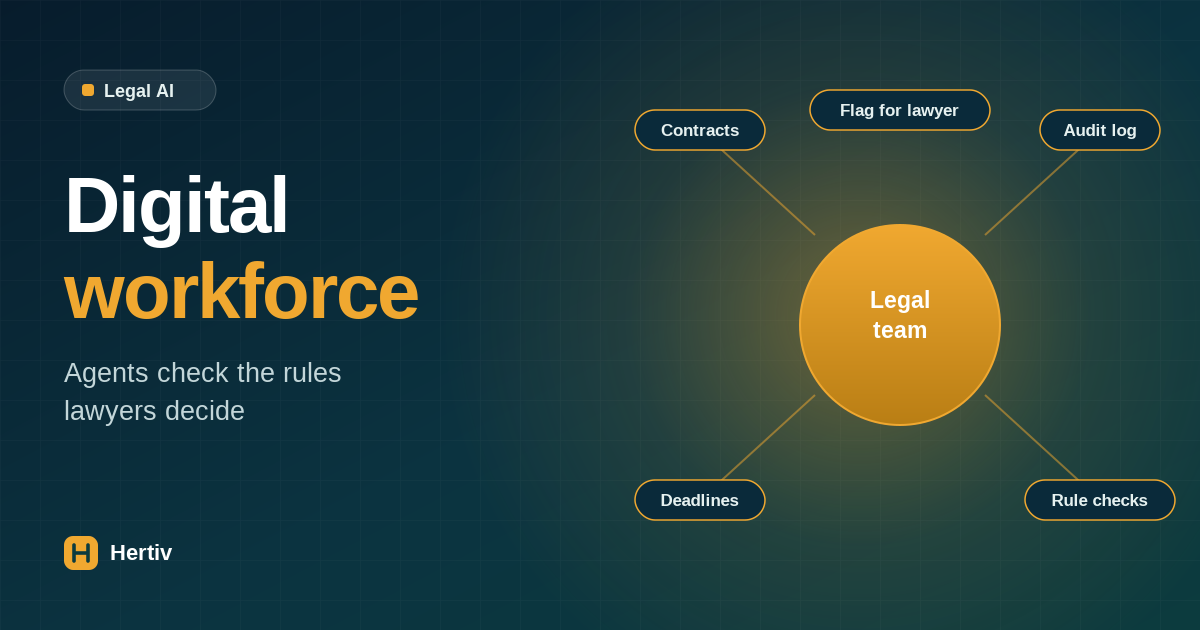
A digital workforce for legal compliance is a set of AI agents that read contracts, check documents and track deadlines, while lawyers keep the decisions.
On this page
Short answer
A digital workforce for legal compliance automation is a set of AI agents that carry out routine compliance tasks for a legal team, such as reading contracts, checking documents against rules, tracking deadlines and preparing audit records. The agents do the repetitive checking, while lawyers keep the decisions, the judgement calls and the final sign-off.
What is a digital workforce for legal compliance?
A digital workforce for legal compliance is a team of software agents that works through compliance tasks the way a junior team would, but faster and around the clock. Each agent has one job: read a document, compare it with a rule, flag what does not match, and record what it did.
The agents are not lawyers. They do not give legal advice, and they do not decide whether a contract is acceptable. They prepare the ground: they find the clauses, pull the dates, check the wording against a checklist, and hand a short summary to a lawyer who decides.
The work fits this shape because compliance is mostly checking. A contract, a policy or a filing has a known set of rules, and the question is usually whether the document follows them. The table below lists the tasks a digital workforce usually takes on first.
| Task | What the agent does | Who decides |
|---|---|---|
| Contract review | Finds key clauses and missing terms | Lawyer |
| Deadline tracking | Watches renewal and filing dates | Legal team |
| Policy checks | Compares documents with current rules | Compliance lead |
| Evidence gathering | Collects records for an audit | Auditor |
| Intake triage | Sorts new requests by type and urgency | Lawyer |
The key idea is that the agent's work is always visible. Every check it makes is logged with the document, the rule and the time, so a lawyer or an auditor can trace any decision back to its source.
What work can it take over?
A digital workforce can take over the high-volume, low-judgement parts of compliance. Reading 200 supplier contracts to find the termination clause is a good example: the task is slow for a person, but the pattern is clear enough for an agent to find reliably.
It can also watch deadlines. Renewals, filings and review dates are easy to miss when they sit in different inboxes and calendars. An agent that checks the dates every day and warns the team a month ahead prevents the most common compliance failure, which is simply forgetting.
It can prepare audit records too. When an auditor asks for proof that a check happened, the agent's log shows the document, the rule applied and the result. That record is often more complete than a person's notes, because the agent records every step the same way.
What must stay with a lawyer?
Judgement stays with a lawyer. An agent can flag that a clause differs from the standard wording, but only a lawyer can decide whether the difference is acceptable, what risk it creates, and how to negotiate it.
New or unusual matters stay with a lawyer as well. When a regulation changes, when a dispute starts, or when a contract covers something the team has never seen before, the agent has no safe pattern to follow and should hand the work over.
Responsibility stays with the firm too. If an agent misses a deadline or misreads a clause, the firm is still responsible for the result. That is why every agent action needs a log and a human check on the cases that matter, such as anything that changes money, rights or deadlines.
How to set one up in 6 steps
- Pick one narrow task, such as finding renewal dates in supplier contracts, and write down exactly what good looks like.
- Gather 30 to 50 real examples of that task, with the correct answers marked by a lawyer.
- Build the agent to do only that task, with a clear rule for when it must hand over to a person.
- Run it on the examples and measure how often it is right, how often it misses something, and how often it flags a false problem.
- Put it on live work with a lawyer checking every result for the first month, then move to a weekly sample check.
- Add the next task only after the first one is stable, with its log, its owner and its check routine in place.
Teams that skip the example set usually regret it. Without marked examples, there is no way to know whether the agent is right, and the first live mistake is often found by a client or an auditor. AI agents in the legal industry follow the same pattern: start narrow, measure, then widen.
Example (hypothetical): contract renewal dates
Example (hypothetical): a legal team manages 60 supplier contracts, and each one takes about 40 minutes to read for its renewal date, notice period and key terms. That is 60 times 40 minutes, or 40 hours of reading.
A digital workforce reads each contract, pulls the renewal date and notice period, and lists any contract that needs action in the next 90 days. If the agent takes about 8 minutes of processing per contract, the machine time is 60 times 8 minutes, or 8 hours, most of it running on its own.
A lawyer then reviews the 12 contracts that need action, at about 15 minutes each, which is 3 hours. The total human time falls from 40 hours to 3 hours, and the team gets a list of dates it can trust, because every extracted date links back to the page it came from.
The saving only holds if the lawyer still checks the list, since a missed renewal date costs far more than the hours saved.
Common mistakes
The most common mistake is letting the agent decide instead of flag. An agent that marks a contract as compliant without a lawyer's review removes the very check the firm is paying for, and a missed clause becomes the firm's problem.
The second mistake is feeding the agent poor data. If the contracts are scanned images, mixed languages or missing pages, the agent will guess, and guesses in legal work are dangerous. Clean, complete documents come before automation.
The third mistake is skipping the audit trail. Data rules such as GDPR and most audit standards expect proof of how a decision was made. If the agent cannot show its work, the automation creates risk instead of removing it.
What to check before you start
Check where the documents live and who may read them. Legal documents are often confidential, so the agent must run in a system the firm controls, with access limited to the people who already handle that work.
Check the data rules that apply. Client data, employee data and cross-border transfers each have their own rules, and the agent's design must respect them from the start rather than after a problem appears.
Check who owns the agent. One person should own the task list, the check routine and the decision to add new work. A small proof of concept with one task and one owner is the safest way to learn what a digital workforce can and cannot do for a legal team.
Key takeaways
- A digital workforce does routine compliance checking; lawyers keep the decisions.
- Contract review, deadline tracking and audit records are the usual first tasks.
- Every agent action needs a log, so any decision can be traced back to its source.
- Start with one narrow task, 30 to 50 marked examples, and a lawyer checking every result.
- Clean documents and clear ownership come before adding more tasks.
Frequently asked questions
What is a digital workforce for legal compliance?
It is a set of AI agents that carry out routine compliance tasks, such as reading contracts, checking documents against rules, tracking deadlines and preparing audit records. The agents do the repetitive checking, while lawyers keep the decisions and the final sign-off.
Can AI agents give legal advice?
No. They can find clauses, pull dates and flag differences from a checklist, but they cannot give legal advice or decide whether a contract is acceptable. Those decisions stay with a lawyer, who is responsible for the result.
Which compliance tasks should be automated first?
Start with high-volume, low-judgement tasks such as finding renewal dates, checking standard clauses or gathering audit records. Pick one narrow task, measure it on marked examples, and widen only after it is stable.
How do you check an agent's work?
Every action is logged with the document, the rule and the time. A lawyer checks every result for the first month, then moves to a weekly sample check. Anything that changes money, rights or deadlines gets a human review.
What data rules apply to legal AI agents?
Client and employee data are often confidential, so the agent must run in a system the firm controls, with access limited to the right people. Rules on data protection and cross-border transfers apply from the start.
What is the biggest risk of compliance automation?
The biggest risk is an agent that decides instead of flagging, so a missed clause or deadline reaches a client or an auditor. A clear handover rule and a human check on important cases keep that risk low.


