How to Develop Logistics Management Software
Developing logistics management software means building one system for orders, warehouse work, transport and billing. Here are the modules and the build steps.
On this page
Short answer
Logistics management software is software that plans, runs and tracks the movement and storage of goods, from the moment an order arrives to the moment it is delivered and invoiced. Developing it means building the modules that handle orders, warehouse work, transport, fleet and billing in one shared system.
What is logistics management software?
Logistics management software is software that plans, runs and tracks the movement and storage of goods, from the moment an order arrives to the moment it is delivered and invoiced. It covers orders, warehouse work, transport, fleet and billing in one shared system, so every team works from the same record of each shipment.
Before such software, each team kept its own record: the warehouse had a spreadsheet, dispatch had a whiteboard, and drivers had paper notes. The software replaces those separate records with one shipment record that moves through fixed stages, with each stage updating the record so every team sees the same state.
This article is about building that software, not buying it. If you want the buyer's view of what the software should do, see what logistics management software is. The build below covers the modules, the order to build them in, and a first-release budget.
Which modules does the software need?
A logistics platform is built from modules, and the first release needs only the ones that carry the core flow. The table below shows the usual modules and what each one does.
| Module | What it does | First release? |
|---|---|---|
| Order management | Takes orders, checks stock, confirms delivery dates | Yes |
| Warehouse management | Picking, packing, stock counts, locations | Yes |
| Transport management | Routes, carriers, rates, delivery tracking | Yes |
| Fleet management | Vehicles, drivers, maintenance, fuel | Later |
| Billing and invoicing | Charges, invoices, proof of delivery | Yes |
| Analytics | Cost per delivery, on-time rate, empty miles | Later |
Four modules carry the first release: orders, warehouse, transport and billing. Fleet and analytics can wait, because the first release only needs to move goods and charge for them correctly. Adding modules later is easier than cutting a bloated first release down.
How to plan the build
You plan the build by mapping the real flows first, then building the smallest system that carries them. A workable sequence:
- Map the flows. Write down how an order moves from intake to delivery and invoicing, including every exception such as damaged goods and failed deliveries.
- Fix the data model. Define one shipment record, one order record and one stock record, with clear states for each.
- Choose the stack. Pick the web framework, database and hosting your team already knows, and plan carrier and accounting integrations early.
- Build the core flow first. Orders, warehouse, transport and billing, in that order, with the shipment record moving between them.
- Pilot with one site. Run the system at one warehouse and one route before rolling it out to every site.
- Add modules by need. Fleet, analytics and automation follow once the core flow is stable and measured.
The flow map is the most important step. A team that skips it builds features nobody uses, while a team that maps first builds only what the flow needs. AI in logistics shows where agents and prediction can fit once the core system works.
What does the architecture look like?
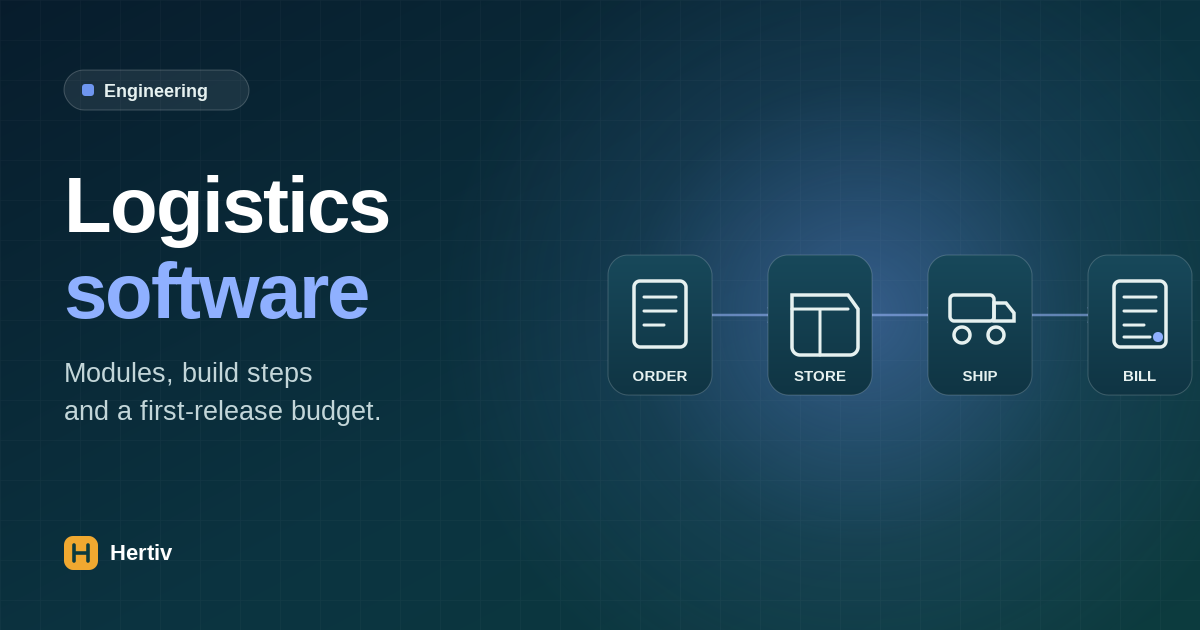
The architecture is a web application with a shared database, a set of integrations, and mobile screens for warehouse staff and drivers. The shipment record sits at the centre: orders create it, the warehouse updates it, transport moves it, and billing closes it.
Integrations matter more than features. Carrier systems provide rates and tracking, accounting systems take the invoices, and warehouse hardware such as scanners and printers must work with the screens staff actually use. Plan each integration as its own work item with its own test, because a broken carrier link stops deliveries the same day.
Two design choices pay off early. First, keep every status change as an event with a timestamp, so a late delivery can be traced step by step. Second, make the mobile screens work offline, because warehouses and trucks lose signal. A driver who cannot confirm a delivery without a connection will fall back to paper, and the record will break.
Example (hypothetical): a first-release budget
Example (hypothetical): a regional distributor plans a first release with four modules. Discovery and flow mapping cost $30,000, the build costs $90,000, carrier and accounting integrations cost $25,000, testing costs $15,000 and launch and training cost $10,000.
The base total is $30,000 + $90,000 + $25,000 + $15,000 + $10,000 = $170,000. The team adds a 15% reserve for the surprises that always appear in integrations, which is $170,000 x 0.15 = $25,500, bringing the budget to $195,500.
The reserve is not padding. Carrier integrations and warehouse hardware are the two places where estimates slip most often, and a budget without a reserve forces the team to cut testing when the slip happens. Cutting testing is the most expensive cut of all, because it moves the cost into live operations.
How to test before rollout
You test logistics software with real shipments, not with demo data. Start with a pilot at one warehouse and one route, running the new system beside the old process for two weeks so every gap shows up before the old process is switched off.
Test the exceptions first, because the happy path is the easy part. A damaged pallet, a wrong address, a carrier that cancels, a driver who cannot reach the customer: each of these must move the shipment record to a clear state with a clear owner. If an exception leaves the record stuck, the team will work around the system within a week.
Train staff on the pilot, not in a classroom. Warehouse pickers and drivers learn by doing, and their feedback during the pilot is the best test of whether the screens and flows fit the real work. How to build AI agents for logistics covers the automation that can follow once the core flow is stable.
What are the common mistakes?
The most common logistics software development mistakes are building before mapping the flows, building every module at once, and rolling out to every site at the same time.
- Skipping the flow map. Building software to fix a process nobody has written down just automates the confusion.
- Building all modules at once. A first release with fleet, analytics and automation is a first release that ships late.
- Big-bang rollout. Switching every site on the same day turns a small bug into a company-wide stop.
- Ignoring offline use. Screens that need a constant connection fail in warehouses and trucks.
- Underestimating data cleanup. Old stock records and customer addresses need cleaning before they move into the new system.
Key takeaways
- Logistics software is one system for orders, warehouse work, transport and billing
- Four modules carry the first release: orders, warehouse, transport and billing
- Map the flows before building, and build the core flow before the extras
- Keep every status change as a timestamped event and make mobile screens work offline
- Pilot at one site with real shipments, and test the exceptions first
Frequently asked questions
How long does it take to develop logistics management software?
A first release with the four core modules usually takes several months, depending on team size and integration count. Discovery and flow mapping come first, then the build, then a pilot at one site. Adding fleet and analytics later extends the programme rather than the first release.
What is the hardest part of building logistics software?
The hardest part is usually the integrations and the data, not the screens. Carrier systems, accounting systems and warehouse hardware each have their own formats, and old stock and address records need cleaning before they move into the new system.
Should we build or buy logistics software?
Buy when your flows match what off-the-shelf products do well and you need it fast. Build when your flows are unusual, when you need deep integration with your own systems, or when the software itself is part of your service to customers.
What tech stack works for logistics software?
Use the stack your team already knows well, with a database that handles transactions reliably and a web framework that supports the integrations you need. The stack matters less than the data model and the offline behaviour of the mobile screens.
Do we need AI in the first release?
No. The first release needs to move goods and charge for them correctly. Prediction, route optimisation and agent-based triage work better once the core flow is stable and producing clean data, because they depend on that data.
How do we handle carrier integrations?
Treat each carrier as its own work item with its own test, covering rates, booking, tracking and exceptions. A broken carrier link stops deliveries the same day, so test the exception cases as carefully as the happy path.


