Cybersecurity Risk Assessment: How to Run One
A cybersecurity risk assessment lists what you protect, finds the threats and weak points, and scores each risk so the team fixes the worst ones first.
On this page
Short answer
A cybersecurity risk assessment is a structured review that lists the systems and data you must protect, finds the threats and vulnerabilities that could harm them, and scores each risk by likelihood and impact. The result is a ranked list of risks with an owner and a fix for each, so the team spends its effort where it reduces the most harm.
What is a cybersecurity risk assessment?
A cybersecurity risk assessment is a structured review that finds, scores and ranks the security risks facing an organisation, so the team fixes the most harmful ones first. It is a point-in-time exercise: it produces a list of risks with owners and fixes, and it is repeated as systems and threats change.
It differs from day-to-day security work. Patching, monitoring and incident response keep systems running; an assessment steps back and asks which risks matter most and whether the controls in place are enough. It also differs from a compliance audit, which checks whether rules are followed, while an assessment asks what could actually go wrong.
Most teams run an assessment at least once a year, and again after a major change such as a new system, a merger or an incident. The output feeds the wider security plan, which is covered in cybersecurity risk management.
Scope the assessment and list what matters
Scope the assessment before looking for risks. Decide which systems, data and locations are in scope, and name the owner of each. A review with no clear scope either tries to cover everything and finishes nothing, or quietly skips the system that matters most.
List the assets that would hurt most if they were stolen, changed or made unavailable: customer data, production systems, financial tools, admin consoles and backups. For each asset, note who uses it, where it lives and what would happen if it stopped working for a day.
Keep the list honest. Shadow systems, old servers and personal devices that hold company data belong on the list too, because attackers do not skip them. If the team cannot list its assets, that is the first finding of the assessment.
Find threats and vulnerabilities
Find the threats and vulnerabilities for each asset. A threat is something that could cause harm, such as phishing, ransomware, a stolen laptop or a misconfigured cloud bucket. A vulnerability is the weak point the threat uses, such as an unpatched server, a shared password or a permission that is too broad.
| Asset | Threat | Vulnerability | Result |
|---|---|---|---|
| Customer database | Phishing | Shared admin login | Data theft |
| Cloud storage | Misconfiguration | Public bucket | Data exposure |
| Laptops | Theft | No disk encryption | Data loss |
| Ransomware | No phishing filter | Systems locked | |
| Backups | Ransomware | Backups online only | No recovery |
Use more than one source: vulnerability scans, configuration reviews, interviews with the people who run each system, and the incident log. Scans find known technical weak points; interviews find the workarounds and shared accounts that scans cannot see.
Score likelihood and impact
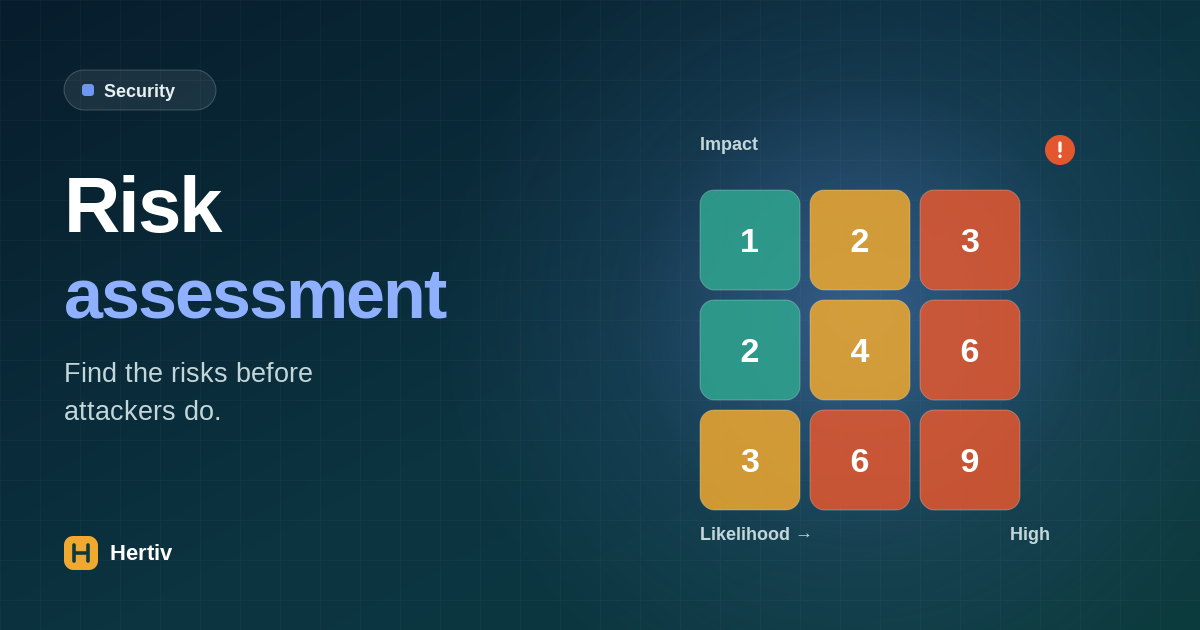
Score each risk by likelihood and impact, using the same simple scale for every risk so the scores can be compared. A common scale runs from 1 to 5 for each: likelihood is how probable the event is in the next year, and impact is how much harm it would cause.
Multiply the two numbers to get a risk score from 1 to 25. A risk with likelihood 4 and impact 5 scores 20 and sits at the top of the list. A risk with likelihood 1 and impact 2 scores 2 and can wait. The score is a guide for ranking, not a precise measurement, so keep the scoring honest and consistent.
Score impact in plain terms: data loss, downtime, money, legal trouble and reputation. If a risk would stop the business for a day, that is a high impact even if the chance is low. If a risk happens often but costs little, it is a medium risk that can be handled with a routine fix.
Record risks and decide what to fix first
Record every risk in a risk register: the asset, the threat, the vulnerability, the score, the owner and the fix. A risk with no owner and no fix is just a note; the register turns it into work.
Decide what to do with each risk. The usual choices are to fix it, reduce it with a control, accept it and write down why, or transfer it, for example with insurance. Accepting a high risk without a written reason is not a decision, it is a gap.
Fix the highest scores first, but check the effort too. A high risk that takes a day to fix should come before a slightly higher risk that takes a quarter. Report the top risks to leadership with the fix and the cost, so the decision to fund the fix is explicit. If the team needs help running the review, cybersecurity services cover assessment and remediation.
Which frameworks should you follow?
Use a known framework so the assessment is repeatable and the results can be compared year to year. Two frameworks are used most often: the NIST Cybersecurity Framework and ISO 27005.
The NIST Cybersecurity Framework organises security into five functions: identify, protect, detect, respond and recover. An assessment maps each risk to one of those functions, which makes it easy to see where the gaps cluster. If most risks sit in identify, the team does not know its assets; if they sit in recover, the backup and incident plans are weak.
ISO 27005 is the risk management standard that sits with ISO 27001. It gives a formal process for setting the context, identifying risks, analysing them and treating them, and it fits teams that need a documented method for certification or for customers who ask for it. Smaller teams can use the NIST approach and borrow the register format from ISO 27005.
For the compliance side of the work, data security and compliance covers the controls and documentation that auditors expect.
Example: a 60-person firm's first assessment
Example (hypothetical): a 60-person firm runs its first risk assessment. The team lists 24 systems and scores the risks for each. The review takes 3 hours per system, which is 72 hours in total, spread over three weeks.
The team finds 18 risks. Six score 15 or higher, including an unpatched VPN gateway, a shared admin account, and backups that are only stored online. The VPN gateway scores highest: likelihood 4 times impact 5 equals 20, because it is reachable from the internet and would give an attacker a path into the whole network.
The team fixes the six high risks first. Patching the VPN takes half a day, splitting the shared admin account takes a day, and moving a copy of the backups offline takes two days. After those fixes, the top risk score in the register falls from 20 to 9. The remaining 12 risks are scheduled over the next quarter, each with an owner and a date.
What are the common mistakes?
The most common risk assessment mistakes are scoring risks without evidence, listing risks with no owner, and treating the assessment as a one-off report that nobody reads again.
- Guessing scores. Scores based on opinion instead of scans, logs and interviews produce a ranking nobody trusts.
- No owner per risk. A risk with no named owner is never fixed, whatever its score.
- Scope too wide. Trying to assess everything at once means nothing is assessed well.
- Ignoring people and process. Shared passwords and skipped steps cause as much harm as unpatched servers.
- One-off report. An assessment that is not repeated becomes stale within months as systems change.
Key takeaways
- A risk assessment lists assets, finds threats and weak points, and scores each risk
- Score likelihood and impact on the same 1-5 scale so risks can be ranked
- Record every risk with an owner, a fix and a date
- Fix the highest scores first, but weigh effort as well as score
- Repeat the assessment at least yearly and after major changes
Frequently asked questions
What is the difference between a risk assessment and a risk management plan?
A risk assessment is the review that finds and scores risks at one point in time. A risk management plan is the ongoing process that acts on those risks, tracks them and repeats the assessment. The assessment produces the list; the plan makes sure the list gets worked through.
How often should a cybersecurity risk assessment be done?
Most teams run a full assessment at least once a year, and again after a major change such as a new system, a merger, a move to the cloud or a security incident. Smaller reviews of one system can happen more often when that system changes.
What is a risk register?
A risk register is the list that comes out of an assessment. Each row records the asset, the threat, the vulnerability, the likelihood and impact scores, the owner and the fix. It is the working document the team uses to track risks until they are fixed or formally accepted.
Do small businesses need a risk assessment?
Yes, and the method is the same, just smaller in scope. A small business usually has fewer systems, so the assessment is faster, but the top risks, such as phishing, unpatched systems and weak backups, are the same ones that hurt larger firms.
What frameworks are used for risk assessment?
The two most common are the NIST Cybersecurity Framework, which organises security into identify, protect, detect, respond and recover, and ISO 27005, the risk management standard that sits with ISO 27001. Smaller teams often use the NIST approach with a simple risk register.
Can a risk assessment replace a penetration test?
No. A risk assessment finds and ranks risks from scans, reviews and interviews. A penetration test actively tries to exploit weak points to show what an attacker could actually reach. The two complement each other: the assessment sets priorities, and the test checks whether the highest risks are real.


