Cybersecurity in Manufacturing: Protecting Plants and Lines
Cybersecurity in manufacturing protects factory networks, machines and data from attacks that can stop a line. Here are the main threats and the controls that work.
On this page
Short answer
Cybersecurity in manufacturing is the practice of protecting factory systems, machines and data from digital attacks. It covers the office network, the production network that runs machines and sensors, and the connections between them. The goal is to keep production running, protect designs and safety systems, and stop an attack on one machine from spreading to the whole plant.
What is cybersecurity in manufacturing?
Cybersecurity in manufacturing is the practice of protecting factory systems, machines and data from digital attacks. It covers the office network where staff plan and order, the production network that runs machines, sensors and robots, and the links between the two. The goal is simple: keep production running, protect designs and safety systems, and stop an attack on one machine from spreading across the plant.
Factories are different from offices because the systems at risk control physical equipment. A locked file server is a bad day; a locked production line stops shipments, wastes raw material and can put workers at risk. That is why manufacturing security treats uptime and safety as security goals, not just data protection.
| Area | What it covers | Main risk |
|---|---|---|
| Office IT | Email, planning, design files | Phishing and ransomware |
| Production OT | Machines, robots, sensors | Old software, flat networks |
| Remote access | Vendors and maintenance | Stolen logins |
| Supply chain | Suppliers and parts data | Infected updates |
The two networks used to be separate, but they are now connected so machines can report output and managers can check stock. Every connection is useful and every connection is a path an attacker can follow. Security in manufacturing is mostly about managing those connections on purpose instead of letting them grow by accident.
A team starting from scratch can begin with a review of its current controls. Cybersecurity services for product and engineering teams cover that first assessment.
Why are factories attractive targets?
Factories are attractive targets because an attack that stops production costs money every hour, which makes owners more likely to pay. A plant that cannot ship loses orders, misses contracts and wastes material that is already on the line. Attackers know this, so manufacturing is one of the most targeted sectors for ransomware.
Factories also run old equipment that cannot be patched easily. A machine bought fifteen years ago may run software its maker no longer supports, and stopping the line to update it costs a day of output. Many plants keep these machines running because replacing them is expensive, which leaves known gaps open for years.
A third reason is access. Plants work with many outside firms: machine vendors, maintenance contractors, parts suppliers and software providers. Each one needs some access, and each one is a possible way in. An attacker only needs the weakest of these connections, while the plant has to defend all of them.
What are the main threats to a plant?
The main threats to a plant are ransomware, phishing, unpatched control systems, removable media and third-party access. Most attacks do not start with a clever break-in. They start with an email, a stolen password or a contractor laptop, and then move from the office network into production.
- Ransomware. Locks files and the computers that run the line until a payment is made.
- Phishing. Fake invoices and delivery notices aimed at office staff.
- Unpatched machines. Old control systems and computers on the line that no longer get updates.
- Removable media. USB drives used to move files onto machines that have no network.
- Vendor access. Remote connections left open after a maintenance job is done.
Ransomware is the threat that causes the most damage, because it can lock both office systems and the computers that run the line. Even when the machines themselves are untouched, a plant cannot run without its planning, stock and shipping systems. That is why backups and network separation matter more than any single security product.
How do you secure IT and OT together?
You secure IT and OT together by treating them as one system with two kinds of equipment, and by controlling every connection between them. The work is mostly inventory, separation and monitoring, not buying new tools.
- Map every device. List every computer, machine controller, sensor and laptop on both networks, including forgotten ones.
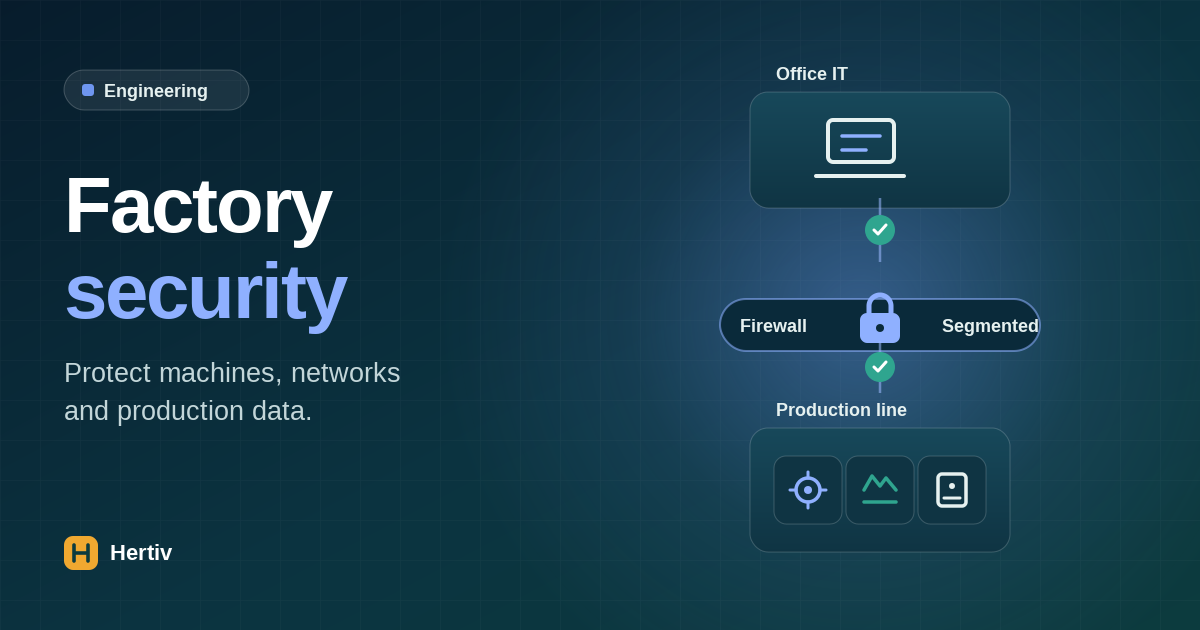
- Separate the networks. Put office systems and production systems on different networks with a firewall between them.
- Control remote access. Give vendors time-limited access that is switched off when the job ends, with multi-factor authentication.
- Patch what you can, isolate what you cannot. Update machines on a planned schedule, and put unpatchable machines behind extra controls.
- Back up and test restores. Keep backups of line configurations and planning data, and test that they actually restore.
- Train staff. Teach office and floor staff to spot phishing and to report strange machine behaviour fast.
- Monitor both networks. Watch for unusual traffic between office and production, and for logins at odd hours.
Start with the inventory, because you cannot protect a device you do not know exists. Most plants find forgotten machines, old laptops and test systems on their first sweep. Each one is a risk, and each one is cheap to fix once it is found.
Example (hypothetical): a parts plant hit by ransomware
Example (hypothetical): a parts plant runs three production lines and makes 600 parts a day. A phishing email reaches a planner, who opens an attachment, and ransomware spreads from the office network to the server that schedules the lines. Production stops for two days while the team restores systems from backups.
Two days of stopped production means 1,200 parts not made, and the plant pays overtime to catch up. The plant has 40 workers, and each idle worker costs about $25 an hour in wages. That is 40 times 25, which is $1,000 per hour, or $16,000 for two eight-hour shifts, before any recovery work is counted.
The fix costs less than the stoppage. Separating the office and production networks, turning off unused remote access and testing backups would have taken a few weeks of part-time work. The numbers are invented to show the arithmetic, not a real incident. The point is that the cheapest time to stop an attack is before it reaches the line.
What are the common mistakes?
The most common mistakes in manufacturing security are leaving the two networks flat, trusting vendor access, skipping backups and treating security as an IT job. Each one is easy to make, because each one saves time in the short term.
- A flat network. One password or one infected computer can reach every machine in the plant.
- Always-on vendor access. Remote connections that stay open after the job is finished.
- Backups never tested. A backup that has never been restored is a hope, not a plan.
- No patch plan for old machines. Machines that cannot be updated are left as they are, with no extra controls.
- No incident plan. Nobody knows who to call at 2 a.m. when a line stops.
- Security owned by nobody. The office team thinks the floor team owns it, and the floor team thinks the office team owns it.
The fix for most of these is a short written plan and a named owner. A plant does not need a large security team. It needs someone who owns the list of devices, the backup tests and the access reviews, and time each month to do them.
How do you start a manufacturing security programme?
You start a manufacturing security programme by finding out what you have, then closing the biggest gaps first. A small plant can make real progress in a month without buying anything new.
- Walk the plant and list devices. Note every machine, computer and connection, including ones nobody uses any more.
- Ask vendors what access they have. List every remote connection and switch off the ones with no current job.
- Separate the networks. Put a firewall between office and production, and allow only the traffic the plant actually needs.
- Turn on multi-factor authentication. Start with email, remote access and admin accounts.
- Test a backup restore. Pick one system and restore it on a spare machine to prove the backup works.
- Write a one-page incident plan. Name who decides, who calls whom, and when to stop the line.
If the plant works with outside software teams, the manufacturing pages describe how software fits into factory work.
A data security and compliance review can also check whether customer and design data is handled properly.
Key takeaways
- Manufacturing security covers the office network, the production network and the links between them
- Ransomware is the biggest threat because stopped production costs money every hour
- Separate the networks, control vendor access and test backups before buying new tools
- Old machines that cannot be patched need extra controls, not to be ignored
- A named owner, a device list and a one-page incident plan beat a large tool budget
Frequently asked questions
What is the difference between IT and OT security?
IT security protects office systems such as email, planning and design files. OT security protects the systems that run machines, robots and sensors on the production floor. The two need different controls because OT systems value uptime and safety over frequent updates, and they often run old software that cannot be patched.
Why is ransomware so damaging to manufacturers?
Ransomware can lock both the office systems that plan production and the computers that run the line, so the plant cannot make or ship anything. Every hour of downtime loses orders and wastes material already on the line. That pressure is why attackers target manufacturers and why tested backups matter so much.
Can old machines be secured if they cannot be updated?
Yes, by isolating them. Put unpatchable machines on their own network segment with strict rules about what can reach them, remove internet access, and control how files move onto them. The goal is to limit what an attacker can do through the machine, even if the machine itself cannot be fixed.
Do small factories need cybersecurity?
Yes. Small plants are targeted because attackers know they have fewer defences, and a single stopped line can be enough to break a small business. The basics are the same as for a large plant: separate the networks, control remote access, back up and test restores, and train staff to spot phishing.
How often should backups be tested?
Test a restore at least once a quarter, and after any major change to the systems. A test means restoring a real system onto a spare machine and checking it works, not just confirming that a backup file exists. Plants that skip this step often find their backups are incomplete when they need them most.
Who should own security in a factory?
One named person should own it, even in a small plant. That person keeps the device list, runs the backup tests, reviews vendor access and owns the incident plan. Security fails when it is shared by everyone and owned by no one, because the routine checks simply do not happen.


