Custom vs Off-the-Shelf Software: Which Fits?
Custom software fits when your process is the advantage; off-the-shelf fits when the process is standard. Compare cost, speed, control and risk before you commit.
On this page
Short answer
Custom software is built for your process, while off-the-shelf software is a ready product you configure. Custom fits when your workflow gives you an edge or no product covers it; off-the-shelf fits when the process is standard and speed matters more than control. The right choice depends on total cost over three to five years, not the first invoice.
What is the difference between custom and off-the-shelf software?
Custom software is built for one organisation's process, while off-the-shelf software is a ready product that many organisations configure to fit their needs. The difference is not quality: good off-the-shelf products are often better built than a rushed custom system. The difference is who decides how the work is done.
With custom software, your process defines the product. With off-the-shelf software, the product defines the process, and your team adapts to it. That trade is the whole decision: control and fit on one side, speed and shared cost on the other.
| Factor | Custom software | Off-the-shelf software |
|---|---|---|
| Fit | Built around your process | Your process adapts to the product |
| Speed to start | Months to build | Days to weeks to configure |
| Up-front cost | Higher, paid to build | Lower, paid as a subscription |
| Running cost | Hosting, support, changes | Subscription per user |
| Control | Full, including the roadmap | Limited to settings and add-ons |
| Risk | Build risk, scope creep | Vendor risk, forced upgrades |
Most organisations use both. A company might run an off-the-shelf accounting product and a custom tool for the one process that sets it apart. Custom software development is worth it only where that process is the advantage.
When does custom software make sense?
Custom software makes sense when your process is the reason customers choose you, when no product covers the workflow, or when the workarounds around a product cost more than building.
The clearest case is a process that is genuinely different. If your pricing, your fulfilment or your compliance checks work in a way no product supports, forcing them into a generic tool means daily workarounds, and workarounds are where errors and delays live.
The second case is integration. If the new tool must talk to three internal systems in a specific way, a custom build can be simpler than configuring a product and its add-ons to do the same job. The third case is scale: at a large user count, a per-user subscription can cost more over three years than building and running your own system.
Custom also fits when the software is the product itself. If you sell the tool to your own customers, you need control of the roadmap, the data and the experience, and a product you rent cannot give you that.
When does off-the-shelf software make sense?
Off-the-shelf software makes sense when the process is standard, when speed matters more than control, or when the problem is already solved well by a product in the market.
Accounting, payroll, email, CRM and project tracking are standard processes. Dozens of products do them well, and building your own rarely adds value. The product vendor also handles security updates, compliance changes and hosting, which is work your team would otherwise carry.
Speed is the other reason. A product can be running in weeks, while a custom build takes months. If the need is urgent, or if you are testing whether a process works at all, starting with a product is the cheaper experiment.
Off-the-shelf also wins when your team is small. A small team cannot maintain a custom system, fix its bugs and keep it secure while also doing its real job. SaaS products exist precisely so small teams can use good software without building it.
How do you compare the total cost?
You compare total cost over three to five years, not the first invoice. Custom software has a high build cost and a lower running cost; off-the-shelf has a low start cost and a subscription that grows with users. The lines cross at some point, and where they cross decides the answer.
| Cost item | Custom | Off-the-shelf |
|---|---|---|
| Year one | Build cost plus launch | Subscription plus setup |
| Later years | Hosting, support, changes | Subscription, grows with users |
| Changes | Paid per change, you control timing | Free if the vendor ships it, blocked if not |
| Exit cost | You own the code and data | Migration and retraining |
Count the hidden costs on both sides. For custom, count hosting, monitoring, security updates and the developer time to keep it running. For off-the-shelf, count the subscription at your real user count, the add-ons you will need, and the hours your team spends working around the product.
Also count the cost of being wrong. If a product cannot do a step your team needs, the workaround may cost a few hours a week forever. That is easy to ignore in a demo and expensive in practice.
How to decide in 5 steps
Decide with a short, structured comparison, not with a demo or a gut feeling.
- Write down the process, not the features. Describe how the work actually flows today, step by step, before looking at any product.
- Mark the steps that are standard. The steps any product handles are not a reason to build. The steps no product handles are the real question.
- Try the best product for two weeks. Run the real process through it with real data. A trial with fake data proves nothing.
- Price both options over three years. Include build, subscription, hosting, support, changes and exit cost, at your real user count.
- Decide by the gap, not by preference. If the product covers the process with small workarounds, buy it. If the workarounds change how the team works, build it.
Write the decision down with reasons. Six months later, when someone asks why the team uses this tool, the note saves an argument.
Example (hypothetical): a 25-person team chooses
Example (hypothetical): a 25-person logistics team needs a job-tracking tool. An off-the-shelf product costs 60 dollars per user per month. For 25 users that is 25 times 60, or 1,500 dollars a month, which is 18,000 dollars a year. Over three years that is 54,000 dollars, plus 8,000 dollars of setup and training, or 62,000 dollars in total.
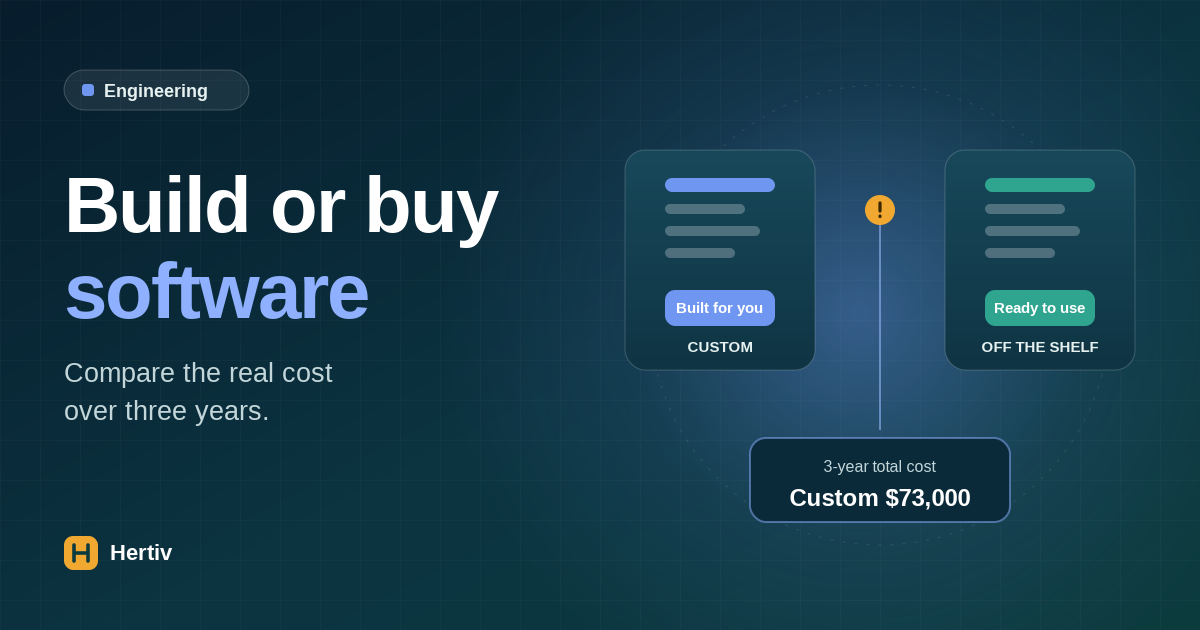
A custom build is quoted at 55,000 dollars, with running costs of 6,000 dollars a year for hosting, support and small changes. Over three years that is 55,000 plus 3 times 6,000, or 73,000 dollars. On cost alone, the product wins by 11,000 dollars.
But the product cannot handle the team's dispatch rules, and the workaround costs the dispatchers about 5 hours a week. At 40 dollars an hour, that is 200 dollars a week, or about 10,400 dollars a year. Over three years the workaround costs about 31,200 dollars, which turns the product's 11,000 dollar lead into a 20,200 dollar loss. The team builds custom.
What are the common mistakes?
The most common custom versus off-the-shelf mistakes are comparing only the first-year price, skipping a real trial, and building a custom copy of a product that already works.
- Comparing first-year prices only. Subscriptions grow with users and custom builds need running costs. Compare three to five years.
- Skipping the trial. A demo shows the happy path. A two-week trial with real data shows the workarounds.
- Building a copy of a product. If your requirements list matches a product's feature list, buy the product. Build only what is genuinely different.
- Ignoring exit cost. If you leave a product, you pay for migration and retraining. If you build custom, you pay to keep it running. Both matter.
- Letting one team decide alone. The people who use the tool daily know the workarounds; the people who pay for it know the budget. Both need a say.
- No owner for custom software. A custom system without an owner slowly stops matching the process it was built for.
If the decision is to build, a product discovery phase that maps the real process first will keep the build focused on the parts that matter.
Key takeaways
- Custom fits when the process is the advantage; off-the-shelf fits when it is standard
- Compare total cost over three to five years, not the first invoice
- Trial the best product for two weeks with real data before deciding
- Count workaround hours as a real cost on the off-the-shelf side
- Most organisations use both, for different processes
Frequently asked questions
What is custom software?
Custom software is built for one organisation's process, so the product follows how the team works. Off-the-shelf software is a ready product that many organisations configure, so the team adapts to how the product works.
Is custom software always more expensive?
Not always. Custom has a higher up-front cost, but a subscription that grows with users can cost more over three to five years. The crossover point depends on user count and how much the process differs from the standard.
When should we never build custom?
When the process is standard and well served by products, such as accounting, payroll or email. Building your own version of a solved problem rarely adds value and leaves you maintaining it.
What is the biggest risk of off-the-shelf software?
Vendor risk: price rises, forced upgrades, or a feature you rely on being removed. The exit cost, migration and retraining, should be part of the comparison from the start. Ask about data export and contract terms before you sign, so leaving later is a known cost, not a surprise.
Can we start with a product and build custom later?
Yes, and it is often the right move. Start with the product to learn the process, then build custom only for the parts where the product keeps getting in the way.
Who should make the decision?
Both the people who use the tool daily and the people who pay for it. Users know the workarounds and the budget holders know the limits, and the decision needs both views.


