CRM in Banking: What It Does and How Banks Use It
A banking CRM holds every customer, account and conversation in one place so staff can serve, sell and support without asking the same questions twice.
On this page
Short answer
CRM in banking is software that keeps a single record of each customer, their accounts, products and every contact with the bank, so staff in branches, call centres and digital channels work from the same picture. It replaces scattered spreadsheets and separate systems with one shared view, and it helps banks serve customers faster, spot sales chances and meet record-keeping rules.
What is CRM in banking?
CRM in banking is software that keeps one shared record of each customer, their accounts, products and every contact with the bank, so staff in branches, call centres and digital channels all work from the same picture. CRM stands for customer relationship management, and in a bank it is the system that remembers who a customer is, what they hold and what they asked for last time.
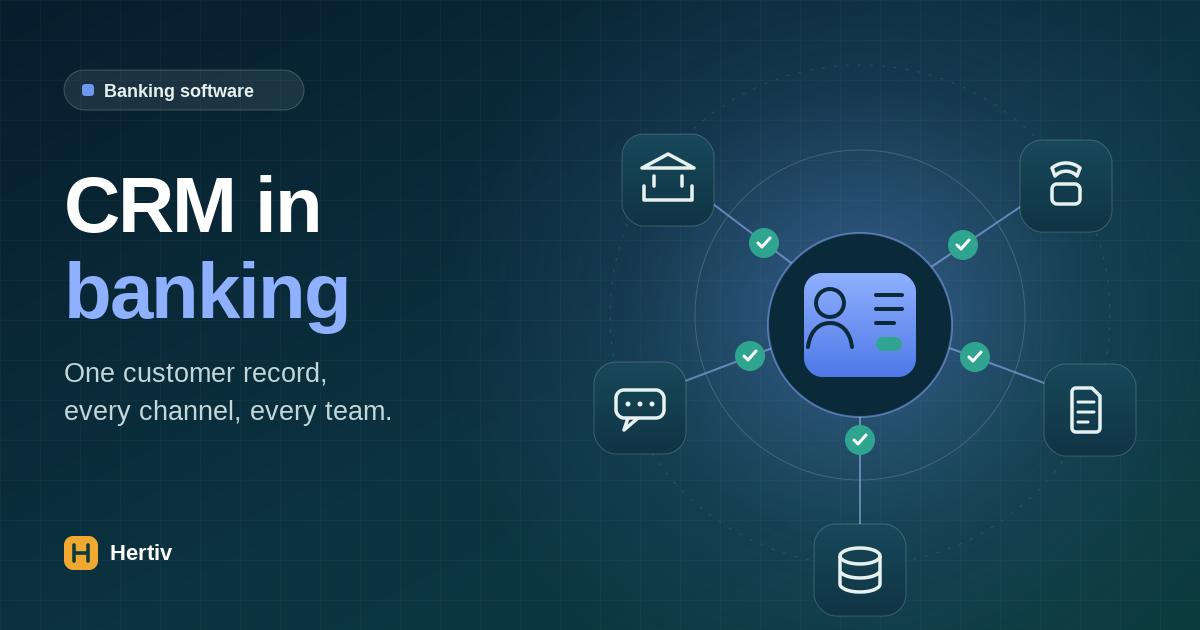
Without a CRM, that information sits in many places: the core banking system holds accounts, email holds conversations, and each branch keeps its own notes. A customer who calls after visiting a branch often has to repeat everything, and the bank cannot see the full relationship. A CRM pulls those pieces into one view that any authorised member of staff can open.
| CRM module | What it holds | Who uses it |
|---|---|---|
| Customer profile | Identity, contact details, household and business links | Branch, call centre, onboarding |
| Accounts and products | Accounts, cards, loans, deposits and investments | Relationship managers, advisers |
| Interactions | Calls, visits, emails, chats and complaints | Service teams, managers |
| Opportunities | Leads, referrals, applications in progress | Sales, advisers, branch staff |
| Tasks and alerts | Follow-ups, renewals, document requests | Everyone serving the customer |
| Reports | Pipeline, service levels, product holdings | Managers, compliance, marketing |
The CRM does not replace the core banking system, which still moves money and holds balances. It sits alongside it and adds the customer story: why they called, what was promised and what happens next. For how CRM is used more broadly, see enterprise CRM use cases.
What does a banking CRM do day to day?
Day to day, a banking CRM answers three questions for staff: who is this customer, what do they hold with us, and what was the last thing we promised them. That sounds simple, but in a bank with thousands of customers it is the difference between a five-minute call and a twenty-minute one.
When a customer calls, the agent sees the profile, open cases and recent activity before speaking. When a relationship manager visits a business client, the CRM shows the accounts, the lending history and the last meeting notes. When a branch opens a new account, the CRM guides the checks, collects the documents and starts the follow-up tasks automatically.
- One view of the customer. Accounts, products, contacts and history on a single screen, so nobody has to search five systems.
- Guided service. Prompts for the next step, such as a document still missing or a case that needs a reply.
- Sales signals. A mortgage coming to the end of its fixed term, a business with growing deposits, or a customer who asked about a loan.
- Complaint tracking. Every complaint logged, owned and timed, so nothing is lost between teams.
- Marketing lists. Groups of customers who match a product, built from real holdings rather than guesswork.
The value is mostly in the small moments: a call answered with the customer's name and history already on screen, a follow-up that actually happens, a renewal raised before the deadline. Those moments add up to retention, which is cheaper than winning the customer again.
How does CRM differ across retail, corporate and private banking?
CRM looks different in each part of a bank, because the customer, the products and the length of the relationship are different. Retail banking serves many customers with standard products, corporate banking serves fewer clients with complex needs, and private banking serves a small number of wealthy clients with very personal service.
| Segment | Customers | CRM focus | Key data |
|---|---|---|---|
| Retail | Thousands to millions | Fast service, campaigns, renewals | Accounts, cards, loans, channel use |
| Corporate | Hundreds to thousands | Relationship plans, credit, trade | Facilities, covenants, group structure |
| Private | Tens to hundreds | Personal service, advice, events | Wealth, goals, family, preferences |
| Small business | Thousands | Onboarding, lending, cash flow | Turnover, borrowing, payment flows |
In retail, the CRM must handle volume: millions of records, automated campaigns and self-service. In corporate banking, it must handle depth: one client may have dozens of accounts, several borrowing facilities and a group of related companies. In private banking, it must handle detail: birthdays, travel plans, investment preferences and the names of family members.
Many banks run one CRM with different views for each segment, rather than three separate systems. That keeps the customer record in one place when a retail customer starts a business or a business owner becomes a private client. See how to choose the right CRM for the selection criteria that matter.
How do banks choose and roll out a CRM?
Banks choose a CRM by matching it to their core banking system, their channels and their compliance duties, then roll it out in stages rather than all at once. A failed CRM rollout is usually a data and process failure, not a software failure, so the planning matters more than the product demo.
- Map the customer journeys. List the main journeys: opening an account, applying for a loan, handling a complaint, renewing a facility. The CRM must support these, not just store contacts.
- Fix the data first. Clean duplicate customers, agree on one identifier per customer and decide which system is the source of truth for each field.
- Check the integration. The CRM must read accounts and balances from the core system and write back cases and notes. Test this with real data, not a demo.
- Pick one segment to start. Roll out to one team or one segment first, learn what breaks, then extend. A big-bang launch across all branches is the riskiest option.
- Train on real cases. Train staff on their own customers and their own journeys, not on generic examples. If the CRM adds work, staff will route around it.
- Measure adoption weekly. Track logins, records updated and cases closed in the CRM. Low adoption is a warning sign, not a training problem to ignore.
Budget for the work around the software: data cleaning, integration, training and process change usually cost more than the licences. A bank that skips these steps ends up with an expensive address book. For the cost side, see custom CRM development cost.
What data and compliance rules apply to banking CRM?
Banking CRM holds sensitive personal and financial data, so it sits under strict rules on privacy, consent, access and retention. The CRM must prove who saw what, when, and why, and it must delete or restrict data when the rules require it.
Access is the first control: staff should only see the customers they serve, and sensitive fields such as income or health notes should be visible to fewer people still. Every view and change should be logged, so the bank can answer a regulator or a customer who asks what happened to their data.
- Consent and purpose. Marketing use needs a clear basis, and customers must be able to opt out without losing service.
- Retention limits. Keep records only as long as the rules require, then delete or anonymise them on schedule.
- Data quality. Wrong addresses and duplicate records cause real harm, from missed letters to wrong credit decisions.
- Cross-border rules. Customer data may not leave its home country without the right safeguards in place.
- Complaint evidence. The CRM record is often the evidence in a dispute, so it must be complete and tamper-proof.
Compliance is not a feature to add at the end. Choose a CRM that supports field-level access, audit logs, retention rules and data export from the start, and involve the compliance team in the selection, not just in the sign-off.
Example: a mid-size bank cuts onboarding time with CRM
Example (hypothetical): a mid-size bank with 40 branches opens 5,000 new accounts a year. Before CRM, each onboarding took about 45 minutes of staff time across paper forms, phone calls and manual checks, so the yearly total was 5,000 x 45 = 225,000 minutes, or 3,750 hours.
After the CRM rollout, the guided process takes about 20 minutes per account, because documents are requested once, checks run in the right order and follow-ups are automatic. The yearly total falls to 5,000 x 20 = 100,000 minutes, or about 1,667 hours, a saving of roughly 2,083 staff hours a year.
The bank also tracks a second gain: incomplete applications fall because the CRM flags missing documents the same day instead of a week later. The example shows the pattern most banks see: the saving is not in the software itself, but in the steps the CRM removes and the follow-ups it makes automatic.
What are the common mistakes?
The most common mistakes with banking CRM are buying software before fixing data, rolling out everywhere at once, and measuring licences instead of adoption. Each of these turns a useful tool into an expensive filing cabinet.
- Skipping data cleanup. Duplicate customers and wrong addresses carry straight into the new system and erode trust in it.
- Big-bang rollout. Launching to every branch at once means every problem hits at once, with no team that knows how to fix it.
- No integration with the core system. A CRM that cannot show balances is a contacts list, not a banking tool.
- Ignoring frontline staff. If the CRM adds clicks to a call, agents will keep their own spreadsheets.
- Treating compliance as an afterthought. Access, audit and retention rules added late are expensive and often incomplete.
- Measuring the wrong thing. Licences bought and screens built say nothing; records updated and cases closed in the CRM say everything.
Key takeaways
- A banking CRM is one shared record of each customer, not another database
- Retail, corporate and private banking need different CRM views, not different systems
- Clean data and core-system integration decide success more than the software choice
- Access, audit logs and retention rules must be built in from the start
- Adoption by frontline staff is the real measure of a CRM rollout
Frequently asked questions
What is the difference between a banking CRM and a core banking system?
The core banking system moves money and holds balances, accounts and transactions. The CRM holds the customer story: contacts, conversations, cases, opportunities and follow-ups. The two work together, with the CRM reading balances from the core system and writing back service and sales activity.
Do small banks need a CRM?
Yes, if they serve more customers than one person can remember. A small bank with a few thousand customers still loses track of follow-ups, renewals and complaints without a shared record. The system can be simpler, but the need for one customer view is the same.
Can a bank use a general CRM instead of a banking CRM?
A general CRM can work if it integrates with the core banking system and supports the bank's access and audit rules. Many banks start with a general CRM and add banking-specific screens and workflows. The deciding factor is integration and compliance, not the product label.
How long does a banking CRM rollout take?
A single-team rollout often takes three to six months, while a bank-wide rollout takes a year or more. Most of the time goes to data cleaning, integration with the core system, and training, not to installing the software. Starting with one segment keeps the first phase short and the lessons cheap.
What data should a banking CRM never hold?
It should never hold data the bank has no reason to keep, such as passwords, full card numbers, or personal notes that are not relevant to service. Sensitive details should be limited to the staff who need them, and the CRM should log who viewed them and when.
How do banks measure whether CRM is working?
Useful measures include the share of customer contacts logged in the CRM, the time to resolve a case, the share of follow-ups completed on time, and the number of staff using the system daily. Rising use and falling repeat contacts are better signs than the number of features switched on.


