CRM for Automotive: What Dealers and Makers Need
Automotive CRM tracks buyers, vehicles and service visits in one record, from the first enquiry to the next trade-in. Here is what it covers and how to choose it.
On this page
Short answer
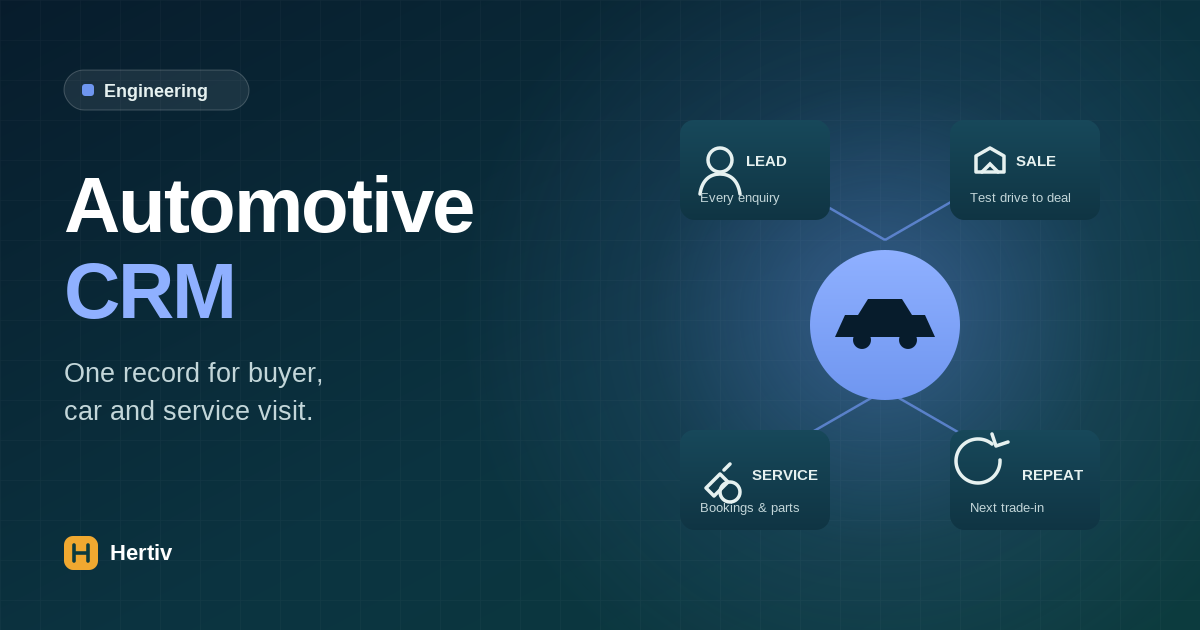
CRM for automotive is customer software built for car dealerships, makers and suppliers that tracks every buyer, vehicle and service visit in one place. It follows a customer from the first enquiry through the test drive, the sale, the service visits and the next purchase, and its vehicle record is what sets it apart from a general CRM.
What is CRM for automotive?
CRM for automotive is customer software built for car dealerships, makers and suppliers that tracks every buyer, vehicle and service visit in one place. It follows a customer from the first enquiry through the test drive, the sale, the service visits and the next purchase.
A general CRM tracks contacts and deals. An automotive CRM also tracks the vehicle: its make and model, its service history, its warranty, its finance deal and when the owner is likely to trade it in. That vehicle record is what makes it different, because in this industry the product stays in the customer's life for years after the sale.
| Area | What the CRM tracks | Why it matters |
|---|---|---|
| Sales | Leads, test drives, quotes, deals | No enquiry is lost between channels |
| Service | Bookings, jobs, parts, reminders | Service visits bring the next sale |
| Vehicles | Model, age, mileage, warranty | Trade-in timing and offers |
| Marketing | Campaigns, offers, responses | Offers reach the right owners |
| Finance | Loans, leases, insurance | Deals close with the right terms |
The same customer often touches several parts of the business: they buy from sales, return to service and call the parts desk. Without one record, each part starts from scratch. For the general pattern, the CRM in manufacturing guide shows how a similar industry tracks customers and products together.
What does it do for a dealership?
For a dealership, an automotive CRM does three jobs: it catches every enquiry, it keeps the sale moving and it brings the customer back for service. A buyer may enquire online at night, by phone in the morning and in person at the weekend, and the CRM joins those three into one lead with one history.
The first job is speed. A lead answered within an hour is far more likely to book a test drive than one answered the next day, so the CRM routes each enquiry to the right salesperson and flags it if nobody replies. It also records which car the buyer asked about, so the salesperson does not start the conversation from scratch.
The second job is the sale itself: the test drive, the trade-in valuation, the quote and the finance options, all in one record. The third job is after the sale: service reminders, warranty dates and a nudge when the car reaches the age or mileage where owners usually trade in.
Dealerships that use the CRM well treat service as the next sale. A customer who trusts the service desk is far more likely to buy the next car from the same dealer, and the CRM is what reminds the team to call at the right time.
What does it do for a maker or a supplier?
For a maker or a supplier, an automotive CRM tracks the dealer network and the end customer at the same time. A maker needs to know which dealers are selling, which models move slowly and which customers complain, and the CRM is where that picture comes together.
The maker uses it to manage the network: dealer performance, stock levels, campaigns and warranty claims. When a recall is issued, the CRM finds the affected owners and tracks who has been contacted and who has booked the fix. When a new model launches, it finds the owners most likely to trade in and gives dealers a list to call.
A supplier uses it differently: to track the makers and the tier-one buyers it sells to, the parts programmes it supports and the quality issues that come back as claims. The record is the same shape, a customer, a product and a history, but the customer is a business rather than a driver.
In both cases the value is the same as for a dealer: one record instead of many, and a history that survives staff changes. When a salesperson leaves, the customer history stays in the system instead of walking out the door.
What should it connect to?
An automotive CRM should connect to the systems the dealership already runs, because a CRM that sits apart from them becomes a second copy of the truth. The first connection is the dealer management system, which holds stock, deals and service jobs, and the CRM should read from it rather than retyping it.
The second is the service scheduler, so a booking made by phone appears in the CRM and a reminder can go out by text or email. The third is the website and the lead sources: online listings, the maker's site and the chat tool, so every enquiry lands in the same queue with its source attached.
The fourth is marketing, so a campaign can target owners by model, age or mileage instead of mailing the whole list. The fifth is finance, so the quote, the loan and the insurance sit with the deal and the salesperson does not chase them across systems.
Ask about these connections before you buy, because a CRM that cannot read the dealer management system will force double entry, and double entry is where data goes stale. Automation helps here too, and the CRM automation software comparison shows what the better tools automate.
How do you choose an automotive CRM?
You choose an automotive CRM by matching it to the size of the business and the systems it must connect to, not by the length of the feature list. A single-store dealer and a five-store group need different tools.
- List the systems it must connect to: the dealer management system, the service scheduler, the website and finance.
- Write down the five jobs it must do every day: lead follow-up, test-drive booking, service reminders, trade-in tracking and campaign targeting.
- Shortlist two or three tools that already serve dealerships, not general CRMs with a car add-on.
- Test each one with real data: import a week of leads and see how fast a salesperson can work through them.
- Check the price for the whole group, including each store, each user and the integrations.
Price is usually per user per month, with the integrations priced separately, so ask for the full figure in writing. Building your own is an option for a large group, and the how to build custom CRM software guide covers what that takes.
Also check who owns the data. If you leave the tool, you should be able to export every lead, every service record and every vehicle history in a usable format. A CRM that locks your data in is a risk, not a feature.
Example (hypothetical): a dealership group with five stores
Example (hypothetical): a dealership group has five stores, and each store receives 120 leads a month, so the group receives 5 x 120 = 600 leads a month. Before the CRM, only about 15% of leads were contacted within an hour, and the group booked 60 test drives a month.
After the CRM, the system routes each lead to a salesperson at once and flags any lead unanswered after 30 minutes. The share contacted within an hour rises to 40%, which is 600 x 0.40 = 240 leads answered quickly, up from 600 x 0.15 = 90 before.
Of the 240 leads answered quickly, 25% book a test drive, which is 240 x 0.25 = 60 test drives from the fast group alone. Across all 600 leads the group now books 150 test drives a month, and 30% of those become sales, which is 150 x 0.30 = 45 sales a month, up from 28 before.
The arithmetic shows where the gain comes from: not from more leads, but from answering the leads the group already had. The CRM did not create demand; it stopped the group losing the demand it already paid for. Cost varies by tool and by user count, so the group checks the vendor site before it budgets.
What are the common mistakes?
The most common mistakes with automotive CRM are buying a general tool, letting the data go stale and measuring logins instead of follow-ups. Each one is easy to spot early.
- Buying a general CRM with no vehicle, warranty or trade-in record
- Running the CRM apart from the dealer management system, so staff type everything twice
- Letting leads sit unanswered because no one owns the queue
- Mailing the whole customer list instead of targeting by model and mileage
- Judging the tool by how many people log in, not by how fast leads are answered
- Keeping the customer history in a salesperson's head instead of the system
Software cost is part of the decision, and the automotive software cost guide covers what the wider systems in a dealership usually run to.
Key takeaways
- Automotive CRM tracks the buyer and the vehicle, including service history, warranty and trade-in timing.
- For a dealership, its three jobs are catching every enquiry, keeping the sale moving and bringing the customer back for service.
- For a maker, it tracks the dealer network, stock, recalls and warranty claims in one place.
- It must connect to the dealer management system, the service scheduler, the website and finance.
- The gain usually comes from answering the leads you already have faster, not from buying more leads.
Frequently asked questions
What is the difference between automotive CRM and a general CRM?
A general CRM tracks contacts and deals. An automotive CRM also tracks the vehicle: its make and model, service history, warranty, finance deal and likely trade-in date. That vehicle record is what makes it useful for dealers, makers and suppliers.
How does automotive CRM help a dealership sell more cars?
It routes every enquiry to a salesperson at once, flags leads that go unanswered and records the car, the test drive and the quote in one place. The gain usually comes from answering leads faster and following up on service visits, not from buying more leads.
What should an automotive CRM connect to?
It should connect to the dealer management system, the service scheduler, the website and lead sources, marketing and finance. A CRM that cannot read the dealer management system forces double entry, and double entry is where data goes stale.
How much does automotive CRM cost?
Pricing is usually per user per month, with integrations priced separately, and it varies by the number of stores and users. Ask for the full figure in writing, including every store and every integration, and check the vendor site.
Can a small dealership use automotive CRM?
Yes. A single-store dealer needs the same three jobs as a group: catching enquiries, keeping sales moving and bringing customers back for service. Start with the lead queue and the service reminders, then add campaigns and trade-in tracking later.
What happens to customer data if we change CRM?
You should be able to export every lead, every service record and every vehicle history in a usable format. Check the export terms before you buy, because a CRM that locks your data in is a risk, not a feature.


