How Much Does a Banking App Like NatWest Cost to Build?
A first version of a NatWest-style banking app costs $120,000 to $250,000. This guide covers the cost bands and the features that drive price.
On this page
Short answer
A first version of a banking app like NatWest typically costs $120,000 to $250,000 to build, covering accounts, payments, cards and security. A fuller product with savings tools, budgeting and lending typically costs $250,000 to $600,000, plus hosting, payment fees and ongoing maintenance.
What does the NatWest app do?
NatWest is a UK retail bank, part of NatWest Group, and its mobile banking app serves more than 11 million customers. The app lets customers open current, savings, child, teen, premier and student accounts, see all their accounts on one home screen, and manage everyday banking without visiting a branch.
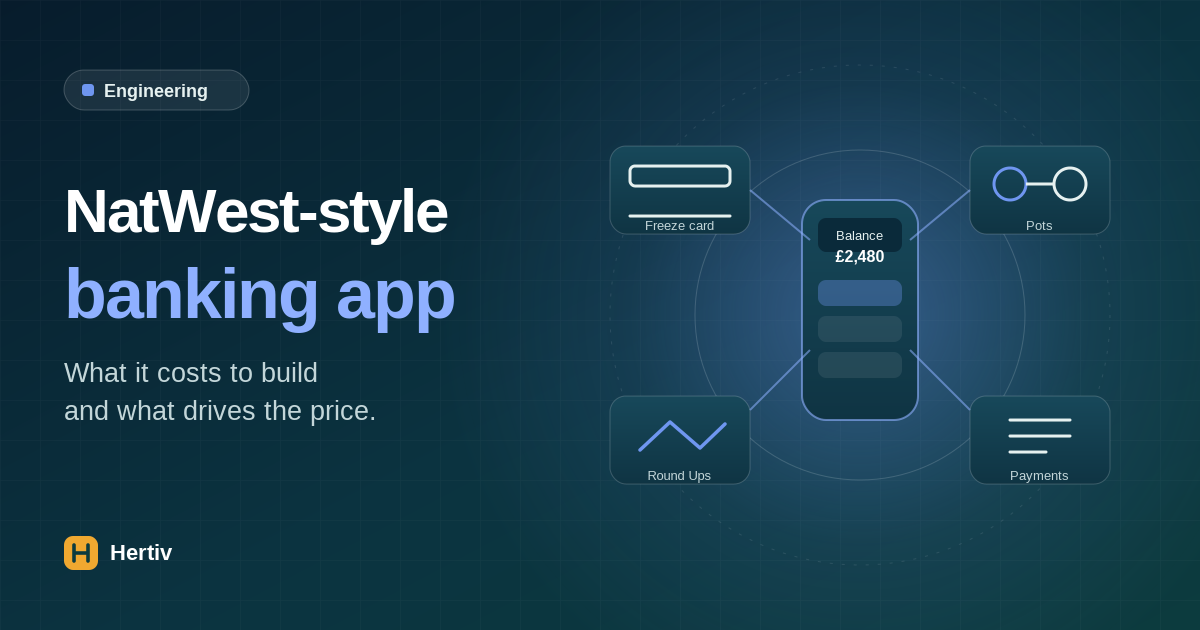
Day-to-day features include freezing and unfreezing a debit card, setting up fingerprint, voice or facial recognition, sending money to favourite payees, splitting a bill of up to 500 pounds with a shared payment link, and withdrawing cash without a card using a Get Cash code at branded ATMs, up to 130 pounds every 24 hours.
Money management features include Pots for setting money aside, Round Ups that save spare change from card payments, and monthly spending categories. Push notifications alert customers when money arrives or leaves, and a credit score view uses TransUnion data.
Customers can also spend abroad in euros and US dollars without fees through a Travel account. A guide to the cost of a banking app like HSBC UK shows how similar features are priced in another large UK bank.
How much does a banking app like NatWest cost to build?
A first version of a NatWest-style banking app typically costs $120,000 to $250,000 to build. A fuller product with savings tools, budgeting, lending and multi-account support typically costs $250,000 to $600,000. A multi-country product with local compliance, currencies and partner integrations typically costs $600,000 to $1,200,000. These are indicative ranges for planning, not vendor quotes.
| Version | What it includes | Indicative build cost | Time to build |
|---|---|---|---|
| First version | Accounts, payments, cards, security | $120,000-$250,000 | 5-8 months |
| Full product | Savings tools, budgeting, lending, alerts | $250,000-$600,000 | 9-14 months |
| Multi-country | Local compliance, currencies, partners | $600,000-$1,200,000 | 14-20 months |
Running costs come on top of the build. Expect hosting and databases, payment processing fees, card scheme fees, app store fees, support and ongoing maintenance. A common planning figure is 15 to 20 per cent of the build cost per year for maintenance and small improvements. Banking apps also carry compliance and audit costs that consumer apps do not.
Which features drive the cost up?
The features that add the most cost are the ones that touch money movement, identity checks or regulation. Payments, card controls, onboarding and security need careful engineering and testing, while simple content screens cost far less.
- Payments and transfers. Bank transfers, bill splitting, payment links and international payments each need provider integrations and error handling.
- Card controls. Freezing a card, changing limits and cardless cash withdrawals need real-time links to the card processor.
- Onboarding and identity. Document checks, biometric login and fraud screening are required before a customer can use the app.
- Savings tools. Pots, Round Ups and goal tracking need reliable money movement rules and clear balances.
- Security and audit. Encryption, logging, fraud detection and penetration testing are ongoing costs, not one-off work.
When scoping, rank features by daily use. Balance checks, payments and card controls are used daily and belong in the first version. Lending, insurance and investment products are used rarely and can wait. A similar cost guide for a banking app like ADCB shows the same ranking pattern.
How do you build a banking app in 7 steps?
Building a banking app follows the same sequence as most financial apps, with extra attention to regulation, security and testing. Each step below has a clear output before the next one starts.
- Confirm the licence and partners. Decide whether you hold a banking licence, partner with a licensed bank, or use a banking-as-a-service provider.
- Map the daily journeys. List what customers do every day: check balances, pay people, freeze cards, save money. Build those first.
- Design the core banking link. Connect accounts, transactions and cards to a core banking system or provider, with real-time balances.
- Build onboarding and security. Add identity checks, biometric login, device binding and fraud screening.
- Add payments and cards. Integrate transfers, payment links, bill splitting and card controls with the payment processor.
- Add savings and alerts. Build Pots, Round Ups, spending categories and push notifications on top of the transaction feed.
- Test, audit and pilot. Run security testing, a compliance review and a pilot with a small group of customers before launch.
Test with real customers early. A pilot with a few thousand users will surface the issues that matter: failed payments, confusing balances and login friction. Fix those before adding features. If you need help scoping, custom software development starts with a feature ranking workshop.
Example (hypothetical): a first version that pays for itself
Example (hypothetical): a small bank builds a first version of its app for $250,000 and spends $6,000 a month on hosting, support and maintenance, which is $72,000 a year.
The app serves 10,000 customers. Each customer avoids two branch visits a year, and each visit costs the bank $8 to serve. That saves $160,000 a year, because 10,000 times 2 times $8 is $160,000.
Net saving is $160,000 minus $72,000, which is $88,000 a year. At that rate the $250,000 build cost is recovered in about 2.8 years, because $250,000 divided by $88,000 is 2.84.
The lesson is that a banking app pays for itself by moving routine work out of branches and call centres. If customers keep calling or visiting for the same tasks, the saving disappears, so the app must actually handle the daily journeys well.
How do you handle banking security and rules?
A banking app stores money and personal data, so security and regulation shape every decision. In the UK, banks are authorised by the Prudential Regulation Authority and regulated by the Financial Conduct Authority, and apps must follow rules on customer protection, fraud prevention and data handling.
Practical steps include encrypting data in transit and at rest, requiring strong customer authentication for payments, keeping audit logs of who did what, and giving customers a way to freeze cards and report fraud instantly. Get legal advice for the countries you operate in before launch, because the rules differ by region.
What are the common mistakes?
The most common mistakes in banking apps are building too much before launch, underestimating security testing, and treating compliance as a final step. Each one is avoidable with a smaller first version and early legal input.
- Copying every feature. A new banking app wins by serving one segment well, such as students or small businesses, not by matching a large bank.
- Security tested last. Penetration testing should start during development, not the week before launch.
- Compliance added late. Identity checks, fraud rules and reporting need to be designed in, not bolted on.
- Slow payments. If a transfer takes longer in the app than at a branch, customers will stop using it.
- No offline handling. The app must fail gracefully when the network drops, with clear messages instead of silent errors.
If you are scoping a banking app, start with the daily journeys and the licence question. Everything else, from savings tools to lending, follows from those two decisions.
Key takeaways
- A first version of a NatWest-style banking app typically costs $120,000 to $250,000
- Payments, card controls, onboarding and security drive most of the cost
- A banking app pays for itself by moving routine work out of branches
- Security testing and compliance must be designed in from the start
- Build daily journeys first and add lending and investments later
Frequently asked questions
Does the NatWest app cost money to use?
No, the NatWest app is free for NatWest customers to download and use. The bank earns money from its banking products, not from the app itself. A similar app built for another bank would also normally be free to customers, with the bank funding the build.
How long does it take to build a banking app like NatWest?
A first version with accounts, payments, cards and security typically takes five to eight months. A fuller product with savings tools, budgeting and lending typically takes nine to fourteen months. Multi-country versions with local compliance take longer.
What is the most expensive part of a banking app?
Payments, card controls and onboarding are usually the most expensive areas, because they need real-time links to banking systems and card processors, plus fraud screening. Security testing and compliance review add further cost that consumer apps do not carry.
Do I need a banking licence to build a banking app?
You need either a banking licence, a partnership with a licensed bank, or a banking-as-a-service provider that holds the licence. The right route depends on your country, your product and how much control you need over accounts and money movement.
What security features should a banking app have?
At minimum, biometric login, device binding, strong customer authentication for payments, instant card freeze, encryption in transit and at rest, fraud detection and audit logs. Customers should be able to freeze a card and report fraud in a few taps.
Can a small bank afford an app like NatWest?
Yes, by starting small. A first version with accounts, payments and card controls costs far less than a full product, and a white-label or banking-as-a-service route can reduce the build further. The key is to serve one customer segment well before adding features.


