Conversational AI Examples: 6 Uses That Work Today
Conversational AI now answers support chats, books appointments and helps staff find answers. Here are six examples that work in production, and what each one needs.
On this page
Short answer
Conversational AI is software that holds a two-way conversation with a person, in text or voice, and takes useful action from it. The examples that work best share a pattern: a clear task, good data behind the answers, and a person who can step in when the conversation goes off track. The six examples below run in real products today.
Where does conversational AI actually help?
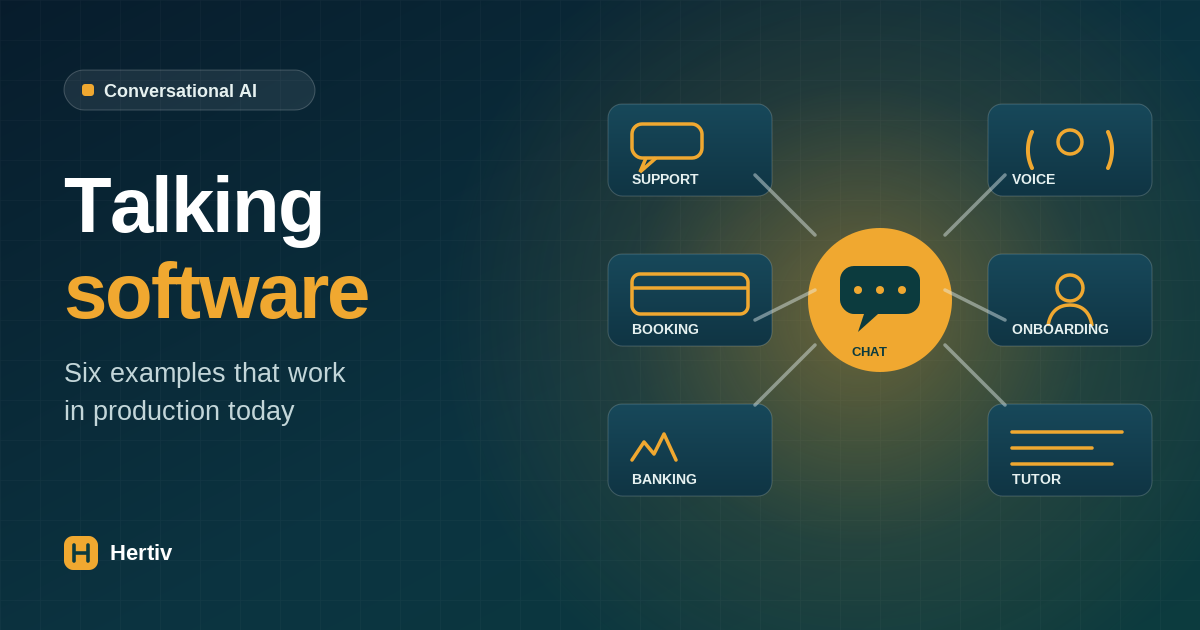
Conversational AI helps most where the same questions repeat, the answer lives in a system, and the user wants a result, not a web page to read. The table below compares six examples that meet that test.
| Example | What it does | Who uses it |
|---|---|---|
| Support chatbot | Answers common questions, opens tickets | Customers |
| Voice assistant | Takes requests by voice, acts on them | Customers, staff |
| Appointment booking | Finds a slot, books it, sends a reminder | Patients, clients |
| HR onboarding bot | Answers new-hire questions, collects forms | New staff |
| Banking assistant | Checks balances, flags odd spending | Account holders |
| Language tutor | Holds practice chats, corrects mistakes | Learners |
Each example below follows the same shape: what the user says, what the system does, and where a person steps in. The details differ, but the test is the same: the conversation must end with something done, not just something said.
<h3>1. Customer support chatbot: best for repeat questions</h3>
A support chatbot answers the questions that arrive every day: order status, delivery times, password resets and return rules. It reads the message, finds the answer in the help pages or the order system, and replies in seconds. When the question is new or the customer is upset, it hands over to a person with the full chat history attached.
The win is speed at scale. A team that answers the same five questions all day can let the bot take those, and keep people for the cases that need judgement. The bot needs clean help content and a clear handover, or it will frustrate the people it was meant to help.
- Pros: instant replies at any hour, frees staff for hard cases
- Cons: needs clean help content, can annoy users if the handover is slow
<h3>2. Voice assistant: best for hands-free requests</h3>
A voice assistant takes spoken requests and acts on them, such as playing music, setting a reminder, checking the weather or turning on a light. The user speaks, the system turns speech into text, works out the intent, and runs the action or asks a short follow-up question.
The hard part is noise and unclear speech. A good assistant asks one short question to clear up doubt, instead of guessing wrong. It also needs to know its limits: when a request is outside its skills, it should say so plainly and offer the next step.
- Pros: no screen needed, fast for simple tasks
- Cons: struggles with noise and accents, limited to known tasks
<h3>3. Appointment booking: best for calendars that fill up</h3>
An appointment booking assistant finds a free slot, books it, and sends a reminder. A patient or client types "I need a dentist on Tuesday morning", the system checks the calendar, offers two or three slots, and confirms the pick. It can also reschedule or cancel with one message.
The value is fewer missed appointments and fewer phone calls. The system must read the real calendar, not a copy of it, or it will book a slot that is already taken. Reminders cut no-shows, and a simple reschedule link keeps the calendar full.
- Pros: fewer phone calls, fewer missed appointments
- Cons: must read the live calendar, needs clear rules for cancellations
<h3>4. HR onboarding bot: best for new-hire questions</h3>
An HR onboarding bot answers the questions every new hire asks: where to find the holiday form, how to set up payroll, who to contact about a laptop, and when the first team meeting is. It points to the right document or form, and collects answers that HR needs, such as bank details or an emergency contact.
New hires ask the same questions in their first two weeks, often at odd hours. A bot that answers at once makes the first week feel organised, and it saves HR from repeating the same answers. Sensitive data must be handled with care, with clear rules on what the bot can ask for.
- Pros: instant answers in the first weeks, less repeat work for HR
- Cons: must protect personal data, needs up-to-date policy documents
<h3>5. Banking assistant: best for everyday money questions</h3>
A banking assistant answers everyday money questions inside a banking app: what is my balance, did my salary arrive, how much did I spend on food this month, and is this charge normal? It reads account data, gives a plain answer, and can flag spending that looks odd.
Trust is the whole product here. The assistant must never invent a number, and it must say when it cannot check something. A wrong balance or a missed fraud alert costs more than a slow reply, so the answers come from the bank's own systems, not from a model guessing.
- Pros: instant answers from real account data, spots odd spending early
- Cons: high accuracy bar, strict rules on data and privacy
<h3>6. Language tutor: best for speaking practice</h3>
A language tutor holds practice conversations with a learner, asks questions at the right level, and corrects mistakes kindly. The learner speaks or types, the tutor replies in the target language, and after each exchange it points out one or two errors and suggests a better phrase.
The tutor works because practice needs a patient partner who is always available. It must keep the level steady: too hard and the learner stops, too easy and they learn nothing. A short daily session with a clear goal beats a long one with no plan.
- Pros: always available, patient, adapts to the learner's level
- Cons: can miss subtle errors, needs a plan to keep learners going
How to choose a conversational AI example to build
Picking the right example to build starts with the task, not the technology. Follow these four steps before writing any code.
- Find a repeat task. List the questions your team answers every day, and pick the one with the highest volume.
- Check the data. Make sure the answer lives in a system the bot can read, such as a calendar, an order system or a help base.
- Define the handover. Decide exactly when the bot hands over to a person, and what the person sees.
- Start small. Launch with one task and a small group of users, then add tasks once the first one works.
Teams that start with a clear task and a small scope get a working bot sooner than teams that try to answer everything at once. How to build an AI proof of concept shows a short way to test one task with real users before building the full system.
For more places where a chat bot fits, AI chatbot use cases covers support, sales and other common tasks.
What are the common mistakes?
The most common mistakes in conversational AI are letting the bot answer things it cannot check, hiding the handover, and launching with no plan for bad answers.
- Guessing answers. A bot that invents a price or a date breaks trust fast. It must say when it does not know.
- No handover. If a user cannot reach a person, a stuck conversation feels like a wall.
- Too many tasks at launch. A bot that tries to do everything does none of them well.
- Stale content. Help pages and prices change. A bot that quotes old answers misleads users.
- No review loop. Someone must read failed chats each week and fix the causes.
For voice-based examples, AI voice agent use cases goes deeper into phone and voice channels.
Key takeaways
- Conversational AI works best on repeat tasks with answers in a system
- A clear handover to a person matters as much as the bot itself
- Start with one task and a small group, then add more
- Never let the bot invent a number, a date or a price
- Review failed chats weekly to find what to fix next
Frequently asked questions
What is conversational AI?
Conversational AI is software that holds a two-way conversation with a person, in text or voice, and takes action from it. It turns words into a task, such as booking a slot or checking a balance, by working out what the person wants and reading the systems that hold the answer.
Is a chatbot the same as conversational AI?
A chatbot is one kind of conversational AI. Conversational AI also covers voice assistants, phone agents and tutors that speak. The shared idea is a back-and-forth conversation that ends with something done, not just a single canned reply.
How much data does a conversational AI need?
It needs the content and systems behind the answers: help pages, product data, calendars or account records. The amount depends on the task. A support bot for five common questions needs far less than a banking assistant that reads live account data.
Can conversational AI replace human support?
No, and it should not try. It handles repeat questions fast and hands the rest to people. The best setups use the bot to clear the routine work, so staff have time for cases that need judgement, empathy or a decision.
What is the hardest part of building one?
Keeping answers true. The bot must read live data, say when it does not know, and hand over cleanly when it cannot help. Most failures come from stale content or a missing handover, not from the language model itself.
How do you measure if it works?
Track how many conversations end with the task done, how often users ask for a person, and how many chats the team reads as failures each week. If the task-completion share rises and handover requests fall, the bot is improving.


