Construction Project Management Software for Real Estate
Construction project management software for real estate links schedule, budget, documents and site work in one record. Learn what to track and how to choose it.
On this page
Short answer
Construction project management software for real estate plans, tracks and controls a building project from budget to handover, linking schedule, budget, documents, site tasks and reporting in one shared record. It matters because the developer is also the client, so sales and handover milestones sit beside the build.
What is construction project management software for real estate?
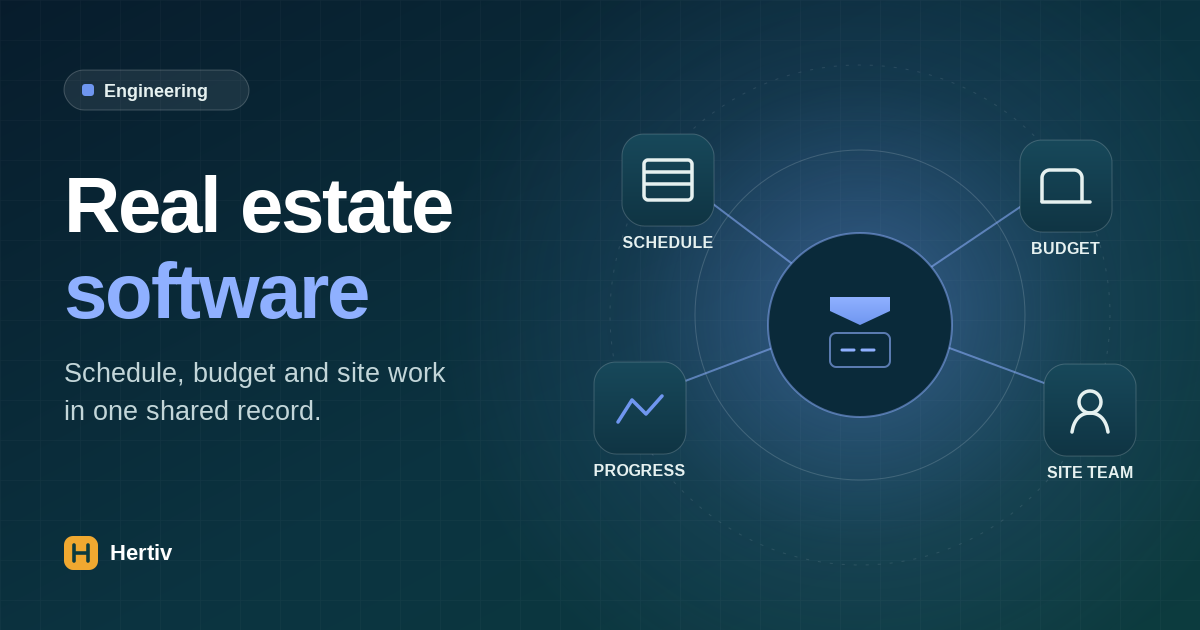
Construction project management software for real estate is software that plans, tracks and controls a building project from the first budget to handover. It brings the schedule, the budget, the documents, the site tasks and the team into one place, so a developer, a contractor and a consultant all work from the same record.
Real estate projects are different from general construction work because the developer is also the client. The software has to track sales and leasing milestones alongside the build, and it has to give the developer a clear view of cost, progress and risk without a site visit.
A typical system covers:
- Schedule. Phases, milestones and dependencies, from permits to handover.
- Budget. The original budget, committed costs, variations and the forecast final cost.
- Documents. Drawings, contracts, permits and change orders with version history.
- Site work. Daily tasks, inspections, snag lists and safety checks.
- Reporting. Progress and cost summaries for the developer, lenders and buyers.
For a developer, the point is control. A project with one shared record is easier to steer than one run on spreadsheets, email and phone calls. Related cost guides, such as what construction safety software costs to build, show how the pieces of this software are priced.
What does it track on a real estate project?
It tracks the four things that decide whether a real estate project succeeds: time, money, quality and handover. Each one has its own records, and the software keeps them linked so a delay in one place shows up in the others.
| Area | What is tracked | Why it matters |
|---|---|---|
| Schedule | Phases, milestones, dependencies, delays | A late phase moves the handover and sales dates |
| Budget | Budget, committed cost, variations, forecast | Shows the true final cost before it is too late |
| Documents | Drawings, permits, contracts, change orders | Everyone works from the current version |
| Site work | Daily tasks, inspections, snag lists | Defects are found and closed before handover |
| People | Subcontractors, consultants, site staff | Shows who is responsible for each task |
| Handover | Unit readiness, keys, warranties, buyer notes | Units cannot be handed over with open defects |
The link between schedule and budget is the most useful part. When a phase slips by two weeks, the software should show the extra cost of labour, equipment hire and finance, so the developer can decide whether to add resources or accept the delay.
Which features matter most for developers?
The features that matter most for developers are the ones that protect the budget and the handover date. A long feature list is less useful than a short list that the site team actually uses every day.
Budget control comes first. The software should compare the forecast final cost with the budget in real time, flag variations as they are raised, and show committed costs against each line. A developer who only sees the budget monthly is steering with old numbers.
Schedule control comes second. The system should show the critical path, the tasks that are late, and the effect of a delay on handover. If the software cannot say which tasks drive the handover date, it is a task list, not a project tool.
Document control comes third. Drawings and change orders change often, and a team working from an old drawing builds the wrong thing. Version history and a single current set of documents prevent that. The same discipline applies to costing, as the guide to construction bidding software costs explains.
Finally, the software must work on site. Site staff need a phone app that works offline, takes photos of defects and records inspections in minutes. If the site team will not use it, the records will be empty and the reports will be fiction.
How do you choose software for your project?
You choose construction project management software for a real estate project by matching it to the size and shape of the project, not by buying the largest system available. A single residential block and a mixed-use district need different tools.
- List the decisions the software must support. Write down the five decisions the developer makes each week, such as approving a variation or moving a handover date, and check the software answers them.
- Count the users and their roles. A developer, a main contractor, several subcontractors and consultants all need different access. Check the roles and permissions fit.
- Test the site workflow. Ask a site manager to log a defect, raise a variation and record an inspection on a phone. If any of those takes more than a few minutes, the team will skip it.
- Check the reporting. Ask for a weekly report for the developer and a lender. It should show schedule, budget, variations and open defects on one page.
- Price the whole cost, not the licence. Add setup, data migration, training and support. A cheap licence with a long setup can cost more than a dearer one that works out of the box.
Run a trial on a live project for a month before committing. A trial on one site shows whether the team will use the software, which is the only test that matters. For a bespoke build, a partner for custom software development can shape the system around the developer's own process.
Example: a developer running three sites
Example (hypothetical): a developer runs three residential sites at once, each with 40 units, and tracks them on separate spreadsheets. A variation on one site takes two weeks to reach the budget, because the site manager emails the quantity surveyor, who updates a spreadsheet and sends it back.
The developer moves all three sites onto one system. Each site has the same schedule template, the same budget lines and the same defect categories. A variation is raised on site, priced and approved in the system, and the forecast final cost updates the same day.
The arithmetic shows the gain. Before the move, the developer's team spent 6 hours a week chasing cost and progress updates across the three sites, which is 6 x 4 = 24 hours a month.
After the move, the weekly report is produced by the system and the team spends 2 hours a week checking it, which is 2 x 4 = 8 hours a month. The saving is 24 - 8 = 16 hours a month, and the numbers are current instead of two weeks old.
The real gain is not the hours. It is that a delay on one site now shows up in the forecast the same week, so the developer can move resources between sites before the handover date slips.
What are the common mistakes?
The most common mistakes are buying too much software, letting the site team ignore it, and treating the system as a reporting tool instead of the place where the project is run.
- Buying for the biggest project. A system built for a district development is too heavy for a single block. Match the tool to the project you have now.
- No site adoption. If site staff keep their own spreadsheets, the system holds old data and the reports mislead. Train the site team first.
- Untracked variations. Small variations agreed on site add up. Every variation must be raised, priced and approved in the system.
- Old drawings in use. If the system does not control drawing versions, teams build from the wrong set. Keep one current set.
- Reports nobody reads. A weekly report that no one acts on is wasted effort. Keep it to one page and tie it to decisions.
- No handover plan. Defects found at handover are the most expensive to fix. Track snag lists from the start, not the last month.
How do you roll it out without slowing the site?
You roll the software out without slowing the site by starting on one project, keeping the old process running alongside it for a month, and cutting over only when the new system matches the old numbers.
Begin with the schedule and the budget, because those are the records the developer checks most. Add document control and defect tracking once the site team is comfortable. Do not try to change every process in the first week.
Train the site team on their own phones, on a real task, not in a classroom. A site manager who logs a real defect during training will use the system the next day. A team that only sees slides will go back to spreadsheets.
Finally, review the rollout after a month. Compare the forecast final cost and the handover date in the system with the old spreadsheets. If they match, cut over. If they do not, find the gap before it becomes a dispute.
Key takeaways
- One shared record for schedule, budget, documents, site work and handover beats separate spreadsheets
- Budget control, schedule control and document versions matter more than a long feature list
- The software must work on site, on a phone, or the records will stay empty
- Choose by the decisions it supports and a live trial, not by the feature list
- Roll out on one project first and cut over only when the numbers match
Frequently asked questions
What is construction project management software?
It is software that plans, tracks and controls a building project from the first budget to handover. It holds the schedule, budget, documents, site tasks and reports in one place, so the developer, contractor and consultants all work from the same record.
How is real estate construction software different?
The developer is also the client, so sales, leasing and handover milestones sit beside the build. The software must track unit readiness, buyer notes and warranties as well as the schedule and budget, which general construction tools often do not cover.
What should it track first?
Schedule, budget, documents and site defects. The link between schedule and budget is the most useful part: a delay should show its cost the same week, so the developer can decide whether to add resources or accept the delay.
How much does it cost?
Prices vary widely by project size, users and setup, so compare the whole cost, including setup, migration, training and support, rather than the licence alone. Vendors publish their own pricing, so check the vendor site for current plans.
Can small developers use it?
Yes, if the system matches the project size. A single residential block needs a lighter tool than a mixed-use district. Start with schedule and budget on one project, then add document control and defect tracking once the team is comfortable.
What goes wrong most often?
The site team not using it, variations agreed on site but never recorded, and old drawings staying in use. Train the site team first, raise every variation in the system, and keep one current set of documents.


