Computer Vision in HR: What It Can See and Where It Stops
Computer vision in HR reads what a camera can see: safety gear, an ID document at onboarding, or how a room is used. It helps with checks, not with judging people.
On this page
Short answer
Computer vision in HR is the use of cameras and image software to check facts, such as whether safety gear is worn, whether an ID document matches a face, or how a room is used. It is useful for safety checks, identity verification and workplace planning, but it must not score candidates or judge character, and a person must review anything that affects a hiring or pay decision.
What is computer vision in HR?
Computer vision in HR is the use of cameras and image-recognition software to check visible facts about people, documents and workplaces. It answers questions a camera can see: is the helmet on, does the photo match the ID, is the room full, is the gate clear.
It is not a judge of people. A camera can record that a worker wore gloves; it cannot tell whether that worker is honest, skilled or a good fit for a team. The line between checking a visible fact and judging a person is the line that decides whether a computer vision project in HR is useful or harmful.
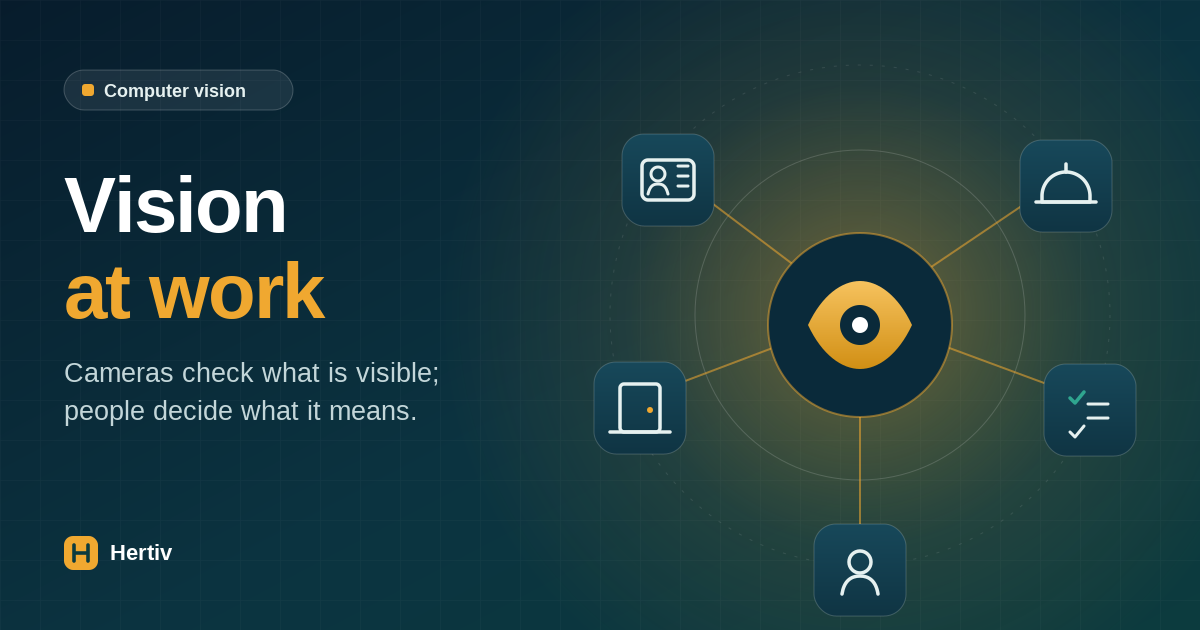
Most working systems in HR fall into three groups:
- Identity checks. Matching a face to an ID document at onboarding, or checking a badge at a gate.
- Safety checks. Spotting missing protective gear, blocked exits or people in restricted zones.
- Space checks. Counting how meeting rooms, desks and queues are actually used.
All three share the same shape: the camera flags something, and a person decides what to do. See what is computer vision for the underlying technology.
What can it check during hiring and onboarding?
During hiring and onboarding, computer vision can check identity documents and the photos attached to them. A new starter photographs an ID and takes a selfie, and the software compares the two and checks the document for signs of tampering, such as a mismatched photo or an altered date.
This is a document check, not a character check. It answers one question: does this document belong to this person, and does it look genuine? It does not answer whether the person is qualified, honest or likely to stay. The hiring decision still belongs to the interviewers and the reference checks.
Where it helps most is volume and speed. A team onboarding 200 seasonal workers can verify documents in minutes instead of days, and the check is the same for every applicant.
Where it goes wrong is when teams let it drift into judging candidates, for example by scoring facial expressions in a video interview. That use is hard to defend, hard to audit and, in many places, hard to run legally. Keep the camera on documents and identity, and keep people on judgement.
Where does it help on the work floor?
On the work floor, computer vision helps most with safety. Cameras at gates and in production areas can spot missing helmets, gloves or high-visibility vests, people entering a restricted zone, or a blocked fire exit, and raise an alert before a supervisor walks past.
| Task | What the camera reads | Who checks it |
|---|---|---|
| Safety gear at the gate | Helmet, vest, gloves present | Gate supervisor |
| Restricted zones | Person in a marked area | Safety officer |
| Blocked exits | Objects in an exit path | Facilities team |
| Queue length | People waiting at a counter | Shift lead |
| Room use | Seats occupied over the day | Workplace planner |
| Badge check | Face matches badge photo | Security desk |
The value is consistency. A camera checks every person at the gate, every shift, without getting tired or playing favourites. The limit is context: a camera cannot tell whether a vest was removed to reach a shelf for ten seconds, or whether a person in a restricted zone is the maintenance worker who belongs there. That is why the alert goes to a person, not to an automatic penalty.
Computer vision in manufacturing covers the factory-floor side in more depth.
What can it measure about the workplace itself?
Computer vision can measure how a workplace is actually used, which is useful for planning space. Cameras that count people without identifying them can show which meeting rooms sit empty, which desks are used on which days, and where queues form at lunch or at the reception desk.
This kind of measurement works best when it is anonymous by design. Counting heads and seats does not need names, faces or stored footage. The output is a pattern over weeks, such as a room that is booked all day but occupied for two hours, or a floor that is full on Tuesdays and empty on Fridays.
The planning value is real: a company can cut a floor it does not use, add desks where they are needed, or move a team closer to the people it works with.
The risk is scope creep, where a system bought to count rooms starts tracking individuals. The fix is to agree the question in advance, store only the counts, and delete the footage. If the business case needs names, it is not a space question any more.
What must it never decide?
Computer vision in HR must never decide who gets hired, promoted, disciplined or paid. Those decisions need reasons a person can explain and challenge, and a camera score is not a reason.
- Hiring scores. Scoring a candidate from a video, a photo or a facial expression is unreliable and hard to audit, and it can penalise people for how they look or speak rather than what they can do.
- Mood or honesty. No camera can read honesty, stress or attitude reliably. Treating a reading as a fact about a person is a category error.
- Productivity from presence. Time at a desk is not output, and a camera that logs it will be gamed or resented.
- Discipline without review. An automatic flag for missing gear should start a conversation, not trigger a penalty on its own.
Consent and law sit behind all of this. Recording people at work usually needs a clear notice, a stated purpose and, in many countries, a legal basis that a camera score for hiring will not meet. The safe rule is simple: if the decision affects a person's job, a person makes it, and the camera only supplies a visible fact. How to implement computer vision covers the rollout steps, including the governance checks.
Example (hypothetical): a warehouse checks safety gear at the gate
Example (hypothetical): a warehouse with 400 workers on a shift installs a camera at the gate that checks helmets and high-visibility vests. In the first week it flags 24 workers, and a supervisor checks each one: 20 are genuinely missing gear, and 4 are false alarms caused by a vest hidden under a jacket.
Checking 24 flagged workers takes about 2 minutes each, or 48 minutes a shift. Checking all 400 workers by hand would take about 1 minute each, or 400 minutes. The camera saves roughly 350 minutes a shift, and the supervisor still makes the call in every flagged case.
The team also learns from the false alarms. After the first month it adjusts the camera angle and adds a second check at the locker room, and the false alarms fall. The lesson is not that the camera is right; it is that a camera plus a person is faster than either alone, and the person keeps the decision.
What are the common mistakes?
The most common computer vision mistakes in HR are letting the camera judge people, keeping footage longer than needed, and rolling it out without telling staff.
- Scoring candidates. Using video or photo analysis to rank applicants is the fastest way to lose trust and invite a legal challenge.
- Keeping raw footage. Storing identified video for months creates a privacy risk with no planning value. Keep counts and flags, not faces.
- No notice to staff. People who discover a camera after the fact will assume the worst. Say what it checks, where, and who sees the flags.
- Automatic penalties. A flag should start a human check. A system that fines or disciplines on its own will be switched off or worked around.
- Buying before defining the question. A camera bought without a named problem becomes a search for problems, which is where scope creep starts.
Key takeaways
- Computer vision in HR checks visible facts: identity, safety gear and room use
- It is useful for onboarding checks, gate safety and space planning
- It must never score candidates, read mood, or decide hiring and discipline
- A person reviews every flag that affects a worker
- Anonymous counting works for planning; identified footage needs a clear purpose and notice
Frequently asked questions
Can computer vision be used in job interviews?
It can check identity documents, but it should not score candidates from video or photos. Scoring faces or expressions is unreliable, hard to audit and can penalise people for how they look. Interviews should be judged by people, using the same criteria for every candidate.
Is it legal to use cameras to check safety gear at work?
In many countries yes, when staff are told, the purpose is safety, and the footage is used for that purpose only. The rules differ by country and by workplace, so check local law and any worker agreements before installing cameras.
Does computer vision store video of employees?
It should not store identified video longer than needed. For safety checks, the flag and the decision are what matter, and the footage can be deleted quickly. For space planning, only anonymous counts need to be kept at all.
Can computer vision replace a human in HR decisions?
No. It can supply a visible fact, such as a missing helmet or a mismatched document, but the decision about what that fact means belongs to a person. Anything that affects hiring, pay or discipline needs a human reviewer.
What is the first computer vision use case most HR teams should try?
Identity document checks at onboarding are the safest first step, because the question is narrow, the benefit is speed, and the decision stays with a person. Safety gear checks at a gate are a close second for sites with physical risk.
How do you tell staff about cameras at work?
Say what the camera checks, where it is, who sees the flags and how long footage is kept, before it is switched on. A short written notice and a chance to ask questions prevents most of the trust problems that follow a surprise installation.


