Computer Vision for Safety: How Cameras Spot Hazards
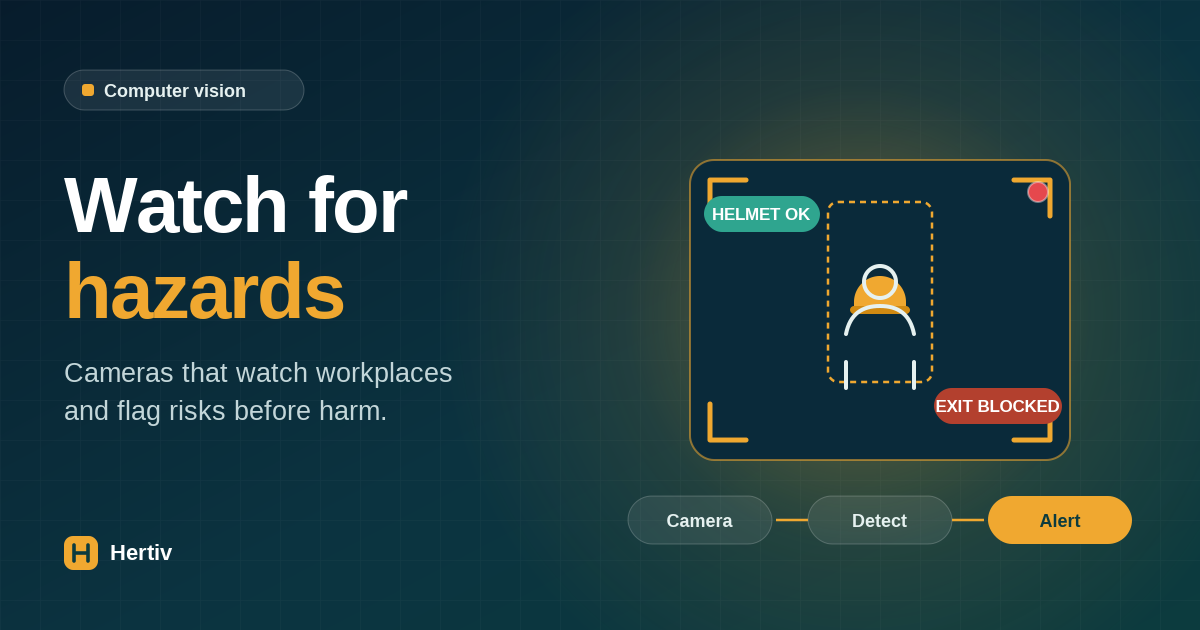
Computer vision for safety watches workplaces with cameras, spots hazards like missing helmets or blocked exits, and alerts a person before anyone gets hurt.
On this page
Short answer
Computer vision for safety is the use of cameras and image-recognition software to watch a workplace, spot hazards as they appear, and alert a person before anyone gets hurt. It gives safety staff eyes on every corner of a site at once, while people still decide what to do about each alert.
What is computer vision for safety?
Computer vision for safety is the use of cameras and image-recognition software to watch a workplace, spot hazards as they appear, and alert a person before anyone gets hurt. The camera watches continuously; the software checks each frame against the safety rules for that site, such as helmets on, walkways clear and machines guarded.
It does not replace safety staff. It gives them eyes on every corner of a site at once, including places a supervisor cannot stand all day. When the system flags something, a person decides what to do: the camera only raises the alarm.
A typical system has three parts:
- Cameras placed where the risks are: entrances, loading bays, production lines and stairwells.
- A model trained to recognise the hazards that matter on that site.
- An alert channel that reaches the right person in seconds, not at the end of the day.
What hazards can cameras spot?
Cameras spot the hazards that are visible and repeatable. The table below shows the common ones, and what the system does when it sees them.
| Hazard | What the camera sees | What happens |
|---|---|---|
| Missing helmet or vest | A worker without protective gear in a marked zone | Alert to the supervisor |
| Blocked exit or walkway | Boxes or pallets in a marked path | Alert to the floor team |
| Person in a danger zone | Someone inside a fenced or marked area | Alarm and machine stop request |
| Forklift too close to people | A vehicle and a person in the same zone | Warning light and alert |
| Spill or debris on the floor | Liquid or objects where people walk | Cleaning ticket raised |
| Smoke or flame | Early signs of fire | Fire alarm and alert |
Some hazards need other sensors too. Gas leaks, heat and vibration are hard to see on camera, so sites pair vision with the right detectors rather than relying on cameras alone. A camera can also count how many people are in a zone, which helps when a site limits how many workers may enter a confined space at once.
Choosing the right tool matters: the best computer vision software compared side by side shows which tools fit detection, tracking and alerting work.
How does a safety vision system work?
A safety vision system works in four steps: capture, detect, decide and alert. Each step is simple on its own; the value comes from running them continuously without tiring.
- Capture. Cameras send video to a local processor or a server, usually at a few frames per second to keep costs down.
- Detect. The model checks each frame for the hazards on the site's list, such as a missing helmet or a blocked exit.
- Decide. A rule engine filters the detections: a helmet missing for one frame is ignored, but the same worker without one for ten seconds raises an alert.
- Alert. The alert goes to the supervisor's phone or dashboard with a short clip, so they can see what happened.
The detection models are standard computer vision: what computer vision is explains the basics, from labelled images to the trained model that runs on each frame.
Where is safety vision used?
Safety vision is used wherever people and machines share space and a supervisor cannot watch every corner. Factories use it on production lines, warehouses use it in loading bays and aisles, construction sites use it at entrances and around cranes, and road operators use it to spot stopped vehicles and debris.
The common thread is a site with clear rules and repeatable hazards. A site where the risks change every day, or where the rules are not written down, is a poor fit: the model can only check what the site has defined.
Road operators use the same idea on highways: a stopped vehicle or debris in a lane is flagged in seconds, so the control room can close the lane before the next car arrives. The hazard is different, but the loop is the same: watch, detect, decide, alert.
Other industries use the same technology for quality and counting jobs: see computer vision use cases that work in production, from defect inspection to warehouse picking.
Example (hypothetical): a warehouse pilot
Example (hypothetical): a warehouse installs 10 cameras over its loading bays and aisles. The system flags 25 events a day, and a supervisor reviews each one in about 2 minutes, which takes 50 minutes a day.
Before the pilot, a supervisor walked the floor for 3 hours a day to check the same areas. The pilot saves about 2 hours of walking a day, and it catches events the supervisor would have missed, such as a blocked exit at night. The review still takes a person: the camera only decides what is worth looking at.
The pilot also changed behaviour. Once workers knew the entrance camera checked helmets, missing-helmet alerts fell within the first month, because the rule was now enforced the same way every shift.
What are the common mistakes?
The most common mistakes in safety vision come from tuning the system for the demo instead of the real site, and from forgetting the people who have to live with the alerts.
- Alerting on every frame, so staff stop checking alerts at all.
- Training on clean images, then failing on a dusty lens or poor lighting.
- No privacy rules: filming rest areas or keeping footage longer than needed.
- Skipping the human review step, so a false alarm stops work.
- Buying cameras before writing down which hazards the site actually needs to catch.
How to start a safety vision pilot
Start with one hazard on one part of the site, prove the alerts are accurate, and only then add cameras and hazards.
- Pick one hazard, such as missing helmets at the entrance, with a clear rule.
- Place two or three cameras where that hazard actually happens.
- Label a sample of real footage from your own site, including bad light and busy moments.
- Run for two weeks with a person reviewing every alert, and tune the rules until false alarms are rare.
- Add the next hazard only when the first one is trusted.
A partner for computer vision development can help with camera placement and model tuning if your team has not done this before.
Key takeaways
- Cameras watch continuously; people decide what to do about each alert
- Start with one hazard, one rule and a few cameras, then expand
- Filter detections with time rules so one bad frame never raises an alarm
- Privacy rules and footage limits belong in the design, not after launch
- A pilot is only trusted when false alarms are rare and staff still check them
Frequently asked questions
What is computer vision for safety?
Computer vision for safety uses cameras and image-recognition software to watch a workplace, spot hazards such as missing helmets, blocked exits or people in danger zones, and alert a person in seconds. It watches continuously, while people decide what to do about each alert.
Which hazards can cameras detect?
Cameras detect visible, repeatable hazards: missing protective gear, blocked walkways and exits, people inside danger zones, vehicles too close to workers, spills on the floor, and early signs of smoke or flame. Gas leaks and heat need other sensors.
Does safety vision replace safety staff?
No. It gives safety staff eyes on every corner of a site at once, including places a supervisor cannot stand all day. A person still reviews each alert, decides the response and owns the safety rules the system checks.
How accurate is safety vision?
Accuracy depends on the site: camera placement, lighting, and how well the model was trained on real footage from that site. A two-week pilot with a person reviewing every alert shows the real false-alarm rate before you trust it.
What about worker privacy?
Film only the work areas where the safety rules apply, not rest areas or changing rooms. Keep footage only as long as the site's policy allows, tell workers what is filmed and why, and limit who can view the clips.
How much does a safety vision pilot cost?
Cost depends on the number of cameras, the processor, and the labelling work for your own footage. A small pilot with two or three cameras and one hazard is the cheapest way to learn the real alert rate before spending on a full rollout.


