CNAPP Cloud Security: What It Is and How It Works
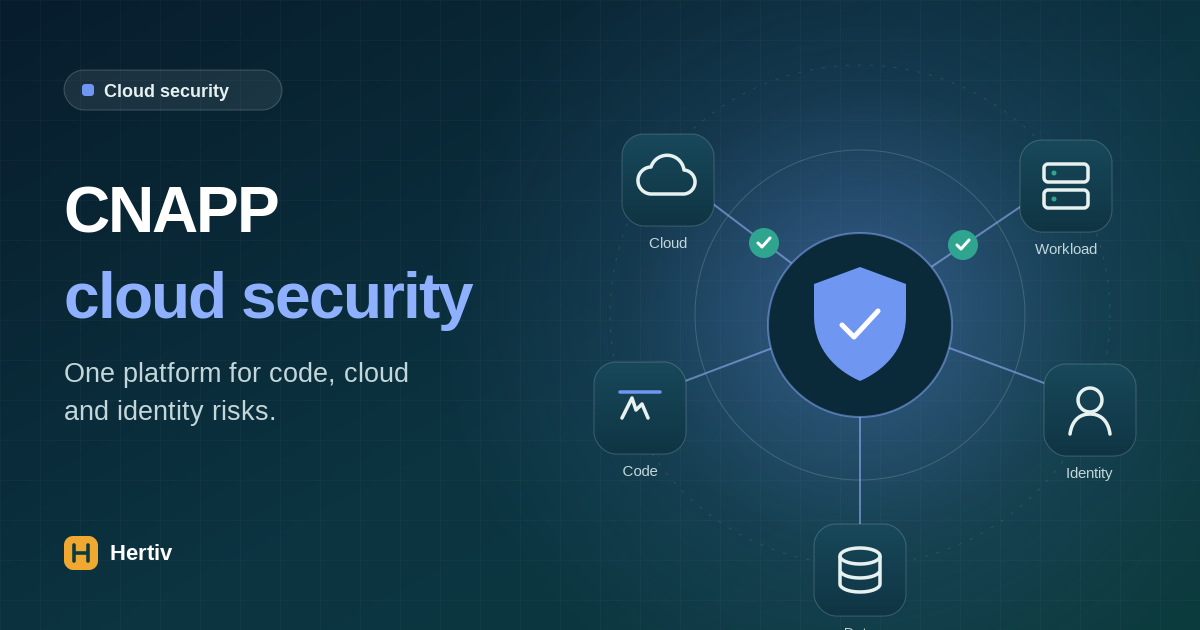
CNAPP cloud security joins cloud posture, workload protection, code scanning and identity checks into one platform, so teams see each risk once with its fix.
On this page
Short answer
A CNAPP, or cloud-native application protection platform, is a security platform that covers a cloud application from code to runtime in one place. It joins posture management, workload protection, infrastructure-as-code scanning and identity checks, so a misconfiguration, a vulnerable image and an over-permissioned identity are seen as one connected risk, not three separate alerts.
What is CNAPP cloud security?
CNAPP cloud security is a platform approach that protects a cloud-native application from the code a developer writes to the workload running in production. The name stands for cloud-native application protection platform: one platform that sees the same application from several angles at once, replacing a set of separate tools.
Before CNAPPs, teams bought separate tools: one checked cloud configuration, another scanned container images, a third watched workloads, and a fourth reviewed access. Each tool raised its own alerts, and nobody owned the full picture. The same risk could appear three times, or not at all if it fell between tools.
A CNAPP joins those views into one graph of code, build artefacts, cloud resources and identities, so a vulnerable library, the workload running it and the over-permissioned identity attached to it show up as one connected risk with one fix. The point is fewer, better alerts, each tied to something a team can change.
| CNAPP part | What it checks | Example finding |
|---|---|---|
| Cloud posture (CSPM) | Cloud settings | Storage bucket open to the public |
| Workload protection (CWPP) | Servers and containers | Container running as root |
| Code and IaC scanning | Code and templates | Hard-coded secret in a template |
| Identity (CIEM) | Permissions and access rights | Service account with admin rights |
| Runtime protection | Behaviour while the app runs | Unexpected outbound connection |
Teams that run most of their product in the cloud usually pair a CNAPP with broader cybersecurity services, since the platform covers cloud risks but not application logic flaws or staff training.
How does a CNAPP work in practice?
A CNAPP works by collecting data from your code, your build pipeline and your cloud accounts, joining it into one model of your application, and then checking that model against rules and against what the application actually does at run time.
The flow starts in the repository. The platform scans infrastructure-as-code templates and container files before they are deployed, so a public bucket or a hard-coded secret can be blocked or flagged in the pull request. At build time it scans images for known vulnerable packages and checks which packages are actually loaded, which cuts down on noise from libraries that are present but never used.
Once the application runs, agents or agentless scans watch the workloads and the cloud control plane. The platform compares the running state with the desired state: a port that was closed in the template but is open in production, a new identity with broad rights, or a container talking to an unexpected address.
Each finding is scored by reachability and by what it can touch, so a vulnerable package in an isolated test service ranks below the same package in the service that handles customer data.
The graph is what makes this useful. A single risk can combine a vulnerable image, a public network path and an over-permissioned identity into one attack path, and the platform can show the shortest fix. Fixing the identity or closing the path often removes the risk without touching the code at all.
CNAPP vs CSPM vs CWPP: what is the difference?
CNAPP, CSPM and CWPP overlap, and vendors use the terms loosely, so the difference is best understood by scope: CSPM checks cloud configuration, CWPP protects workloads, and a CNAPP is the platform that joins both with code scanning and identity checks.
CSPM, or cloud security posture management, watches cloud accounts for misconfiguration: public storage, open ports, missing encryption, logging switched off. It is strong on configuration but knows little about the code running on those resources. CWPP, or cloud workload protection platform, watches the workloads themselves: servers, containers and serverless functions, including vulnerabilities, runtime behaviour and malware.
A CNAPP contains both, and adds the parts neither covers: scanning infrastructure-as-code and images before deployment, and reviewing identities and permissions across cloud accounts. The result is a single view where a finding in one area is connected to the same application in the others.
| Approach | Scope | Main gap |
|---|---|---|
| CSPM | Cloud configuration | Knows little about code or workloads |
| CWPP | Workloads at run time | Knows little about cloud configuration |
| CNAPP | Code, build, cloud and run time | Bigger scope, more to tune and operate |
When a vendor calls a product a CNAPP, check what is actually included. Some are a CSPM with a scanner added; others are a full platform. The test is whether one finding can show the code, the image, the workload and the identity behind it. For the delivery side of this, DevOps services cover how scanning fits into the build pipeline.
How do you choose and roll out a CNAPP?
You choose and roll out a CNAPP by starting with one cloud account and one application, proving the platform finds real risks without drowning the team, and only then expanding coverage. A platform that nobody trusts will be ignored, however good its detection is.
- List what you run. Count cloud accounts, workloads, images and identities. A platform priced per resource needs an honest count before any quote.
- Run a trial on one account. Connect a single account and one application, and let the platform report for two weeks without blocking anything.
- Measure the noise. Count findings, and how many are real, fixable and reachable. If most findings are noise, tune the rules before expanding.
- Wire findings into the workflow. Send them to the team's existing tracker with an owner and a due date, not to a separate dashboard nobody opens.
- Add code scanning. Once run-time findings are trusted, add template and image scanning to the pipeline so issues are caught before deployment.
- Review identities quarterly. Permissions drift over time, so schedule a review of service accounts and their rights.
Keep the first phase read-only: report, do not block. Blocking deployments on scan results before the rules are tuned will stall releases and push teams to bypass the checks. Turn on blocking only for the small set of rules the team agrees are always correct, such as public storage or hard-coded secrets.
For teams building in the cloud, cloud services cover the architecture and operations work that a CNAPP then protects.
Example (hypothetical): a team finds one risk in three places
Example (hypothetical): a 40-person product team runs its application in 3 cloud accounts with 60 containers. The team connects a CNAPP in read-only mode and, after two weeks, has 180 findings. That number is too high to act on, so the team filters by reachability and by what each finding can touch.
One finding stands out. A container image contains a vulnerable package, the container runs with broad permissions, and the service is reachable from the internet. On their own, each issue looks medium: the package is in a library the app may not call, and the permissions are broad but unused.
The public path is behind a login page, so the three issues together form a path: an attacker who reaches the service can use the vulnerable package and the broad permissions.
The team fixes it with two small changes: it rebuilds the image without the vulnerable package, and it narrows the container's permissions to the one database it needs. The fix takes about 3 hours of work. After the fix, the filtered list drops from 42 reachable findings to 18, because several other findings pointed at the same image and the same permissions.
The arithmetic shows why the graph matters: 180 raw findings became 42 reachable ones, and one fix removed several at once. Counting raw findings would have made the problem look far bigger than it was.
What are the common mistakes?
The most common CNAPP mistakes are buying for the demo, turning on blocking too early, and treating the findings list as the goal instead of the fixes behind it.
- Judging by the demo. A demo account is clean by design. Trial on your own accounts, with your own images and identities, before deciding.
- Blocking before tuning. Blocking deployments on untuned rules stalls releases and teaches teams to bypass the checks.
- Chasing the raw count. Hundreds of findings are normal at first. Filter by reachability and by what each finding can touch.
- Ignoring identities. Over-permissioned service accounts are often the shortest path in an attack, and they are easy to miss when the focus is on images.
- No owner per finding. Findings sent to a shared dashboard with no owner and no due date are rarely fixed.
- Forgetting agentless gaps. Agentless scans miss some run-time detail; agent-based coverage misses short-lived workloads. Know which gaps your setup has.
For the identity side of cloud security, data security and compliance covers the access and audit controls that sit alongside the platform.
Key takeaways
- A CNAPP joins cloud posture, workload protection, code scanning and identity checks into one platform
- Its value is the graph: one finding can show the code, the image, the workload and the identity behind it
- Filter findings by reachability and what they can touch; raw counts mislead
- Start read-only on one account, tune the rules, and block only the rules the team trusts
- Over-permissioned identities are often the shortest attack path, so review them on a schedule
Frequently asked questions
What does CNAPP stand for?
CNAPP stands for cloud-native application protection platform. It is a security platform that covers a cloud application from code to runtime, joining posture management, workload protection, code scanning and identity checks into one view.
Is a CNAPP the same as a CSPM?
No. A CSPM checks cloud configuration only. A CNAPP includes CSPM-style checks and adds workload protection, infrastructure-as-code and image scanning, and identity review, so one finding can connect the code, the workload and the identity behind it.
Do small teams need a CNAPP?
It depends on how much runs in the cloud. A team with one account and a few workloads can often manage with posture checks and image scanning alone. A CNAPP earns its place when several accounts, many images and many identities make the connections hard to track by hand.
Does a CNAPP replace a firewall or an endpoint tool?
No. A CNAPP covers cloud configuration, images, workloads and identities. It does not replace network firewalls, endpoint protection on laptops, or application security testing. It is one layer in a wider security setup.
How long does a CNAPP rollout take?
A read-only trial on one account usually takes a few weeks, including tuning the rules so the findings are mostly real. Full rollout across accounts, pipelines and identity review takes longer, and blocking deployments should only start once the team trusts the rules.
What should I check in a CNAPP trial?
Check whether findings link code, image, workload and identity in one view, how many findings are real and fixable, whether findings flow into your existing tracker with an owner, and what the pricing is per resource. Trial on your own accounts, not a demo account.


