How to Use ChatGPT for Sales Without Sounding Robotic
ChatGPT can draft outreach, prepare calls and summarise accounts, but only when a salesperson checks every word. Here is how to use it well.
On this page
Short answer
ChatGPT helps sales teams by drafting outreach, summarising account research and preparing call notes in minutes instead of hours. It works best as a first-draft assistant: the rep supplies the context, checks the facts and sends the message. Used that way, it saves hours a week without making outreach sound generic.
What is ChatGPT for sales?
ChatGPT for sales is the use of OpenAI's chat model to help salespeople research accounts, draft outreach, prepare for calls and follow up with prospects. It works as a writing and research assistant that sits next to the CRM, not as a replacement for the salesperson.
A rep might ask it to summarise a company's latest news before a call, turn bullet points into a short outreach email, or draft three versions of a follow-up message. The model is fast at first drafts and at pulling together scattered notes into a clear summary.
The important part is the boundary. ChatGPT can prepare material and suggest wording, but the rep still checks facts, decides what to send and owns the relationship. A message sent without a human reading it is where most sales teams get into trouble.
Where does ChatGPT help in a sales process?
ChatGPT helps most in the parts of selling that involve reading and writing: research, drafting and summarising. It helps least where judgement, trust and a live conversation matter, which is the call itself.
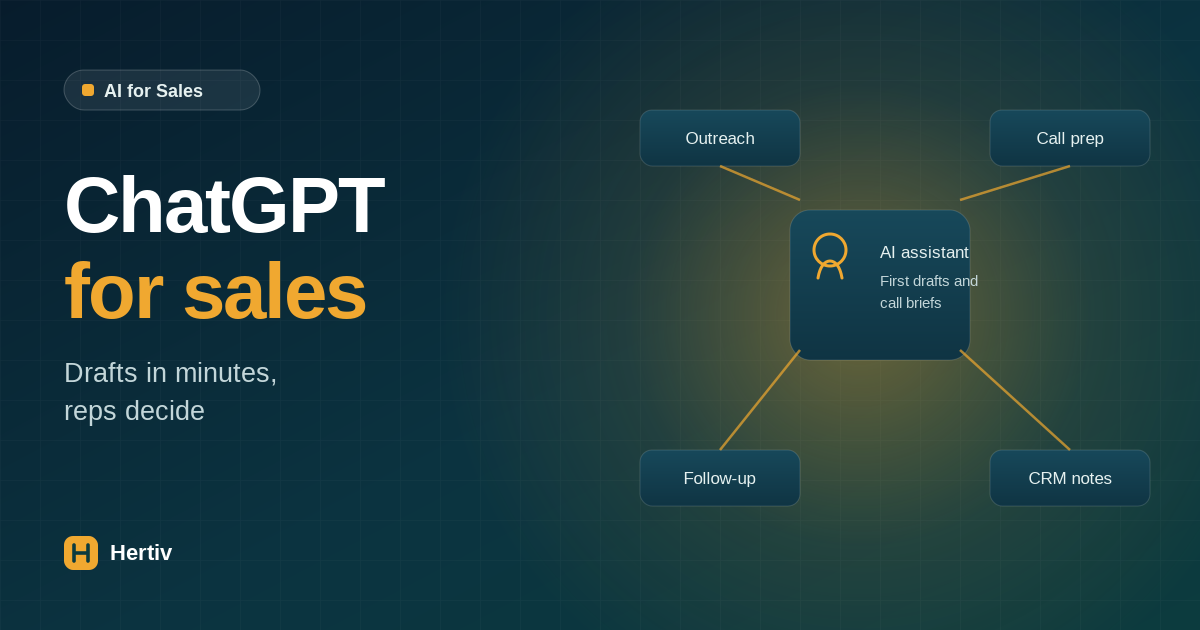
| Sales task | What ChatGPT does | What the rep still does |
|---|---|---|
| Account research | Summarises news, filings and web pages | Decides what matters to the buyer |
| Outreach drafts | Writes first versions from bullet points | Edits, checks facts and sends |
| Call preparation | Builds a brief and likely questions | Runs the call and reads the room |
| Follow-up | Drafts summaries and next steps | Commits to dates and prices |
| Objection handling | Suggests replies to common pushback | Judges which reply fits this buyer |
| CRM notes | Turns rough notes into clean records | Confirms the record is accurate |
The pattern is consistent: the model does the reading and the first draft, and the person does the deciding. Teams that keep that split get faster outreach without losing the personal touch that closes deals. For a wider view of sales automation, see generative AI in sales.
How do you write sales prompts that work?
A good sales prompt gives the model the context it needs: who the prospect is, what the product does, what the message should achieve and how long it should be. A prompt with no context gets generic copy that any buyer can spot.
Include these ingredients in the prompt:
- The prospect. Role, company and one fact that shows you looked them up.
- The problem. One concrete problem the product solves for this buyer.
- The offer. What you want the buyer to do next, in one line.
- The tone. Plain and direct, or warm and formal, depending on the buyer.
- The length. A word count or a line count keeps the draft short.
- What not to claim. No prices, results or customer names unless you supply them.
Test each prompt on a real account before using it at scale. If the draft needs heavy editing every time, the prompt is missing context. Fix the prompt, not the output, and keep the prompts that work in a shared list the team can reuse. For tools that go further than drafting, see the top AI agents for sales.
What should ChatGPT never do in sales?
ChatGPT should never invent facts about a prospect, a product or a price. The model can sound confident about details it made up, and a wrong claim in a sales email damages trust faster than a slow reply.
Keep these lines firm:
- Never send without review. Every draft goes past a human who knows the deal.
- Never invent customer names or results. If you did not supply the proof, the model should not write it.
- Never quote prices or terms. Prices change, and the model has no price list.
- Never paste sensitive customer data. Names, deal values and contract terms stay out of the chat window.
Treat the model as a junior drafter with no access to your price list. Everything it writes is a suggestion until a person who knows the deal has read it. For tools built for this job, see AI copilots for sales.
How do you keep customer data safe?
Do not paste customer names, emails, deal values or contract terms into a public chat tool unless your company has a data agreement that covers it. Anything typed into a consumer chat product may be stored or used in ways your privacy policy does not allow.
The safe route is to use a business plan with a data agreement, or to strip names and numbers before pasting. Many teams keep a simple rule: no customer data in the chat window, only anonymised examples that cannot be traced back to a real account.
Check your company's policy before the first rep tries it. Sales teams move fast, and one rep pasting a customer list into a free tool can create a problem that takes weeks to sort out. A short written rule, shared with the team, is worth more than a warning after the fact.
Example (hypothetical): a week of outreach
Example (hypothetical): a rep sends 40 outreach emails a week. Writing each one by hand takes about 15 minutes, so the week costs 40 x 15 = 600 minutes, or 10 hours, of writing time.
With ChatGPT drafting first versions, each email takes about 5 minutes to review and send. The same 40 emails take 40 x 5 = 200 minutes, or about 3 hours and 20 minutes, so the rep saves roughly 6 hours and 40 minutes a week.
The saving only holds if the drafts are good. If 8 of the 40 drafts need a full rewrite at 15 minutes each, that adds 120 minutes, or 2 hours, back. The net saving is still about 4 hours and 40 minutes, and the rep uses it on calls and follow-ups.
The lesson is to count the net saving, not the gross one. Review time and rewrite time are part of the cost, and a team that ignores them will overstate what the tool delivers.
What are the common mistakes?
The most common mistakes teams make with ChatGPT in sales are sending drafts without reading them, letting the model invent proof, and pasting customer data into a free tool. A managed option is AI agents for sales teams, where the drafting and follow-up are built into the workflow.
- Sending without review. A draft that goes out unchecked will eventually contain a wrong name, price or claim.
- Invented proof. Asking the model for customer results it does not have produces made-up stories.
- Generic prompts. A prompt with no prospect detail produces copy any buyer can spot as automated.
- No data rule. Without a written rule, someone will paste a customer list into a free chat tool.
- Measuring volume, not replies. More emails sent says nothing about more meetings booked.
- Skipping the human follow-up. A good draft does not replace a call, a referral or a real conversation.
Key takeaways
- ChatGPT drafts; the rep decides what goes out
- Good prompts need prospect, problem, offer and length
- Never let the model invent prices, results or customer names
- Keep customer data out of free chat tools
- Count the net time saved, including review and rewrites
Frequently asked questions
Can ChatGPT replace a salesperson?
No. ChatGPT can draft outreach, summarise research and prepare call notes, but it cannot run a live conversation, read a buyer's reaction or own a relationship. The rep still decides what to send, checks the facts and handles the call. The tool saves writing time; it does not close deals on its own.
Is it safe to paste customer data into ChatGPT?
Only under a business plan with a data agreement that covers how the data is stored and used. In a free consumer tool, do not paste customer names, emails, deal values or contract terms. Strip names and numbers first, or use anonymised examples that cannot be traced back to a real account.
How do you stop ChatGPT from sounding generic?
Give the prompt real context: the prospect's role and company, one concrete problem, the offer in one line, the tone and a word count. A prompt with no detail produces generic copy. Test prompts on real accounts and keep the ones that produce drafts needing only light edits.
What is the best use of ChatGPT in sales?
First drafts and summaries: outreach emails from bullet points, account research briefs, call preparation notes and CRM write-ups. These are reading and writing tasks where the model is fast and the rep can check the result. Live calls and pricing decisions stay with the person.
Does ChatGPT know your product and prices?
No. It has no access to your price list, your CRM or your customer results, and it will invent plausible-sounding details if asked. Supply every fact the draft needs in the prompt, and check prices and claims yourself before anything goes out.
How much time does ChatGPT save a sales rep?
It depends on how much writing the rep does and how good the prompts are. In the worked example, a rep sending 40 emails a week saves about 4 hours and 40 minutes net after review and rewrites. Measure your own team for a month before deciding whether it is worth the effort.


