Best Text-to-Video AI Tools for Creators
The best text-to-video AI tools for creators: Runway Gen-4, OpenAI Sora, Google Veo 3, Pika, Luma Dream Machine, Kling, Hailuo and Adobe Firefly Video, compared.
On this page
Short answer
The best text-to-video AI tools now are Runway Gen-4 and OpenAI Sora for realistic short clips, Google Veo 3 for clips with sound, Pika and Kling for quick social video, Luma Dream Machine for 3D-style scenes, Hailuo for stylised animation and Adobe Firefly Video for Creative Cloud editors. Test each with the same prompt before you commit.
Which text-to-video AI tools are worth trying now?
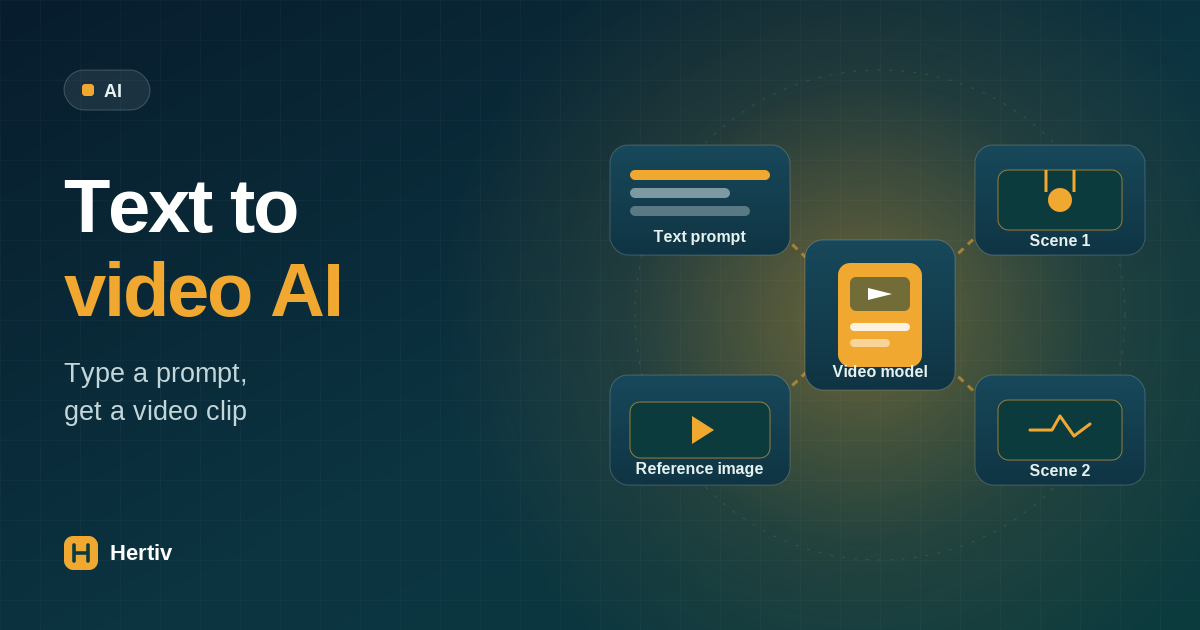
The text-to-video AI tools worth trying now are the ones that match your clip length, your quality bar and your budget. You type a prompt, the model generates a short video clip, and you edit the result like any other footage.
Use this comparison to shortlist. Test each tool with the same prompt so you can compare results fairly.
| Tool | Best for | Typical clip length | Access |
|---|---|---|---|
| Runway Gen-4 | Short cinematic clips | Short clips | Subscription, web |
| OpenAI Sora | Realistic scenes | Short clips | Subscription, web |
| Google Veo 3 | High-quality video with sound | Short clips | Subscription, web |
| Pika | Quick social clips | Short clips | Free tier, web |
| Luma Dream Machine | 3D-style scenes | Short clips | Free tier, web |
| Kling | Motion and camera moves | Short clips | Free tier, web |
| Hailuo | Stylised animation | Short clips | Free tier, web |
| Adobe Firefly Video | Creative Cloud users | Short clips | Subscription, web |
Check the vendor site for current plans and pricing before you commit. Clip limits and features change often, so the vendor page is the reliable source.
Runway Gen-4 and OpenAI Sora: cinematic and realistic clips
1. Runway Gen-4: best for short cinematic clips for ads and films
Runway Gen-4 turns text prompts into short video clips with a film-like look. It is built for creators who want control over camera movement, style and scene composition rather than a single auto-generated clip.
It fits marketing teams and filmmakers who need a handful of polished shots for an ad or a concept video. The tool also offers image-to-video, so you can start from a still frame and animate it.
Pros
- Strong control over camera and style
- Image-to-video as well as text-to-video
- Built for professional creative work
Cons
- Subscription cost adds up for heavy use
- Clips are short, so longer scenes need editing
2. OpenAI Sora: best for realistic scenes from a simple prompt
Sora generates video from text prompts with a focus on realistic movement and detail. It handles scenes with people, animals and objects in motion, and keeps the scene consistent across the clip.
It suits teams that want realistic footage without a shoot, such as a product team that needs a background scene for a landing page. The output is best for short clips that sit inside a larger edit.
Pros
- Realistic motion and scene detail
- Handles complex prompts well
- Part of the OpenAI product family
Cons
- Access depends on your plan and region
- Short clips only, so plan for editing
Google Veo 3 and Pika: sound and quick social clips
3. Google Veo 3: best for high-quality clips with sound
Veo 3 generates video from text prompts and can add sound that matches the scene, such as dialogue or background noise. That makes it useful for clips where audio matters, not just the picture.
It fits creators who want a complete short clip rather than silent footage that needs a separate soundtrack. The quality is high for short scenes, and the tool is built for the Google AI product family.
Pros
- Video with matching sound
- High visual quality for short scenes
- Works with other Google AI tools
Cons
- Subscription and access limits apply
- Best for short clips, not long-form video
4. Pika: best for quick clips for social media
Pika turns short text prompts into short video clips, with a focus on speed and simple controls. It is built for social media creators who need a clip in minutes, not hours.
It suits teams that publish often and need varied visuals for feeds and stories. The free tier lets you try it before paying, which makes it a low-risk first tool for text-to-video.
Pros
- Fast results from short prompts
- Free tier to try it out
- Simple controls for beginners
Cons
- Lower quality ceiling than pro tools
- Clips are short and best for social use
Luma Dream Machine and Kling: 3D scenes and camera motion
5. Luma Dream Machine: best for 3D-style scenes from text
Luma Dream Machine generates video clips with a strong sense of depth and camera movement. It is known for scenes that feel three-dimensional, with the camera moving through the space rather than sitting still.
It fits creators who want dynamic shots, such as a fly-through of a scene or a product reveal. The tool also works from images, so you can start with a photo and turn it into a moving shot.
Pros
- Strong camera movement and depth
- Image-to-video as well as text-to-video
- Free tier to try it out
Cons
- Results vary with prompt quality
- Less control over fine detail than pro tools
6. Kling: best for motion and camera moves
Kling generates video from text and image prompts, with a focus on natural motion and camera work. It handles scenes with people and objects moving through a space, and keeps the motion smooth across the clip.
It suits creators who need action shots or product demos where the camera moves. The free tier makes it easy to test, and the tool is popular with social media creators who publish video often.
Pros
- Smooth motion and camera moves
- Text and image prompts
- Free tier to try it out
Cons
- Quality varies between prompts
- Interface and docs are less polished than larger vendors
Hailuo and Adobe Firefly Video: animation and Creative Cloud
7. Hailuo: best for stylised animation and short scenes
Hailuo, from MiniMax, generates short video clips from text prompts with a focus on stylised animation. It is popular for animated scenes, characters and visual effects that look drawn rather than filmed.
It fits creators who want an animated look for social clips, explainer videos or concept art in motion. The tool is quick to try, with a free tier that covers short clips.
Pros
- Strong stylised animation
- Quick results from text prompts
- Free tier to try it out
Cons
- Less suited to realistic footage
- Clip length is short
8. Adobe Firefly Video: best for Creative Cloud users who edit video
Firefly Video is Adobe's text-to-video tool, built to sit inside the Creative Cloud workflow. It generates short clips from text prompts that can be dropped straight into Premiere Pro for editing.
It fits teams that already use Adobe tools and want generated clips inside their normal edit. The advantage is the workflow: generate, edit and export without leaving the Adobe apps.
Pros
- Fits the Creative Cloud workflow
- Clips drop into Premiere Pro
- Built for professional editors
Cons
- Needs an Adobe subscription
- Short clips only, so plan for editing
How to choose a text-to-video AI tool
Choose by the clip you need, not by the demo reel. A tool that makes great realistic scenes may be the wrong pick for stylised animation, and a free tool may be enough for social clips.
- Write down the clip you need: length, style, sound and where it will be published.
- Test two or three tools with the same prompt and compare the results side by side.
- Check clip length and resolution limits, and whether the tool adds sound.
- Check pricing and plan limits on the vendor site before you commit.
- Confirm you can use the output commercially, and keep the licence terms on file.
For teams building a product around generated video, generative AI development covers how to put a model into a real workflow.
A short AI proof of concept is the cheapest way to test whether generated video fits your use case.
Common mistakes with text-to-video AI tools
Most disappointment with text-to-video tools comes from expecting a finished video from one prompt. The tools make short clips; the finished video still needs editing, sound and a human eye.
- Expecting a long finished video from a single prompt
- Judging a tool from its demo reel instead of your own prompt
- Ignoring clip length limits, then finding the scene is too short
- Forgetting to check whether the output can be used commercially
- Using generated clips without checking hands, faces and text in the frame
- Paying for a subscription before testing the free tier
See generative AI use cases that work in production for where generated media fits and where it does not.
If you are planning a product around AI media, AI product development covers the steps from first test to launch.
Key takeaways
- Test every tool with the same prompt to compare results fairly.
- Clips are short, so plan for editing and sound after generation.
- Check commercial use rights and keep the licence terms on file.
- Free tiers cover short clips; check plan limits on the vendor site.
- Pick by clip style first: realistic, stylised, 3D or social.
Frequently asked questions
What is a text-to-video AI tool?
A text-to-video AI tool turns a written prompt into a short video clip. You describe the scene, camera and style, the model generates the footage, and you edit the result like any other clip.
How long are AI-generated video clips?
Most tools generate short clips, often a few seconds each. Longer scenes are built by joining several clips together in an editor, so plan your edit around short shots and expect to trim and reorder them.
Can I use AI-generated video commercially?
It depends on the tool and the plan. Most paid plans allow commercial use, but the terms vary, so read the licence on the vendor site and keep a copy before you publish.
Which text-to-video tool is best for beginners?
Pika and Kling are good starting points because they are fast, simple and have free tiers. Try one with your own prompt before paying for a professional tool, and compare the results with a second tool.
Do text-to-video tools add sound?
Some do. Google Veo 3 can generate sound that matches the scene, while most others produce silent clips that need a soundtrack added in editing, so check the audio features before you pick a tool.
Will AI video replace filming?
No, not for most work. AI video is useful for short clips, concept shots and social content, but real filming still wins for long-form video, interviews and anything that needs exact control.


