Best Programming Language for iOS App Development Compared
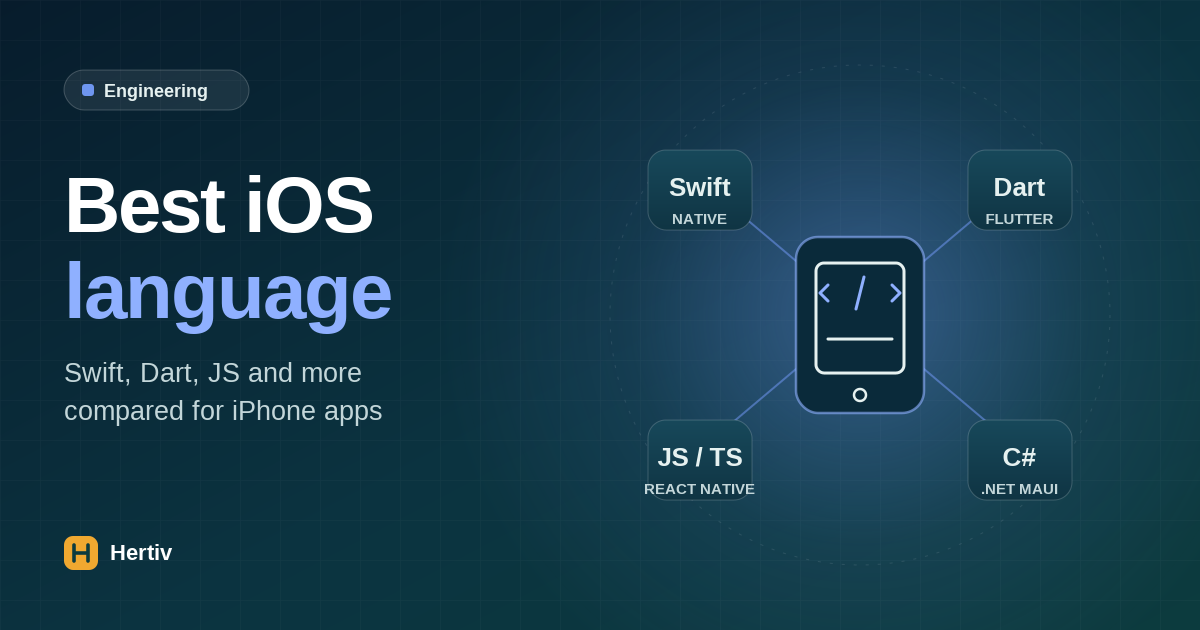
Swift is the default for native iOS apps, but Dart, JavaScript, TypeScript, C# and Kotlin all have real jobs. Here are seven languages compared, with pros and cons.
On this page
Short answer
The best programming language for iOS app development is Swift for a native-only app, because it has full access to iOS features and strong safety checks. If you also need Android, Dart, JavaScript or TypeScript ship one codebase to both stores, while Objective-C stays for old codebases and Kotlin shares logic with Android.
Which programming language is best for iOS app development?
The best programming language for iOS app development depends on what you are building: a native app for the App Store, a cross-platform app, or a prototype you need fast. Swift is the default for native iOS, but six other languages have real jobs to do.
Use this comparison to shortlist. "Native" means the app runs directly on iOS; "cross-platform" means one codebase also ships to Android.
| Language | Best for | Native or cross-platform | Learning curve |
|---|---|---|---|
| Swift | Native iOS apps | Native | Moderate |
| Objective-C | Old codebases | Native | Steep |
| Dart | One codebase, two stores | Cross-platform | Moderate |
| JavaScript | Web teams going mobile | Cross-platform | Gentle |
| TypeScript | Large cross-platform apps | Cross-platform | Moderate |
| C# | .NET teams and games | Cross-platform | Moderate |
| Kotlin | Shared logic with Android | Cross-platform | Moderate |
If you are building one native iOS app and nothing else, pick Swift. If you need Android too, or your team already knows another language, the cross-platform options below are worth a serious look.
Swift and Objective-C
1. Swift: best for native iOS apps
Swift is Apple's own language for iOS, and it is the default choice for a new native app. It is fast, safe by design, and it works directly with every iOS feature, from Face ID to widgets, without a translation layer.
Swift's type system catches many mistakes before the app runs, and its modern syntax keeps code shorter than the older alternative. The trade-off is that Swift only builds iOS apps, so an Android version needs a separate codebase.
Pros: full access to iOS features; strong safety checks; large community and Apple support.
Cons: iOS only; fewer experienced developers than JavaScript; the language still changes between major versions.
2. Objective-C: best for maintaining old iOS apps
Objective-C was the language of iOS before Swift, and many older apps still run on it. If you are taking over an existing app written in Objective-C, you will need to read and change it, even if new features are written in Swift.
Starting a new app in Objective-C today is rarely the right call. The syntax is verbose, the safety checks are weaker, and fewer new developers learn it. Keep it for maintenance, not for new builds.
Pros: full access to old codebases; stable and well understood; mixes with Swift in one project.
Cons: verbose syntax; weaker safety checks; shrinking pool of new developers.
Dart and JavaScript
3. Dart: best for one codebase on iOS and Android
Dart is the language of Flutter, Google's framework for building apps from a single codebase. One team writes the app once and ships it to both stores, which suits small teams and startups that cannot afford two native apps.
Flutter apps render their own interface rather than using native iOS controls, so they look consistent everywhere but can feel slightly different from a native app. Performance is good for most consumer apps, and the hot-reload workflow makes design changes fast.
Pros: one codebase for iOS and Android; fast design iteration; strong widget library.
Cons: larger app size; interface is not truly native; fewer platform-specific libraries.
4. JavaScript: best for web teams going mobile
JavaScript powers React Native, the most common way for web teams to build mobile apps. If your team already builds with React, the jump to React Native is short, and you can share code between your website and your app.
React Native uses real native components, so apps feel closer to native than most cross-platform options. The catch is the bridge between JavaScript and native code, which can slow down heavy animation or complex gestures.
Pros: huge developer pool; code sharing with the web; real native components.
Cons: performance limits on heavy animation; native modules still needed for some features; dependency updates need care.
TypeScript and C#
5. TypeScript: best for large cross-platform apps
TypeScript is JavaScript with types, and it is the safer way to build a React Native app that will grow. The type system catches errors during development instead of at runtime, which matters once an app has many screens and several developers.
For a small prototype, TypeScript adds setup work that JavaScript skips. For a product that will live for years, the extra structure pays for itself in fewer bugs and easier onboarding.
Pros: type safety catches bugs early; scales well to large teams; same ecosystem as JavaScript.
Cons: extra build step; steeper start than plain JavaScript; types must be maintained.
6. C#: best for .NET teams and games
C# is the language of .NET MAUI and Unity. If your team already builds in .NET, MAUI lets you ship an iOS app from the same skills and libraries. If you are building a game, Unity with C# is the standard choice, and it ships to iOS alongside every other platform.
For a normal consumer app with no .NET history, C# is a harder sell than Swift or Dart. The community is smaller, and some iOS features arrive later than in the native tooling.
Pros: natural fit for .NET teams; Unity for games; one language across platforms.
Cons: smaller iOS community; some features arrive later; heavier tooling.
Kotlin
7. Kotlin: best for sharing logic with Android
Kotlin is the main language for Android, and Kotlin Multiplatform lets you share business logic, networking and data code between iOS and Android while keeping each interface native. The iOS interface is still written in Swift, so the app looks and feels native.
This suits teams that already have an Android app and want an iOS version without rewriting the logic. It is a poor fit if you only need iOS, because the shared-code setup adds work for no gain.
Pros: native interface on both platforms; logic shared with Android; modern, concise language.
Cons: iOS interface still needs Swift; smaller community than Swift or Dart; setup takes time.
Cost is part of the decision too. iOS app development cost breaks down what drives the budget for each approach.
How to choose the right language
Choose by team, product and timeline, not by which language is most popular this year. The wrong choice costs months; the right one is the one your team can ship and maintain.
- Decide native or cross-platform first. One native app points to Swift; two stores point to Dart, JavaScript or TypeScript.
- Look at your team's skills. A web team ships faster in JavaScript; a .NET team ships faster in C#.
- Check the features you need. Camera, sensors and payments work everywhere, but deep iOS integration favours Swift.
- Prototype the riskiest screen. A week of building tells you more than a month of reading comparisons.
- Plan for maintenance. The language with more developers available in your market is easier to hire for later.
For a general comparison across platforms, best programming languages for app development covers the wider field.
What are the common mistakes?
The most common mistakes are picking a language for fashion, underestimating native features, and ignoring hiring.
- Chasing trends. A new framework is not a reason to abandon a proven stack. Pick what your team can ship.
- Assuming cross-platform covers everything. Deep iOS features, background work and complex gestures often need native code anyway.
- Ignoring app size and performance. Cross-platform apps are larger and can feel slower on older phones. Test on real devices.
- No plan for updates. iOS changes every year. Budget time for new versions, or the app falls behind.
- Hiring last. A language with few developers in your market means slow hiring and higher rates.
If you want help choosing the stack, mobile app development covers how teams pick and build for iOS.
Key takeaways
- Swift is the default for a new native iOS app.
- Cross-platform languages trade some native feel for one codebase.
- Objective-C is for maintaining old apps, not starting new ones.
- Choose by team skills and product needs, not by trends.
- Prototype the riskiest screen before committing to a stack.
- Budget for iOS updates and hiring in your chosen language.
Frequently asked questions
Is Swift the best language for iOS development?
For a new native iOS app, yes. Swift has full access to iOS features, strong safety checks and Apple's backing. The main exception is when you also need Android, where a cross-platform language may save more time than Swift saves in safety.
Can I build an iOS app with JavaScript?
Yes, through React Native. JavaScript lets web teams reuse skills and share code with a website. It works well for most consumer apps, though heavy animation and deep platform features may still need native code.
Is Objective-C still used for iOS?
Yes, but mostly for maintaining older apps. New apps are almost always written in Swift. Objective-C and Swift can mix in one project, so teams migrate old code gradually rather than rewriting everything at once.
What is the easiest language to learn for iOS?
Swift is the easiest path for a beginner focused on iOS, because its syntax is modern and Apple's learning material is free. JavaScript is easier if you already build websites, since the skills transfer directly.
Do cross-platform apps feel different from native ones?
Sometimes. Flutter draws its own interface, which can feel slightly different from native iOS controls. React Native uses real native components, so it feels closer, though complex gestures can still lag. Test on real devices before deciding.
How do I choose between Swift and Flutter?
Choose Swift if you need one native iOS app with deep platform features. Choose Flutter with Dart if you need iOS and Android from one team and can accept a larger app and a non-native interface. Prototype the riskiest screen in both before committing.


