8 Incrementality Testing Tools Worth Comparing
Incrementality testing shows whether your ads cause sales or just reach people who would buy anyway. Compare the tools that run geo tests, holdouts and lift studies.
On this page
Short answer
Incrementality testing measures the extra sales, signups or installs an ad actually causes, by comparing a group that sees the ad with a similar group that does not. The tools below run that comparison for you, using geo tests, holdouts or matched-market studies, so you can see which spend is working.
What is incrementality testing, and which tools do it well?
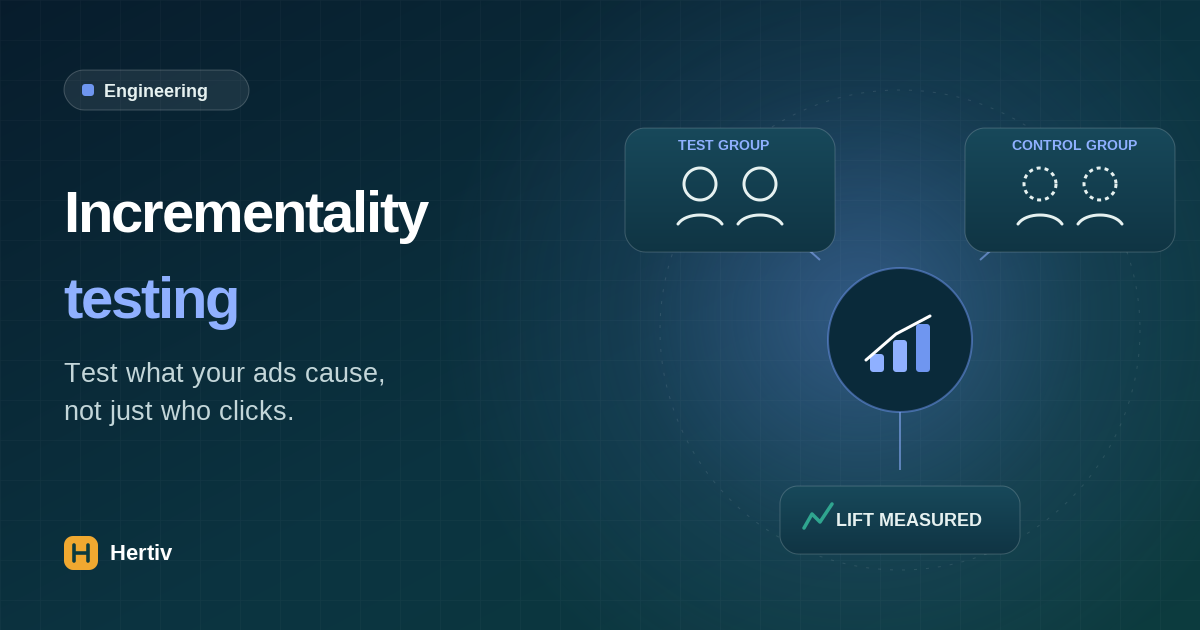
Incrementality testing answers one question: did this ad cause the sale, or would the customer have bought anyway? It compares an exposed group with a control group, and the difference between them is the incremental effect.
Most of these tools work in a similar way. They split regions or audiences into test and control groups, run the campaign in the test group, then measure the difference in outcomes. The better tools handle the statistics for you and explain whether the result is reliable enough to act on.
| Tool | Best for | Main method | Pricing |
|---|---|---|---|
| Measured | Media mix and geo testing | Geo experiments | See vendor site |
| Haus | Geo lift testing | Geo experiments | See vendor site |
| INCRMNTAL | Always-on measurement | Causal inference | See vendor site |
| Lifetimely | Shopify profit tracking | Holdouts and attribution | See vendor site |
| Northbeam | Multi-touch and lift | Attribution plus tests | See vendor site |
| Triple Whale | Ecommerce ad testing | Pixel and post-purchase data | See vendor site |
| Rockerbox | Centralised marketing data | Multi-touch attribution | See vendor site |
| Fospha | Full-funnel measurement | Multi-touch attribution | See vendor site |
None of these tools is free to use at serious scale, and pricing is quoted per business, so check each vendor site for current plans. The right choice depends on your channels, your budget and whether you need one-off tests or always-on measurement. For marketing teams that also use agents, AI agents for marketing can help run the follow-up work once a test shows what is working.
1. Measured: best for media mix and geo testing
1. Measured: best for media mix and geo testing
Measured runs geo experiments and media mix modelling for brands that spend across several channels. It splits regions into test and control groups, then reports the incremental sales each channel caused.
It is a good fit when you want a single view of paid search, paid social and other channels, and you need results a finance team can trust. The trade-off is that geo tests need enough spend and enough regions to reach a clear result.
- Pros: strong geo experiment design; media mix modelling in the same platform; reports built for budget decisions.
- Cons: needs meaningful spend to produce clear results; setup takes time and clean data.
2. Haus: best for geo lift testing
Haus focuses on geo lift testing, running holdouts in selected regions to measure the real effect of a campaign. It is built for teams that want fast, repeatable tests without building the statistics themselves.
It is a good fit when you run frequent campaigns and want to test each one before scaling it. The trade-off is that it is mainly a testing tool, so you still need another system for day-to-day attribution.
- Pros: quick to design and launch a geo test; clear lift results; built for repeated testing.
- Cons: narrower scope than a full measurement platform; needs enough regions for a valid control group.
3. INCRMNTAL: best for always-on measurement
3. INCRMNTAL: best for always-on measurement
INCRMNTAL measures incrementality continuously rather than one test at a time. It uses causal inference on your marketing data to estimate which spend caused which outcomes, without needing to pause campaigns for a holdout.
It is a good fit when you want measurement that keeps up with daily spend and you cannot afford to hold out audiences for long. The trade-off is that always-on methods need good data hygiene, because poor inputs produce unreliable estimates.
- Pros: no need to pause campaigns for tests; continuous measurement; works across channels.
- Cons: results depend heavily on data quality; harder to explain to non-technical stakeholders.
4. Lifetimely: best for Shopify profit tracking
Lifetimely is built for Shopify stores and connects ad spend to profit, not just revenue. It tracks customer lifetime value and runs holdout-style checks so a store can see which ads bring profitable customers.
It is a good fit for ecommerce teams that care about margin rather than top-line sales. The trade-off is that it is tied to the Shopify ecosystem, so it is less useful outside it.
- Pros: profit and lifetime value in one view; built for Shopify; simple to set up for a store.
- Cons: mainly useful for Shopify stores; less depth on non-ecommerce channels.
5. Northbeam: best for multi-touch and lift
5. Northbeam: best for multi-touch and lift
Northbeam combines multi-touch attribution with lift testing, so you can see both which touchpoints a customer met and which ones actually caused the purchase. It is aimed at direct-to-consumer brands with several paid channels.
It is a good fit when you want attribution and testing in one place and you spend across search, social and email. The trade-off is that multi-touch models need careful setup, and the results are only as good as the tracking.
- Pros: attribution and lift testing together; built for multi-channel brands; clear customer journey views.
- Cons: setup and tracking need care; pricing is quoted per business.
6. Triple Whale: best for ecommerce ad testing
Triple Whale brings ad data, store data and post-purchase surveys into one dashboard for ecommerce brands. It lets you test creative and channel changes and see the effect on profit, not just clicks.
It is a good fit for stores that run a lot of paid social and want to move fast on test results. The trade-off is that it is focused on ecommerce, so service businesses get less from it.
- Pros: fast feedback on ad tests; post-purchase data included; built for ecommerce teams.
- Cons: ecommerce-focused; survey data can be noisy at low volumes.
7. Rockerbox: best for centralised marketing data
7. Rockerbox: best for centralised marketing data
Rockerbox centralises marketing spend and conversion data, then applies multi-touch attribution so teams can compare channels on the same basis. It is built for brands that want one source of truth for marketing performance.
It is a good fit when your data lives in many tools and you need a single, consistent view before you can trust any test. The trade-off is that it is a data platform first, so running a geo test still needs extra work. A data engineering review can help you judge whether your tracking is ready for this kind of platform.
- Pros: single view of spend and conversions; consistent attribution across channels; good for larger teams.
- Cons: needs clean tracking to work well; not a dedicated experiment tool.
8. Fospha: best for full-funnel measurement
Fospha measures marketing across the full funnel, from first touch to repeat purchase, using multi-touch attribution. It is aimed at ecommerce and direct-to-consumer brands that want to see how upper-funnel spend affects later sales.
It is a good fit when your campaigns run across the whole journey and you want credit spread fairly across touchpoints. The trade-off is that full-funnel models are harder to validate, so you should still run holdout tests to check the results.
- Pros: full-funnel view of marketing impact; good for brands with long customer journeys; clear channel comparisons.
- Cons: models need validation with real tests; less useful for single-channel businesses.
How to choose an incrementality testing tool
You choose an incrementality testing tool by matching the method to your channels, your spend and how often you need answers.
- List your channels and spend. A tool that only covers paid social will not help if your biggest spend is search.
- Decide between one-off tests and always-on measurement. Geo test tools suit campaign-by-campaign checks; always-on tools suit teams that need continuous answers.
- Check your data first. Any incrementality tool needs clean conversion tracking and enough volume. Fix tracking before you buy the tool.
- Ask how results are explained. A result your team cannot explain will not change any budget, so pick a tool whose reports your stakeholders understand.
- Run a trial test before committing. Test one campaign with a clear question, such as whether a channel caused sales, and judge the tool on that answer.
For teams that also want to forecast what a budget change would do, predictive analytics can sit alongside incrementality testing, but it answers a different question: what might happen, rather than what did happen.
What are the common mistakes?
The most common incrementality testing mistakes are running tests too small to read, trusting attribution without a control group, and acting on a single noisy result.
- Tests with too little volume. A test with few conversions cannot show a clear difference, so the result is noise, not insight.
- No control group. Attribution alone shows who clicked, not who would have bought anyway. Without a control group you cannot measure incrementality.
- Changing too much at once. If you change the creative, the audience and the budget together, you cannot tell which change caused the result.
- Acting on one test. A single result can be a fluke. Repeat the test or check it against another method before cutting a budget.
- Ignoring the cost of the test itself. Holding out an audience has a cost, so test the campaigns where the answer changes a real decision.
Key takeaways
- Incrementality testing compares an exposed group with a control group to find what an ad really caused
- Geo tests suit campaign checks; always-on tools suit continuous measurement
- Clean tracking and enough volume are needed before any tool can give a clear result
- Test one change at a time and repeat a result before cutting a budget
- Pricing is quoted per business, so check each vendor site for current plans
Frequently asked questions
What is the difference between incrementality and attribution?
Attribution assigns credit for a sale to the touchpoints a customer met, such as an ad click or an email open. Incrementality compares a group that saw the ad with a similar group that did not, and the difference is the extra sales the ad caused. Attribution shows the path; incrementality shows the effect.
How long does a geo test take?
A geo test usually needs a few weeks, because it must collect enough conversions in both the test and control regions to show a clear difference. The exact time depends on your daily volume and the size of the effect you are trying to detect. Small effects need longer tests.
Can small businesses run incrementality tests?
Yes, but only if they have enough conversions to read a result. A business with a few sales a week will struggle to detect a small lift, because the noise is larger than the effect. In that case, simpler checks such as pausing a channel for a short period can still give useful signals.
What is a holdout test?
A holdout test keeps a similar group of people or regions from seeing an ad, then compares their behaviour with the group that did see it. The difference between the two groups is the incremental effect. Holdouts are the simplest form of incrementality testing and the easiest to explain.
Do incrementality tools replace attribution tools?
No. Attribution tools show the customer journey and help with day-to-day decisions, while incrementality tools check whether the spend actually caused the outcome. Most teams use both: attribution for daily work and incrementality tests for budget decisions.
How do I know if a test result is reliable?
A reliable result comes from a test with enough volume, a clean control group and a difference large enough to stand out from normal variation. Ask the tool for the confidence level and the range of possible outcomes, and repeat the test if the range is too wide to act on.


