8 Feature Flag Tools Worth Comparing
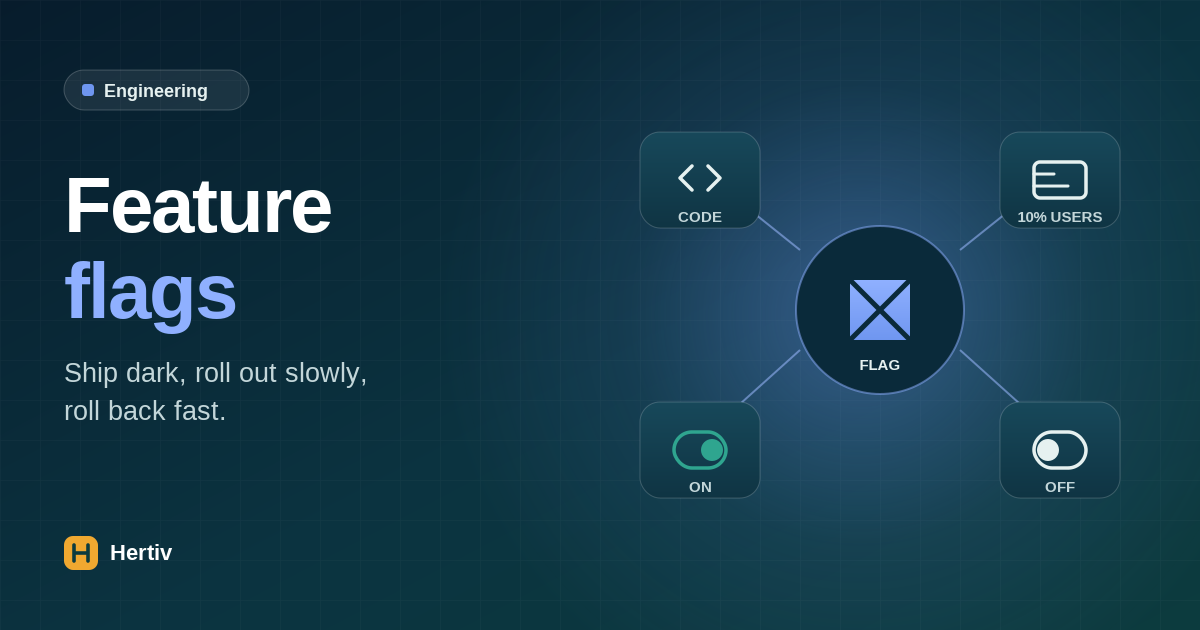
Feature flags let you ship dark, roll out to a slice of users and roll back in seconds. Here are eight tools compared, from enterprise platforms to open source.
On this page
Short answer
The best feature flag tools are LaunchDarkly for large teams, Split and Statsig for experiment-led rollouts, Flagsmith and Unleash for self-hosted setups, ConfigCat for small teams, GrowthBook for open-source experiments, and DevCycle for developer-first teams. Pick by whether you need simple switches, percentage rollouts or experiments, and whether you want to host the tool yourself.
Which feature flag tools are worth comparing?
The feature flag tools worth comparing are the ones that let you ship code dark, turn features on for a slice of users, and roll back in seconds without a new deploy. They differ in how they target users, how they handle experiments, and what they cost as you grow.
Use this comparison to shortlist. Pricing changes often, so check the vendor's own page before you commit; the table compares what each tool is best at, not what it charges.
| Tool | Best for | Targeting | Experiments |
|---|---|---|---|
| LaunchDarkly | Large teams, many flags | Rules, segments, percentages | Yes, built in |
| Split | Experiment-led rollouts | Rules, segments, percentages | Yes, built in |
| Flagsmith | Self-hosted or open source | Rules, segments, percentages | Basic |
| Unleash | Self-hosted teams | Rules, segments, percentages | Basic |
| ConfigCat | Small teams, simple setup | Rules, percentages | No |
| Statsig | Product analytics plus flags | Rules, segments, percentages | Yes, built in |
| GrowthBook | Open-source experiments | Rules, percentages | Yes, built in |
| DevCycle | Developer-first teams | Rules, segments, percentages | Basic |
Start with how you will use flags: simple on-off switches need far less tooling than percentage rollouts tied to experiments. Pick the tool that fits the first use, not the one with the longest feature list.
<h3>1. LaunchDarkly: best for large teams with many flags</h3><h3>2. Split: best for experiment-led rollouts</h3>
LaunchDarkly is the most widely used feature flag platform, and it fits teams that run hundreds of flags across many services. It offers rule-based targeting, percentage rollouts, scheduled changes and audit logs, plus integrations with the tools large teams already use.
The strength is scale and control: flag ownership, approval workflows and a clear history of who changed what and when. The cost is price and complexity, which is why it usually fits companies with a dedicated platform team rather than a small startup.
Pros: mature targeting and audit logs, strong integrations, handles very large flag counts.
Cons: pricing is high for small teams, setup takes longer than simpler tools.
Split, now part of Harness, is built around experiments. Flags are tied to metrics from the start, so a rollout is also a test: you release to a slice of users, watch the metric move, and decide whether to expand or roll back.
That makes it a good fit for product teams that treat every release as a hypothesis. The trade-off is that teams who only need simple on-off flags will pay for experiment tooling they never use.
Pros: experiments built in from the start, clear metric tracking, good for data-led teams.
Cons: more than a simple flag tool needs, pricing reflects the experiment features.
<h3>3. Flagsmith: best for self-hosted or open-source setups</h3><h3>4. Unleash: best for self-hosted teams</h3>
Flagsmith is an open-source feature flag platform that you can run yourself or use as a hosted service. It covers the core needs: flags, segments, percentage rollouts and remote config, with a clean interface that small teams pick up quickly.
The appeal is control and cost. Self-hosting keeps flag data inside your own infrastructure, and the open-source version has no licence fee. The cost is the work of running it: upgrades, backups and monitoring are yours.
Pros: open source, self-hosting option, straightforward core features.
Cons: experiment features are basic, self-hosting adds operational work.
Unleash is another open-source option, built for teams that want flags close to their own infrastructure. It supports gradual rollouts, strategy-based targeting and a range of client libraries, and it is designed to run well in your own cloud account.
Its strength is the self-hosted story and a solid set of SDKs. Its weakness is the same as Flagsmith's: experiments are basic, and the hosted version is where the more polished features live.
Pros: open source, good SDK coverage, runs well self-hosted.
Cons: experiment features are basic, hosted tier needed for the full feature set.
<h3>5. ConfigCat: best for small teams and simple setup</h3><h3>6. Statsig: best for product analytics plus flags</h3>
ConfigCat is the simplest tool on this list, and that is its point. It does flags and remote config with a short setup time, a clear dashboard and SDKs for the common languages, without the experiment and governance layers that larger platforms add.
For a small team that wants to turn features on and off and run percentage rollouts, it is usually enough. For a team that needs audit trails, approvals or experiments, it will feel thin.
Pros: fast setup, low price, easy to learn.
Cons: no built-in experiments, limited governance features.
Statsig combines feature flags with product analytics and experimentation in one platform. Flags, rollouts and tests share the same data, so a team can see how a flagged feature changes user behaviour without wiring a separate analytics tool into the experiment.
That combination suits product teams that already measure everything and want flags to be part of that measurement. Teams that only need flags will find the analytics layer more than they asked for.
Pros: flags and analytics in one place, strong experiment tooling, good for data-led teams.
Cons: more platform than a flags-only team needs, pricing grows with event volume.
<h3>7. GrowthBook: best for open-source experiments</h3><h3>8. DevCycle: best for developer-first teams</h3>
GrowthBook is an open-source experimentation platform with feature flags built in. It connects to your existing analytics warehouse, so experiments run on data you already collect, and it supports Bayesian analysis for teams that want more than a simple significance test.
Its strength is the experiment engine and the warehouse connection, which larger teams value. Its weakness is that the flag side is simpler than a dedicated flag platform, so teams that need heavy governance may outgrow it.
Pros: open source, strong experiment engine, works with your own data warehouse.
Cons: flag governance is simpler than dedicated tools, setup needs analytics knowledge.
DevCycle is built for developers first. It offers flags, remote config and edge evaluation, so flag decisions can happen close to the user without a round trip to a central service, which keeps latency low for global products.
The developer experience is the draw: clean SDKs, code-first workflows and fast evaluation. The experiment and governance features are more basic than the enterprise tools on this list.
Pros: fast edge evaluation, clean developer experience, good for global products.
Cons: experiment features are basic, smaller ecosystem than the market leaders.
How to choose a feature flag tool
Choose by how you will actually use flags in the next year, not by the longest feature list. A tool that fits your first use and grows with you beats one you have to work around from day one.
- List your uses. Simple on-off switches, percentage rollouts, kill switches and experiments are different needs; write down which ones you have.
- Decide hosted or self-hosted. Self-hosting keeps data in your infrastructure but adds operational work; hosted removes that work and adds a subscription.
- Check the SDKs. Confirm the tool has a maintained SDK for every language and platform you ship, including mobile and edge.
- Test the rollout flow. Run a real percentage rollout in a trial and check how fast changes propagate and how clear the audit log is.
- Price the growth. Ask what the tool costs at twice your current flag count and user volume, since pricing models differ sharply as you scale.
If two tools tie, pick the one with the simpler setup. A flag tool that takes a week to adopt will be used less than one that takes an afternoon.
What are the common mistakes?
The most common mistakes with feature flag tools are letting flags pile up, skipping the cleanup, and rolling out to everyone at once because the tool makes it easy.
- Flag sprawl. Old flags that nobody removes become dead code paths. Set an expiry date or an owner for every flag when you create it.
- No kill-switch discipline. A flag that cannot be turned off quickly is not a safety net. Test the rollback path before you need it.
- Rolling out to 100% at once. The point of a flag is a gradual rollout. Start small, watch the metrics, then expand.
- Targeting by guesswork. Percentage rollouts need a stable user identifier; without one, the same user can flip between variants and the data is meaningless.
- Ignoring the audit log. When something breaks, the first question is who changed which flag and when. If nobody reviews the log, the tool cannot answer it.
Key takeaways
- LaunchDarkly fits large teams with many flags; ConfigCat fits small teams that need simple switches
- Split, Statsig and GrowthBook tie flags to experiments, so a rollout is also a test
- Flagsmith and Unleash are open source and self-hostable, but you own the operational work
- Check SDK coverage for every language you ship before you commit to a tool
- Every flag needs an owner and an expiry date, or flag sprawl will follow
Frequently asked questions
What is a feature flag?
A feature flag is a switch in your code that turns a feature on or off without a new deploy. You can release code dark, enable it for a slice of users, and roll it back in seconds if something breaks. Flags separate deployment from release, which is the core idea.
Do I need a feature flag tool, or can I build my own?
You can build a simple on-off switch with a config file, and many teams start there. A tool earns its place when you need percentage rollouts, targeting rules, audit logs and a dashboard that non-developers can use. At that point the tool saves more time than it costs.
What is the difference between a feature flag and an experiment?
A flag controls who sees a feature; an experiment measures what happens when they see it. Many tools combine the two, so a rollout to a slice of users is also a test with a metric attached. You can use flags without experiments, but not the other way round.
How do percentage rollouts work?
The tool assigns each user to a group based on a stable identifier, such as a user ID, and shows the feature to a set percentage. The same user always sees the same variant, which keeps the data clean. You raise the percentage as confidence grows.
Are feature flags safe for production?
Yes, when they are used with discipline: an owner for each flag, an audit log of changes, and a tested rollback path. The risk comes from stale flags and untested rollback paths, not from the flag mechanism itself.
When should a feature flag be removed?
Once the feature is on for every user and has run without problems for a few weeks, the flag has done its job. Remove it and make the new behaviour the default. Leaving it in place adds a code path that nobody tests and nobody remembers.


