8 Accounting Workflow Automation Tools Worth Comparing
The best accounting workflow automation software moves invoices, approvals and the month-end close through defined steps instead of email and spreadsheets.
On this page
Short answer
The best accounting workflow automation software routes invoices and expense claims through approval chains, matches purchase orders automatically, and closes the books on a checklist instead of in email threads. BlackLine and FloQast lead on the month-end close, Tipalti and BILL on payables, and Ramp on spend controls.
Which accounting workflow automation tools are worth comparing?
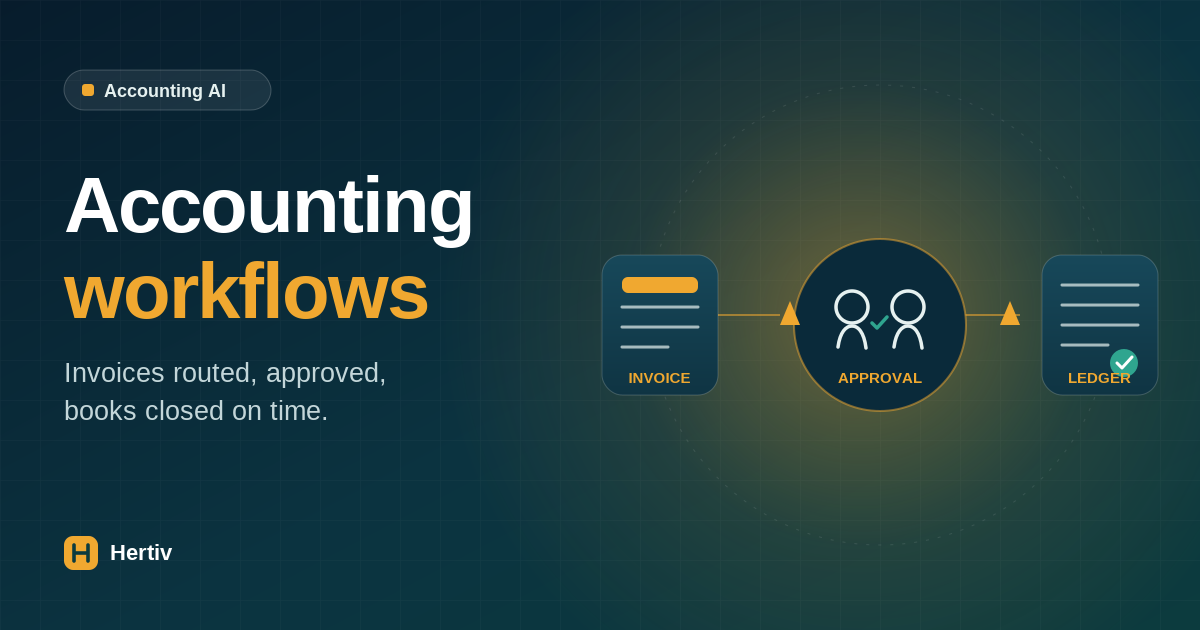
The tools worth comparing are the ones that automate a whole workflow, not a single task. An invoice that arrives, gets coded, routed to the right approver, matched to a purchase order and posted without retyping is a workflow. A tool that only scans PDFs is not.
Use this comparison to shortlist. Pricing changes often, so check the vendor site before budgeting.
| Tool | Strongest workflow | Best for | Pricing |
|---|---|---|---|
| BlackLine | Month-end close | Mid-size to large finance teams | See vendor site |
| FloQast | Close checklist | Teams closing on a tight schedule | See vendor site |
| Tipalti | Global payables | Companies paying many suppliers | See vendor site |
| BILL | Invoice approval | Small and mid-size businesses | See vendor site |
| Ramp | Spend approval | Teams controlling card spend | See vendor site |
| AvidXchange | Payables for mid-market | Real estate, construction, healthcare | See vendor site |
| Stampli | Invoice collaboration | Teams approving invoices in chat | See vendor site |
| Vic.ai | AI invoice coding | High-volume invoice processing | See vendor site |
Start from the workflow that hurts most. If the close is the bottleneck, start with close tools. If invoices sit in inboxes, start with payables.
BlackLine and FloQast: best for the month-end close
1. BlackLine: best for structured close management
BlackLine organises the close around reconciliations, journal entries and task lists, so every balance has an owner and a due date. It connects to common ERPs and keeps the evidence for each reconciliation in one place, which auditors like.
It fits teams with a formal close process and several preparers and reviewers. Smaller teams may find the setup heavy for the size of their close.
- Pros: strong reconciliation and task tracking; clear audit trail; ERP integrations.
- Cons: setup takes time; pricing is aimed at mid-size and larger teams.
2. FloQast: best for close checklists that stay on schedule
FloQast turns the close into a shared checklist with owners, due dates and status, and it pulls balances from the ERP so preparers see what changed. Teams that close in a few days use it to find the one late item instead of chasing status in meetings.
It is lighter to set up than a full close platform and works well for teams that already have an ERP. It does less on payables, so it pairs with an invoice tool rather than replacing one.
- Pros: fast to adopt; clear view of close progress; good ERP sync.
- Cons: limited payables features; best when the ERP is already in place.
Tipalti and BILL: best for payables workflows
3. Tipalti: best for global supplier payments
Tipalti handles the full payables chain: supplier onboarding, tax forms, invoice approval, payment in many currencies and reconciliation. It suits companies paying suppliers in several countries, where tax and payment rules differ by region.
The strength is breadth across the whole chain. The trade-off is that global setup, including tax forms and payment methods, takes longer than a domestic-only tool.
- Pros: covers onboarding to payment; multi-currency support; tax form handling.
- Cons: longer setup for global use; more than a small team needs.
4. BILL: best for straightforward invoice approval
BILL routes invoices to approvers, matches them to purchase orders and schedules payments, with a simple approval chain that small and mid-size teams can run without a dedicated administrator. It connects to common accounting systems such as QuickBooks and NetSuite.
It is a good fit when the goal is to stop invoices piling up in email. Very large or global payables volumes are better served by a platform built for that scale.
- Pros: simple approval flows; quick setup; solid accounting integrations.
- Cons: less depth on global payments; limited close management.
Ramp and AvidXchange: best for spend and mid-market payables
5. Ramp: best for spend approval before money leaves
Ramp puts controls on spending at the point of purchase: cards with limits, approval rules for requests, and receipts matched to transactions. Finance sees spend as it happens instead of at month end, which makes the close faster too.
It works best for teams that want to control employee and card spend rather than supplier invoices. It is not a full payables platform, so invoice-heavy teams still need one.
- Pros: real-time spend visibility; card and request controls; fast to roll out.
- Cons: not built for supplier invoice workflows; accounting depth is lighter.
6. AvidXchange: best for mid-market payables in specific industries
AvidXchange automates invoice capture, approval and payment for mid-market companies, with workflows tuned for industries such as real estate, construction and healthcare, where invoice volume is high and approval chains are long.
Its industry templates save setup time for those sectors. Companies outside its core industries get less of that head start and should check fit carefully.
- Pros: industry-tuned workflows; handles high invoice volumes; payment services included.
- Cons: less useful outside its core industries; pricing varies by volume.
Stampli and Vic.ai: best for invoice collaboration and AI coding
7. Stampli: best for approving invoices where people already talk
Stampli keeps the conversation about an invoice attached to the invoice itself, so approvers ask questions and give approval in one place instead of in email. It layers on top of the accounting system rather than replacing it.
It fits teams where approvals stall because nobody can find the context. It does less on payments and close, so it works as part of a stack.
- Pros: approval chat on the invoice; quick to adopt; keeps the existing ERP.
- Cons: no payment or close features; needs the ERP to stay the system of record.
8. Vic.ai: best for AI invoice coding at volume
Vic.ai uses AI to read invoices, predict the coding and route them for approval, learning from past corrections. It suits teams processing hundreds of invoices a month, where manual coding is the bottleneck.
The value shows up in volume. Teams with few invoices will not see enough time saved to justify a dedicated AI coding tool.
- Pros: AI coding improves with corrections; handles high volumes; approval routing included.
- Cons: needs volume to pay off; coding accuracy depends on clean history.
Choosing between invoice tools often comes down to where invoices stall today. If coding is the slow step, AI coding helps. If approvals are the slow step, a tool built around approvers helps more. For a broader view of the category, see how to choose an accounting automation platform.
How to choose accounting workflow automation software
Choose by workflow, not by feature list. A tool can have every feature and still fail if it does not match how your team approves and pays.
- Map one workflow end to end. Pick the invoice-to-pay or close process, list every step, and mark where work waits for a person.
- Count the volume. Monthly invoice count, approver count and close days decide whether a light tool or a platform fits.
- Check the ERP connection. The tool must sync with your accounting system both ways, or staff will retype data.
- Test the approval path. Run a real invoice through the trial with the actual approvers, including a rejection and a re-route.
- Price the whole stack. Add implementation, per-user and per-transaction fees, and compare against hours saved per month.
Teams that skip the trial with real approvers often discover too late that the approval flow does not match how managers actually work.
What are the common mistakes?
The most common mistakes are automating a broken process, buying for one team and ignoring the rest, and skipping the audit trail.
- Automating a messy approval chain. If nobody knows who should approve what, the tool will route invoices to the wrong people faster.
- Ignoring exceptions. Most invoices are routine, but the exceptions take the time. A tool that handles only the easy 80% leaves the hard work manual.
- No audit trail. Approvals without a record of who approved what and when create problems at audit time.
- Two systems of record. If the tool and the ERP disagree on balances, the close gets slower, not faster.
- Skipping approver training. Approvers who do not trust the tool will ask for PDFs by email, and the workflow quietly dies.
Accounts receivable has its own workflow patterns, covered in accounts receivable automation software.
For invoice data capture, document AI explains how extraction feeds these workflows.
Key takeaways
- Start from the slowest workflow: the close, payables or spend approval
- BlackLine and FloQast lead on the close; Tipalti and BILL on payables
- Ramp controls spend before it happens; Vic.ai codes invoices at volume
- Test the real approval path with real approvers before buying
- Every automated workflow still needs an audit trail of who approved what
Frequently asked questions
What is accounting workflow automation software?
It is software that moves finance work through defined steps without manual handoffs: an invoice is captured, coded, routed to approvers, matched to a purchase order and posted. The workflow, not just the document scan, is what is automated.
How is it different from accounting software?
Accounting software is the system of record that holds the ledger. Workflow automation sits around it and moves work between people and systems, then writes the result back to the ledger. Most teams keep both.
Do small businesses need it?
A business with a handful of invoices a month usually does not. The case appears when invoices sit in inboxes, approvals take days, or the close regularly slips past its target date.
What does it cost?
Pricing varies by invoice volume, users and modules, and most vendors quote per customer. Treat any published figure as a starting point and ask for a quote based on your monthly volume; see vendor site for current pricing.
Can AI code invoices reliably?
AI coding works well when past invoices were coded consistently, because the model learns from that history. Accuracy drops with new suppliers or messy history, so a human review step for exceptions is still needed.
What should we automate first?
Automate the workflow that costs the most time or causes the most errors: usually invoice approval or the month-end close. Fix the approval rules first, then automate, or the tool will speed up a broken process.


