AWS vs Azure: How They Differ, and Which Fits Your Project?
AWS and Azure offer the same kinds of cloud services, but they differ on breadth, Microsoft integration and pricing. Compare the two before you commit a workload.
On this page
Short answer
AWS and Azure are the two largest public cloud platforms, and both offer computing, storage, databases, networking and AI services. They differ on how broad each service catalogue is, how deeply each one ties into the tools a team already uses, and how each one prices the same workload. The right choice follows the team and the workload, not the market share.
What is the difference between AWS and Azure?
AWS is Amazon's cloud platform and Azure is Microsoft's cloud platform. Both let a team run servers, store data, run databases and build applications without owning hardware. Both charge for what you use, and both offer the same broad families of services, from virtual machines to managed AI tools.
The difference is emphasis. AWS has the broadest catalogue of services and the longest history, which means more choice and more community guides for almost any workload. Azure is built around Microsoft's products, so teams that already use Windows, Office, Active Directory or .NET find that Azure fits their existing identity, licensing and tooling with less friction.
Neither difference decides the choice on its own. A team that runs mostly open-source workloads on Linux will feel the difference less than a team that runs a Microsoft stack, and a team that needs a niche service may find it on one platform and not the other. For the background, see what cloud computing is.
How do AWS and Azure compare?
AWS and Azure compare closely on the basics: both offer virtual machines, managed databases, object storage, serverless functions and container services. The practical differences show up in the details of each service, in pricing, and in how each platform fits the tools a team already runs.
| Area | AWS | Azure |
|---|---|---|
| Service breadth | Widest catalogue, most services | Broad, strong in Microsoft stack |
| Compute | EC2, Lambda, ECS, EKS | Virtual Machines, Functions, AKS |
| Storage | S3, EBS, EFS | Blob Storage, Disk, Files |
| Databases | RDS, DynamoDB, Aurora | SQL Database, Cosmos DB |
| Identity | IAM, Cognito | Entra ID, built into Microsoft 365 |
| Hybrid cloud | Outposts, limited reach | Arc, Stack, strong hybrid story |
| Enterprise deals | Volume discounts, credits | Often bundled with Microsoft licences |
Service names differ, but the shapes are the same: a virtual machine is a virtual machine, and a managed database is a managed database. The comparison that matters is not the table but the workload: what it needs, what the team knows, and what it costs to run for a month.
When should you choose AWS?
You should choose AWS when you need the widest choice of services, the deepest community knowledge, or a workload that fits a service AWS does well and Azure does not. Startups and product teams often pick AWS because the documentation, examples and hiring pool are the largest, which shortens the time from idea to running system. Teams that need help running what they build often pair it with cloud services for the operations around it.
AWS also fits teams that run many different workloads, because the catalogue covers almost every niche: data streaming, machine learning, IoT and media processing all have dedicated services. If your team already knows AWS and your architecture is built around its services, moving to Azure for its own sake rarely pays.
The case against AWS is cost discipline. The breadth that makes it attractive also makes it easy to leave services running, and the bill needs the same weekly attention as any cloud. Cloud migration planning should include a cost estimate before the move, not after.
When should you choose Azure?
You should choose Azure when your team already runs on Microsoft products. If identity lives in Entra ID, desktops run Windows, and the codebase is .NET, Azure removes friction at every step: the same login, the same licensing, and services that are designed to work together.
Azure also fits hybrid setups, where part of the system stays on-premise. Its hybrid tooling is the strongest of the large clouds, which matters for regulated teams and for companies with data centres they cannot close yet. Enterprise agreements that bundle Azure with Microsoft 365 and other licences can also change the total cost, so check the whole agreement, not just the cloud bill.
The case against Azure is breadth outside the Microsoft world. Teams that run mostly open-source Linux workloads sometimes find a service they need is thinner or newer on Azure than on AWS. That gap closes over time, but it is worth checking for the specific services your workload needs.
How do AWS and Azure prices compare?
AWS and Azure prices are hard to compare directly, because the same workload can cost different amounts depending on the region, the instance type, the storage tier and the discounts that apply. Both charge per hour for compute, per gigabyte for storage, and per request or per gigabyte for traffic, and both offer reserved capacity and spot pricing.
The honest way to compare is to price the same workload on both platforms. List the services, the sizes and the expected traffic, then use each provider's calculator and add the same assumptions to both. See vendor site for current prices, because list prices change and the discounts in an enterprise agreement can change the answer completely.
Watch for the costs that do not appear in the headline rate: traffic out of the cloud, storage for backups and snapshots, and the cost of the managed services that sit beside the main workload. A workload that looks cheap on one platform can cost more once those are added.
Example (hypothetical): pricing the same workload twice
Example (hypothetical): a team runs a small web app with two servers, one managed database and file storage. It prices the same shape on both platforms, using the same sizes and the same region, and the same traffic estimate of 500 gigabytes a month.
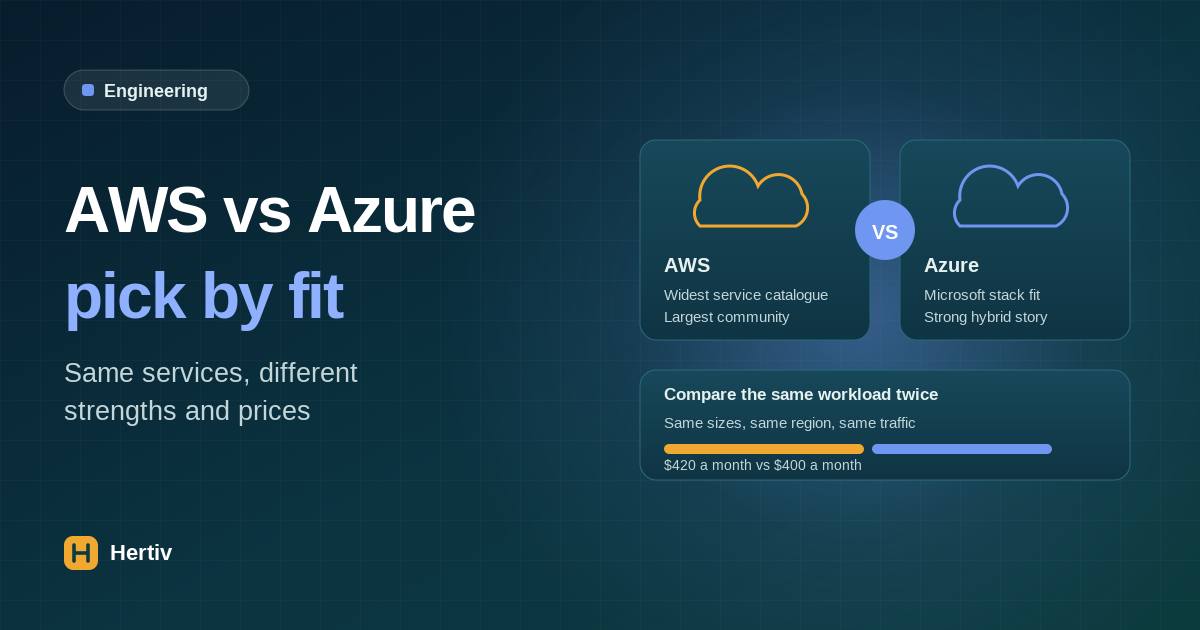
On AWS the estimate comes to $420 a month: $240 for the two servers, $120 for the database and $60 for storage and traffic. On Azure the estimate comes to $400 a month: $220 for the servers, $125 for the database and $55 for storage and traffic. The difference is $20 a month, or about 5%, which is smaller than the rounding in either estimate.
The team picks the platform its engineers already know, because the $20 gap is worth less than the weeks of learning a new platform. The numbers are invented to show the method, not a real quote: the point is to price the same workload twice, with the same assumptions, and let the gap, or the lack of one, decide.
What are the common mistakes?
The most common mistakes when choosing between AWS and Azure are picking on brand, pricing one platform only, and assuming the move is one-way.
- Choosing on brand alone. Market share does not predict fit for your workload or your team.
- Pricing one platform only. Without a same-workload comparison, the cheaper option is a guess.
- Ignoring the team. A platform your engineers do not know costs more in learning and mistakes than any price gap.
- Forgetting egress and storage. Traffic out and backups add up, and they differ between platforms.
- Assuming you cannot leave. Both platforms support moving workloads, so design with portable pieces where you can.
These mistakes are easy to avoid with a short written comparison: the workload, the services it needs, the price of the same shape on both platforms, and what the team already knows.
Key takeaways
- AWS has the broadest catalogue; Azure fits teams already running Microsoft products
- Compare the same workload priced on both platforms, with the same assumptions
- The team's existing skills are worth more than a small price gap
- Check egress, storage and backup costs, not just the headline compute rate
- Hybrid setups and enterprise licence bundles can change the answer
Frequently asked questions
Is AWS better than Azure?
Neither is better in general. AWS has the widest service catalogue and the largest community, while Azure fits teams already using Microsoft products and has the strongest hybrid story. The right choice depends on the workload, the team's skills and the total cost of the same shape on both platforms.
Is Azure cheaper than AWS?
Sometimes, and sometimes not. The price of the same workload depends on the region, the instance sizes, the storage tier and the discounts in your agreement. Price the same workload on both platforms with the same assumptions, and see vendor site for current rates, before deciding on cost.
Can I run the same app on AWS and Azure?
Yes, for most apps. Containers, standard databases and common languages run on both. The parts that tie you to a platform are the managed services with no direct equivalent, so keep those separate from the core app if you want the move to stay possible.
Which cloud should a startup choose?
Pick the one your team already knows, unless a specific service or a pricing deal changes the answer. A startup's scarcest resource is engineering time, and learning a new platform costs more than a small price gap. Both clouds offer startup credits; see vendor site for current terms.
Does Azure only work with Microsoft products?
No. Azure runs Linux, open-source databases and standard containers, and many teams run no Microsoft software on it at all. Its advantage for Microsoft shops is integration, not exclusivity, and it is a normal choice for mixed stacks too.
How hard is it to move from AWS to Azure, or back?
It depends on how much of the app uses platform-specific managed services. An app built on containers and standard databases moves with moderate effort, while an app built around one platform's managed services takes longer. A migration plan should list the tied services first.


