How Automation Keeps Your Business Security Compliant
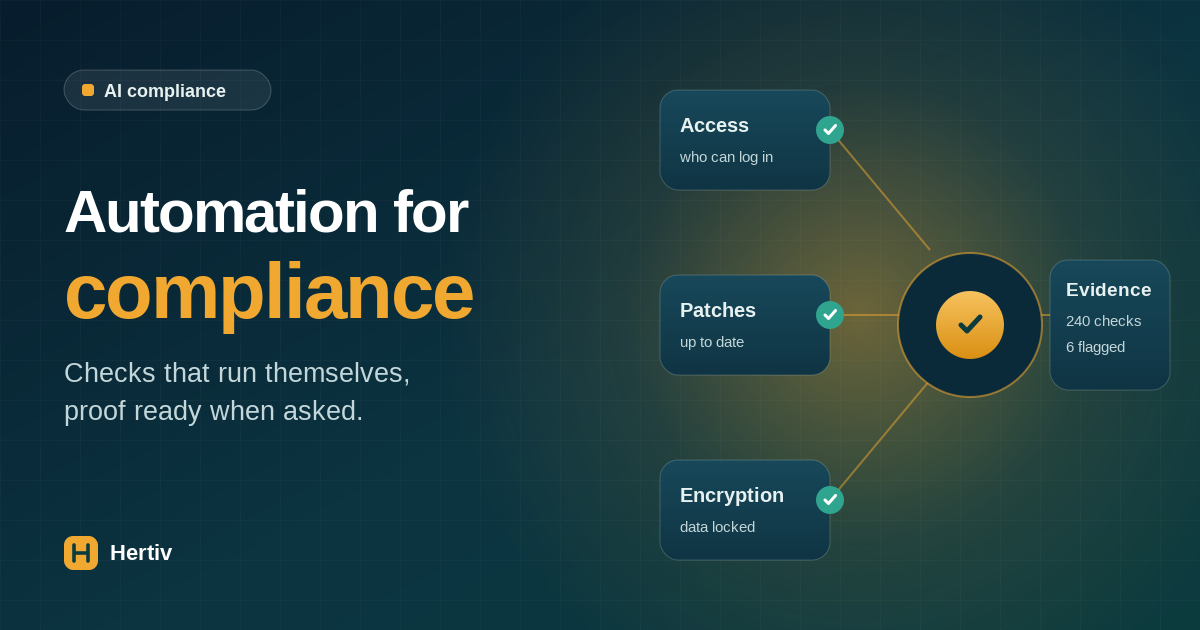
Automation checks security controls on a schedule, collects the evidence and flags gaps early, so compliance becomes a daily habit instead of a quarterly scramble.
On this page
Short answer
Automation helps a business stay security compliant by checking controls on a schedule, collecting evidence from live systems and flagging gaps as soon as they appear. It replaces manual spot checks with repeatable tests, so the business can prove its controls work at any time, not just at audit time.
What is compliance automation?
Compliance automation is software that checks security controls, collects evidence and flags gaps on a schedule, instead of a person doing the same checks by hand each quarter. It turns the rules of frameworks such as SOC 2, GDPR and HIPAA into checks that run against real systems and record their results.
A typical setup pulls data from the tools a business already uses: identity, cloud, code repositories and ticketing. It compares that data with the rules, then produces a list of what passes, what fails and what needs a human decision.
The point is not to remove people from compliance. It is to remove the repetitive checking so people spend their time on the few items that need judgement. For the basics of one common framework, see our guide to what SOC 2 compliance is.
| Control area | What is checked | How often |
|---|---|---|
| Access reviews | Who can reach each system | Daily |
| Patching | Whether devices and servers are up to date | Daily |
| Encryption | Whether data is encrypted at rest and in transit | Daily |
| Backups | Whether backups ran and can be restored | Weekly |
| Vendor reviews | Whether supplier certificates are still valid | Monthly |
| Training | Whether staff finished security training | Monthly |
How does automation check compliance?
Automation checks compliance by reading live data from your systems and comparing it with a rule, then recording the result with a timestamp. A check that ran yesterday is evidence; a checklist ticked from memory is not.
A single check is small and specific. It might confirm that every admin account uses multi-factor authentication, that no laptop is missing disk encryption, that the latest backup finished, or that a supplier's security certificate has not expired.
When a check fails, the tool opens a task, assigns an owner and sets a due date. The audit trail grows as work happens, which is what makes an external review faster. Rules such as GDPR work the same way; see what GDPR compliance covers for the data rules behind the checks.
Which compliance tasks can you automate?
You can automate the tasks that are repetitive, data-driven and easy to define as a pass or fail. Access reviews, patch checks, encryption checks, backup tests and policy sign-offs all fit that shape.
| Task | Automated part | Still needs a person |
|---|---|---|
| Access reviews | Compare access lists with approved lists | Decide on unusual access |
| Patch status | List devices missing updates | Approve downtime for patching |
| Encryption | Check settings on disks and databases | Approve exceptions |
| Backup tests | Run restores and record the result | Fix a failed restore |
| Policy sign-off | Track who read and accepted policies | Write and update the policies |
| Vendor checks | Watch certificate and review dates | Judge whether a vendor is acceptable |
Tasks that need judgement stay with people: deciding whether a new vendor is acceptable, judging whether an incident is reportable, or signing off a risk acceptance. Automation collects the facts; a person makes the call. Health data adds extra rules, covered in what HIPAA compliance is.
How do you set up compliance automation?
You set up compliance automation by picking one framework, connecting the tools that hold the evidence, and turning on a small set of checks first. Start narrow, prove the checks work, then widen coverage.
- Pick one framework. Choose the standard your customers or regulators ask for most, and map its controls to your systems.
- Connect your tools. Link identity, cloud, code and ticketing so the checks read live data instead of spreadsheets.
- Turn on ten checks. Start with access, patching, encryption and backups, and fix the failures before adding more.
- Assign owners. Every failing check needs a named person and a due date, or it will sit unread.
- Review weekly. Look at new failures each week and at the trend each month, so small problems do not grow.
Keep the first rollout to one team and one framework. A working set of ten checks beats a library of two hundred checks that nobody trusts. Data security and compliance work can help scope the first rollout.
Example (hypothetical): a monthly access review that runs itself
Example (hypothetical): a 60-person company reviews who can reach its production database and finance tools each month. By hand, the review covers 60 people across 4 systems, which is 240 checks, and each check takes about 5 minutes, so the review takes 20 hours a month.
With automation, the tool pulls the access list from each system every day and compares it with the approved list. In a typical month it flags 6 changes: 4 are expected, such as a new joiner, and 2 need a decision, such as a contractor whose access should have ended.
The reviewer spends about 30 minutes on those 2 items, so the monthly review takes 30 minutes instead of 20 hours, and the record of every check is kept. The saving is real, but it only works because someone still looks at the flagged items and decides.
What automation cannot do
Automation cannot decide whether a risk is acceptable, cannot read the intent behind a policy, and cannot fix a broken process. It checks what you told it to check, and it will happily pass a bad rule that was written badly.
It also cannot replace the judgement needed in a security incident or a regulator's question. When something unusual happens, a person still needs to look at the facts and decide. Governance around AI tools matters here too; see AI governance for how to keep automated decisions under human control.
The honest test is simple: if a check has never failed, it may be checking the wrong thing, or checking nothing at all. A control that never fails is not proof that the business is safe.
What are the common mistakes?
The most common mistakes are automating a bad process, trusting the tool without testing it, and collecting evidence nobody reads.
- Automating a broken process. If the manual review is unclear, the automated version will be unclear faster. Fix the process first.
- Turning on every check at once. Hundreds of failures on day one bury the team. Start with ten checks and clear the failures.
- Never testing the checks. A check that has never failed may be broken. Break a rule on purpose and confirm it flags the failure.
- No owner for failures. A flagged gap with no owner and no due date is the same as no check at all.
- Treating the tool as the audit. The tool collects evidence; people still need to review it, act on it and explain it to an auditor.
Key takeaways
- Compliance automation turns framework rules into checks that run against live systems
- Checks record their results with timestamps, which is what makes evidence credible
- Start with ten checks on one framework, not two hundred checks across five
- Every failing check needs a named owner and a due date
- Automation collects facts; people still make the judgement calls
Frequently asked questions
What is compliance automation?
Compliance automation is software that checks security controls on a schedule, pulls evidence from live systems and flags gaps. It replaces manual spot checks with repeatable tests, so a business can show its controls work at any time, not only during an audit.
Which frameworks work with automation?
Common ones include SOC 2, ISO 27001, GDPR and HIPAA. Most tools ship with control libraries for these frameworks, and teams map the controls to their own systems. The framework you pick should be the one your customers or regulators ask for most.
Does automation replace a compliance officer?
No. Automation handles repetitive checks and evidence collection, while people handle judgement, policy writing, incident decisions and talking to auditors. A small team with automation can do more, but the responsibility still sits with people.
How long does setup take?
A first set of ten checks on one framework usually takes a few weeks, including connecting tools and fixing the first failures. Full coverage of a framework takes longer, often several months, because each new check needs an owner and a tested rule.
What evidence does automation produce?
Each check records what was tested, when it ran and whether it passed, with a link to the source data. That record is what an auditor reviews, and it is stronger than a screenshot or a spreadsheet because it is generated by the system itself.
Can small businesses use compliance automation?
Yes. Small teams often gain the most, because they have the least time for manual checks. Starting with access reviews, patching and backups gives most of the value, and many tools price by the number of checks or systems, so a small scope stays affordable.


