Automated Software Training: Less Admin, Better Learning
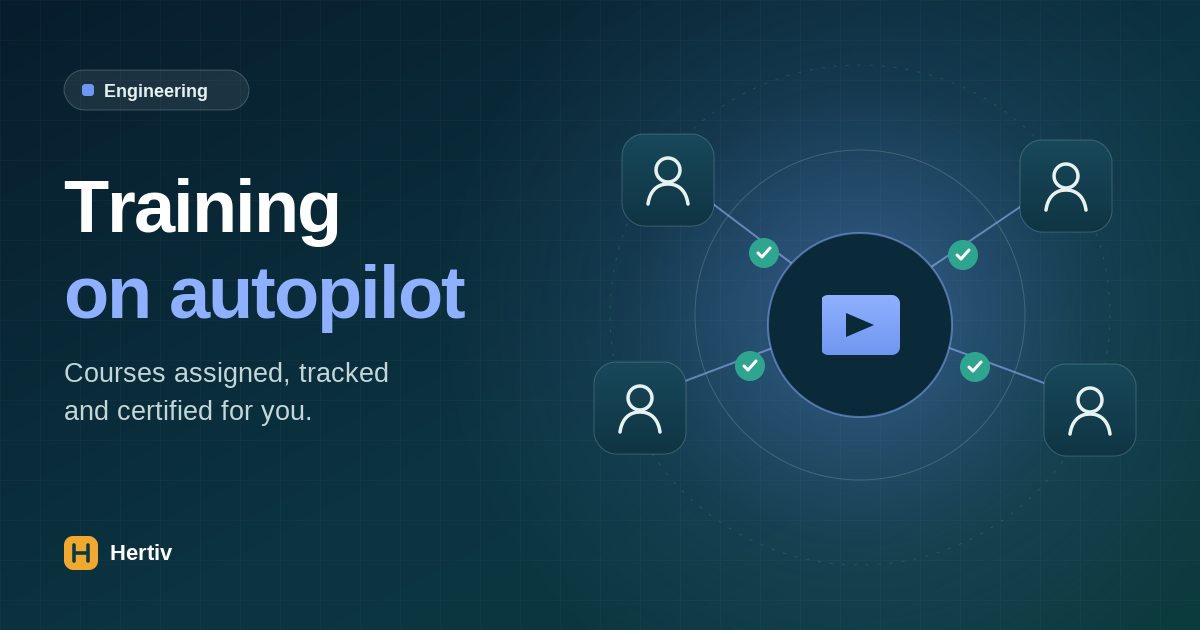
Automated software training assigns, delivers and tracks staff training without manual work. Here is what it automates and where it fits best.
On this page
Short answer
Automated software training is the use of software to run employee training with as little manual work as possible: courses are assigned by role, reminders go out on their own, progress is tracked, and certificates are issued automatically. Trainers stop chasing spreadsheets and spend their time on content and coaching instead.
What is automated software training?
Automated software training is the use of software to run employee training with as little manual work as possible. Courses are assigned by role or start date, reminders go out on their own, progress is tracked as people learn, and certificates are issued when a course is finished.
The point is not to remove trainers. It is to remove the administration around training: the spreadsheets of who has finished what, the reminder emails, the chasing of stragglers and the manual reports for audits. A trainer's time moves from administration to the work only a person can do, such as coaching and answering hard questions.
| Task | Manual way | Automated way |
|---|---|---|
| Assigning courses | Emails and spreadsheets | Rules by role and start date |
| Reminders | Manager chases stragglers | Scheduled nudges |
| Tracking progress | Asking people for updates | Live completion dashboard |
| Certificates | Issued by hand | Issued on completion |
| Audit reports | Compiled before each audit | Always available |
Most teams start with the training they already have to do, such as onboarding and compliance, because those have clear rules about who must complete what and by when.
What does the software actually automate?
The software automates four things. First, enrolment: rules assign courses when someone joins, changes role or reaches a renewal date, so nobody has to remember who needs what. Second, delivery: lessons, videos and quizzes are presented in order, and the system records where each person stopped.
Third, nudges: reminders go out automatically before deadlines, and managers get a short list of people who are behind, instead of having to chase the whole team. Fourth, evidence: completion records, scores and certificates are stored in one place, so an audit report is a download rather than a week of gathering.
Some tools add AI features, such as recommending the next course based on role or quiz results. Those help, but they are optional. The core value is the removal of manual tracking, and that works with simple rules alone.
Where does automated training work best?
Automated training works best where the rules are clear and the audience is large. Onboarding is the classic case: every new starter needs the same set of courses, and the system can assign them on day one without anyone remembering to do it.
Compliance training is the second strong fit. Health and safety, data protection and anti-bribery courses have fixed content, fixed audiences and fixed renewal periods, which is exactly what rules-based assignment handles well. Expiry tracking alone saves hours before every audit.
Product training is the third fit. When a product changes, the system can assign a short update course to everyone who sells or supports it, and managers can see who has finished before the release goes live. What an elearning app costs to build is a useful reference if you are considering a custom-built option rather than an off-the-shelf tool.
How do you set automated training up?
You set automated training up by mapping who needs what, choosing a tool that fits that map, and moving one training programme onto it before migrating the rest.
- List the mandatory training. Write down every course, who must take it, how often it renews, and what evidence an auditor needs.
- Define the rules. Turn that list into assignment rules by role, team and start date, and agree who owns each rule.
- Pick the tool. Choose software that handles your rules, your content formats and your reporting needs, and check it works with your HR system.
- Move one programme. Start with onboarding or one compliance course, and run it alongside the old process until the numbers match.
- Train the trainers. Show the people who write courses how to publish, update and read the reports, so they stop asking IT for help.
The first programme is the test. If completion rates and admin hours do not improve, fix the content or the rules before moving more training onto the system. Custom software development is the route when off-the-shelf tools cannot match your rules.
Example (hypothetical): a 300-person company
Example (hypothetical): a company with 300 staff requires each person to complete 4 training courses a year, which is 1,200 course completions a year. Tracking those by hand takes about 15 minutes per completion in chasing, recording and reporting, which is 1,200 times 15 minutes, or 18,000 minutes, equal to 300 hours a year.
With automated assignment, reminders and tracking, the same work takes about 2 minutes per completion, mostly handling exceptions and answering questions. That is 1,200 times 2 minutes, or 2,400 minutes, equal to 40 hours a year. The team saves 260 hours a year, which is roughly six working weeks.
Completion rates improve too. Before automation, about 30 percent of courses were late, which is 360 late completions a year. With automatic reminders, the late share falls to 10 percent, or 120 late completions, so 240 fewer courses run past their deadline and the next audit starts from a far better position.
What still needs a human trainer?
Automation handles administration, but several parts of training still need a person. Coaching is the first: when someone fails a quiz twice or struggles with a practical skill, a trainer can find out why and help in a way a reminder email cannot.
Judgement is the second. Some training, such as handling a difficult customer or making a safety call, depends on context that a course cannot fully capture. A trainer who has done the job can discuss the grey areas and the trade-offs.
Content quality is the third. Automated delivery cannot fix a dull or out-of-date course. Someone still has to write clear material, update it when the product or the rules change, and check that people actually learned something rather than just clicking through. The software frees trainers to do that work well, instead of doing it badly between admin tasks.
What are the common mistakes?
The most common mistakes are automating bad content, setting rules nobody owns, and measuring clicks instead of learning.
- Automating bad content. Moving a dull, out-of-date course onto a new system only delivers it faster. Fix the material first, then automate its delivery.
- Rules nobody owns. Assignment rules go stale as roles change. If no one owns the rules, new starters get the wrong courses and leavers keep getting reminders.
- Measuring clicks. Completion is not learning. Add short quizzes or practical checks, or the dashboard will look good while skills stay flat.
- Too many reminders. Daily nudges train people to ignore them. Space reminders out and escalate to a manager only when a deadline is close.
- Skipping the pilot. Rolling every course onto a new tool at once hides which content or rule is broken. One programme first, then the rest.
Key takeaways
- Automated software training removes the admin around training: assignment, reminders, tracking and certificates
- It works best for onboarding, compliance and product training, where the rules are clear and the audience is large
- Start with one programme, prove the time saving, then move the rest across
- Completion is not learning: add quizzes or practical checks so the dashboard means something
- Trainers are freed for coaching and content, which is the work automation cannot do
Frequently asked questions
What is automated software training?
It is the use of software to assign, deliver and track employee training with as little manual work as possible. Courses are assigned by role, reminders go out on their own, progress is tracked live, and certificates are issued on completion.
Does automated training replace trainers?
No. It removes the administration around training, such as chasing and reporting, so trainers can spend their time on coaching, answering hard questions and writing better content. Those are the parts a system cannot do.
What training should be automated first?
Start with onboarding or one compliance course. Both have clear rules about who must complete what and by when, which makes them easy to automate and easy to measure against the old manual process.
How do you know if automated training is working?
Track completion rates, late completions, admin hours spent on training, and quiz or practical scores. If completion rises but scores fall, people are clicking through without learning, and the content needs work.
Can small companies benefit from automated training?
Yes, if they have training that repeats. Even a team of 30 people saves real hours when onboarding and compliance renewals run themselves. The saving grows with headcount, but the audit trail helps at any size.
What does automated training software cost?
Prices vary widely by tool and team size, and most vendors quote per user. Compare the subscription against the admin hours it saves, and see vendor site for current pricing rather than relying on a list price quoted elsewhere.


