Augmented Reality in Travel and Tourism: How It Works
Augmented reality in travel overlays directions, translations and stories onto the real place through a phone or headset. Here is where it helps and what it takes.
On this page
Short answer
Augmented reality in travel and tourism adds digital layers to real places: directions on the street, translations on signs, and stories on monuments, shown through a phone or headset. It helps travellers navigate unfamiliar places, understand what they are looking at, and book what they find, without replacing the place itself.
What is augmented reality in travel and tourism?
Augmented reality in travel and tourism is technology that overlays digital information onto the real world as a traveller looks at it through a phone camera or a headset. A street shows walking directions, a menu shows a translation, and a ruined wall shows the building that once stood there.
It differs from virtual reality, which replaces the world with a digital one. AR keeps the traveller in the real place and adds a layer on top. That makes it useful on the move: at an airport, on a walking tour, in a museum, or at a hotel reception.
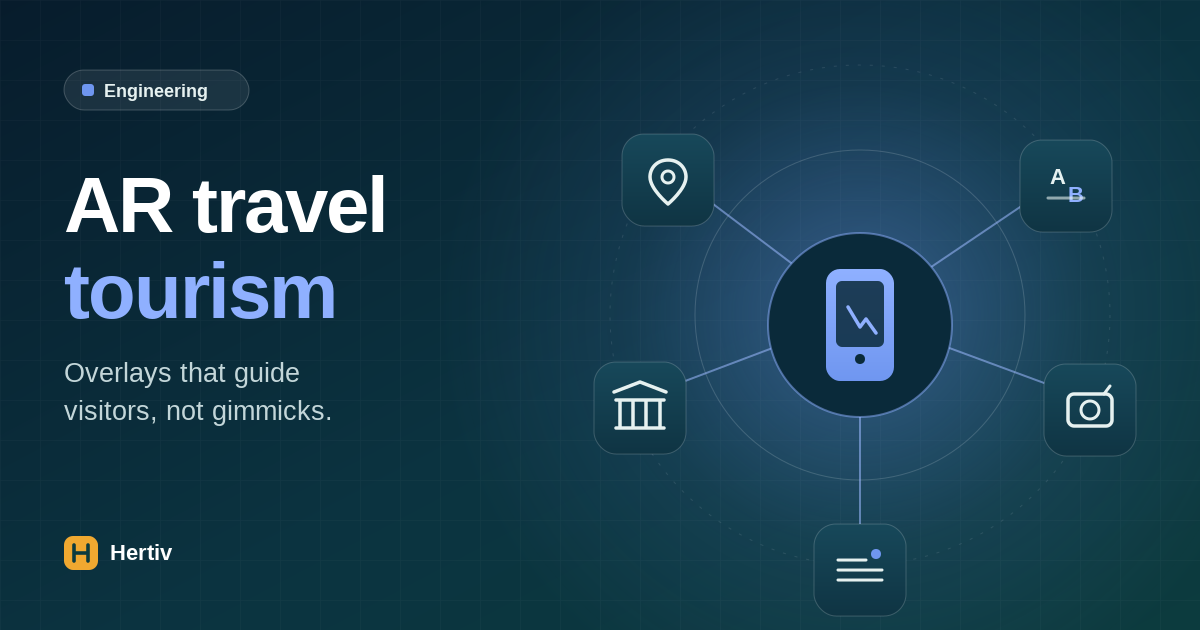
Most travel AR today runs on phones, using the camera, GPS and motion sensors to work out where the user is and what they are looking at. Headsets exist but are still rare among travellers, so a phone-first design reaches far more people. The main uses are:
| Use | What the traveller sees | Where it helps |
|---|---|---|
| Wayfinding | Arrows on the street | Airports, stations, old towns |
| Translation | Signs and menus in their language | Markets, restaurants, transport |
| History | Rebuilt views of ruins | Archaeological sites, museums |
| Discovery | Highlights on nearby places | Walking tours, city breaks |
| Booking | Rooms and tables overlaid | Hotels, restaurants, attractions |
Retail has tested the same idea for shoppers, and the lessons carry over: augmented reality in retail shows what works when the overlay has to earn its place on the screen.
Where does AR help travellers most?
AR helps travellers most where the place is confusing, the language is unfamiliar, or the history is invisible. Those three situations cover most of the frustration in travel.
Wayfinding is the strongest use. Airports, large stations and old towns are hard to navigate from a flat map, and a wrong turn costs time. AR arrows on the camera view show the next turn in the real world, which is easier to follow than a blue dot on a map. It works best indoors and in dense streets, where GPS alone is unreliable.
Translation is the second. Pointing a phone at a sign or a menu and seeing it in your own language removes a daily friction, especially for food, transport and safety information.
History is the third: at a ruin or a battlefield, an overlay can show the building as it was, which a plaque cannot do. The common thread is that AR answers a question the traveller is already asking, in the place where they are asking it.
How do hotels, museums and tours use AR?
Hotels, museums and tours use AR in different ways, but the pattern is the same: the overlay adds information at the moment the visitor needs it, in the place where they need it.
Museums use AR to add layers to exhibits without changing the room. A visitor points a phone at a painting and sees the artist's sketches, or at a fossil and sees the animal moving. Audio guides already did part of this, but AR adds the visual layer that audio cannot carry.
Hotels use it for wayfinding and for showing rooms. A guest arriving late can follow arrows to their room instead of reading a floor plan, and a prospective guest can see a room's layout overlaid on the space in front of them. Walking tours use it for stories: a guide's narration paired with overlays of the street as it looked a century ago.
The best implementations share one trait: the AR is optional. A visitor who never opens the app still gets the full visit. AR that blocks the experience for people without a phone is a design failure, not a feature.
What does it take to build an AR travel experience?
Building an AR travel experience takes four pieces: the content, the positioning, the app, and the testing on site. Most of the cost sits in the content and the on-site testing, not in the code.
- Define the moments. List the five to ten places where an overlay answers a real question. If a stop has no clear question, cut it.
- Build the content. Write the text, record the audio, and make the 3D models or reconstructions. Keep each overlay short: a visitor will not read a long essay on a phone screen.
- Choose the positioning. GPS works outdoors to a few metres; indoors you need markers, beacons or visual positioning. Test the accuracy at each stop, in the real light and weather.
- Build the app. A phone app using ARKit or ARCore, with offline content for places with weak signal. Keep the interface to one button: point, see, move on.
- Test on site. Walk the route with real visitors, in different weather and at different times of day. Fix the stops where the overlay drifts or the content loads slowly.
- Maintain it. Streets change, signs move, and exhibits rotate. Assign someone to check each stop monthly and update the content.
For a team planning the app itself, mobile app development covers the build choices, from native apps to cross-platform frameworks.
The travel industry has its own design patterns, covered in AI and technology for travel and hospitality.
Example (hypothetical): an AR city walk
Example (hypothetical): a tour operator in an old town builds an AR walk with 12 stops. Each stop has a 3-minute audio story and a reconstruction overlay showing the street as it looked a century ago.
The walk costs 24,000 to build, including content, the app and on-site testing. The operator sells it for 6 per download and expects 40 downloads a day in the tourist season. That is 240 a day, or 7,200 a month over a 30-day month.
At that rate the build pays for itself in about three and a half months of season (24,000 divided by 7,200 is 3.3). The operator also sells 12 guided versions a week at a higher price, but the self-guided walk is the product that scales, because it needs no guide per group.
What are the limits of travel AR?
Travel AR has real limits, and a good plan respects them. The first is battery and heat: running the camera and the sensors drains a phone fast, so a walk longer than an hour needs a break or a charging point.
The second is connectivity. Many of the places where AR is most useful, such as old towns, rural sites and museum basements, have weak signal. Content must work offline, or the experience fails exactly where it matters most.
The third is accuracy. GPS drifts by metres, and visual positioning fails in poor light or rain. An overlay that points at the wrong building is worse than no overlay, because the visitor trusts it. The fourth is accessibility: not every visitor has a recent phone, and some will not want to hold one up all day. Design the experience so the place still works without the app.
What are the common mistakes?
The most common mistakes in travel AR are building too much content, trusting GPS indoors, and designing for a headset nobody owns.
- Too many stops. Twenty stops with thin content is worse than eight stops done well. Visitors stop opening the app after the third weak one.
- GPS indoors. GPS does not work reliably inside buildings. Use markers or visual positioning for indoor stops.
- Long text on a small screen. Nobody reads paragraphs while walking. Keep each overlay to a sentence or two, with audio for the rest.
- No offline mode. If the content needs a connection, it will fail at the site where it is needed most.
- Forgetting maintenance. A reconstruction of a street that has changed since is worse than no reconstruction. Check each stop monthly.
- Headset-first design. Headsets are still rare among travellers. Build for phones first, and treat headsets as a later option.
If you are planning an AR experience for a destination or a venue, travel and hospitality technology is the place to start the conversation.
Key takeaways
- AR adds directions, translations and stories to the real place, through a phone
- Wayfinding, translation and history are the uses that earn their place
- Content and on-site testing cost more than the code
- Offline mode is essential where signal is weak
- AR must stay optional: the visit has to work without the app
Frequently asked questions
Does AR in travel need a headset?
No. Most travel AR runs on phones, using the camera, GPS and motion sensors. Headsets offer a hands-free view, but they are still rare among travellers, so a phone-first design reaches far more people.
Is AR better than an audio guide?
It does a different job. Audio guides explain what you are hearing, while AR shows what you are looking at: directions on the street, translations on signs, and reconstructions of buildings. Many tours use both, with audio carrying the story and AR carrying the visual layer.
How much does an AR travel app cost to build?
It depends on the number of stops and the content. A small walk with eight stops, short audio and simple overlays is far cheaper than a museum-wide experience with 3D reconstructions. Treat the figures in this article as planning ranges and get quotes for your site.
Does AR work offline?
It can, if the content is downloaded before the visit. Offline mode matters because many of the places where AR helps most, such as old towns and museum basements, have weak signal. Ask for offline support before you buy.
What is the difference between AR and VR in travel?
AR adds a digital layer to the real place you are standing in, while VR replaces the world with a digital one. AR suits on-site visits; VR suits previews and experiences at home, such as a virtual hotel tour before booking.
Can small tour operators afford AR?
Yes, if the scope is small. A self-guided walk with eight stops and short audio is a realistic first project for a small operator. Start with one route, measure downloads and reviews, and expand only if the first route earns its keep.


