AR and VR in Manufacturing: Where They Help Most
AR and VR help factories train staff faster, guide repairs and check designs before anything is built. Here are the uses that pay back first, and how to pilot one.
On this page
Short answer
In manufacturing, AR overlays instructions, diagrams and live data onto real machines, while VR creates a safe virtual copy of the factory for training and planning. The strongest applications are technician training, step-by-step repair guidance, design review and layout planning. Both work best when they solve one measured problem, such as slow onboarding or repeat machine downtime, rather than being rolled out across the whole plant at once.
What are AR and VR in manufacturing?
AR and VR in manufacturing are tools that add digital information to factory work. AR, or augmented reality, overlays instructions, diagrams and live readings onto the real machine a technician is looking at, usually through a headset or a tablet. VR, or virtual reality, puts the worker inside a simulated copy of the factory, where they can practise a task without stopping a real line.
The two are often named together, but they solve different problems. AR helps someone doing a real job right now, while VR helps someone learn or plan before the real job starts. A factory that mixes them up buys the wrong tool for the job.
Both need the same foundation: accurate 3D models of machines and layouts, plus content that matches the real procedure. Without that, the headset shows a guess, and workers stop trusting it.
Where are AR and VR used in factories?
The uses that hold up in factories are the ones tied to a task a worker already does, with a clear before-and-after measure. The table lists the six strongest, with who uses each one.
| Application | What it does | Who uses it |
|---|---|---|
| Technician training | Teaches procedures in a virtual line | New hires, apprentices |
| Repair guidance | Shows step-by-step instructions on the machine | Maintenance technicians |
| Design review | Shows a product at full scale before it is built | Engineers, product teams |
| Layout planning | Tests a line layout in a virtual floor | Plant and process engineers |
| Quality checks | Highlights what to inspect and records the result | Quality inspectors |
| Remote support | Lets an expert see what the technician sees | Field service teams |
Start with one row, not all six. A single training or repair use case, measured against time and errors, tells you whether the technology earns its place before you buy headsets for the whole plant.
How does VR training work on the factory floor?
VR training puts a new hire inside a virtual copy of the line, where they practise the procedure step by step with prompts and feedback. They can repeat a task ten times in an hour, make mistakes safely and be scored on each attempt, which a real line cannot offer.
It works best for procedures that are dangerous, rare or expensive to practise live, such as lockout steps, crane work or a line changeover. For simple tasks a video and a supervised run are usually faster and cheaper, so VR should earn its place per procedure. The same training pattern is used in AR in education, where practice matters more than lectures.
Keep the training short and tied to one skill. A 20-minute module on one procedure, with a pass mark, beats a two-hour tour of the whole factory that nobody remembers.
How does AR guide repairs and remote support?
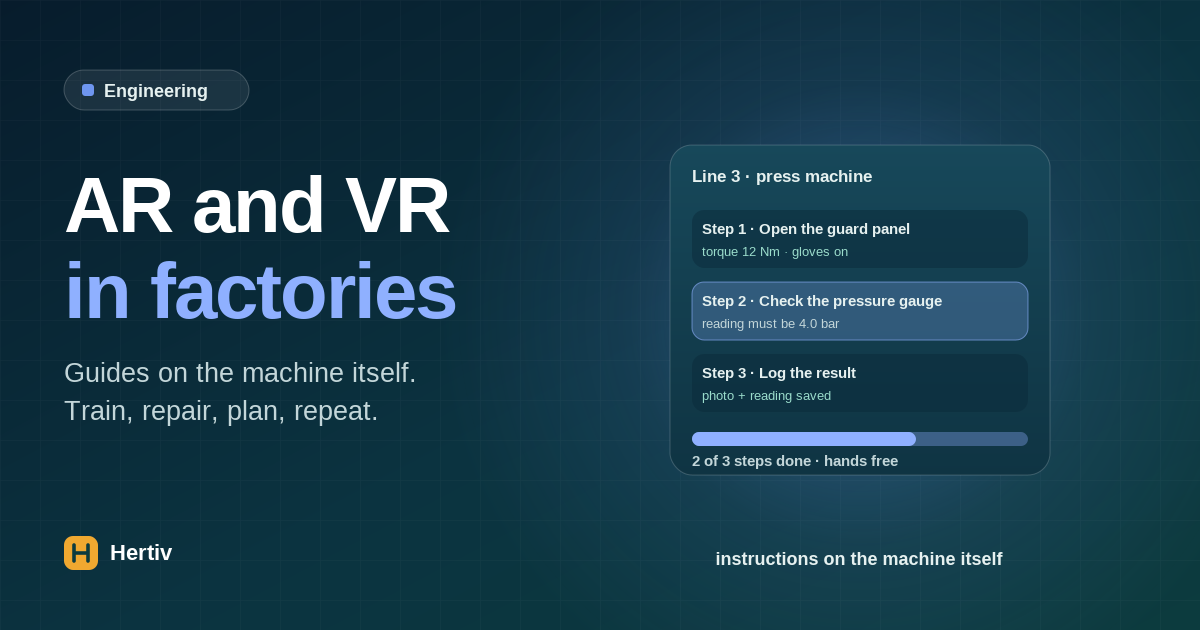
AR repair guidance shows the technician the next step on the machine itself: which panel to open, which bolt to turn, what the reading should be. The instructions come from the same manual the team already uses, turned into steps with diagrams that sit on the real parts.
Remote support adds a second pair of eyes. A technician points a tablet or headset camera at the machine, and an expert elsewhere sees the same view, draws on it and talks the technician through the fix. That saves a site visit and keeps the line running while the expert is still on the call. Energy plants use AR and VR in energy for the same kind of remote work.
Both need good content to work. If the manual is out of date, the overlay will be too, and technicians will stop following it. Update the procedure first, then build the AR steps from it.
How to run a pilot in five steps
A pilot should prove one thing: that the technology saves time or cuts errors on one real task. Keep it small, measure it honestly and decide on the numbers, not on how impressive the headset looks.
- Pick one task with a clear measure, such as training time or repeat repair errors.
- Build the content for that task only, from the current manual and real machine data.
- Choose the hardware: a tablet for AR guidance, a headset for VR training.
- Run the pilot with one team for four to six weeks and record time and errors.
- Compare with the old way and decide whether to expand, fix or stop.
Set the pass mark before the pilot starts. If training time must fall by a quarter, or errors by a third, write it down now, so the result is a decision rather than a debate.
Example (hypothetical): training 40 technicians
Example (hypothetical): a plant trains 40 technicians on a new line changeover. The old way takes 8 hours per technician, or 320 hours in total. With VR practice first, the hands-on time falls to 5 hours each, or 200 hours in total.
That saves 3 hours per technician, or 120 hours per training cycle. With four cycles a year, the saving is 480 hours a year. At $35 an hour, that is $16,800 a year in training time alone, before counting fewer errors on the line.
The saving only counts if the VR training is as good as the old way. Run the first group through both, compare test scores, and only count hours saved when the scores match. The same idea is used in virtual reality in healthcare, where training must be safe before it is fast.
What are the common mistakes?
The most common mistakes are buying headsets before content, piloting everywhere at once, and measuring excitement instead of time and errors.
- Buying headsets before the 3D models and procedures exist
- Piloting on five tasks at once, so no single result is clear
- Measuring how much workers liked the headset instead of time saved or errors cut
- Using VR for simple tasks a video would teach faster
- Letting the manual drift out of date, so the overlay shows wrong steps
- Skipping safety checks on headsets used near moving machinery
Retail shows the same pattern in a different setting: augmented reality in retail works when it solves one shopping task, and fails when it is added for its own sake.
Key takeaways
- AR guides real work on real machines; VR trains and plans in a safe virtual copy
- Training, repair guidance, design review and layout planning pay back first
- A pilot must measure one thing, such as training time or repeat errors
- Content decides success: the overlay is only as good as the manual behind it
- Expand only when the pilot beats the old way on the number you set
Frequently asked questions
What is the difference between AR and VR in manufacturing?
AR overlays instructions and data onto the real machine a worker is looking at, usually through a headset or tablet. VR puts the worker inside a simulated copy of the factory for training and planning. AR helps during real work; VR helps before it.
Which manufacturing tasks benefit most from AR and VR?
Technician training, step-by-step repair guidance, design review and layout planning benefit most, because each has a clear measure such as training hours or repeat errors. Simple tasks that a video or a supervised run can teach are usually not worth a headset.
Do factories need special hardware for AR and VR?
VR training needs a headset, while AR guidance can run on a tablet or a headset, depending on whether the technician needs both hands free. Start with tablets where possible: they are cheaper, familiar and easier to keep charged and updated.
How much does an AR or VR pilot cost?
It depends on content more than hardware, since 3D models and procedures take most of the effort. Prices vary too much to give a single figure, so ask vendors for a quote on one task and check what content, hardware and support the price includes.
Is AR safe to use on a live production line?
It can be, if the headset or tablet does not block the worker's view of moving machinery and the procedure includes a stop rule. Check safety rules for your plant before any live use, and keep the first pilot off the live line.
How do you measure whether AR or VR is working?
Pick one measure before the pilot, such as training hours per technician, time to complete a repair, or repeat errors on a task. Compare the pilot group with the old way on that number, and only expand when the pilot beats it.


