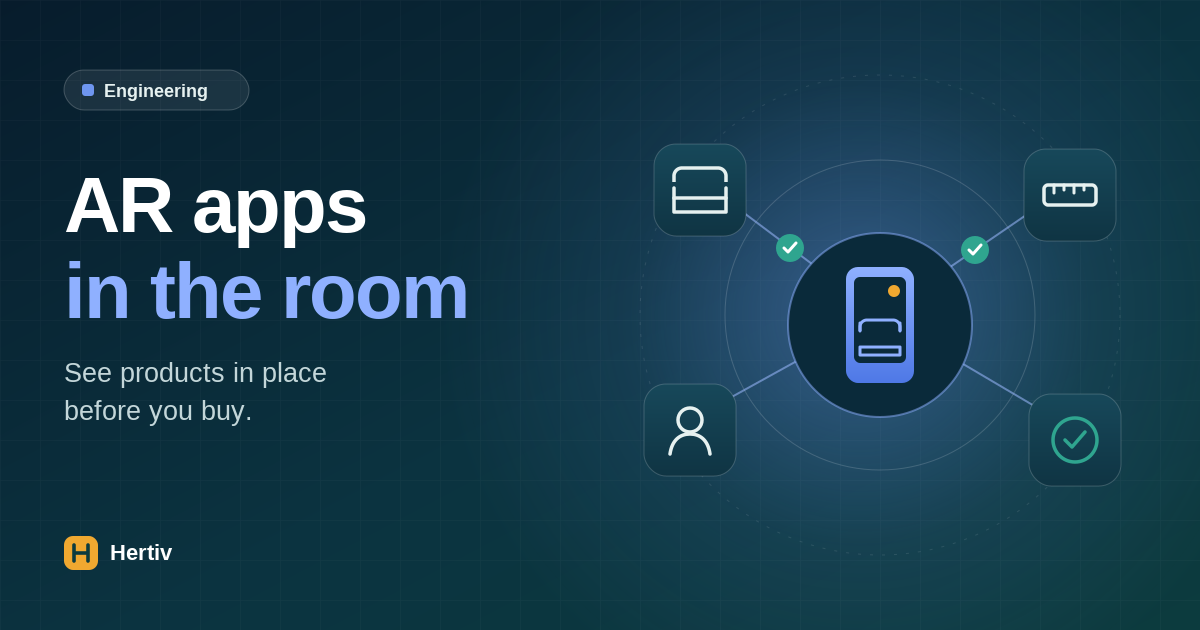
The Impact of AR App Development on Business and Users
AR apps change how customers try products, how staff learn, and how teams support buyers. Here is where the impact shows up and what it costs to build.
On this page
Short answer
AR app development changes how people see products before buying, how staff train, and how support teams help customers. The impact shows up as fewer returns, faster training and more confident buyers, but only when the AR solves a real problem, such as seeing size, fit or placement. Apps built as a novelty rarely keep users.
What is AR app development?
AR app development is the work of building mobile or headset apps that place digital objects into a view of the real world. A shopper points a phone at a living room and sees a sofa at true size; a technician points a tablet at a machine and sees repair steps laid over the parts.
The app reads the camera feed, works out where surfaces and objects are, and draws the digital layer so it stays fixed in place as the user moves.
That tracking is what separates an AR app from a photo filter. The app must keep the digital object anchored while the camera moves, handle changes in light, and know when the object is hidden behind something real. When tracking fails, the object drifts or jumps, and users stop trusting what they see.
Where does AR make the biggest difference?
AR pays off where seeing something in place answers a question that words and photos cannot. The table below shows the areas where teams see the clearest change, and what changes in each one.
| Area | What AR does | What changes |
|---|---|---|
| Retail | Try products in the customer's own space | Fewer returns, more confident orders |
| Training | Practice on real equipment with overlays | Faster to competence, fewer errors |
| Field service | Overlay repair steps on the machine | Shorter visits, fewer repeat calls |
| Support | See what the customer sees | Faster diagnosis, fewer escalations |
| Marketing | Place products in the customer's space | More engagement, more shares |
| Onboarding | Show new staff the workspace in 3D | Faster ramp-up, fewer questions |
Retail and training are the most common starting points because the result is easy to measure: returns, training hours or first-time fix rates. Field service and support follow once the team trusts the tracking, since those use cases put the AR view in front of paying customers.
How AR changes the buying decision
The clearest impact of AR is on buying decisions where size, fit or placement is the doubt. A customer who can see a chair in their own room, a pair of glasses on their own face or a paint colour on their own wall has answered the question that usually stops the order. That is why try-before-you-buy is the first AR feature most retailers build.
The effect is not magic; it is fewer unknowns. Returns fall when the product matches what the customer expected, and support calls fall when the customer could see how the product fits before it arrived. The gain is largest for products that are hard to judge from photos alone, such as furniture, eyewear, flooring and large appliances.
The same logic applies to products bought for a space rather than a body. Paint, flooring, lighting and large appliances all carry the same question: will it fit, and will it look right here? AR answers both at once, which is why those categories were among the first to adopt it.
How AR changes training and field work
Training is the second area where AR changes the work itself. A new technician can practise on a real machine with step-by-step overlays, instead of reading a manual and then finding the parts. A trainer can watch the same view remotely and point at the exact valve or cable, rather than describing it over the phone.
The result is fewer wasted visits and faster first-time fixes. A field engineer who can see the repair steps on the equipment makes fewer mistakes than one working from memory, and a remote expert who sees what the engineer sees can guide the fix without travelling. For teams with expensive equipment or sites far apart, that saving is often larger than any retail gain.
Support teams gain a similar shift. When a customer can show the support agent what they see, instead of describing it, the agent can point at the right part or setting on the customer's own screen. That cuts the back-and-forth that makes remote support slow, and it works for any product with a physical form.
What does an AR app cost a team to run?
Building the app is only the first cost. The 3D models need updating whenever products change, the tracking needs testing on new phone models, and the content pipeline needs someone to own it. Teams that budget only for the build are surprised when the app drifts out of date within a year.
A realistic plan treats the app as a product with a running cost, not a one-off project. That means a named owner, a schedule for model updates, and device testing before each release. AR app costs vary widely with the number of models and the tracking quality, so the running cost should be agreed before the build starts, not after it ships.
The cheapest AR app is often the one with the smallest scope: one product line, one clear use, and models that change rarely.
Example: a furniture retailer adds AR
Example (hypothetical): a furniture retailer sells 500 sofas a month online. Before AR, 90 of those sofas come back, a return rate of 18%, and each return costs about $40 to collect, check and restock.
The retailer adds a try-in-room view for its 40 best-selling sofas. Returns fall to 60 a month, a rate of 12%. That is 30 fewer returns, saving about $1,200 a month in handling, or about $14,400 over a year. The AR view costs less than one month of those savings to keep running.
The saving only holds if the models stay accurate. If a sofa's size or colour in the app drifts from the real product, returns climb back, and the AR view becomes the cause of the complaint rather than the fix.
What are the common mistakes?
The most common AR mistakes are building a novelty instead of solving a doubt, and letting the 3D models go stale. A floating sofa with no size reference is a demo, not a tool, and a model that no longer matches the product creates the returns it was meant to prevent.
- Starting with the technology instead of the customer's doubt
- No size or scale reference, so the object looks wrong in the room
- Models that drift from the real product after a range change
- Testing on one phone model and shipping to all of them
- No owner for updates, so the app goes stale within a year
- Measuring downloads instead of returns, training time or fix rates
The pattern behind every mistake is the same: the team ships a visual effect and forgets the job it was meant to do. Judge an AR app by the doubt it removes, not by how impressive the demo looks.
Key takeaways
- AR pays off where seeing something in place answers a doubt about size, fit or placement
- Retail and training are the easiest places to start because the result is measurable
- The running cost — models, updates and device testing — matters as much as the build
- A small scope with one clear use beats a broad AR app that does nothing well
- Judge the app by the doubt it removes, not by how impressive the demo looks
Frequently asked questions
Is AR app development only for retail?
No. Retail is the most visible use, but training, field service, support and marketing all use AR where seeing something in place answers a question. The common thread is a doubt about size, fit or placement that photos and words leave open.
Do customers need special hardware to use an AR app?
Usually not. Most AR apps run on an ordinary smartphone with a camera, using the phone's own tracking. Headsets give a better view for training and industrial work, but they are not needed for try-before-you-buy or support use cases.
How long does it take to build an AR app?
A first version with one product line and one clear use typically takes a few months, including 3D models and device testing. The time grows with the number of models, the tracking quality needed, and how often the catalogue changes.
What is the hardest part of an AR app?
Keeping the digital object fixed in place as the camera moves, in changing light and on different phones. Tracking quality decides whether users trust what they see, and it needs testing on the devices customers actually use.
Can a small business afford an AR app?
A small, focused AR feature can be affordable when it covers one product line and one use, such as seeing furniture in a room. The cost grows with the number of 3D models and how often they change, so scope is the main lever.
How do you measure whether an AR app works?
Pick one number tied to the doubt it removes: return rate for retail, training hours for onboarding, or first-time fix rate for field service. If that number does not move, the app is a demo, not a tool.