How AI Agents and Virtual Assistants Help in Education
AI agents and virtual assistants can tutor pupils, mark routine work and answer questions outside lesson time. Here is where they help, and what to check first.
On this page
Short answer
AI agents and virtual assistants in education are software tools that carry out learning and admin tasks for pupils, teachers and schools. An agent plans and runs multi-step jobs such as setting practice work and marking it, while a virtual assistant answers single questions, and both need a teacher to check their output.
What are AI agents and virtual assistants in education?
AI agents and virtual assistants in education are software tools that carry out learning and admin tasks on behalf of pupils, teachers and schools, using a language model to understand a request, plan the steps and act on them. An agent works through a task over several steps, while a virtual assistant usually answers one question or completes one short job at a time.
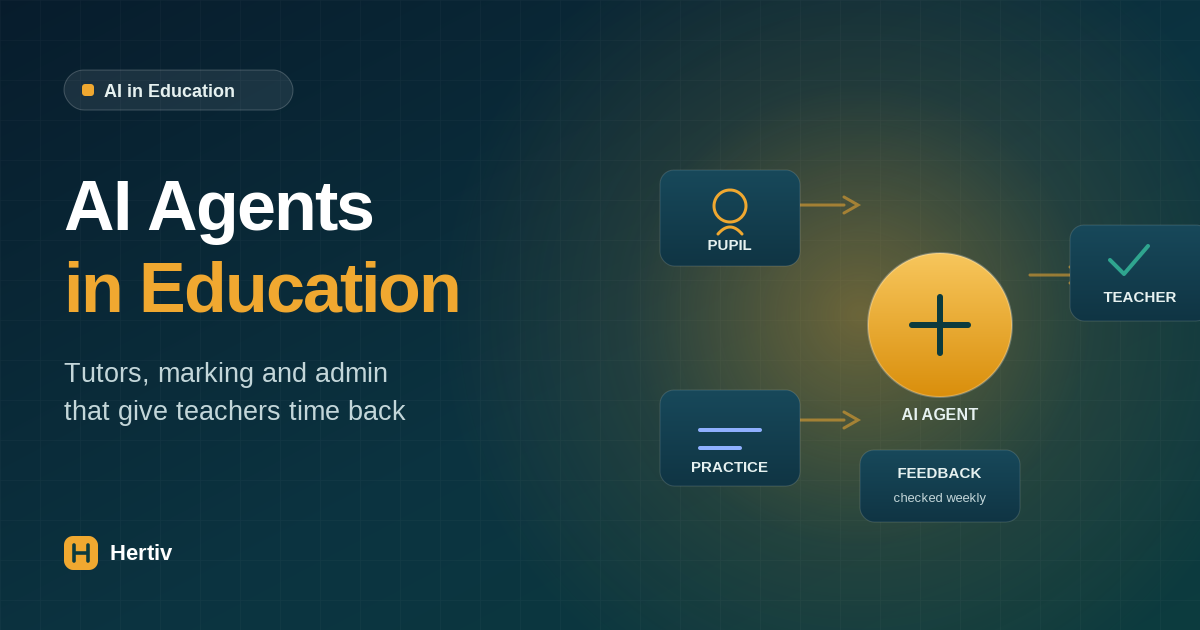
The difference matters when a school chooses a tool. A chatbot that answers 'when is the exam?' is a virtual assistant. An agent that checks a pupil's past work, picks the next set of practice questions, marks them and writes a short note for the teacher is doing a longer job with several steps and decisions of its own.
| Tool | What it does | Example in a school |
|---|---|---|
| AI agent | Plans and runs a multi-step task | Sets practice work, marks it, reports progress |
| Virtual assistant | Answers one question or job at a time | Answers timetable and homework questions |
| Chatbot | Holds a short back-and-forth chat | Guides a parent through admissions steps |
All three sit on the same idea: software that understands plain language and responds in plain language. The agent is the most capable of the three, and also the one that needs the most care, because it takes actions rather than only giving answers. AI agent development covers how these tools are built for a specific organisation.
Where do AI agents help students most?
AI agents help students most with practice, feedback and revision, because those are the places where a quick, personal response matters and a teacher cannot be with every pupil at once. A pupil who is stuck on a maths problem at home can get a hint, try again and get a second hint, instead of waiting until the next lesson.
Good uses include guided practice that adjusts to the pupil's level, instant feedback on short written answers, and revision plans that focus on the topics a pupil has got wrong before. The agent can also read a pupil's answer aloud, explain a step in simpler words, or switch to a worked example when the pupil keeps missing the same point.
The help is strongest when the agent works from the school's own material. An agent that knows the syllabus, the textbook and the teacher's marking notes can give feedback that matches what the class is actually learning. An agent working from general knowledge alone is more likely to drift off-topic or use terms the class has not met yet.
How do AI agents help teachers?
AI agents help teachers by taking on routine drafting, marking and admin, so the teacher's time goes to the parts of the job that need a human: explaining a hard idea, talking to a struggling pupil, and deciding what to teach next. The agent drafts; the teacher checks and decides.
Common teacher uses include drafting feedback on short answers, sorting common homework errors into groups so the teacher can address the top three in class, drafting lesson outlines from the syllabus, and writing first drafts of messages to parents. None of these replace the teacher's judgement, but they cut the hours spent on first drafts.
Admin is the other big gain. An assistant can answer repeated questions about dates, trips and homework, log absence notes, and pull together a short summary of a pupil's recent work before a parent meeting. AI chatbot development is often the starting point for this kind of support, since it covers one question at a time before a school moves to agents that act.
What should schools check before using them?
Schools should check accuracy, pupil data, access and cost before using AI agents, because each of these can quietly undo the benefit. A tool that gives wrong answers, shares pupil data badly, or only works for some pupils creates more work than it saves.
- Accuracy. Language models can give confident wrong answers. Ask how the tool checks its answers against the school's material, and who reviews mistakes.
- Pupil data. Check what data leaves the school, where it is stored, and how long it is kept. Pupil names, ages and work need clear rules.
- Access. Check that pupils without a device or fast internet at home are not left behind when work moves to an agent.
- Cost and time. Add up the subscription, the training time for staff, and the time needed to review the agent's output each week.
- Fit with the syllabus. A tool that teaches a different method from the class can confuse pupils, so check the content against what is taught.
A short pilot with one class and one subject gives a school real evidence on all five points before it spends more. An AI readiness assessment can help a school work through data, staff skills and costs before it commits.
How to start with AI agents in a school
You start with AI agents in a school by picking one small, well-defined job, running it with one class, and measuring whether it saves time or helps pupils learn. A narrow start is easier to check and easier to stop if it does not work.
- Pick one job. Choose something concrete, such as marking short maths answers or answering homework questions after school.
- Set the rules. Decide what the agent may and may not do, what data it can see, and who checks its output each week.
- Train the staff first. Teachers need time to try the tool, see its mistakes and learn how to correct it.
- Run a four-week pilot. One class, one subject, with a clear measure such as time saved or pupil scores on practice work.
- Review and decide. Look at the mistakes, the time spent checking, and what pupils and parents said, then decide whether to expand, change or stop.
Keep parents in the loop from the start. A short note explaining what the tool does, what data it sees and how to opt out avoids most of the worry that comes with new classroom software.
Example (hypothetical): one term with an AI tutor
Example (hypothetical): a secondary school runs an AI tutor for one Year 9 maths class of 30 pupils for a term. The tutor sets three practice sessions a week, marks each one, and sends the teacher a short list of the three most common errors.
The arithmetic is simple. Each pupil does 3 sessions a week, so the class does 90 sessions a week. If each session takes a pupil 15 minutes, that is 1,350 pupil-minutes of practice a week, or 22.5 hours. The teacher used to spend 3 hours a week marking that practice; the tutor now marks it, and the teacher spends 1 hour a week checking the tutor's error list, saving 2 hours a week.
Over a 12-week term that is 24 hours saved. The teacher uses those hours to run two extra small-group sessions a week for the pupils the error list flags. The tutor does not replace the teacher: it gives the teacher a clearer view of who needs help, and the teacher does the helping.
What are the common mistakes?
The most common mistakes are letting the agent run without checks, giving it the wrong job, and judging it too early. Each of these turns a useful tool into a source of extra work or wrong answers.
- No weekly check. If nobody reviews the agent's answers, wrong feedback can run for weeks before anyone notices.
- Starting too big. Rolling an agent out to every subject at once makes it hard to tell what is working and what is not.
- Using it for high-stakes marking. Final grades and exam predictions need a teacher's judgement, not an agent's draft.
- Ignoring the pupils who cannot use it. If some pupils lack a device at home, the agent widens the gap instead of closing it.
- Copying another school's setup. A setup that fits one school's syllabus and timetable may not fit another's.
Used with those checks in place, an agent becomes a steady helper: it handles the repeatable work and leaves the teaching to the teacher. How generative AI is changing education gives more background on where the technology fits in schools.
Key takeaways
- An AI agent runs multi-step tasks; a virtual assistant answers one question at a time
- Agents help pupils most with practice, feedback and revision outside lesson time
- Teachers gain time when agents draft feedback, marking notes and parent messages
- Schools must check accuracy, pupil data, access and cost before buying
- Start with one class, one subject and a four-week pilot before expanding
Frequently asked questions
Can an AI agent replace a teacher?
No. An agent can set practice, mark short answers and draft feedback, but it cannot explain a hard idea to a struggling pupil, judge a borderline grade or talk to a worried parent. Its job is to handle repeatable work so the teacher has more time for the parts that need a human.
Is pupil data safe with an AI agent?
It depends on the tool and the contract. Schools should ask what data leaves the school, where it is stored, how long it is kept and whether it is used to train models. Pupil names and work should only go to a tool with clear data rules agreed in writing.
What age group benefits most from AI tutors?
Older pupils tend to gain most, because they can work on their own, spot when an answer looks wrong and ask follow-up questions. Younger pupils still need a teacher close by, since they are less able to judge whether the agent's answer makes sense.
How much does an AI agent cost a school?
Prices vary widely, so check the vendor's own pricing page for current plans. A school should also count staff training time and the weekly time spent checking the agent's output, since those are real costs even when the subscription looks small.
Do AI agents work for every subject?
They work best in subjects with clear right and wrong answers, such as maths and spelling, where feedback is easy to check. In subjects that need judgement, such as essays and art, they are better as a drafting aid than as a marker.
What if a pupil has no device at home?
The school should plan for that before rolling a tool out. Options include running the agent on school devices during the day, lending devices, or keeping a paper version of the same work so no pupil is left behind.


