Which Agentic Customer Service Software Fits Your Team?
Agentic customer service software lets AI agents resolve tickets, not just answer questions. Compare the main platforms and how to choose one safely.
On this page
Short answer
The best agentic customer service software depends on what your agent must do. Zendesk, Intercom and Salesforce Agentforce suit teams already on those platforms; Decagon, Sierra and Ada focus on autonomous resolution; Freshdesk and Gorgias fit smaller budgets. Judge each on action-taking, guardrails and integration depth.
What separates agentic customer service software from a chatbot?
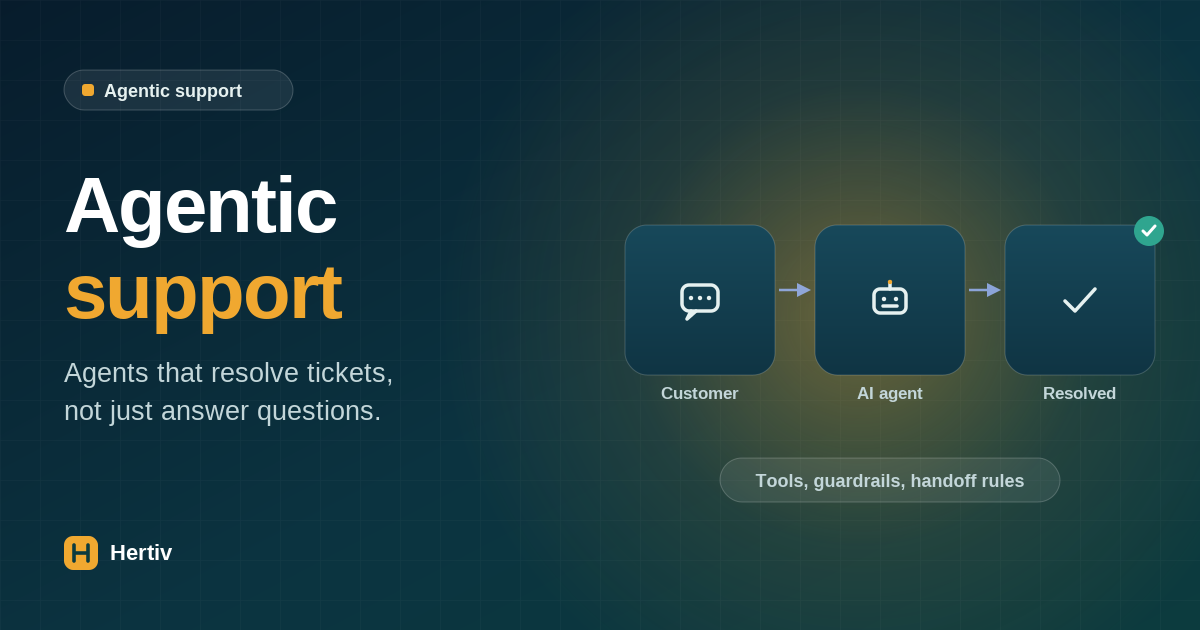
Agentic software uses AI agents that can take actions, not only reply with text. A chatbot answers questions; an agent can look up an order, issue a refund, change a booking or open a return, then confirm the outcome to the customer.
That shift changes what you should evaluate. Instead of judging reply quality alone, assess whether the tool can call your internal systems safely, respect permissions, and hand off cleanly when it is unsure.
| Tool | Best for | Action capability | Typical buyer |
|---|---|---|---|
| Zendesk | Existing Zendesk estates | Ticket actions, app ecosystem | Mid-market and enterprise |
| Intercom | Product-led SaaS support | In-product actions via Fin | Growth-stage SaaS |
| Salesforce Agentforce | Salesforce-heavy organisations | CRM and service actions | Enterprise |
| Decagon | High-volume digital support | Workflow actions via APIs | Fast-growing tech |
| Sierra | Brands wanting a managed agent | Custom action building | Consumer brands |
| Ada | Automated resolution at scale | Guided and agentic flows | Mid-market |
| Gorgias | Ecommerce support | Order and refund actions | Online retailers |
| Freshdesk (Freddy) | Budget-conscious teams | Ticket and knowledge actions | SMB and mid-market |
| Custom build | Unusual systems or strict data rules | Whatever you scope | Regulated or complex ops |
None of these is universally best. The right fit is the one whose action layer reaches your systems and whose guardrails match your risk appetite.
The platform incumbents: Zendesk, Intercom and Salesforce
These vendors bundle AI agents into support software you may already run, which shortens integration work. The trade-off is that you inherit their product direction and pricing model.
Zendesk
Zendesk's AI agents sit inside its ticketing environment, so they inherit routing, macros, and the app marketplace. If your macros and triggers are already well maintained, an agent can act on them.
Pros - Deep fit with existing Zendesk workflows - Large app ecosystem for actions - Admin controls your team already knows
Cons - Value depends on clean historical configuration - Less suited if you plan to leave Zendesk
Intercom (Fin)
Intercom's Fin agent is strongest for product-led software companies with a public help centre and in-app messaging. It resolves questions and can run defined actions inside the product.
Pros - Strong in-app and messenger experience - Good knowledge ingestion from help content
Cons - Less natural for phone-first or field service operations
Salesforce Agentforce
Agentforce builds agents on Salesforce data and Flow logic. Organisations already standardised on Service Cloud get a coherent path from case to action.
Pros - Actions run against your CRM record of truth - Fits existing permission models
Cons - Requires Salesforce maturity to pay off
The AI-native vendors: Decagon, Sierra and Ada
These companies built agents around resolution rather than ticketing. They tend to show strong deflection numbers in demos, so test them against your own queue.
Decagon
Decagon targets high-volume digital support for technology companies, with agents that combine knowledge retrieval and workflow actions through your APIs.
Pros - Focused on autonomous resolution, not just deflection - Built for API-driven action integration
Cons - Best value at meaningful ticket volume - Smaller ecosystem than platform incumbents
Sierra
Sierra offers managed agents with a strong emphasis on brand tone and orchestrated actions. Teams often choose it when customer experience quality is a differentiator.
Pros - Polished conversational quality - Handles multi-step journeys
Cons - Less control if you want to own the stack - Commercial model suits larger budgets
Ada
Ada automates customer interactions with a mix of guided flows and agentic behaviour, and is often used to handle tier-one volume across channels.
Pros - Faster to launch than a custom build - Broad channel coverage
Cons - Complex, system-changing actions may need custom work
For teams comparing this class of tool with building in-house, our overview of AI agents for customer support covers the build-versus-buy trade-offs in more detail.
Ecommerce and budget options: Gorgias and Freshdesk
Smaller support teams often need order-level actions without enterprise contracts. Gorgias and Freshdesk cover that ground, with different strengths.
Gorgias
Gorgias is built for online stores, with native connections to ecommerce platforms so agents can act on orders, refunds and shipping status.
Pros - Order actions work out of the box for common store platforms - Interface designed for retail support teams
Cons - Limited fit outside ecommerce - Heavy customisation can get expensive relative to a custom build
Freshdesk (Freddy AI)
Freshdesk includes AI assistance and agent features at a lower entry point than enterprise suites.
Pros - Approachable pricing for small and mid-sized teams - Familiar helpdesk structure
Cons - Action depth depends on integrations you configure - Less autonomous behaviour than AI-native vendors
Example (hypothetical): a store handling 9,000 tickets a month with an average handling cost of $4 spends $36,000 monthly. If an agent resolves 30% of contacts without human touch and escalation stays flat, that is roughly $10,800 saved before platform fees. Run the same arithmetic on your own volumes rather than trusting vendor deflection claims.
When a custom agent beats an off-the-shelf tool
A custom build makes sense when your support depends on internal systems no vendor connects to, or when data residency and audit rules are strict. You keep control of the action layer and the evaluation set.
Typical signals that point to building:
- Actions span several internal systems, such as billing, logistics and a legacy CRM
- Regulated data cannot leave your environment
- You want the agent embedded in your own product rather than a vendor console
- Vendor pricing scales with volume in a way that no longer fits
The cost is ownership. You need retrieval quality, tool-calling reliability, evaluation, and monitoring after launch. Most teams underestimate evaluation, which is why teams often fund a focused proof of concept first. Our AI proof of concept development service is structured for exactly that check before committing to a full build.
A hybrid pattern also works well: keep the vendor for tier-one chat, and build a narrow internal agent for the complex, system-heavy cases that never resolve in chat.
How to choose
Work through these steps in order and you will narrow the list quickly.
- Map the actions, not the questions. List the ten most common requests that require a system change, and note which system each touches. Any tool that cannot reach those systems is out.
- Set a resolution target and an escalation ceiling. Decide what share of tickets the agent should close alone and how many escalations you will tolerate before review.
- Run a bake-off on historical tickets. Give two or three vendors a sample of real, anonymised conversations and score resolution, correctness and tone. Vendors will quote your sample, not a scripted demo.
- Define guardrails before pilot. Specify which actions the agent may take alone, which need approval, and how it declares uncertainty. Our guide to agentic AI development covers safe workflow design.
- Pilot one category for a fixed period. Measure containment, escalation rate, repeat contact rate and customer satisfaction against a control group.
- Review commercial terms against volume growth. Ask what happens to cost when resolution rates improve and volumes rise.
Common mistakes
Most failed rollouts share the same handful of errors.
- Buying on demo deflection numbers. Vendor demos use curated questions. Ask for results on your ticket sample instead.
- Skipping the action permission model. An agent that can refund without limits is a financial risk, not a support win.
- Neglecting knowledge quality. Agents inherit stale help articles. Audit content before launch.
- Ignoring handoff design. A poor transfer to a human costs more goodwill than a slow first reply.
- No evaluation set. Without a fixed test set of real tickets, you cannot tell whether the agent improved or drifted.
- Measuring deflection alone. Track repeat contacts and satisfaction, or you will optimise for closed tickets that reopen.
Key takeaways
- Agentic tools differ from chatbots because they take actions inside your systems, such as refunds and order edits
- Platform incumbents win on integration; standalone vendors win on resolution depth
- Ask vendors for a resolution rate on your own historical tickets, not a demo script
- Define which actions an agent may take alone and which need human approval before rollout
- Pilot on one ticket category with measurable escalation and deflection targets
Frequently asked questions
Is agentic customer service software the same as a chatbot?
No. A chatbot answers questions in text. An agentic system can take actions in your systems, such as issuing refunds or changing orders, and then report the outcome. That requires integrations, permissions and guardrails a chatbot does not need.
How do I measure whether an agent is working?
Track containment or resolution rate, escalation rate, repeat contact rate, first response time and customer satisfaction against a control group. Resolution plus repeat contacts together show whether the agent actually solved problems or simply closed tickets.
Can agentic support tools work with our existing helpdesk?
Often yes. Platform vendors such as Zendesk and Salesforce include agents in their own stack, and several standalone vendors integrate with common helpdesks. Confirm during evaluation which actions the agent can perform through the integration rather than assuming full parity.
What data does an agent need to resolve tickets?
Three things: a clean knowledge base, API or integration access to the systems holding order or account data, and historical tickets to evaluate performance. Weak knowledge or missing system access limits the agent regardless of which vendor you pick.
Is a custom-built agent cheaper than a vendor platform?
Rarely at first. A custom build carries upfront engineering and ongoing evaluation cost, and it only pays off when actions span multiple internal systems, data rules are strict, or vendor pricing scales badly with volume. Compare five-year cost, not the first invoice.
What should a first pilot cover?
One ticket category with clear actions, a fixed time window, a control group and pre-agreed success metrics. Narrow scope makes it possible to judge correctness and escalation behaviour before expanding to broader queues.


